Blog posts

Insane 2 2011 Manual PLP Instructions

In-game, make save-point (play or change settings), quit. Edit %USERPROFILE%\Documents\My Games\insane2\user_config.cfg. r_fullscreen "0", r_heigth & r_width your base PLP resolution. ShiftWindow (must Grab co-ords from game window, then edit Top offset until proper borderless. Bit odd, but perfect spread.)
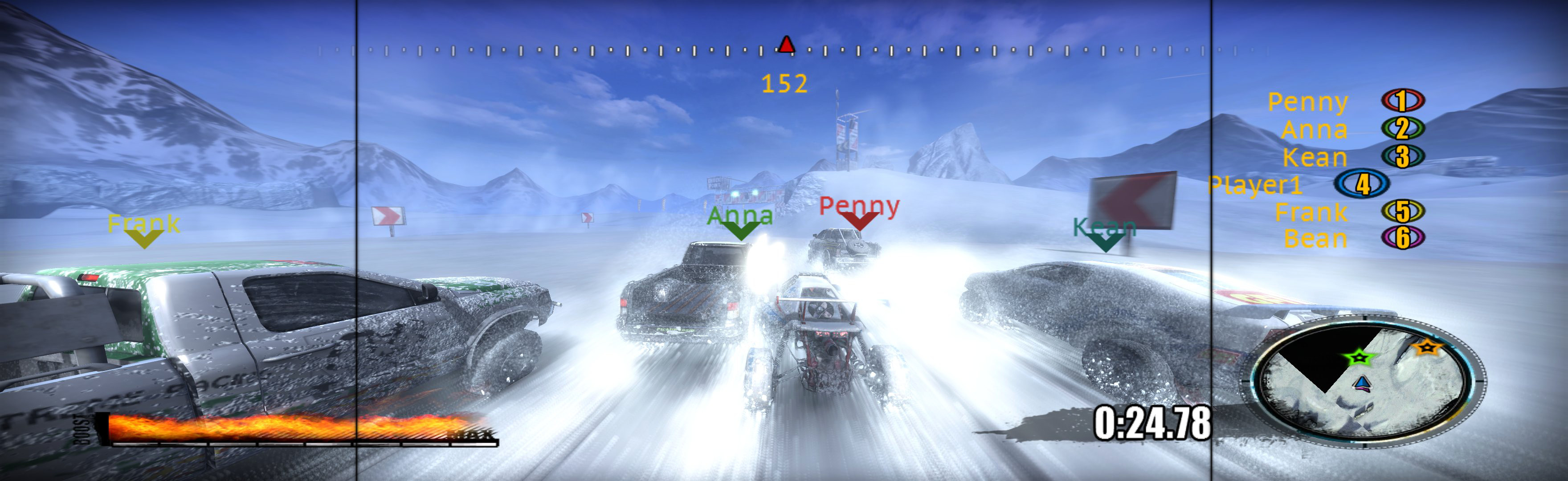

(PLP screenshot with bezel effect)
imusrt on

Payday The Heist 2011 Manual PLP Instructions

Fullscreen: SoftTH (DX9 x86). In-game select massive resolution.
OR Borderless: Edit %LOCALAPPDATA%\PAYDAY\ renderer_settings.xml. resolution = yours (no border *), windowed = "true", aspect_ratio = "#.#####" (yours = width / height *). In-game ShiftWindow (+ border = borderless). Then increase ShiftWindow nums until borders completely gone **.


(PLP screenshot with bezel effect)
imusrt on

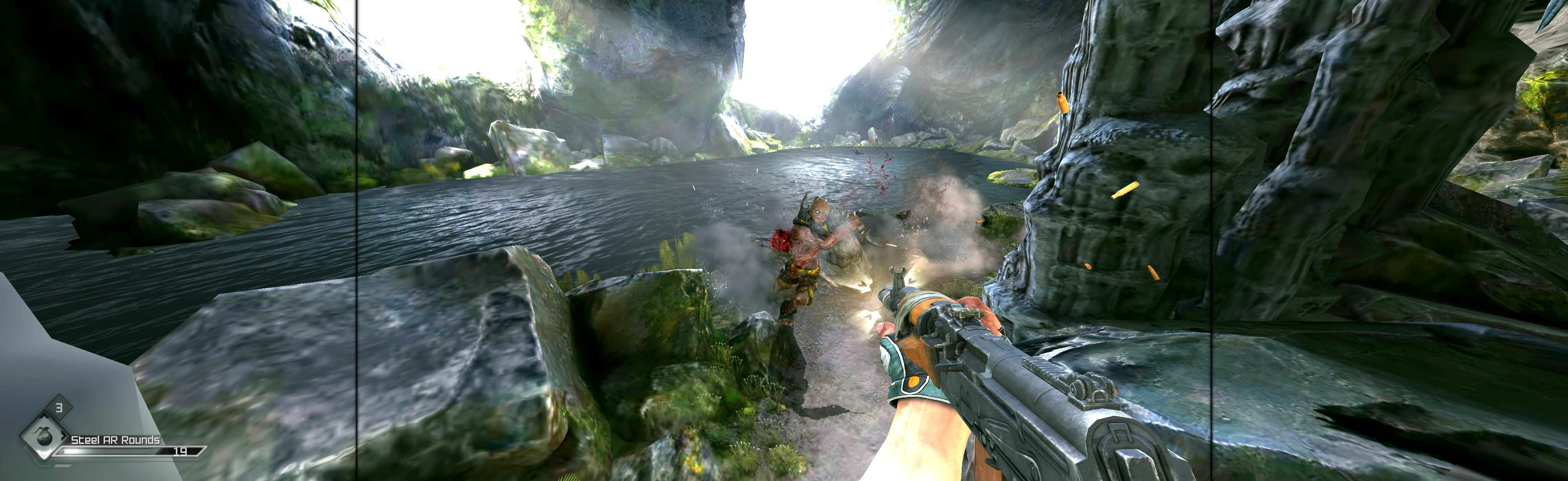
Rage 2011 Manual PLP Instructions

Complex setup. But once done, easy perfect PLP. Must play x64 game (as x86 cfg files are unusable). Shortcut/launcher arguments (+com_allowconsole 1 +g_fov 102). Ingame mnu: Windowed, Resolution your main monitor. Console (`) r_mode 44, close (`). ShiftWindow (increase nums til borders gone). View resolution auto-saves in (path-to-game)\SAVES\ base\rageConfig.cfg at bottom *. Confirm auto-save is NEAR your ShiftWindow nums.


(PLP screenshot with bezel effect)
imusrt on

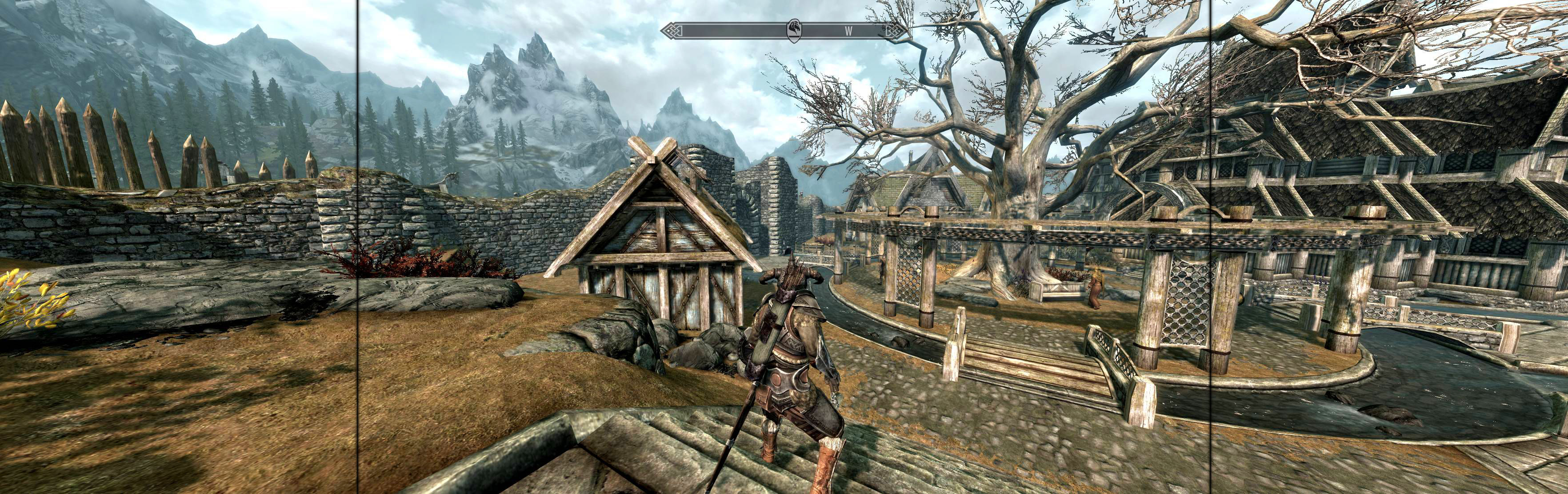
The Elder Scrolls V Skyrim 2011 Manual PLP Instructions

Launcher: windowed, ultra (optional), click play, ingame Quit.
Edit %USERPROFILE%\Documents\My Games\Skyrim\SkyrimPrefs.ini: iSize W & H (yours no border *). Read-only.
Ingame, ShiftWindow (+ border = borderless), optional FOV: console (`) fov # (eg 90).


(PLP screenshot with bezel effect)
imusrt on

The Witcher 2 Assassins Of Kings 2011 Manual PLP Instructions (& Enhanced Ed 2012)

Launcher, Options, set fullscreen & advanced quality wanted. Quit. Edit %USERPROFILE%\Documents\Witcher 2\Config\User.ini (launcher creates file). Height & Width your base PLP resolution. Put SoftTH files in game-install's "bin" folder (same base PLP resolution). Widescreen Fixer (WSF): select game version *, not auto-detect, Custom 16:5 aspect & same base PLP resolution.


(PLP screenshot with bezel effect)
imusrt on

Trackmania 2 Canyon 2011 Manual PLP Instructions

Game spreads full hor+ & FOV proper, in all view distances. Rendered video hor+ (sometimes letterboxed). Other areas bit ugly **, but decent spread & none a problem.


(PLP screenshot with bezel effect. Showing reduced HUD, via F7-key)
imusrt on