Blog posts

Afterfall InSanity 2011 Manual PLP Instructions

SoftTH (fullscreen, DX9 x86). Open (path-to-game)\RascalGame\Config\DefaultGame.ini. Edit (removing related semicolon): bForceResolution=true, ForceResX & Y yours, bForceFullscreen=true. Edit %USERPROFILE%\Documents\ My Games\Afterfall InSanity\RascalGame\ Config\RascalEngine.ini. Switch AspectRatio_MaintainXFOV to ...YFOV. Looks great & correct FOV (cropping just under knee).


(PLP screenshot with bezel effect)
imusrt on

Batman Arkham City 2011 Manual PLP Instructions

SoftTH (DX9 x86). Edit %USERPROFILE\Documents\WB Games\Batman Arkham City\BmGame\Config\UserEngine.ini. Fullscreen=True, ResX & ResY= your massive resolution (no border), AllowD3D10=False, AllowD3D11=False, TessellationAdaptivePixelsPerTriangle=0.


(PLP screenshot with bezel effect)
imusrt on

Brink 2011 Manual PLP Instructions

Search for & edit brinkconfig.cfg. seta r_mode "-1", seta r_aspectRatio "-1", seta r_customAspectRatioH "16", seta r_customAspectRatioV "5". Or calc your aspect for proper. ShiftWindow (+ border = borderless & to position). Game updates rest of its settings.


(PLP screenshot with bezel effect)
imusrt on

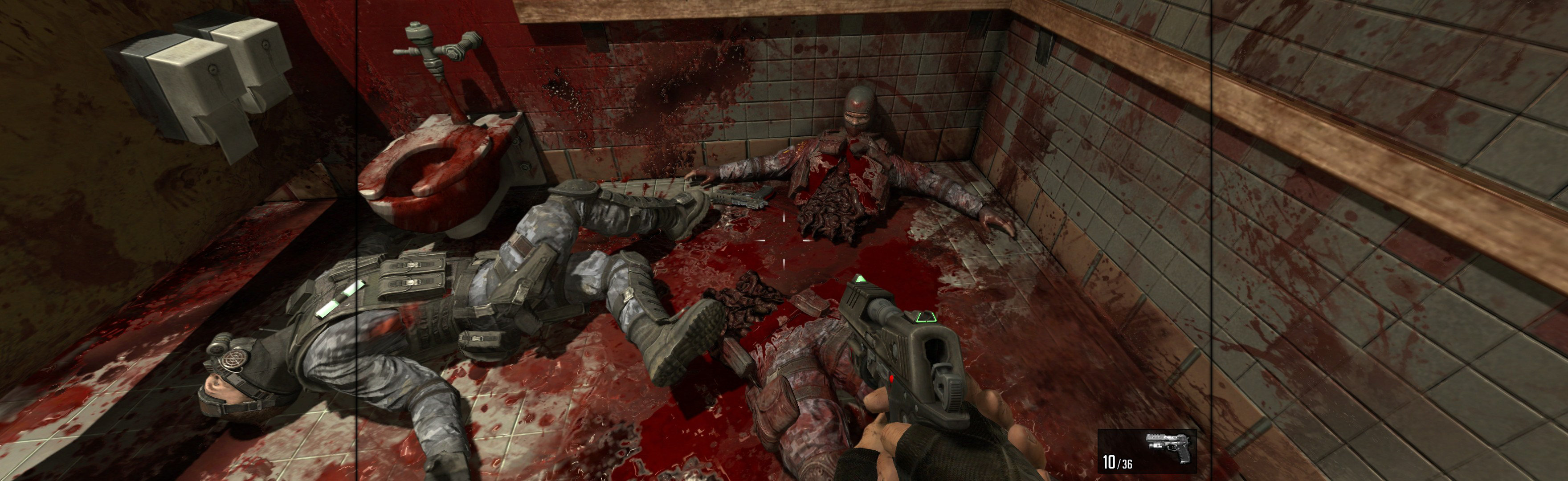
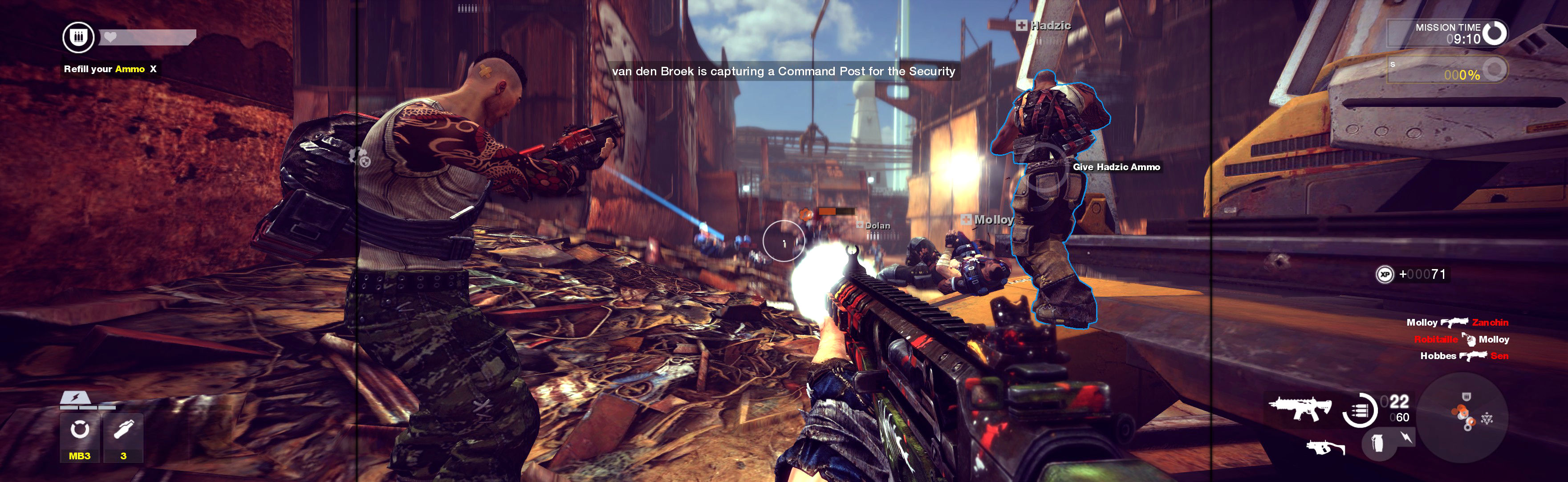
Bulletstorm 2011 Manual PLP Instructions

Game looks great. FOV, HUD & all weapons are proper. Rendered cutscenes full hor+, FMVs & loading screens pillarboxed. Text & menus proper.


(PLP screenshot with bezel effect, 4-barrel shotgun)
imusrt on

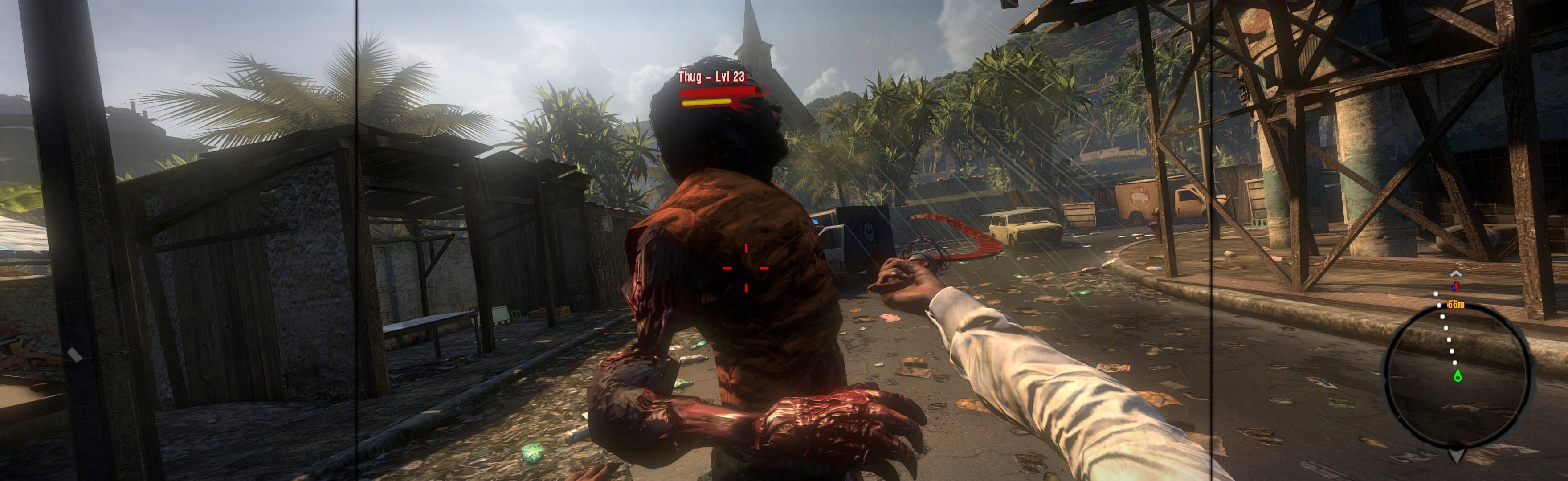
Dead Island 2011 Manual PLP Instructions

Game looks good, & menus work well enough. Weapons look & aim proper. View maybe slightly FOV+ by default, & looks great (dead-proper FOV achievable *). Rendered cutscenes full hor+. All text is proper. Both menu elements & HUD span full width. Some ugliness (*).


(PLP screenshot with bezel effect)
imusrt on

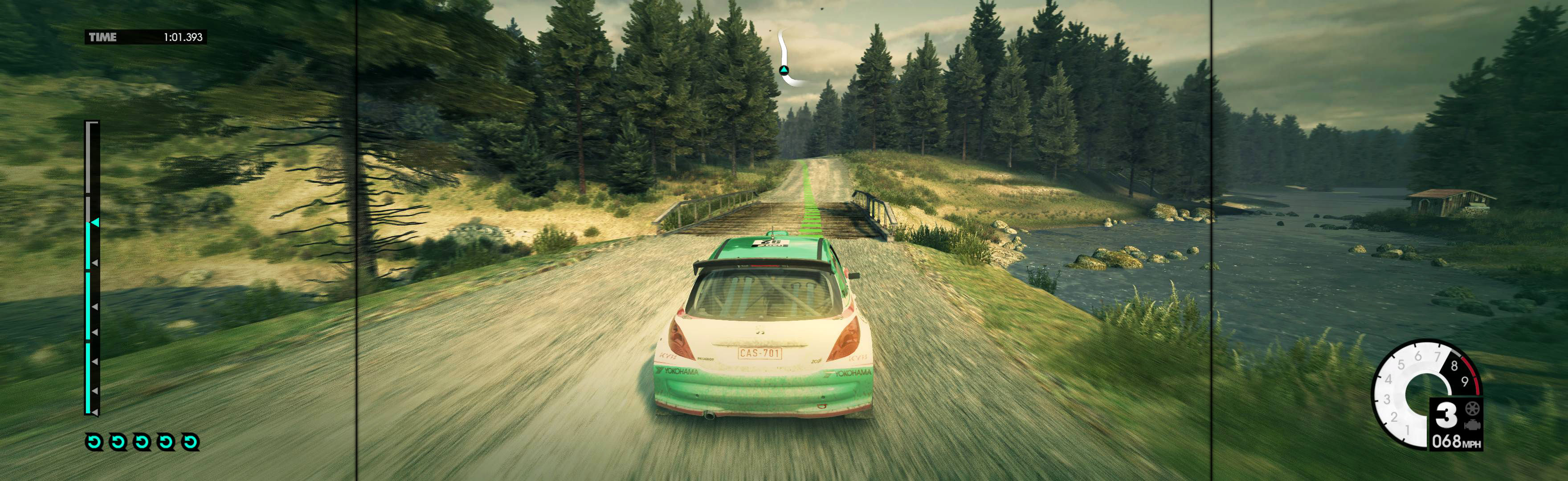
Dirt 3 2011 Manual PLP Instructions

Borderless: In-game, save-point. Close. Edit %USERPROFILE%\Documents\ My Games\DiRT3\hardwaresettings\ hardware_settings_config.xml. fullscreen="false". ShiftWindow (+ border = borderless). OR Fullscreen: SoftTH (has proof, untested) & enforce DX9 (probably make forcedx9 true in file %USERPROFILE%\My Documents\??\hardware_settings_config.xml).


(PLP screenshot with bezel effect)
imusrt on

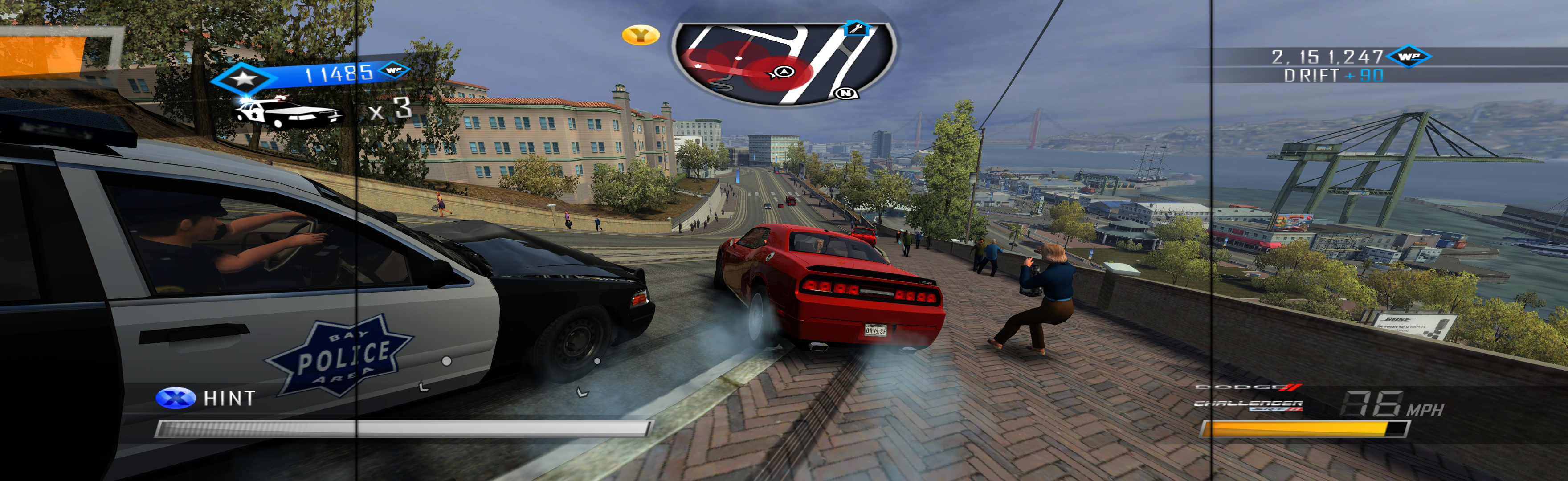
Driver San Francisco 2011 Manual PLP Instructions

Complex setup, worth the effort. Game looks & works good overall, particularly all views & full rendered video. HUD, menu & FMV videos are not ideal, but not a problem.


(PLP screenshot with bezel effect, no CE HUD fix)
imusrt on

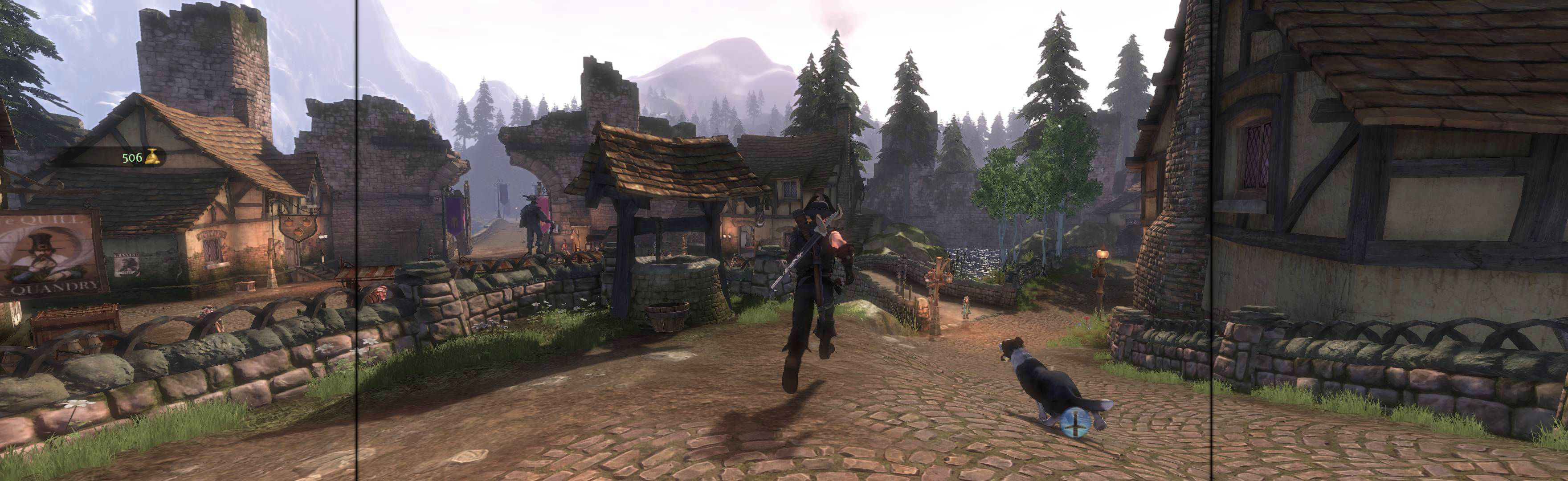
Fable III 2011 Manual PLP Instructions

Edit %APPDATA%\Lionhead Studios\Fable 3\VideoOptions.xml: ScreenResolutionX & ScreenResolutionY (= yours + border) & Fullscreen False. ShiftWindow (+ border = borderless).


(PLP screenshot with bezel effect)
imusrt on