Blog posts

Brothers In Arms Road To Hill 30 2005 Manual PLP Instructions

Both methods require the FOV Fix. Fullscreen: SoftTH (DX9 x86). In-game select massive resolution, apply, quit, restart. OR Borderless: Start game, Alt+Enter (windowed). ShiftWindow (+ border = borderless). When reverts, retrigger (every chapter). FOV Fix: Edit %APPDATA%\Gearbox Software\Brothers In Arms\(ProfileName)\User.ini. Under [Engine.Input], find line "9=" & type in "fov ##" (about 100, to taste. Stock is 63). In-game, press 9 for FOV fix. When reverts, repeat (infrequent).


(PLP screenshot with bezel effect)
imusrt on

Brothers In Arms Hells Highway 2008 Manual PLP Instructions

Edit %USERPROFILE%\Documents\ My Games\BIA Hells Highway\SumacGame\ Config\SumacEngine.ini. ResX & ResY yours. SoftTH (fullscreen, DX9 x86). FOV Fix (required): Edit SumacInput.ini (same config folder). Under [SumacGame.SumacPlayerInput], add Bindings=(Name="H",Command="fov 106.1"). (106.1 is approx, change as needed *). In-game, press H for FOV fix. When reverts, repeat (infrequent).


(PLP screenshot with bezel effect)
imusrt on

Guide for Manual PLP Gaming Instructions

Fullscreen VS Borderless

Most instructions result in borderless windowed (impersonating fullscreen). This is a common trick for manual PLP, with only one downside: no Crossfire or SLI support. Some game engines quite consistently allow fullscreen with SoftTH. The biggest of these is Unreal Engine 3. When SoftTH V3+ becomes available (shortly), more games will support fullscreen.


Monitor Setup

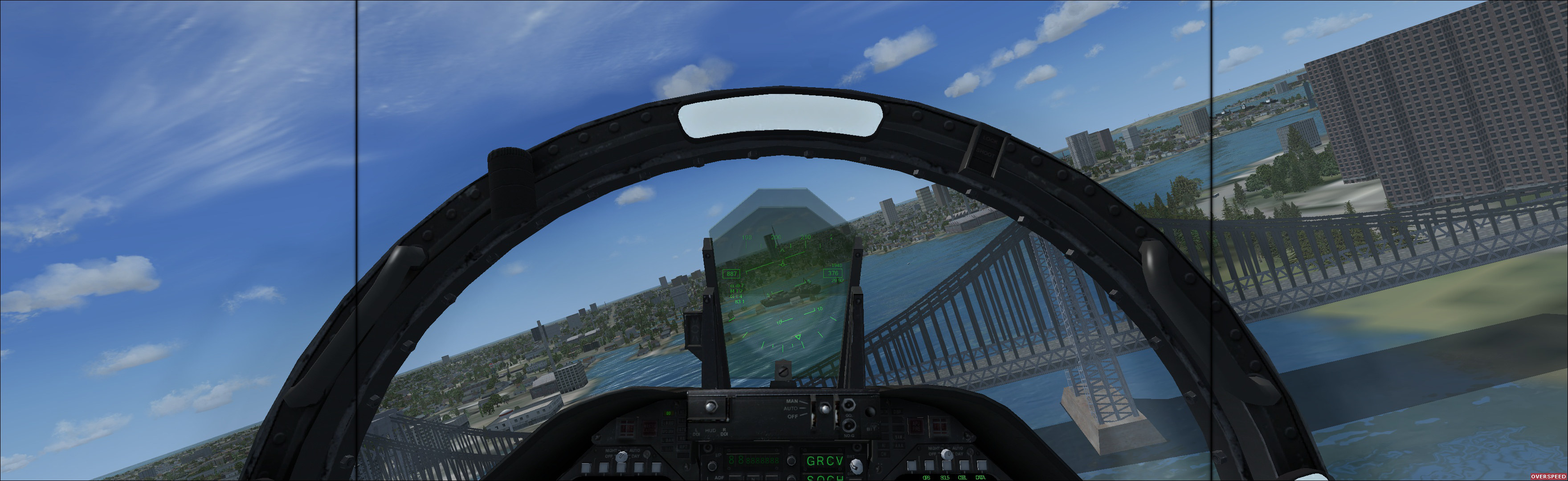
A good Manual PLP monitor combination is required, where pixels line up (& other more minor factors). Many different layouts that line up pixels well can be found here. Listed below are PLP setup sizes that are documented.


(Microsoft Flight Simulator X Steam Edition 2014, using layout 19-27-19 "Common Lightweight")
imusrt on

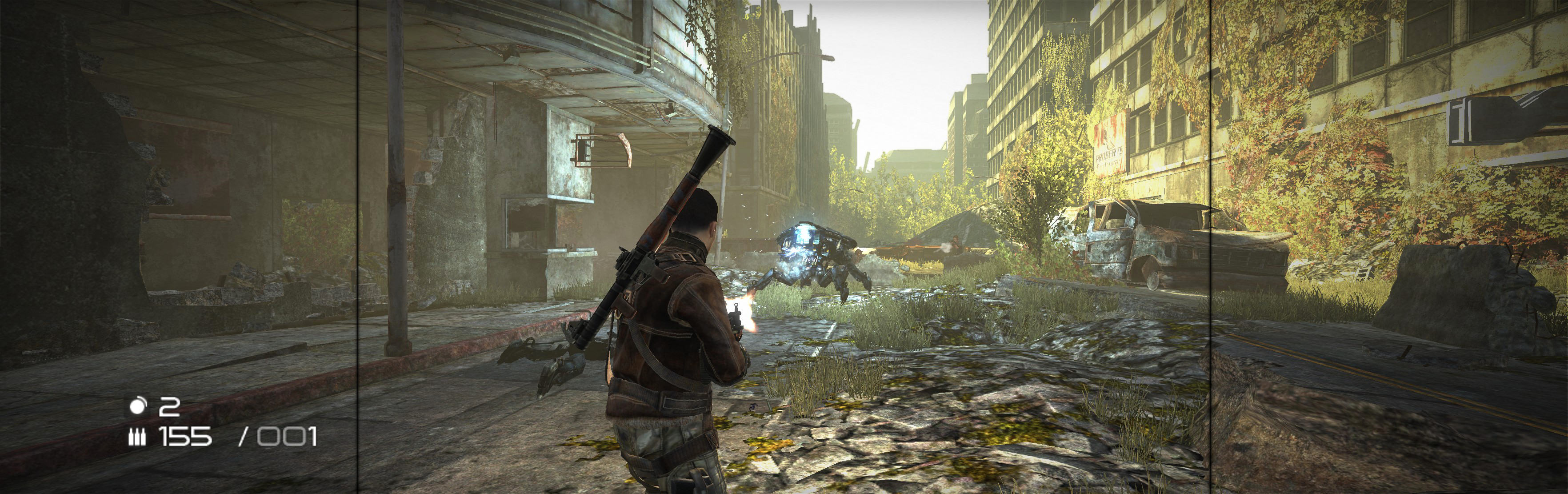
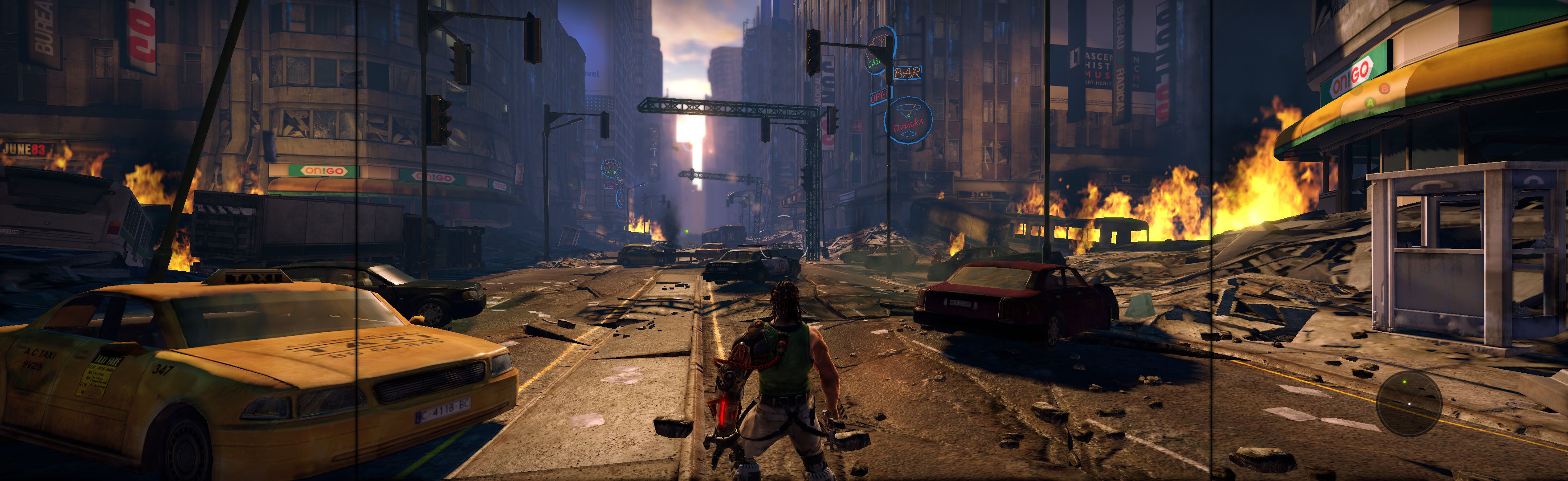
Bionic Commando 2009 Manual PLP Instructions

Fullscreen: SoftTH (DX9 x86). Run game from exe (bypass launcher). In-game select massive resolution. Do not use Aspect setting. OR Borderless: Edit *...\BC\data\settings\renderer_settings.xml. resolution = yours (+ border = borderless), windowed = "true", aspect_ratio = "#.#####" (yours = width / height, ideally including borders). In-game ShiftWindow (same nums & to position). Then increase ShiftWindow nums till borders completely gone.


(PLP screenshot with bezel effect)
imusrt on

Need For Speed Shift 2009 Manual PLP Instructions

SoftTH (PLP resolution, no border *). In-game: windowed & select PLP resolution (by scrolling game's numbered list). Close, remove SofTH files. Restart, wait for in-game, ShiftWindow (+ border = borderless).


(PLP screenshot with bezel effect)
imusrt on

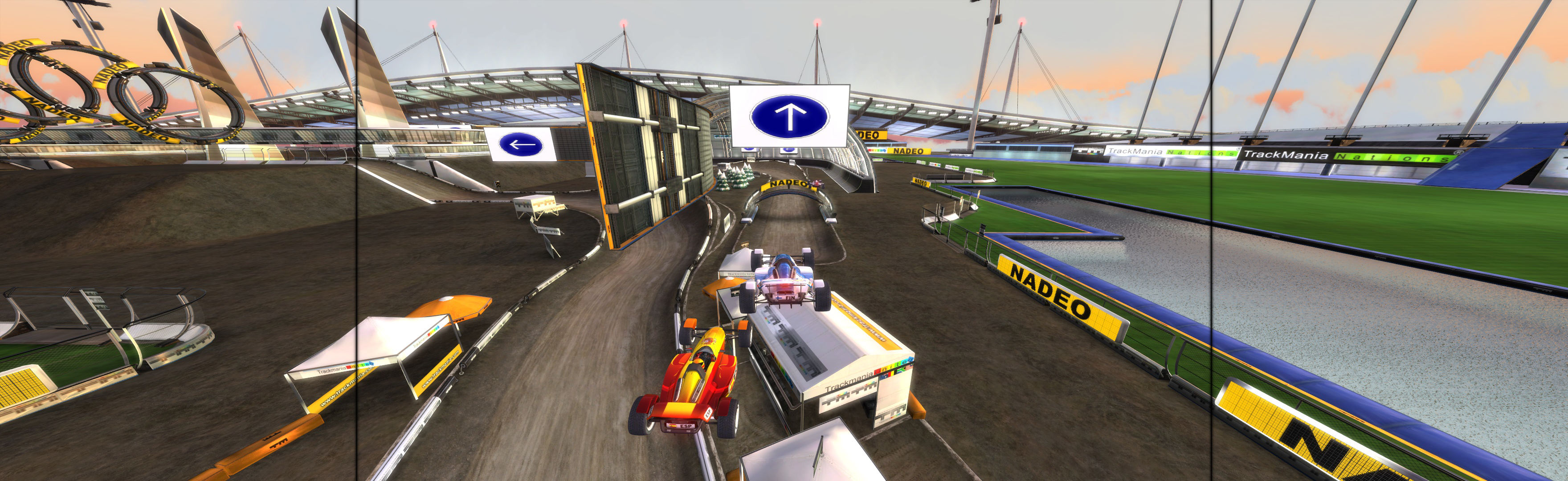
Trine 2009 Manual PLP Instructions

Edit (path-to-game)\config\options.txt: screen_height & width (yours no border *). Run launcher, select Windowed & AA 2x (the max for multi-monitor). ShiftWindow (weird nums = full spread. Wing it).


(PLP screenshot with bezel effect)
imusrt on

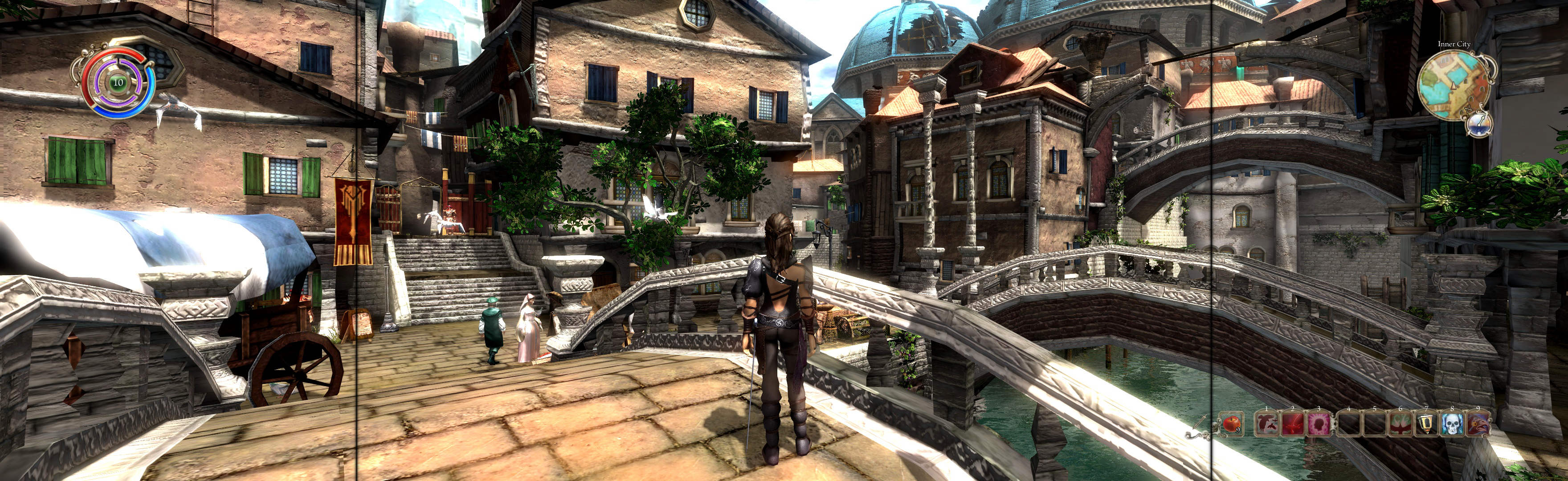
Venetica 2009 Manual PLP Instructions

Fullscreen (best choice *): SoftTH (DX9 x86). In-game select massive resolution. Game then requires restart. OR Borderless: Edit %USERPROFILE%\Documents\Venetica\settings-user.ini. fullscreen = false, window_size = yours (+ border). In-game wait for main menu, then ShiftWindow (+ border = borderless).


(PLP screenshot with bezel effect)
imusrt on