


Lost Planet Extreme Condition 2007 Manual PLP Instructions (& Colonies 2008)
SoftTH (fullscreen DX9 x86). Run DX9 game from launcher. In-game select massive resolution.

(PLP screenshot with bezel effect)
SoftTH (fullscreen DX9 x86). Run DX9 game from launcher. In-game select massive resolution.
Put SoftTH (DX9 x86) in (path-to-game)\bin. In-game select fullscreen & massive resolution.
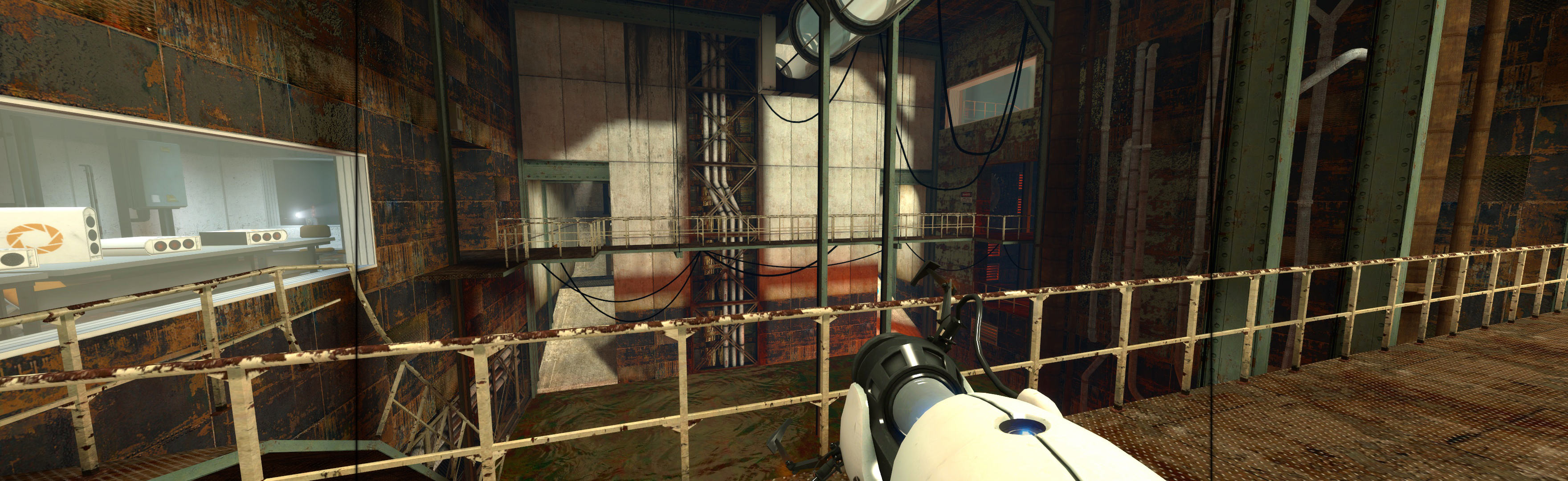
Add 2 things to (path-to-game) folder: SoftTH (fullscreen, DX9 x86) & Widescreen Fix *. Edit Fix's ini, FOV to 1.5. Shortcut/launcher argument -setup. Start game & select PLP resolution in launcher. High settings work fine.
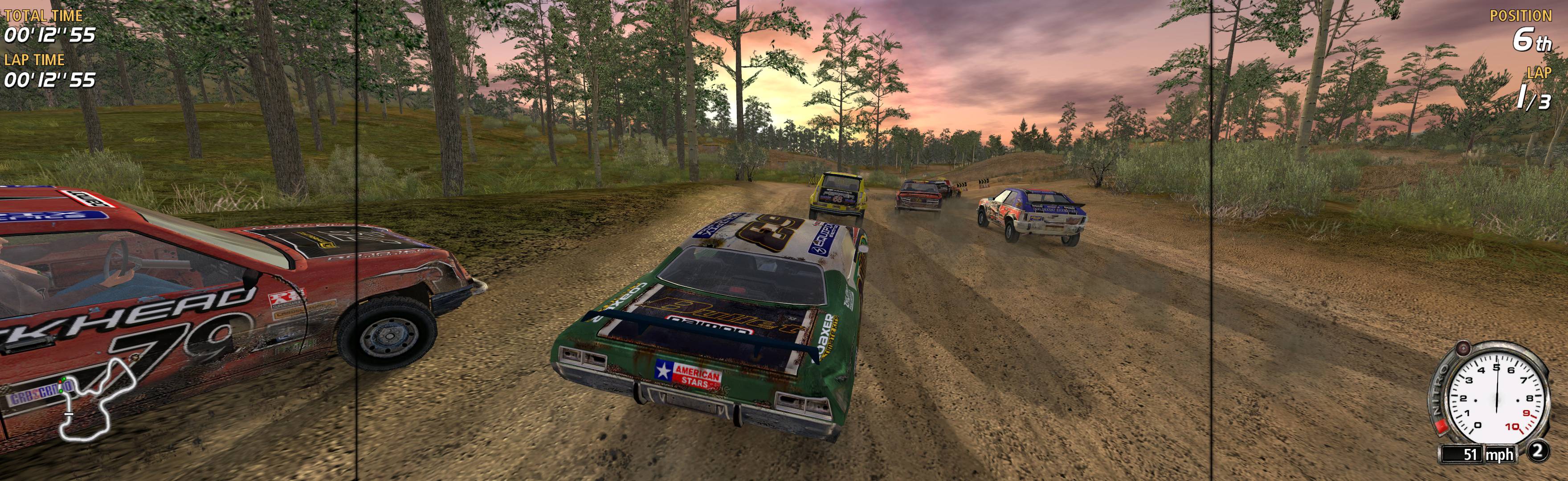
Game update 1.2 required. Add 2 things to (path-to-game) folder: SoftTH (fullscreen, DX9 x86 game) & Widescreen Fix *. In game launcher, select base PLP resolution.

Yello everyone, this weekend I'll be streaming Elite Dangerous as part of their Community Countdown Livestream event, along side celebrating the release of the game on this coming Tuesday we are also trying to raise money for Games Aid. So if you have time come by and say hello, and any donation to Games Aid will be gratefully received.
I'll be streaming on Saturday at 9PM GMT, and Monday morning at 12AM GMT, a fully list of the streams can be found on the full version of this post, and all relevant links are below. So hopefully I'll see you there and we can raise some money for charity, chat, and celebrate the release of game with great multi-monitor support.
Donations: https://www.justgiving.com/EliteDangerousStream
Twitch: http://www.twitch.tv/n_skid11
Twitch layout designed for surround: http://www.skid-inc.net/eyestream.php
Full list of times and official details from Frontier: https://forums.frontier.co.uk/showthread.php?t=73176
The Crew is a co-op focused, sudo MMO, racing game from Ivory Towers, the game is designed around the idea of teaming up with 1-3 of your friends in a crew and to race, chase and cruise together, however it can be played solo, you still need to be connected to the world though. The games multi-monitor support is very good, it's horizontal plus and runs at 5040x1050 by default. The UI is centred, all the options and HUD elements work, there is a small mouse position issue with the map but nothing that effects he game play.
The video itself is part analysis, part walkthough and part waffle, feel free to like or dislike my video and comment are always welcome too.
Direct Video Link: The Crew (Triple Monitors / Eyefinity / Surround) [~4K]
Channel Link: http://www.youtube.com/user/n11skid
While this video can be watched on any screen it has been encoded to look best on a multi-monitor system, so if your running such a system, then select 4K quality from the drop down box and watch in fullscreen.
ArcheAge is a free to play massively multiplayer online role play game, being published in the west by Trion, in terms of setting and core combat it's a fairly standard hotkey mmorpg, however what sets it apart is the mix of other features in the game that gives it a bit more of a sandbox feel then just a combat grind to level 50. The games multi-monitor support is very good, resolution options are available and the game is horizontal plus be default, most of the fixed location UI is centred however there is some that is spanned, and a good portion of the HUD can also be moved around to suit your own preferences.
The video itself is part analysis, part walkthough and part waffle, feel free to like or dislike my video and comment are always welcome too.
Direct Video Link: ArcheAge (Triple Monitors / Eyefinity / Surround) [~4K]
Channel Link: http://www.youtube.com/user/n11skid
While this video can be watched on any screen it has been encoded to look best on a multi-monitor system, so if your running such a system, then select 4K quality from the drop down box and watch in fullscreen.
So last night (unoriginal, although I did plan on doing this during the first beta when it would of been original but the SLI bug stopped me) anyway, last night I took a cruise across the Mini USA. From the easterly most point on the map to the point on the west coast that was the furthest away from it. The journey was 88 Miles or about 142 KM, it took me around 44 minutes from pulling away from the east coast to parking on the west, with an average speed of 120 MPH, or 193KPH.
Video below was recorded from a resolution of 5040x1050, and processed down to a resolution of 4032x840. If you have a triple monitor setup yourself, set the quality to 4K (assuming your network can handle it) and fullscreen for the best viewing quality, if your running a single monitor, best to watch at 1080p, ether in fullscreen or on YouTube in Cinema mode. Otherwise I hope you like my selection of OC Remix music, track list is below the video.
Direct Video Link: The Crew Beta: Coast to Coast Cruise (Triple Monitors / Eyefinity / Surround) [~4K]
Channel Link: http://www.youtube.com/user/n11skid
Firefall is a Massive Multiplayer Online Shooter, you play the roll of an ARES pilot and control a battleframe, which is basically an exoskeleton that has a jetpack, and you run, jump and fly around shooting things in first or third person. The game has great multi-monitor support, it will pickup your resolution automatically, the game runs horizontal plus by default and it has FoV options. The HUD is also centred by default and can repositioned and customised to your liking.
The video itself is part analysis, part walkthough and part waffle, feel free to like or dislike my video and comment are always welcome too.
Direct Video Link: Firefall (Triple Monitors / Eyefinity / Surround) [~4K]
Channel Link: http://www.youtube.com/user/n11skid
While this video can be watched on any screen it has been encoded to look best on a multi-monitor system, so if your running such a system, then select 4K quality from the drop down box and watch in fullscreen.
Kerbal Space Program is a sandbox rocket science simulators, basically just you build massive rockets and try and to make them fly, the game is currently still in early access however it is well on it's way. As a Unity engine game the multi-monitor support is good, my resolution was available from launch and the game runs horizontal plus. Only downside is the HUD is spanned, and while that's not to much of an issue in the vehicle hanger it is when flying.
The video itself is part analysis, part walkthough and part waffle, feel free to like or dislike my video and comment are always welcome too.
Direct Video Link: Kerbal Space Program (Triple Monitors / Eyefinity / Surround) [~4K]
Channel Link: http://www.youtube.com/user/n11skid
While this video can be watched on any screen it has been encoded to look best on a multi-monitor system, so if your running such a system, then select 4K quality from the drop down box and watch in fullscreen.


