Blog posts

Wanted Weapons Of Fate 2009 Manual PLP Instructions

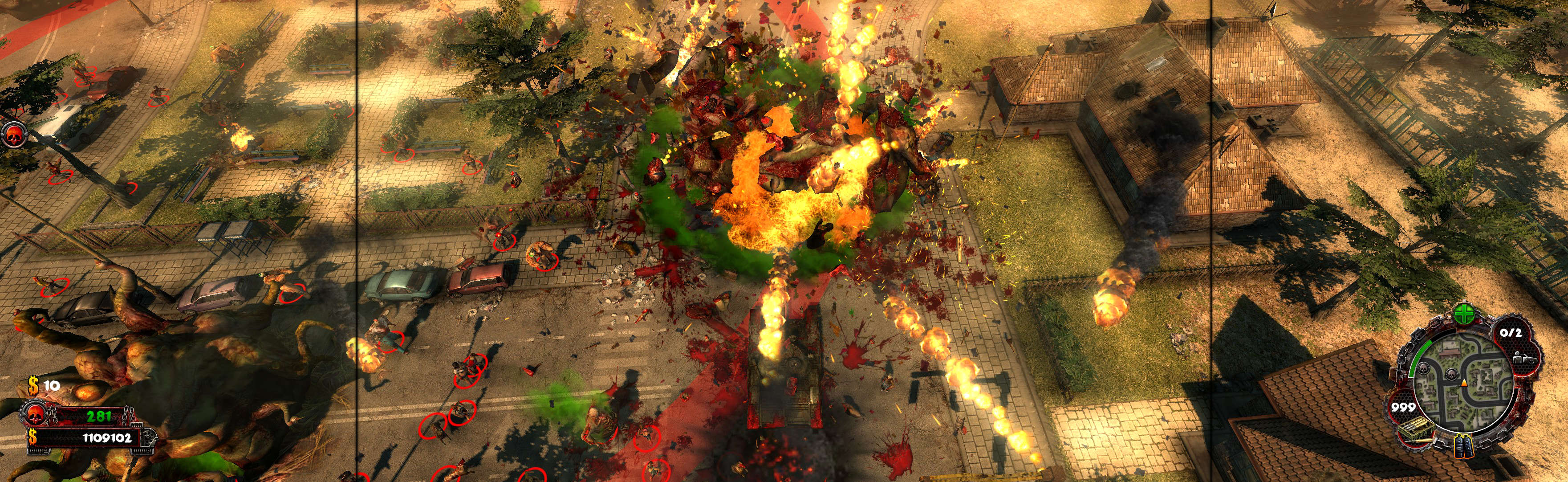
Fullscreen: SoftTH (DX9 x86). In-game select massive resolution. OR Borderless: Edit %LOCALAPPDATA%\wanted\data\settings\renderer_settings.xml. resolution = yours (+ border = borderless), windowed = "true", aspect_ratio = "0". In-game ShiftWindow (same nums & to position). Then increase ShiftWindow nums until borders completely gone.


(PLP screenshot with bezel effect)
imusrt on

Wolfenstein 2009 Manual PLP Instructions

#1.A. Fullscreen: SoftTH (DX9 x86). Edit %LOCALAPPDATA%\id Software\WolfSP\base\wolf.cfg. r_customerHeight & ...Width yours, r_letterBoxedHeight & ...Width yours, r_fullscreen "1", r_mode "-1". #1.B. OR Borderless: Edit wolf.cfg (same folder). r_customHeight & ...Width (yours no border *), r_fullscreen "0", r_mode "-1".
#2. Widescreen Fixer (Aspect ratio not auto-detect. Enter Custom 16x5, or calc exact for proper).
#3. In-game, Fullscreen works as-is. But for borderless, use ShiftWindow, same nums (yours + border = borderless) & to position.


(PLP screenshot with bezel effect)
imusrt on

Grand Theft Auto IV 2008 Manual PLP Instructions

Add shortcut/launcher arguments: -norestrictions -noprecache -windowed -width #### -height #### (PLP resolution, no border *). ShiftWindow (+ border = borderless)


(PLP screenshot with bezel effect)
imusrt on

Shaun White Snowboarding 2008 Manual PLP Instructions

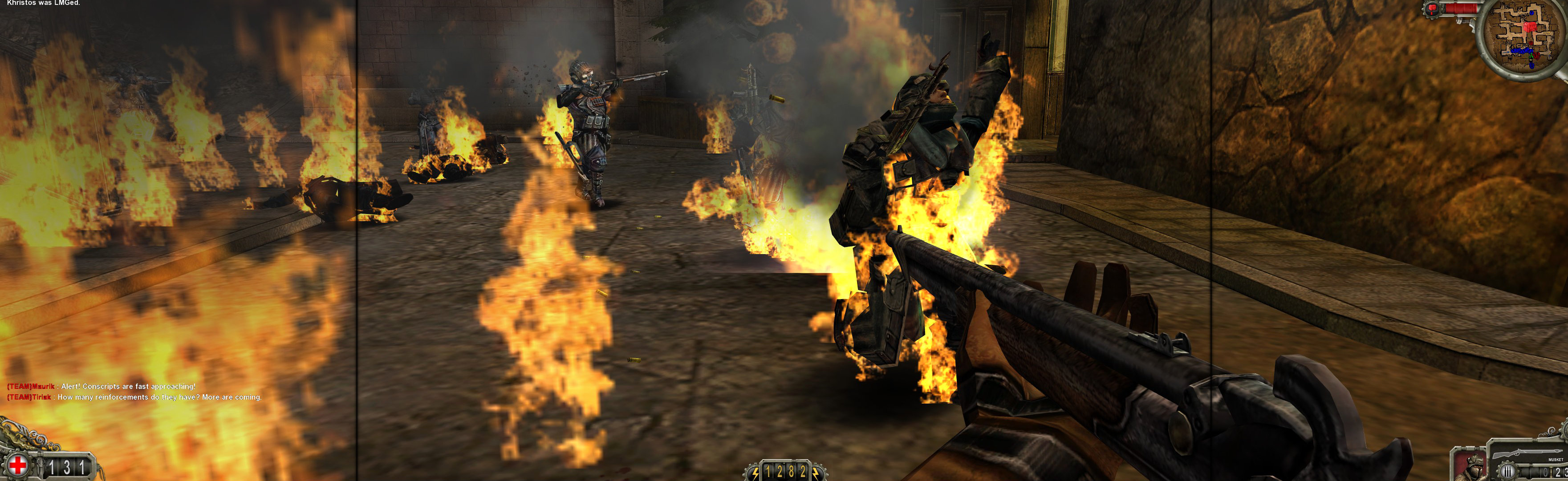
Regedit: search (Ctrl+F, Keys only) for "snowboarding". Looking for 1 or many copies of ...Ubisoft\ShaunWhiteSnowboarding\#.#\Engine. Must edit all found, inside Engine key: Edit existing or add new Value: DWORD (32-bit). Value Name = Fullscreen, Data = 0. Start game, it will be windowed. Wait for player on snowboard & stopped. ShiftWindow (+ border = borderless), may have to trigger x2.


(PLP screenshot with bezel effect)
imusrt on

Turok 2008 Manual PLP Instructions

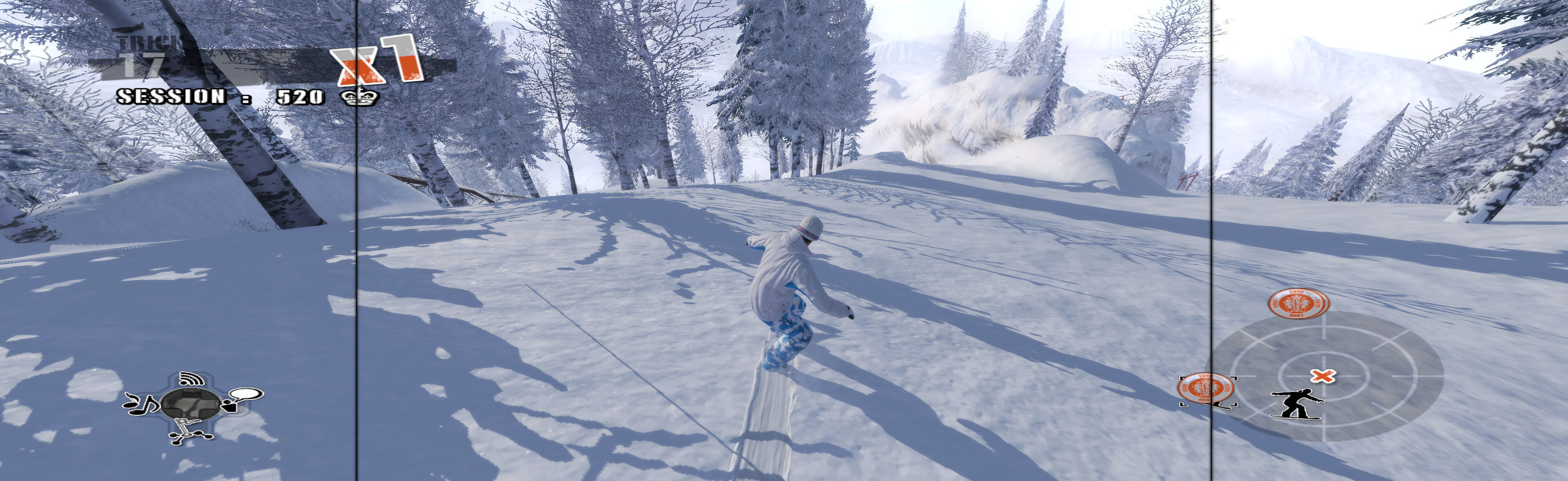
Fullscreen: SoftTH (DX9 x86). In game main menu, fullscreen & massive resolution. Quit, restart. OR Borderless (best choice *): In game main menu, windowed. Quit, restart. ShiftWindow (+ border = borderless, must Trigger 2x). FOV FIX (req'd): Edit (path-to-game)\TurokGame\Config\TurokInput.ini. TypeKey=Tab. Then while playing, press Tab & type: fov ## (~101, showing part of wrist on 1st gun). When FOV reverts, repeat (on new chapter or death).


(PLP screenshot with bezel effect)
imusrt on

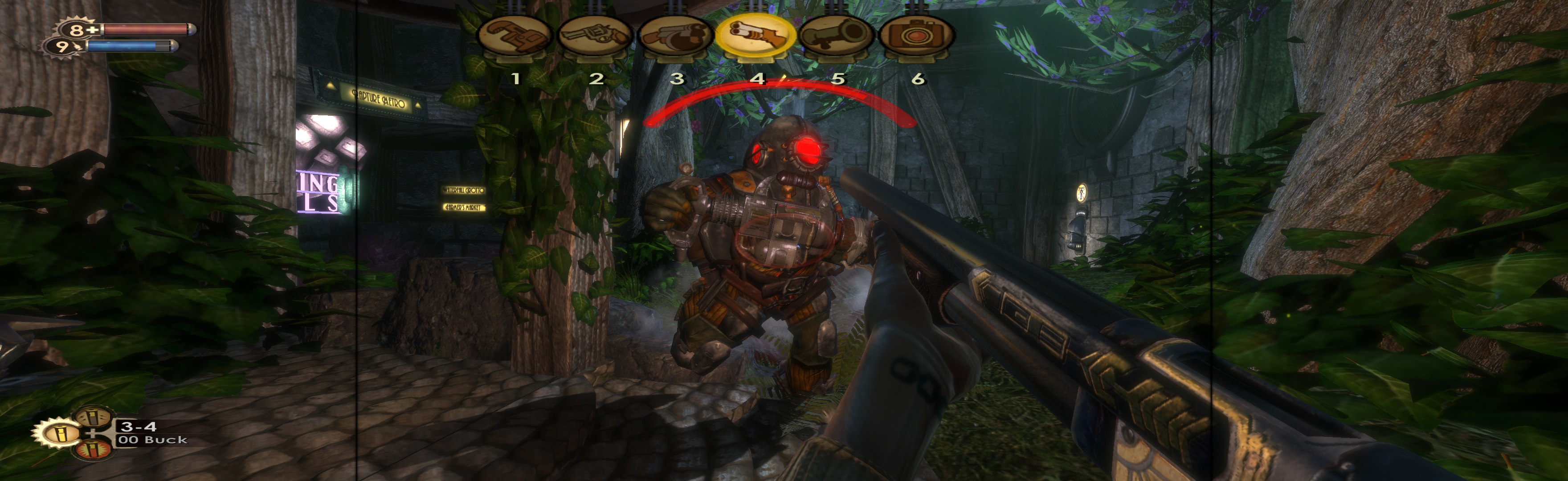
BioShock 2007 Manual PLP Instructions

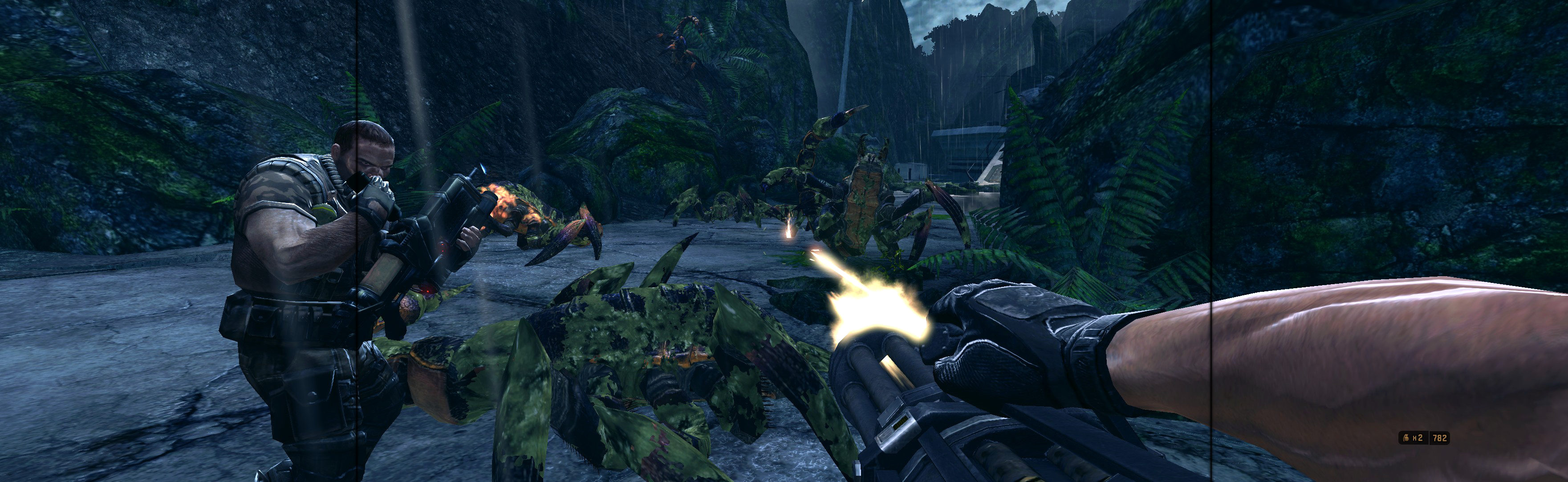
SoftTH (fullscreen, DX9 x86). Edit %APPDATA%\Bioshock\Bioshock.ini. HorizontalFOVLock=False. Shortcut/launcher argument -dx9. In-game, select fullscreen & massive resolution.


(PLP screenshot with bezel effect)
imusrt on

Ghost Recon Advanced Warfighter 2 2007 Manual PLP Instructions (Tom Clancy's)

Not ideal spread, made decent with sketchy FOV improvement. Borderless (best choice *): Edit %LOCALAPPDATA%\GRAW2\data\settings\renderer_settings.xml. resolution = yours (+ border = borderless), windowed = "true", "aspect_ratio" value="#.#######" (yours = PLP width / height, ideally including borders). In-game ShiftWindow (same nums & to position). Then increase ShiftWindow nums till borders completely gone. (Mine was left & up a pixel, width +2, height +1.) OR Fullscreen: SoftTH (DX9 x86). Start game, press Enter many times (intro clips fail), quit (creates SoftTH adapter entry in the xml). Edit same xml file. resolution = yours, "aspect_ratio" value="#.#######" (yours = PLP width / height).


(PLP screenshot with bezel effect)
imusrt on