


Add 2 things to (path-to-game) folder: SoftTH (fullscreen, DX9 x86) & Widescreen Fix *. Edit Fix's ini, FOV to 1.5. Shortcut/launcher argument -setup. Start game & select PLP resolution in launcher. High settings work fine.
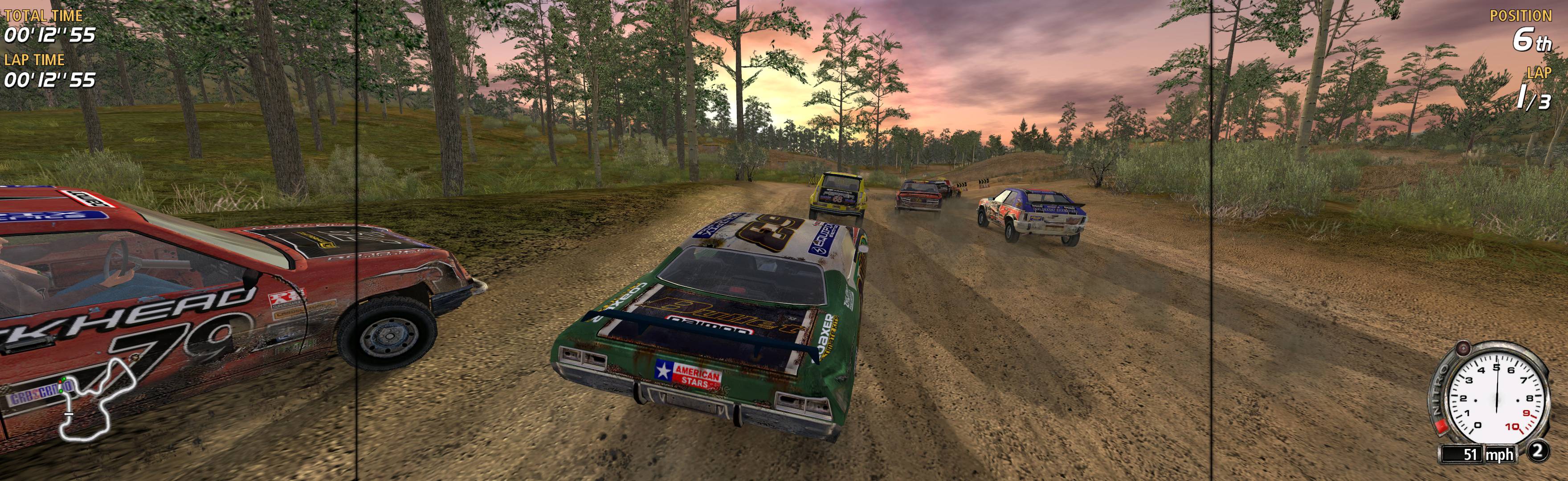
(PLP screenshot with bezel effect)
* Download here: http://thirteenag.github.io/widescreen_fixes_pack#flatout
View guide for general help with the instructions.
File Attachments:FlatOut 2004.jpg


