


The Darkness II 2012 Manual PLP Instructions
Game renders everything well, except very rare FMV video stretched. In-game: windowed. ShiftWindow (+ border = borderless).
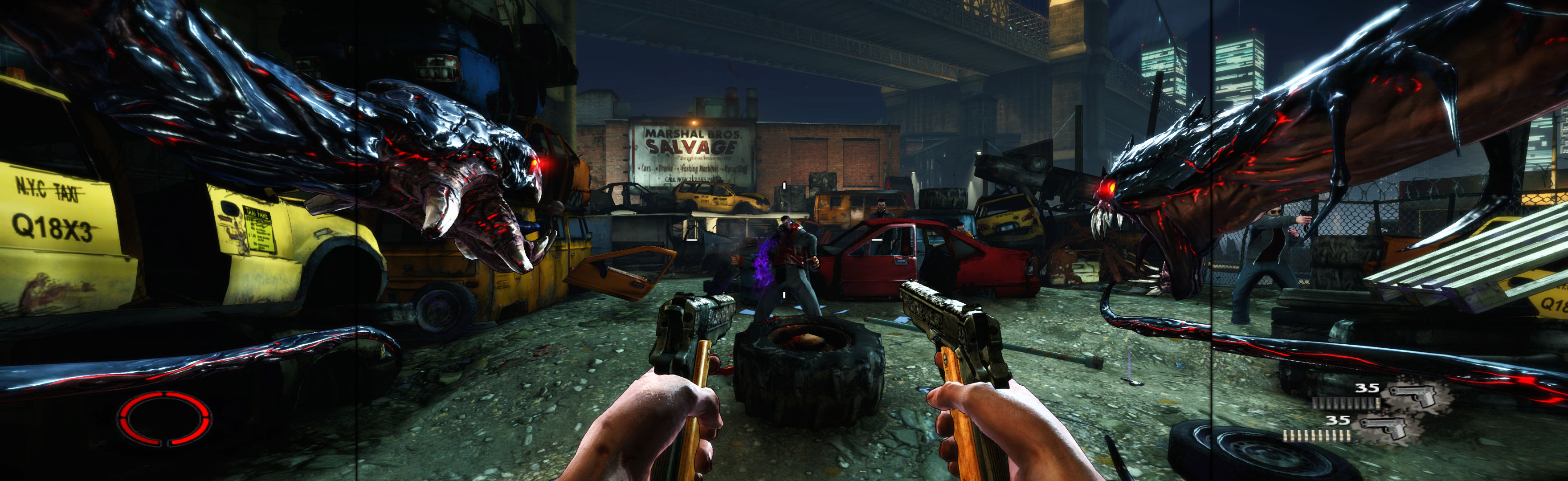
(PLP screenshot with bezel effect)
Game renders everything well, except very rare FMV video stretched. In-game: windowed. ShiftWindow (+ border = borderless).
Fullscreen: SoftTH (DX9 x86). In-game select massive resolution. OR Borderless: In-game windowed. ShiftWindow (+ border = borderless)
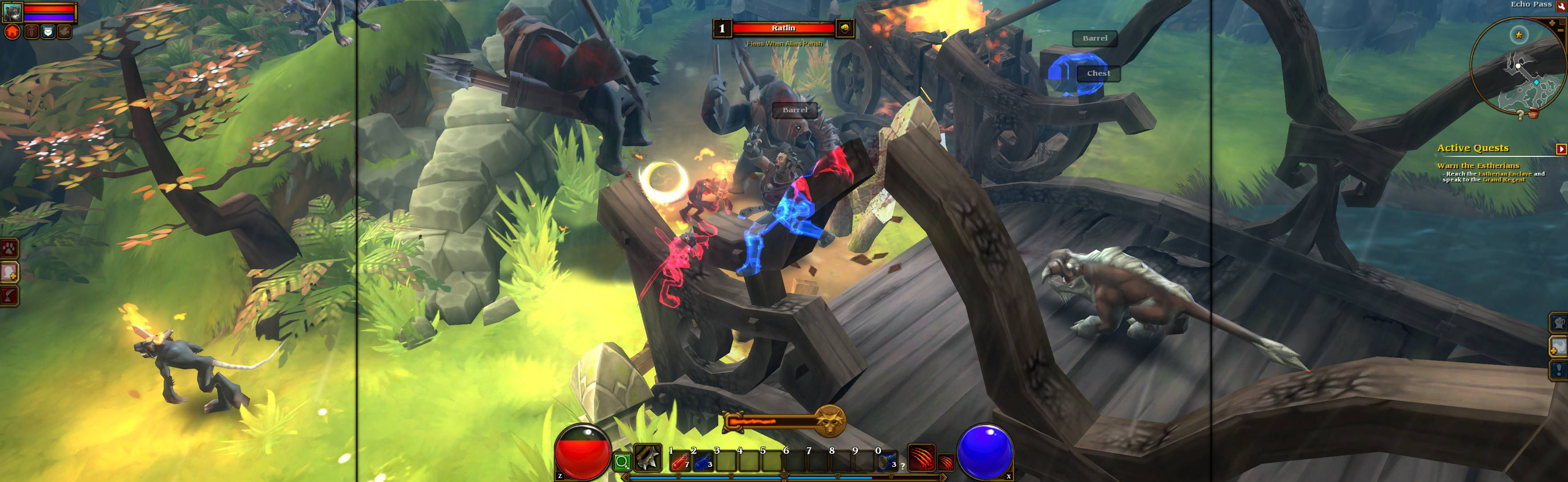
Game spreads full hor+ & FOV proper, in all view distances. Rendered video hor+ (sometimes letterboxed). Other areas bit ugly **, but decent spread & none a problem.
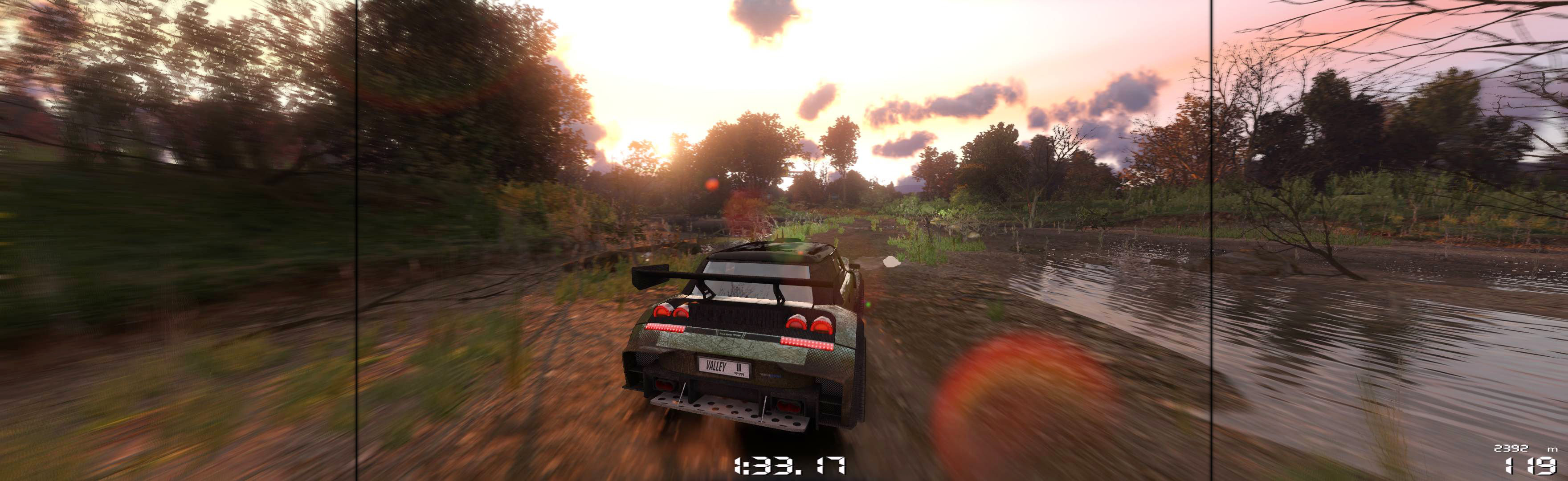
Game & all video renders well.

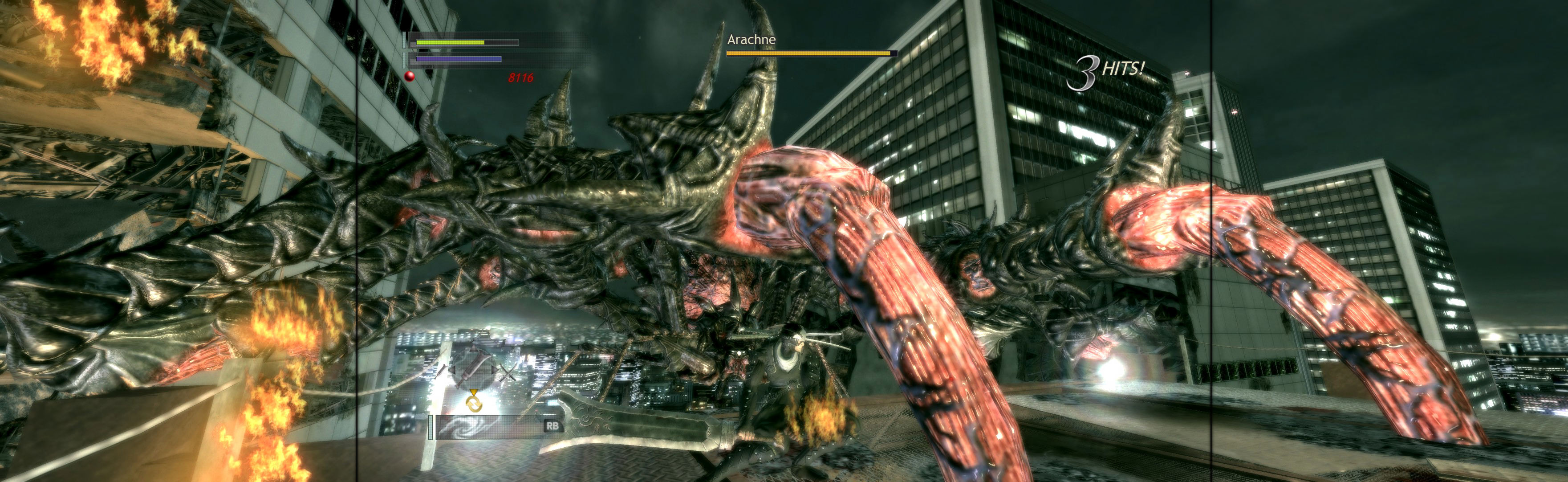
Fullscreen: SoftTH (DX9 x86). Resolution & optional FOV: Flawless Widescreen (FWS) *. OR Borderless: In-game windowed. ShiftWindow (+ border = borderless, might need to trigger 2x). Optional FOV: FWS *.

Start Flawless Widescreen, checkmark Fix Enabled. Start game. In menu under PC Settings, Screen Size = Off (i.e. windowed). Scroll down & Apply. ShiftWindow (+ border = borderless).
Fullscreen (best choice *): SoftTH (DX9 x86). In-game select massive resolution. OR Borderless: In-game windowed, quit. Edit %USERPROFILE%\Documents\ Stalker-COP\user.ltx (if folder isn't there, find in %PUBLIC%\Documents\ S.T.A.L.K.E.R. - Call of Pripyat). vid_mode ####x#### yours (no border). ShiftWindow (+ border = borderless. If game minimizes, Alt+Tab back to it & try again).

Game & all video renders well. But menu, text & HUD is stretched (same as LLL). Not a problem.

Fullscreen (best choice *): SoftTH (DX9 x86). In-game select massive resolution. OR Borderless: In-game windowed, quit. Edit %USERPROFILE%\Documents\ Stalker-STCS\user.ltx (if folder isn't there, find in %PUBLIC%\Documents\). vid_mode ####x#### yours (no border). ShiftWindow (+ border = borderless. If game minimizes, Alt+Tab back to it & try again).
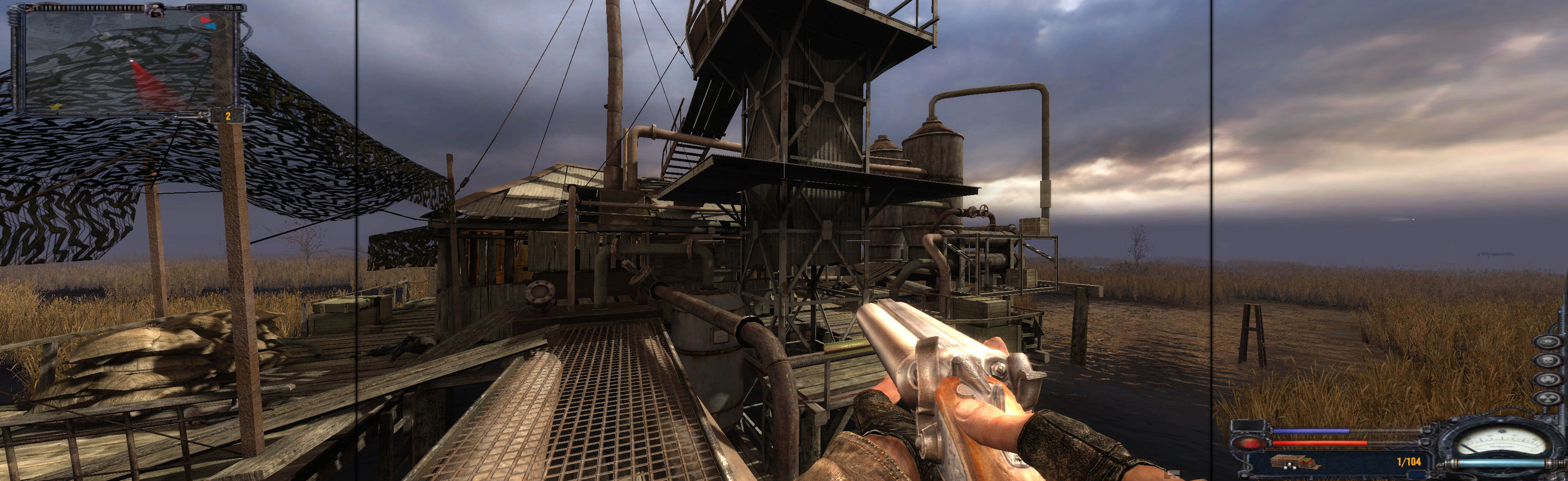
Fullscreen (best choice *): SoftTH (DX9 x86). Shadow Fix **. In-game select massive resolution. OR Borderless: In-game windowed, quit. Edit %USERPROFILE%\Documents\ Stalker-SHOC\user.ltx (if folder isn't there, find in %PUBLIC%\Documents\). vid_mode ####x#### yours (no border). Shadow Fix **. ShiftWindow (+ border = borderless. If game minimizes, Alt+Tab back to it & try again).


