


Lost Planet 3 2013 Manual PLP Instructions
SoftTH (DX9 x86). In-game fullscreen & select massive resolution. Menus are big, but not a problem.
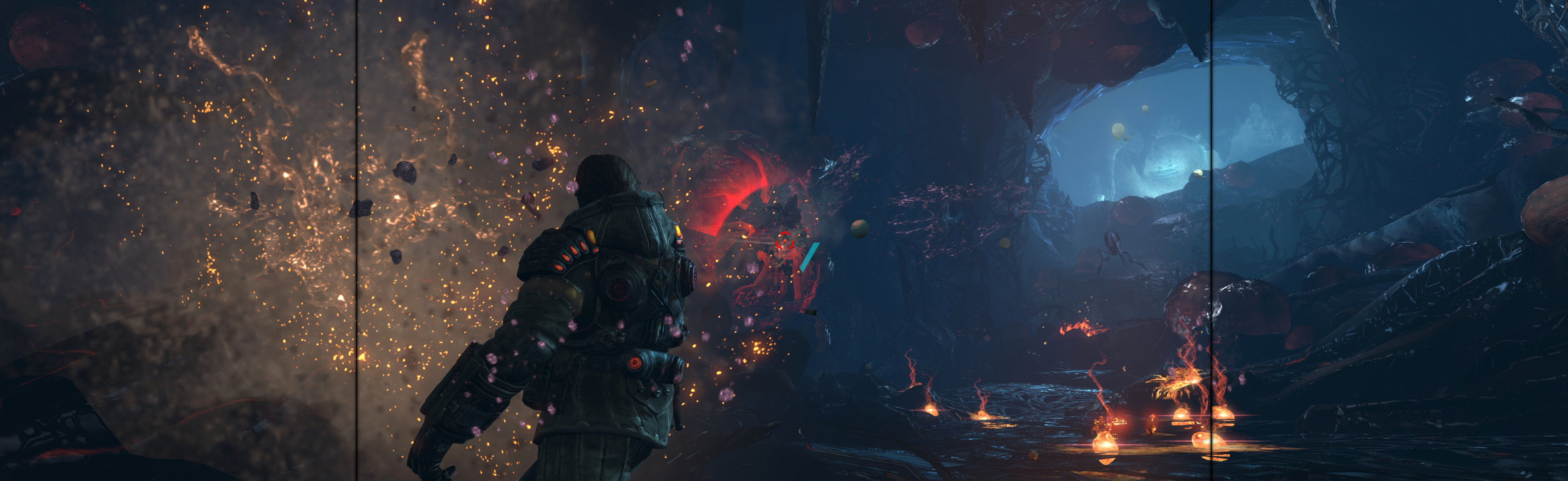
(PLP screenshot with bezel effect)
SoftTH (DX9 x86). In-game fullscreen & select massive resolution. Menus are big, but not a problem.
Edit %LOCALAPPDATA%\4A Games\Metro Last Light\(user-id)\user.cfg. r_base_fov 60, r_fullscreen off, r_res_hor & r_res_vert yours (+ border). ShiftWindow (+ border = borderless)
View guide for general help with the instructions.
ShiftWindow (+ border = borderless). Optional FOV: Flawless Widescreen.
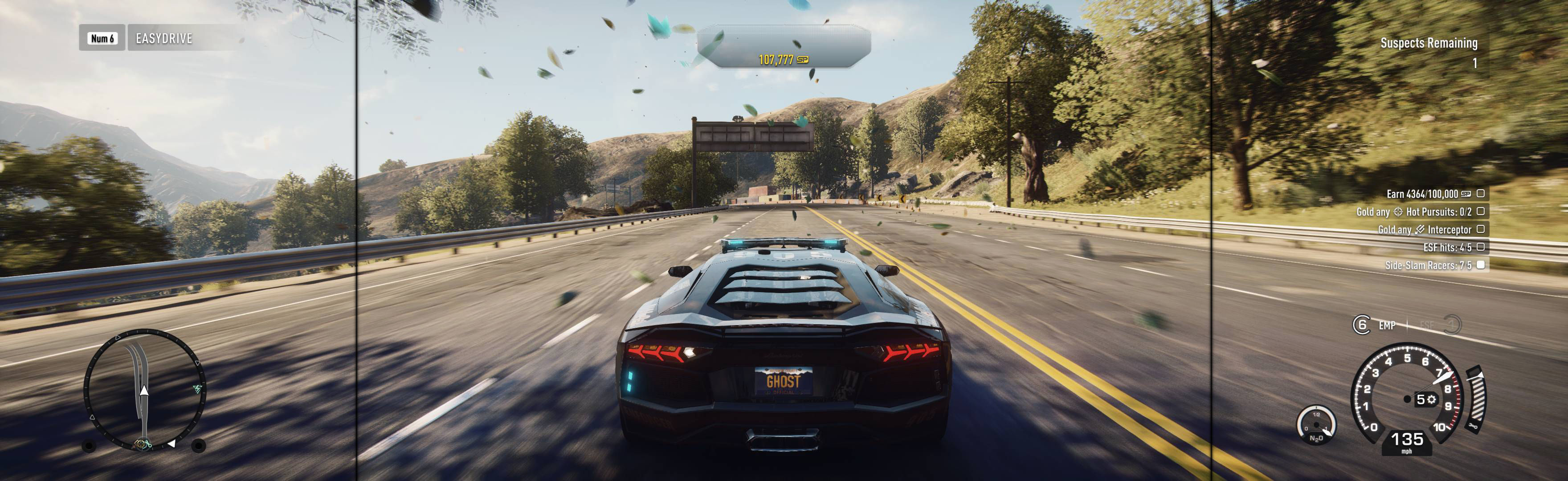
ShiftWindow (+ border). If still not borderless, use Windowed Borderless Gaming instead of ShiftWindow. Gives full spread. (Fullscreen has not been tested.)

Fullscreen: SoftTH (DX9 x86). In-game select massive resolution.
OR Borderless: Edit %LOCALAPPDATA%\PAYDAY 2\renderer_settings.xml. resolution = yours (no border *), windowed = "true", aspect_ratio = "#.#####" (yours = width / height *). In-game ShiftWindow (+ border = borderless). Then increase ShiftWindow nums till borders completely gone **.

SoftTH (DX9 x86). Edit (path-to-game)\Engine\ Config\BaseEngine.ini. Switch AspectRatio_MaintainXFOV to ...YFOV. Flawless Widescreen, HUD fix (shrinks menu *). In-game select fullscreen & massive resolution.

In-game looks good, but some oddities: Some rendered cutscenes that are single-screen are left justified. Main menus are massive, but all usable.

Ingame: Borderless & play til a gamesave. Edit (path-to-game)\display.ini. ResolutionWidth, ResolutionHeight = yours, no border. VerifyResolution = false. ShiftWindow (no border)
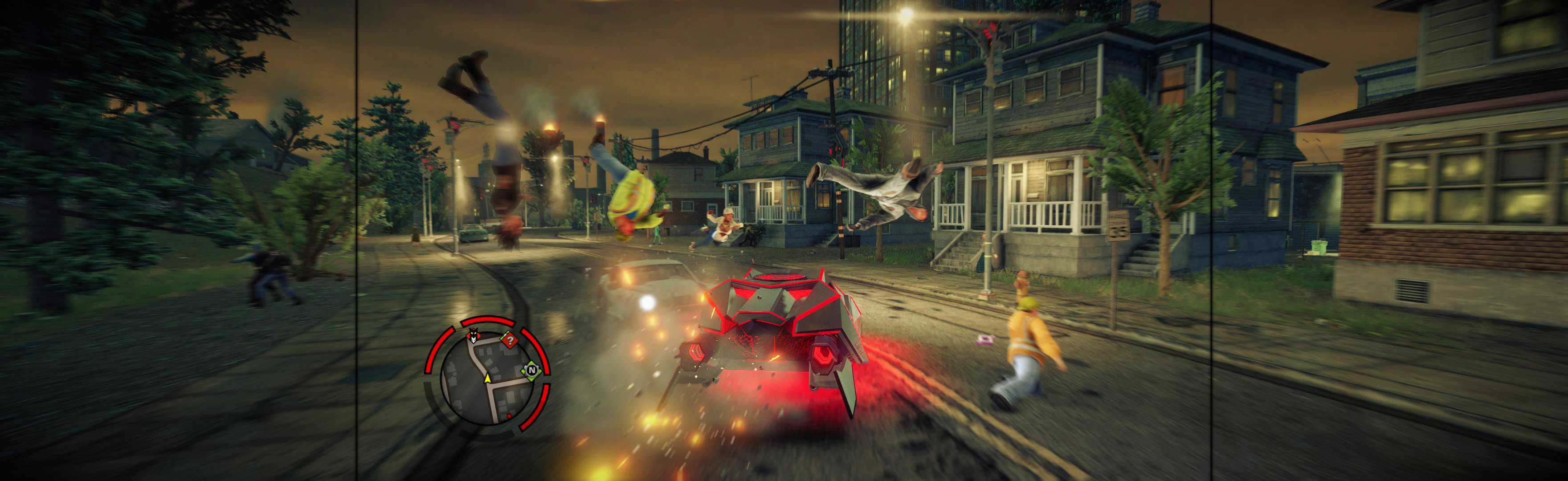
Game spreads full hor+ & FOV proper, in all view distances. Aim reticle proper. Rendered video hor+ (sometimes letterboxed). Other areas bit ugly *, but decent spread & none a problem.
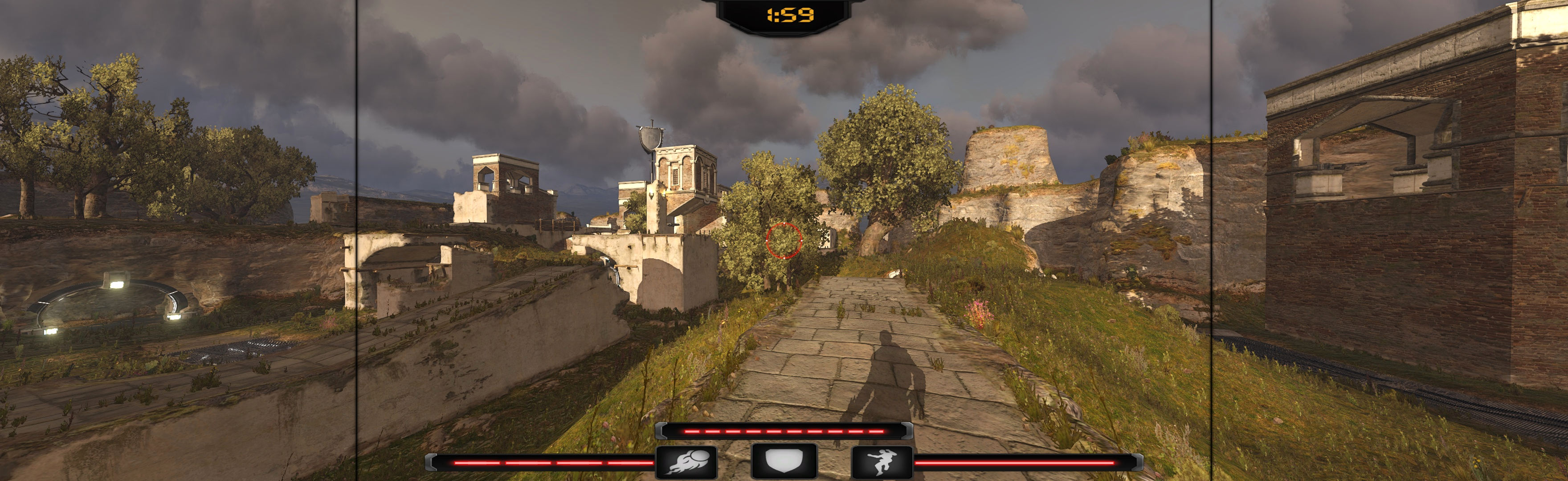
Game renders all well, but also has glitchy annoyances.


