Mass Effect 3 2012 Manual PLP Instructions
Complex setup, but easy PLP once done & game looks perfect.

(PLP screenshot with bezel effect)
Complex setup, but easy PLP once done & game looks perfect.
Game looks great except cut-scenes are all small or cropped width.
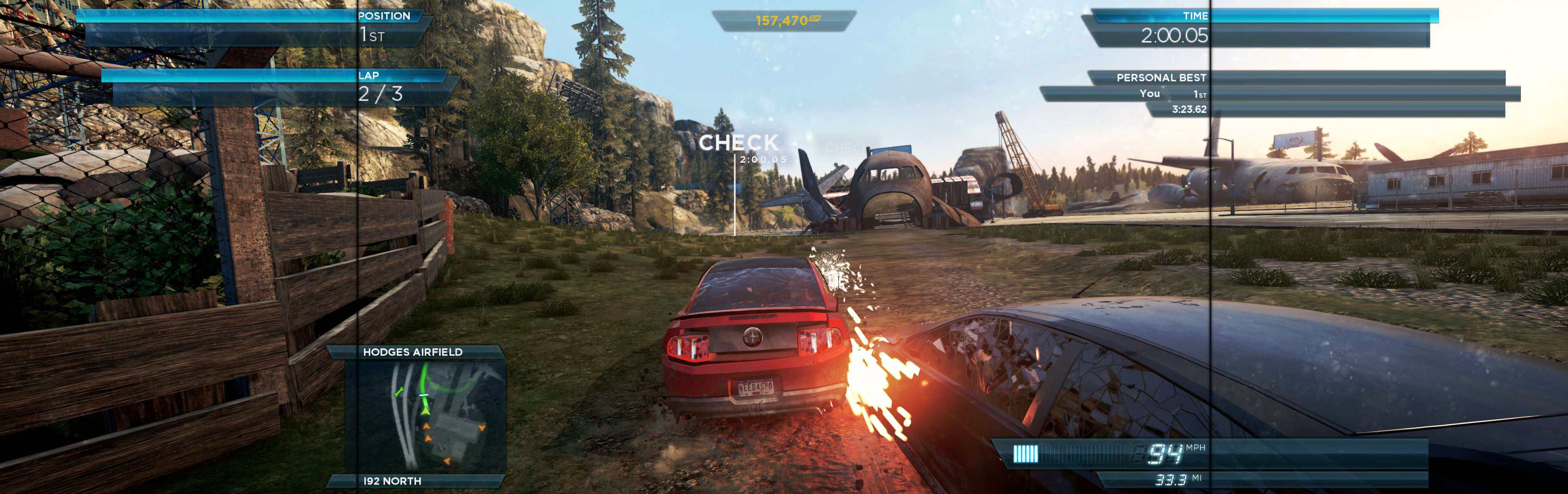
In-game: windowed. ShiftWindow (+ border = borderless)
Shortcut/launcher add -window. Notepad edit %USERPROFILE%\Documents\Criterion Games\Need For Speed(TM) Most Wanted\config.NSF13Save. Width & Height = yours (no border *). ShiftWindow (+ border = borderless)
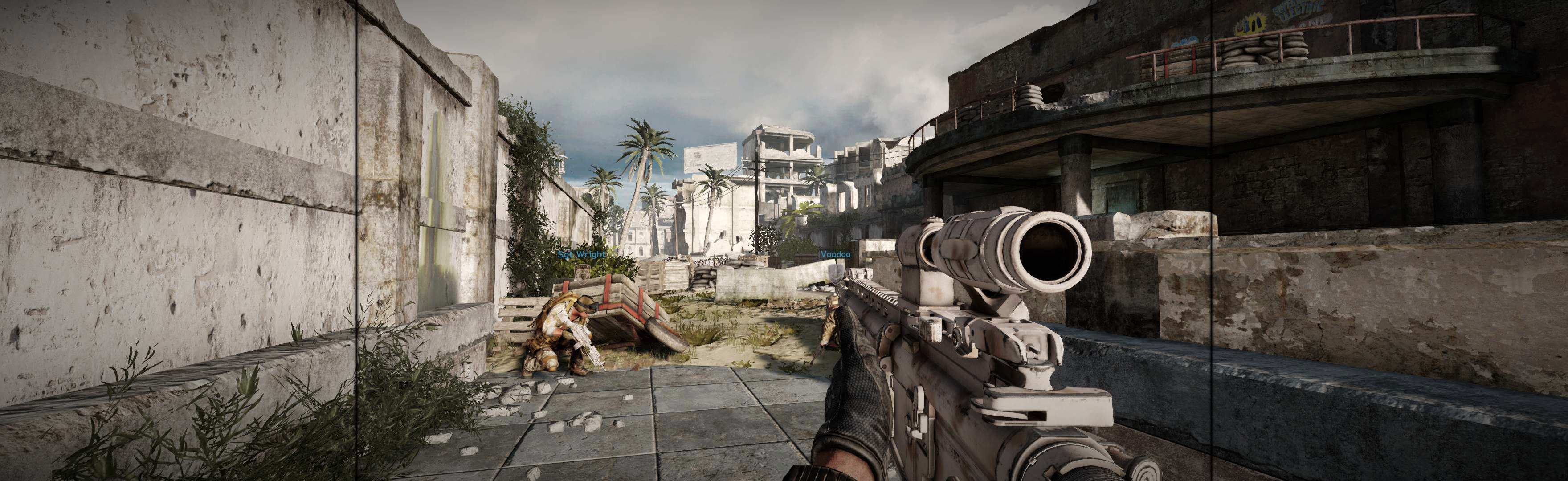
Looks good, works well, though weapons are vert- (bigger & cropped shorter). Weapons still aim & look good, except shotgun looks too short.
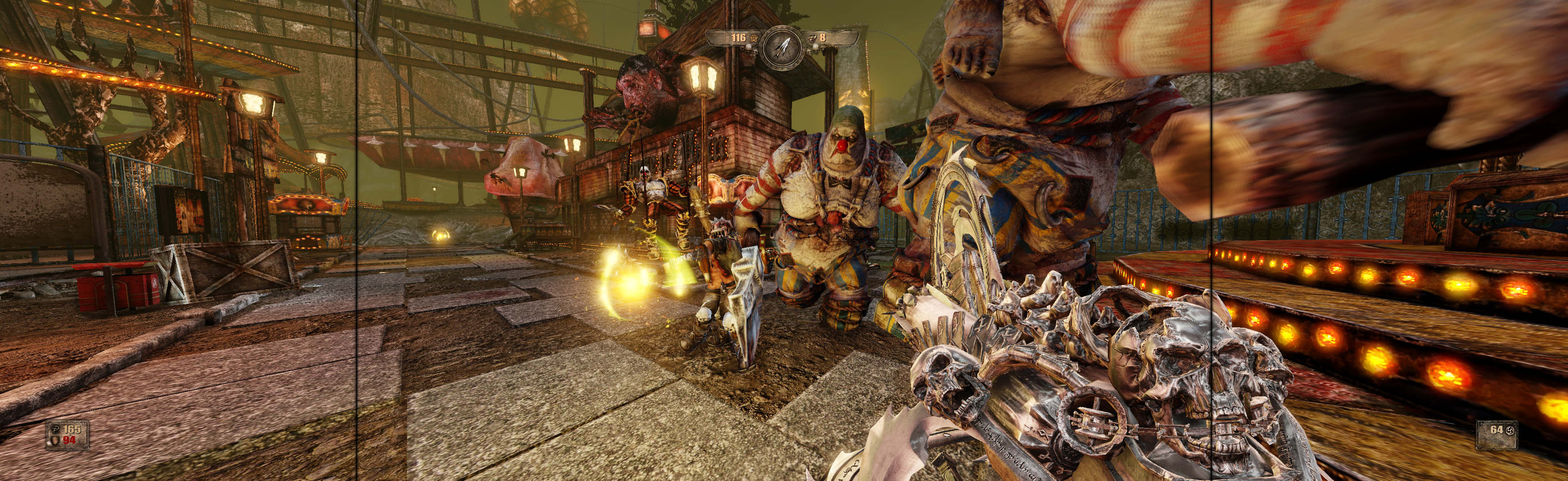
SoftTH (fullscreen, DX9 x86). Edit %USERPROFILE%/Documents/UnrealEngine3/TryGame/Config/TryEngine.ini. ResX & ResY yours. Switch AspectRatio_MaintainXFOV to ...YFOV.
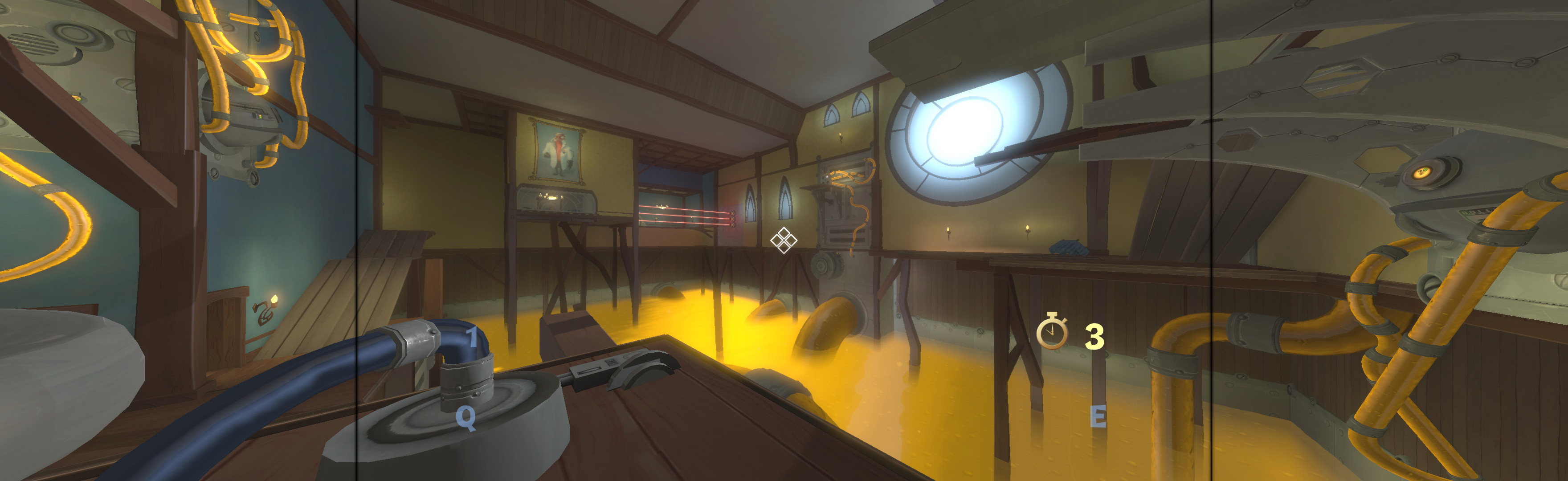
Bit complex setup, but all views perfect & easy PLP once done.
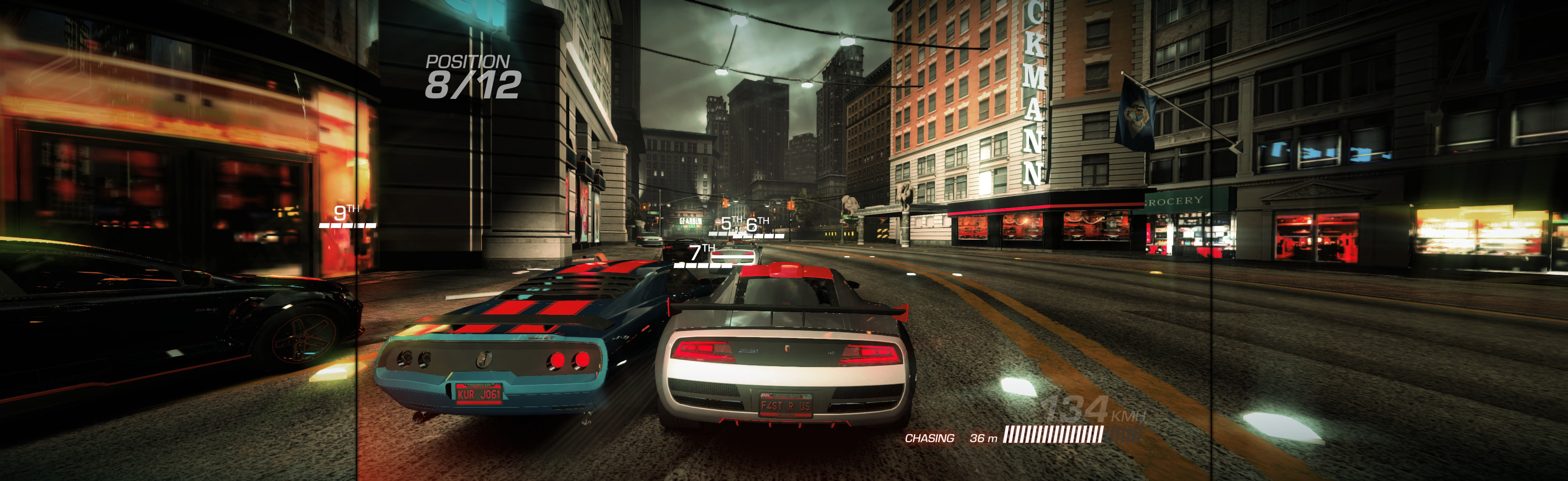
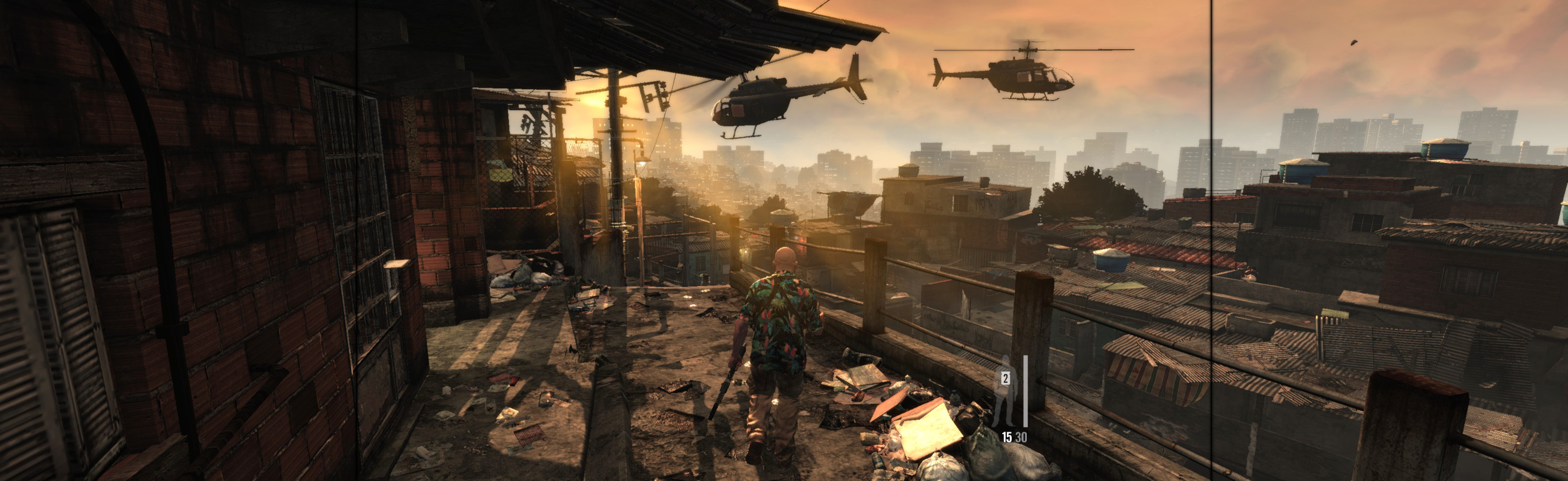
In-game: windowed. ShiftWindow (+ border = borderless)
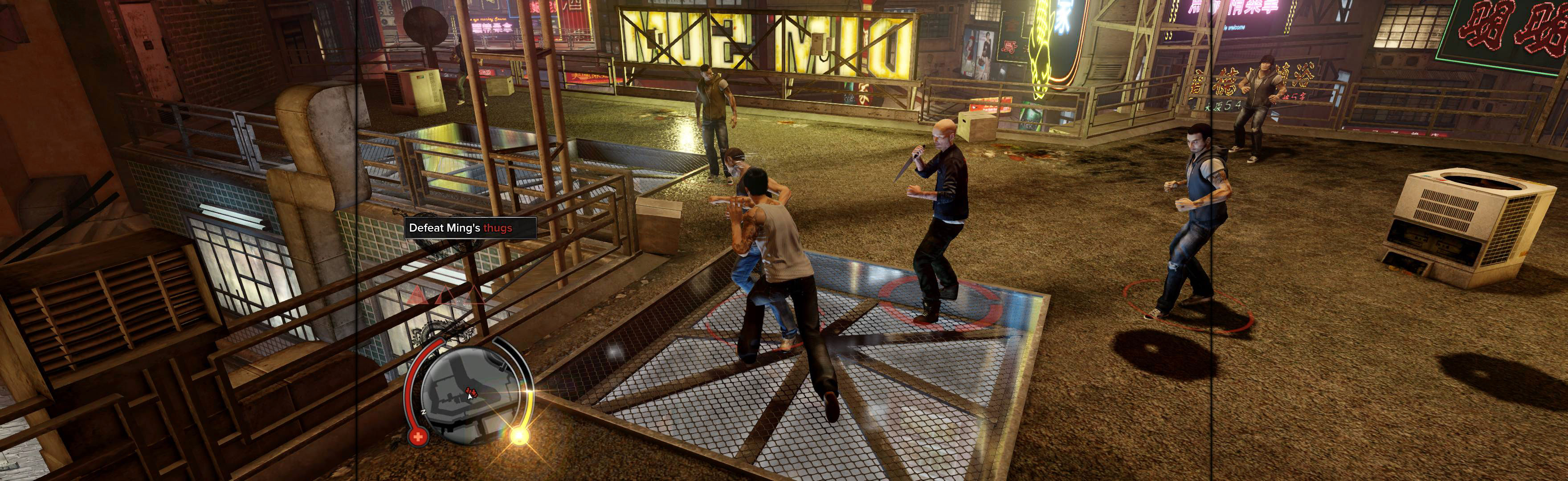
Add shortcut/launcher arg: -subwindow. Edit %LOCALAPPDATA%\SniperV2\Settings.ini. Resolution_Width & Resolution_Height (no border *). ShiftWindow (+ border = borderless).

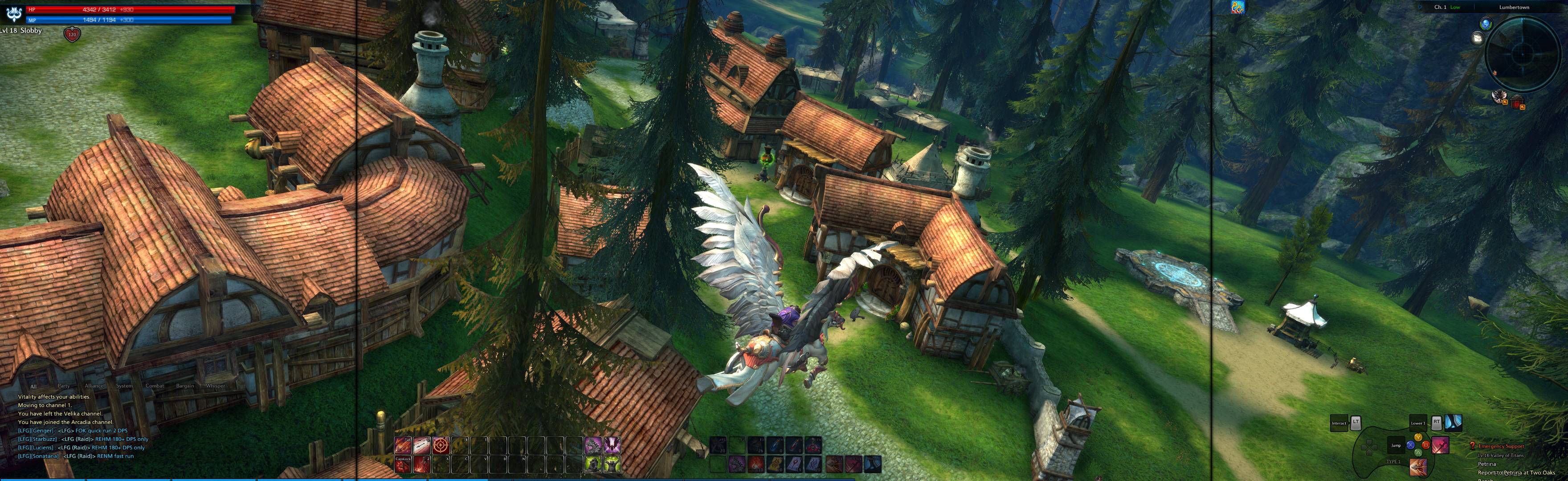
SoftTH (PLP resolution + border), goes in …Tera\Client\Binaries. In-game settings, Video: Windowed; Screen Ratio: More; Resolution: select PLP resolution. ShiftWindow (+ border = borderless).