


Bloody Good Time 2010 Manual PLP Instructions
SoftTH (fullscreen, DX9 x86) in (path-to-game)\bin. In-game select massive resolution.
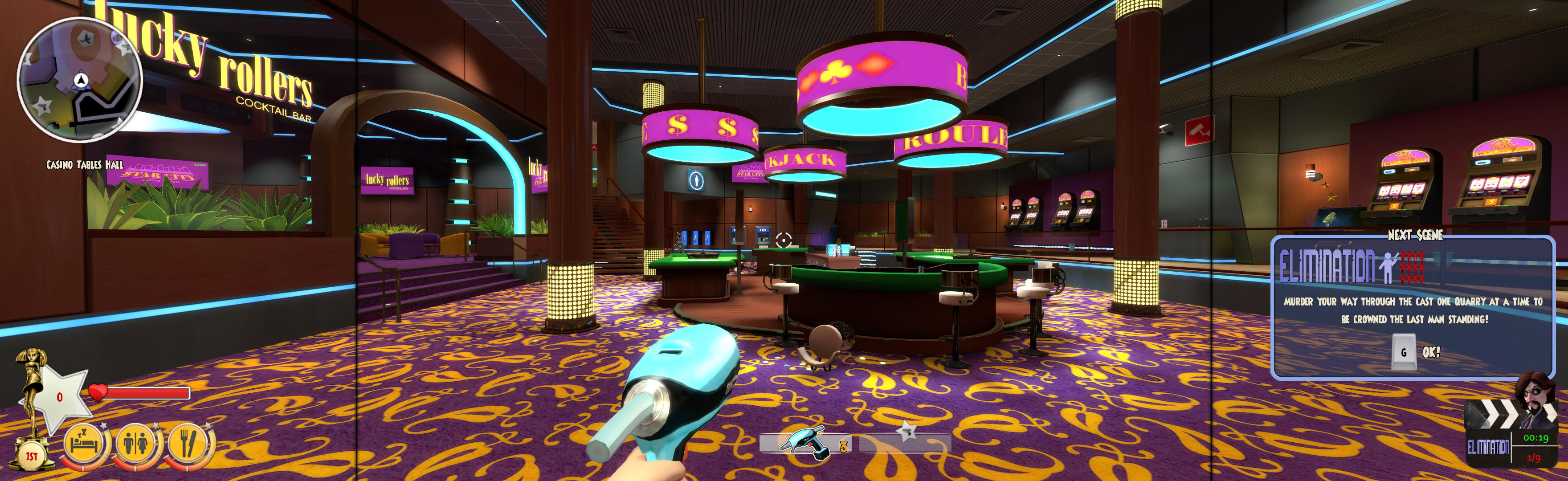
(PLP screenshot with bezel effect)
SoftTH (fullscreen, DX9 x86) in (path-to-game)\bin. In-game select massive resolution.
Game renders all well & no problems.

In-game select windowed & apply. ShiftWindow (+ border = borderless).
NOTES:
Game renders decently & remembers borderless perfectly. But has a few issues, none a problem.

Game looks good, but loading screens stretched.

Shortcut/launcher argument -d3d9. SoftTH (DX9 x86). In-game select fullscreen & massive resolution.
Multiplayer vert- view fix: edit %USERPROFILE%\Documents\WB Games\Batman Arkham Origins\BmGame\ Config\BmEngine.ini. Switch AspectRatio_MaintainXFOV to ...YFOV.
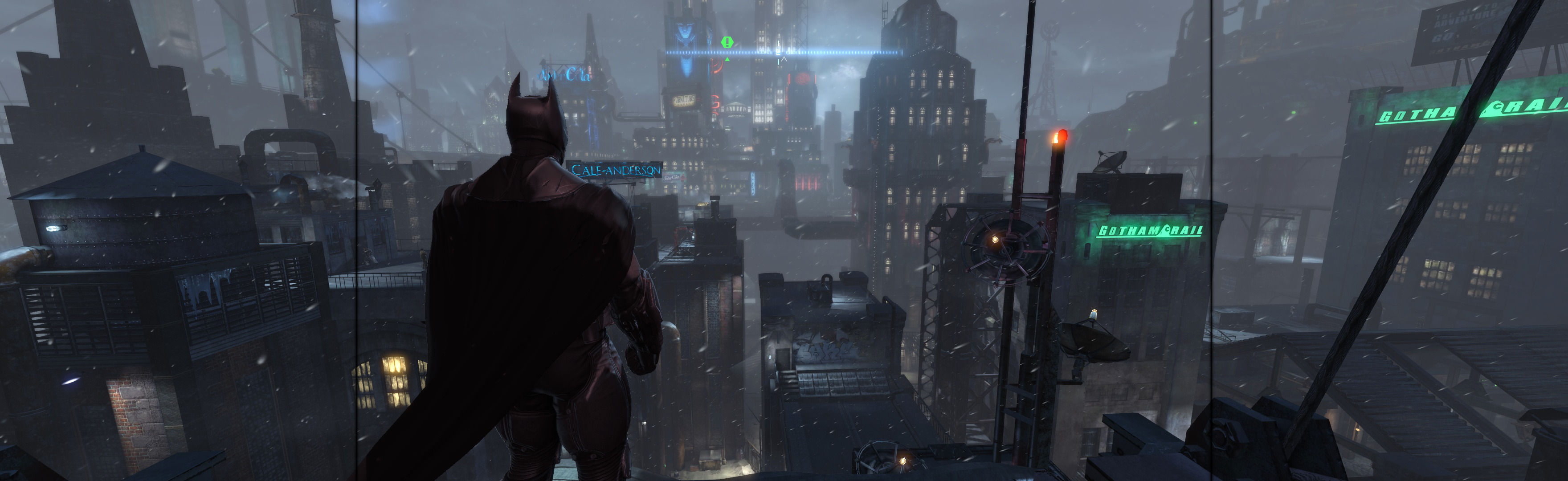
View guide for general help with the instructions.
Ingame: Borderless. ShiftWindow (+ border = full spread)
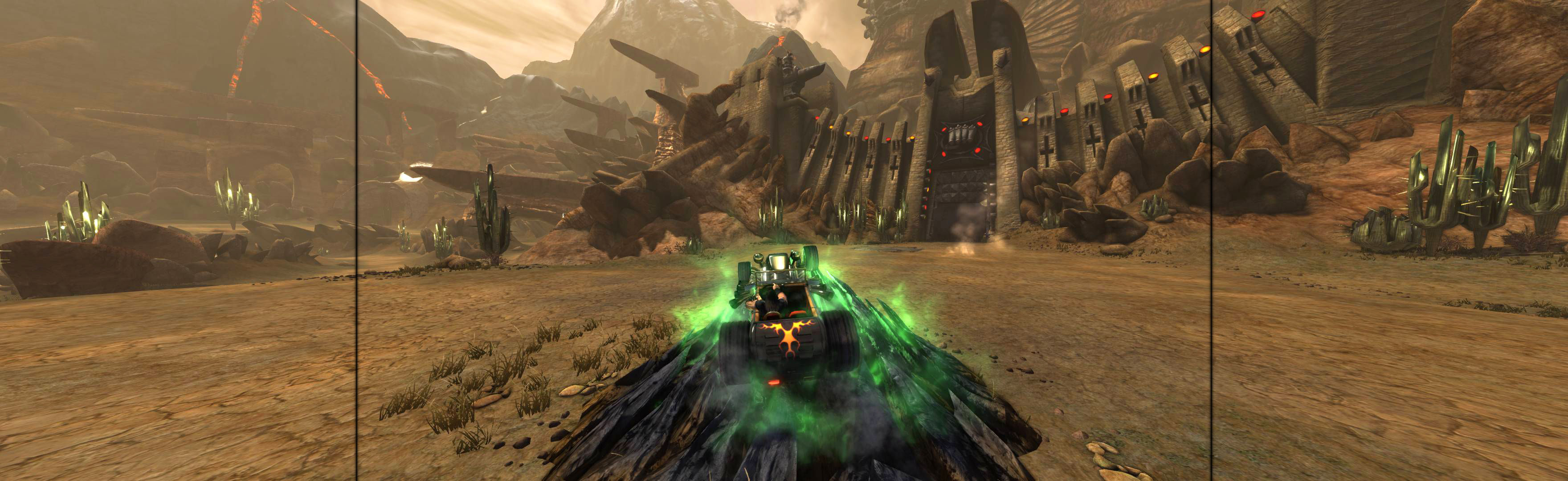
SoftTH (fullscreen, DX9 x86). Edit 2 files in %USERPROFILE%\Documents\My Games\UnrealEngine3\P13\Config.
1: P13Engine.ini. ResX & ResY your PLP resolution. Switch AspectRatio_MaintainXFOV to ...YFOV.
2: P13Input.ini. Under [Engine.PlayerInput], add line: Bindings=(Name="T",Command="FOV 58.3").
At game start, always type T for FOV fix.

In-game: windowed. ShiftWindow (+ border = borderless)
Fullscreen: SoftTH (fullscreen, DX9 x86). Main menu select massive resolution (maybe at each game start). Game locks up sometimes (Ctrl+Alt+Del).
OR Borderless: In-game windowed (it's borderless), quit. Edit %LOCALAPPDATA%\techland\ cojgunslinger\out\ Settings\Video.scr. Resolution(####,####) yours (no border). ShiftWindow (no border).


