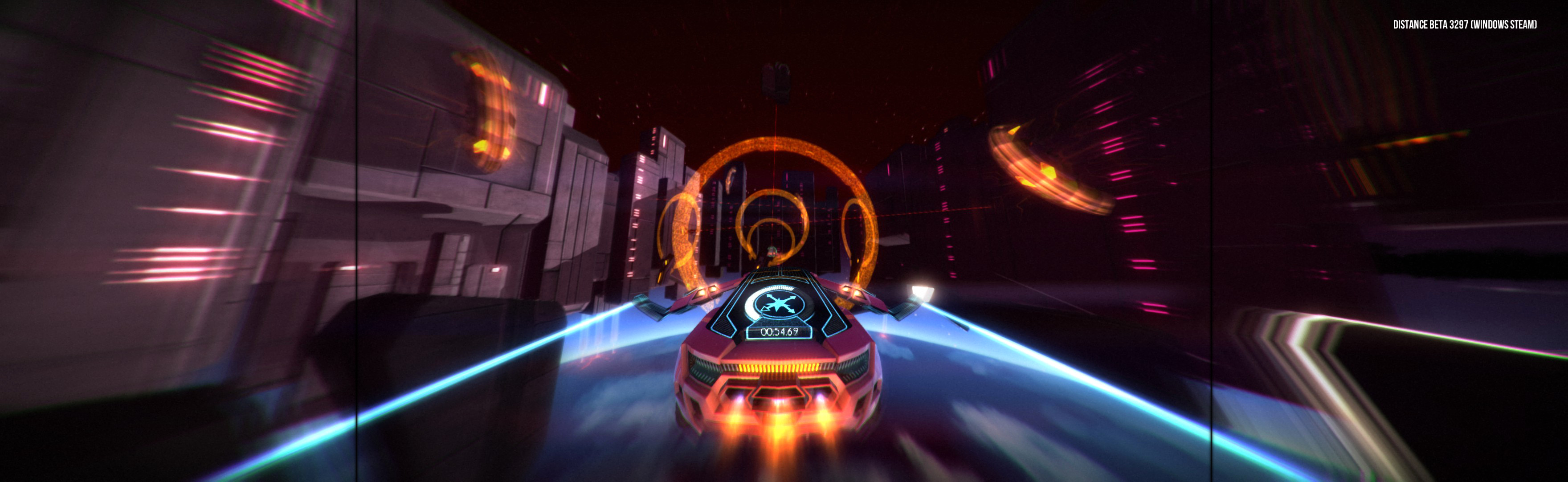
Assetto Corsa 2014 Manual PLP Instructions
In-game: windowed. ShiftWindow (+ border = borderless)
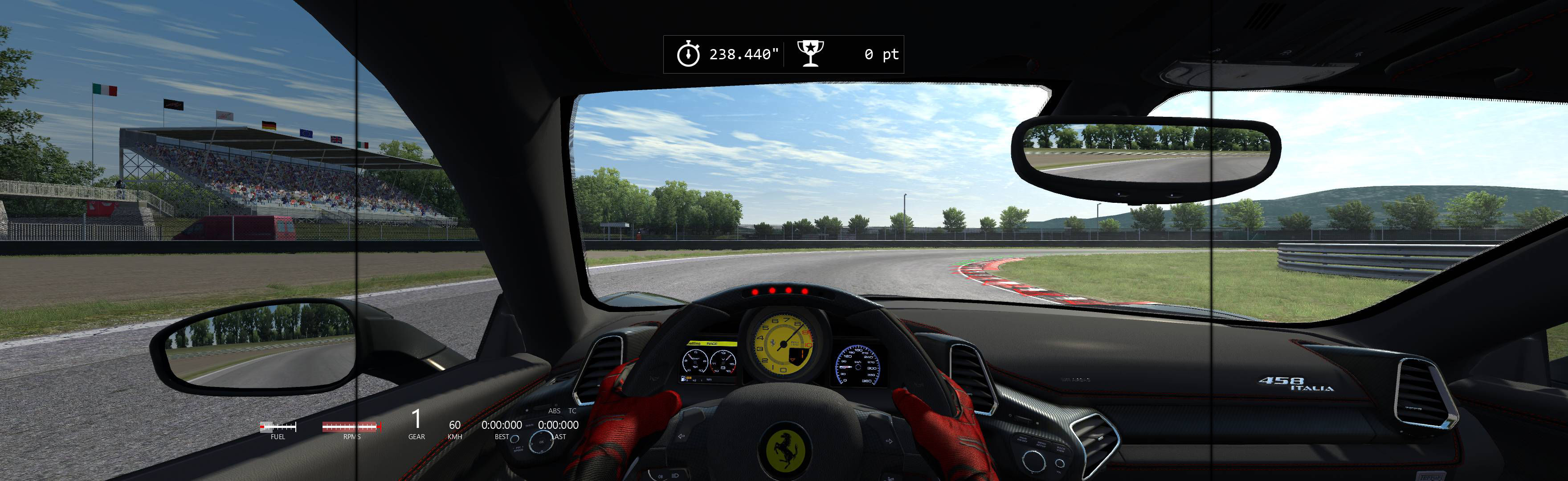
(PLP screenshot with bezel effect)
In-game: windowed. ShiftWindow (+ border = borderless)
Game positions perfect, borderless.
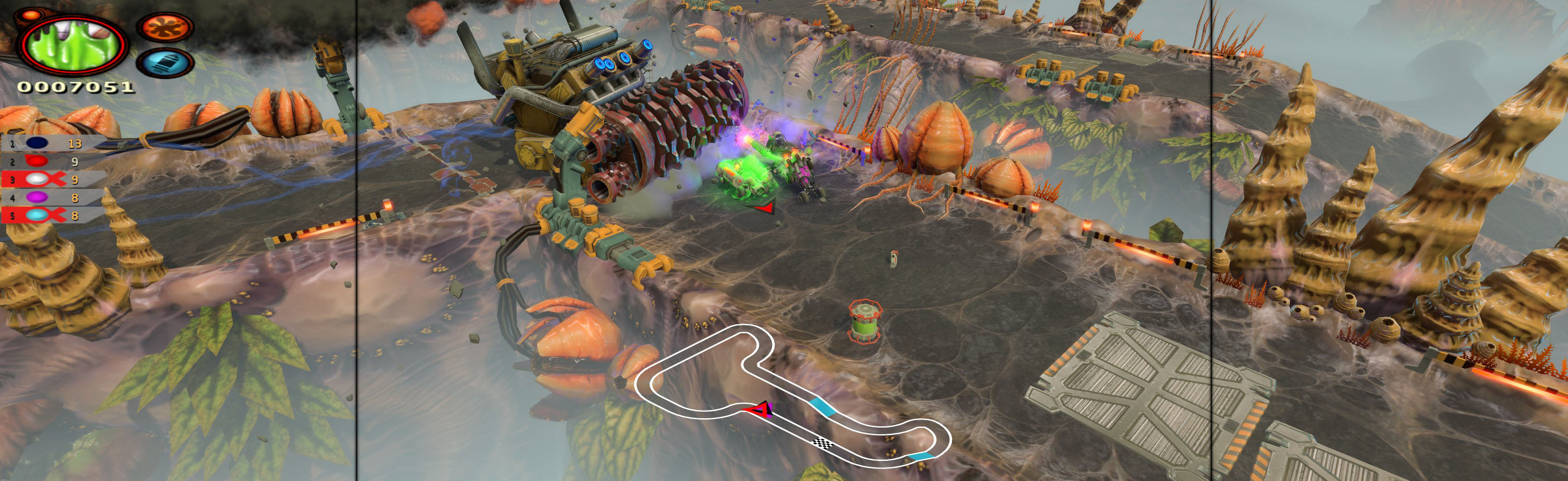
Shortcut/launcher argument -nolauncher. SoftTH (DX9 x86). In-game select fullscreen & massive resolution. FOV slider in-game (not needed).
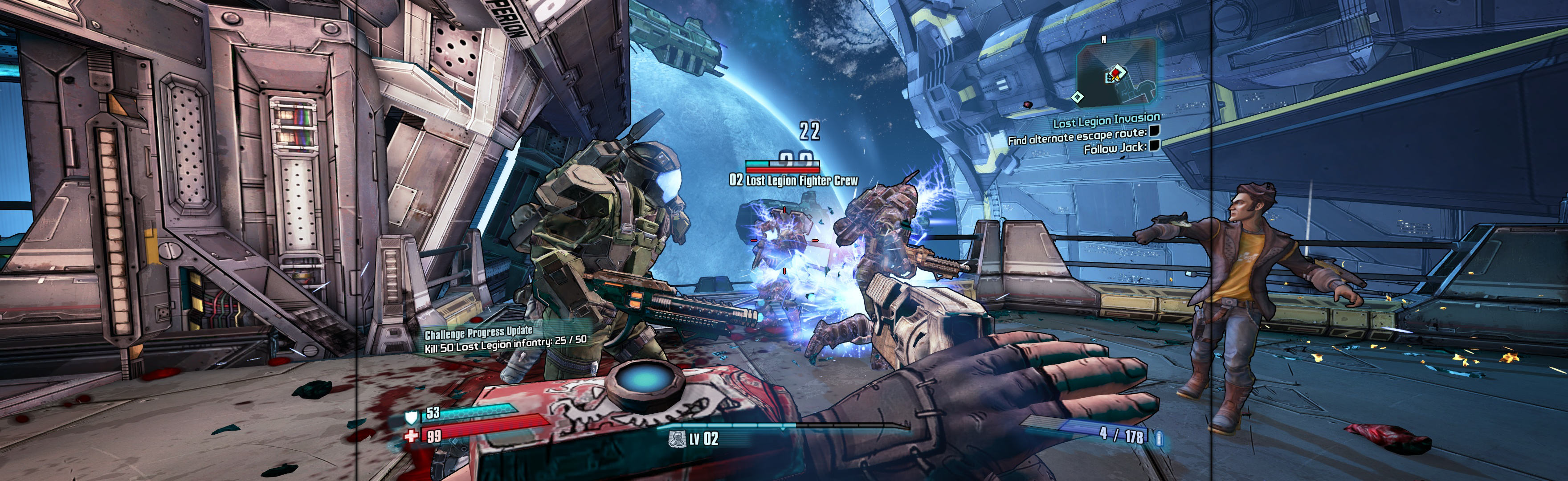
Borderless (best choice *): In-game windowed. Quit. Edit %USERPROFILE%\Documents\Bound by Flame\graphicconfig.txt. RESX & RESY yours (+ border). Start game, wait for menu. ShiftWindow (+ border = borderless) & to position.
OR Fullscreen: SoftTH (DX9 x86). In-game select massive resolution.
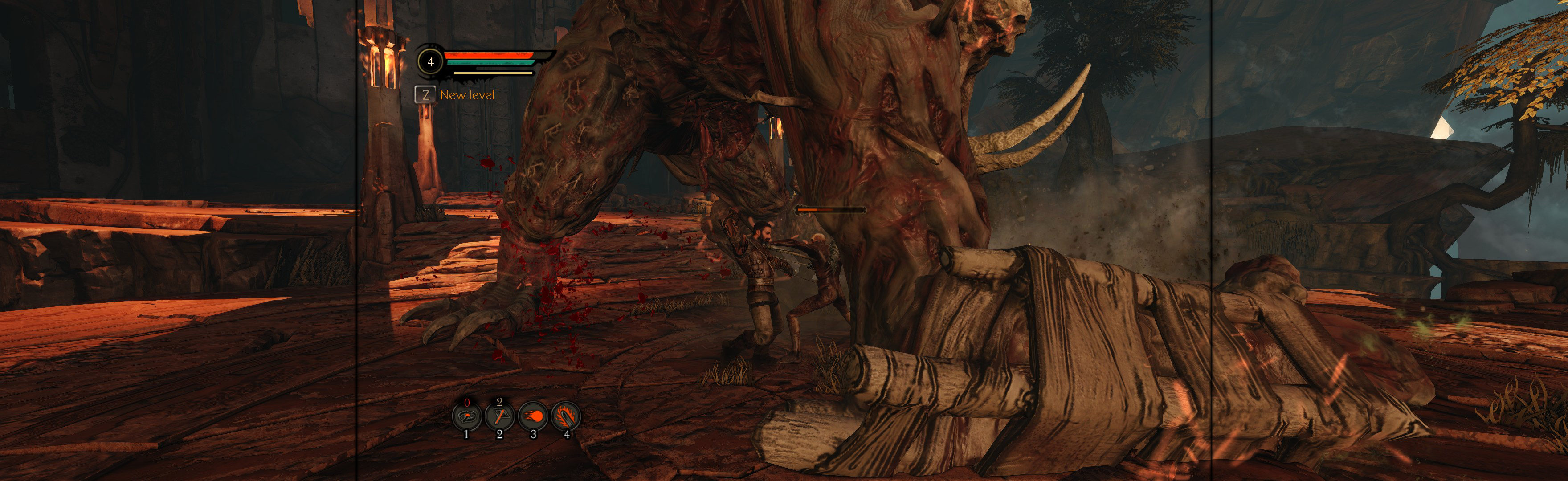
Spreads perfect & not pixelised when done.
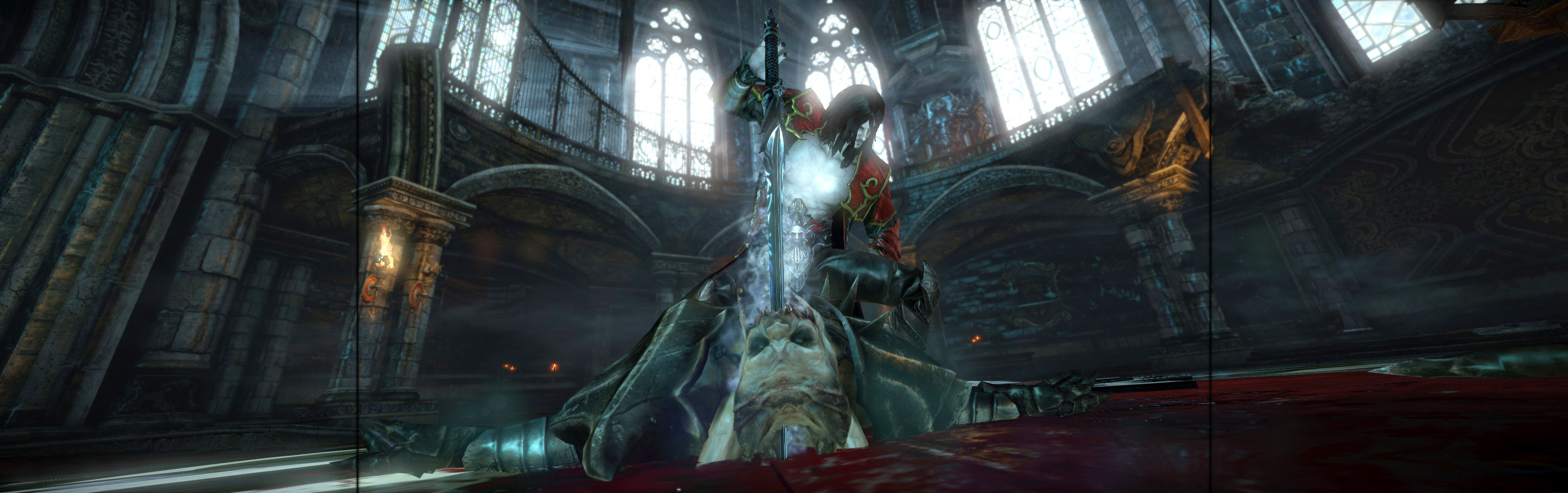
In-game: windowed. Flawless Widescreen (leave bordered). ShiftWindow. Both: increase values same til borders gone (a hint more than resolution + border).
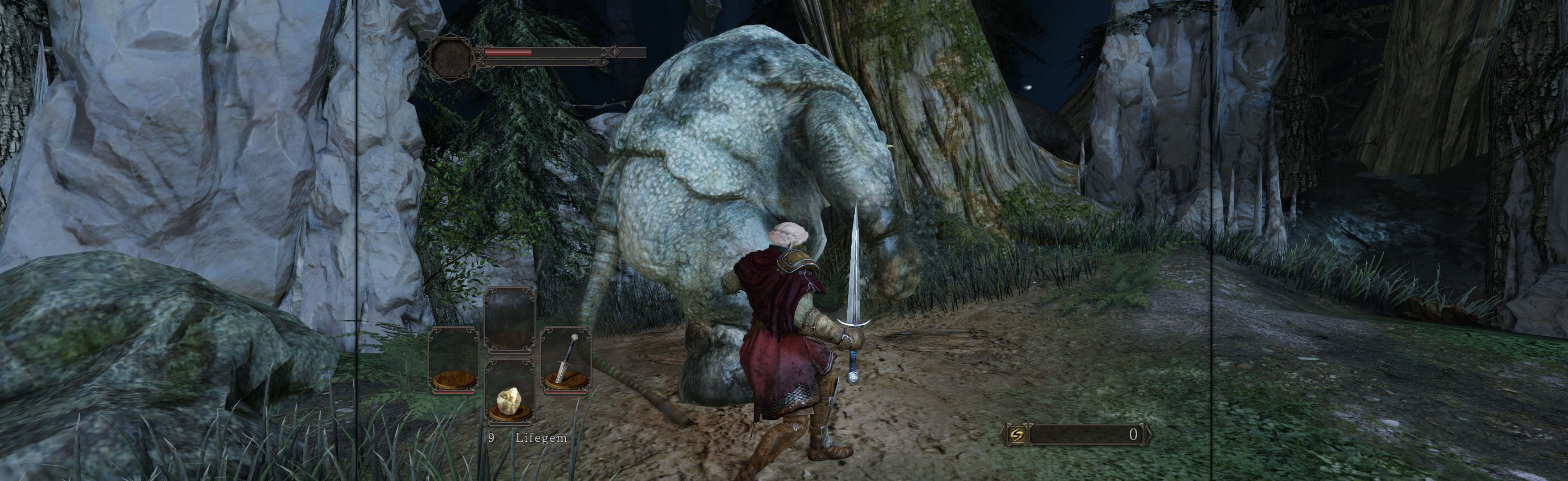
In-game, windowed. ShiftWindow (+ border = borderless).
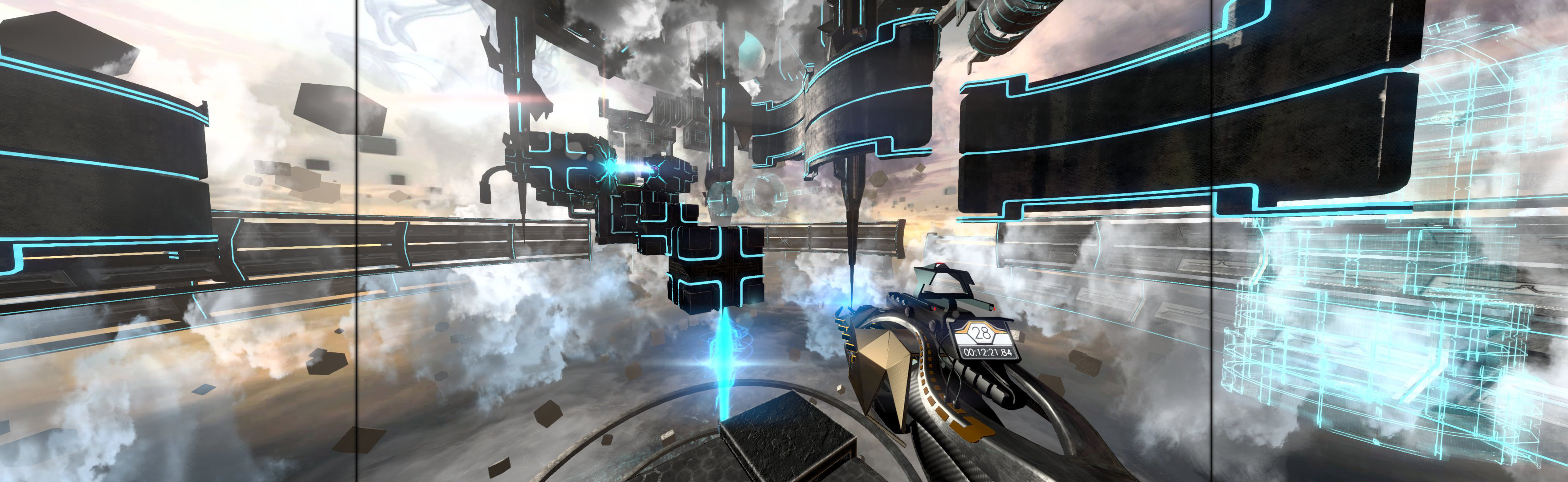
Complex, but perfect easy PLP once done.
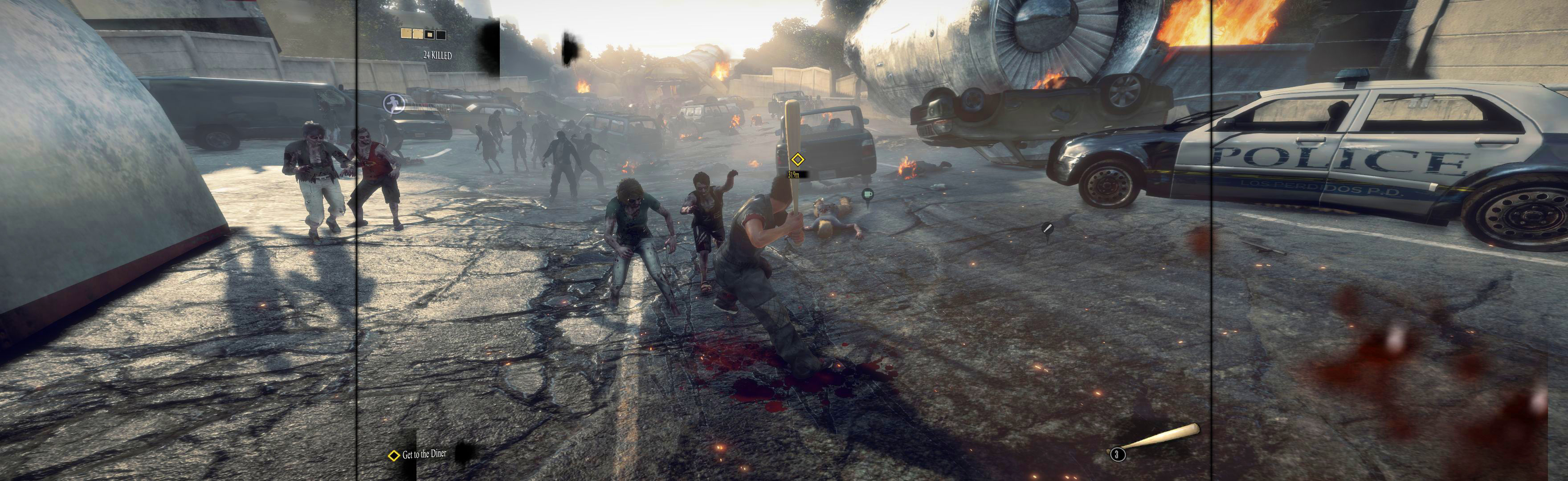
In-game: windowed. ShiftWindow (+ border = borderless)
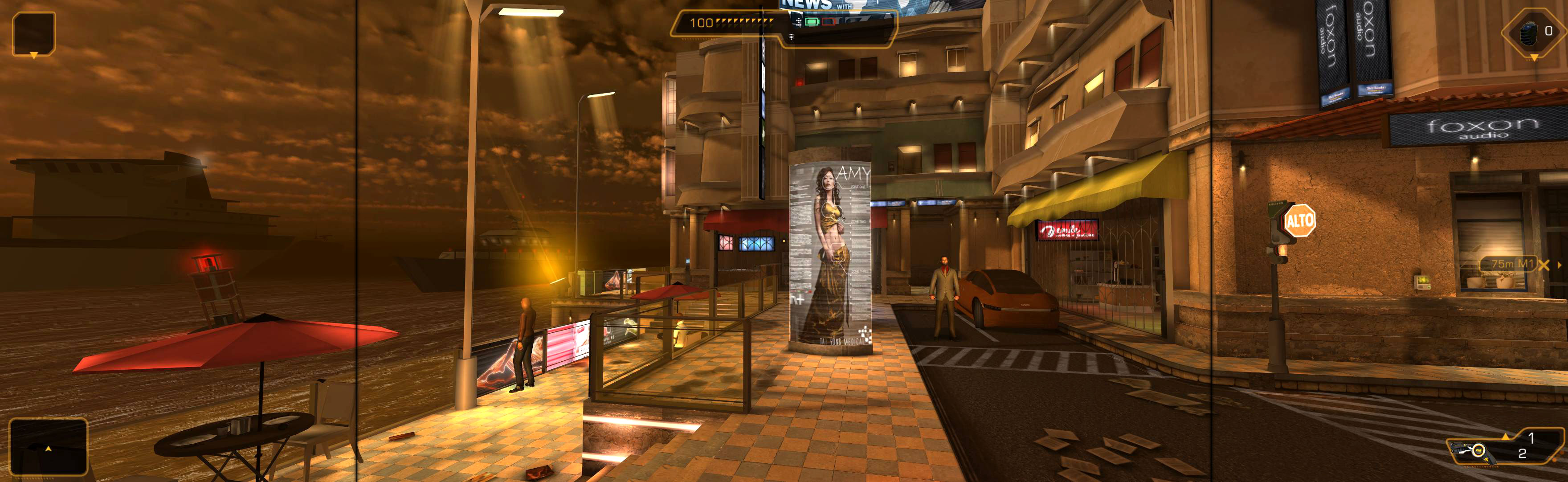
In-game windowed. ShiftWindow (+ border = borderless)