


Borderless (best choice *): In-game windowed. Quit. Edit %USERPROFILE%\Documents\Bound by Flame\graphicconfig.txt. RESX & RESY yours (+ border). Start game, wait for menu. ShiftWindow (+ border = borderless) & to position.
OR Fullscreen: SoftTH (DX9 x86). In-game select massive resolution.
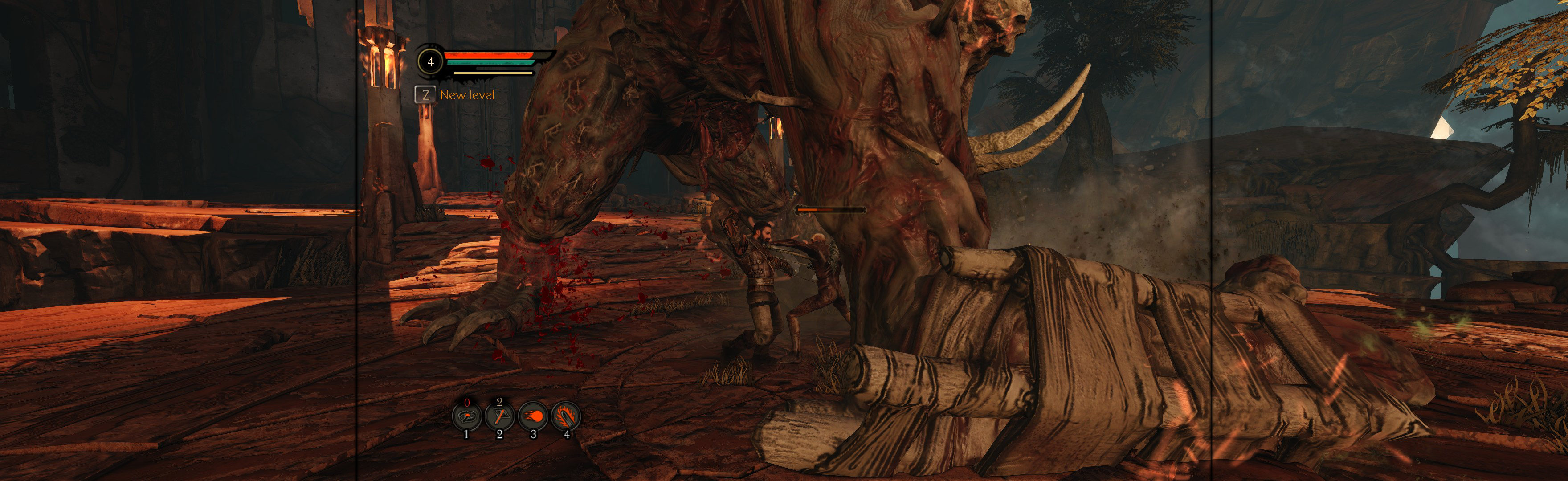
(PLP screenshot with bezel effect)
NOTES:
1. In-game FOV slider: Optional, not needed.
2. * Looks great in borderless, all renders right. Fullscreen good, but visual oddities: a few textures misaligned (makes one-eyed people) & inferior skyline effects.
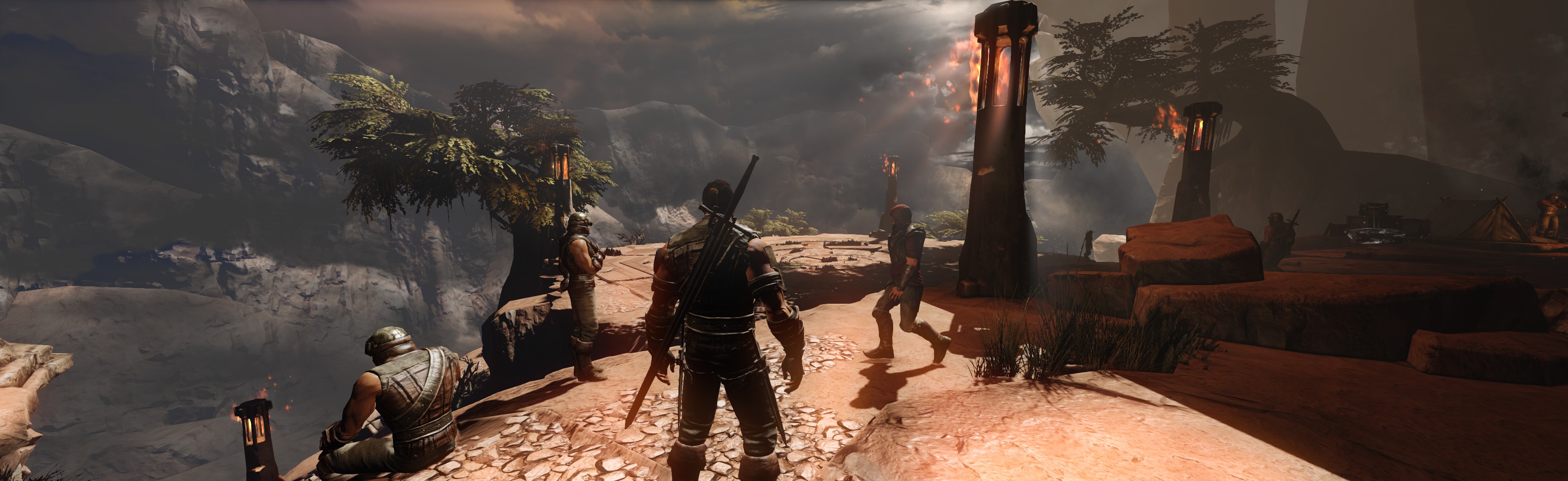
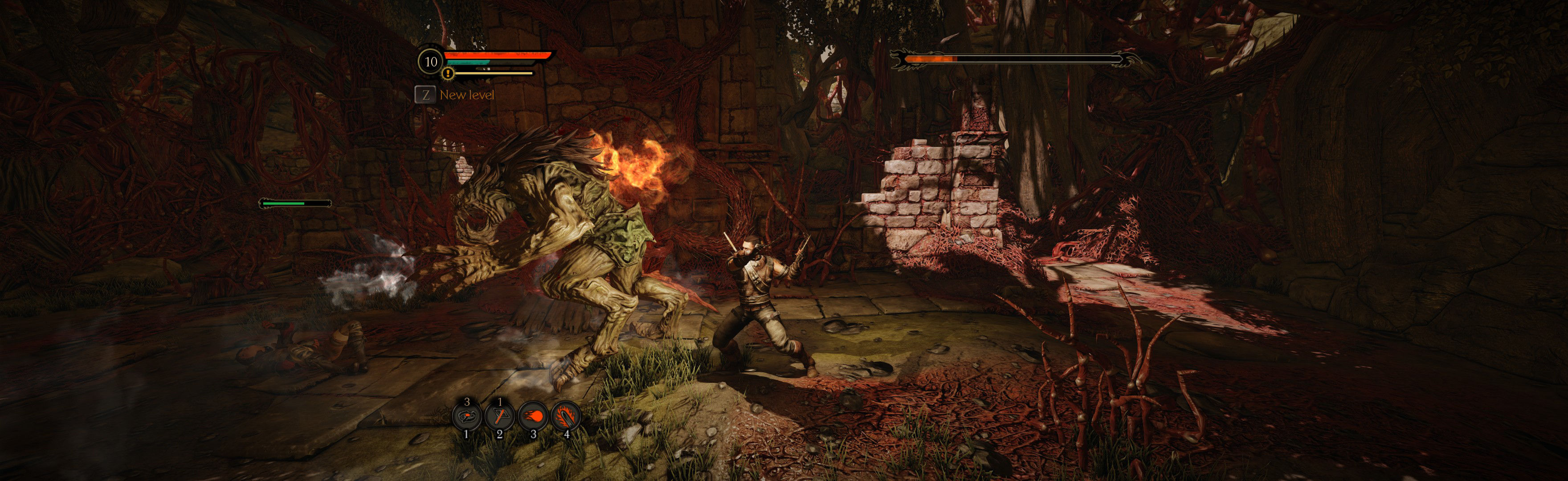
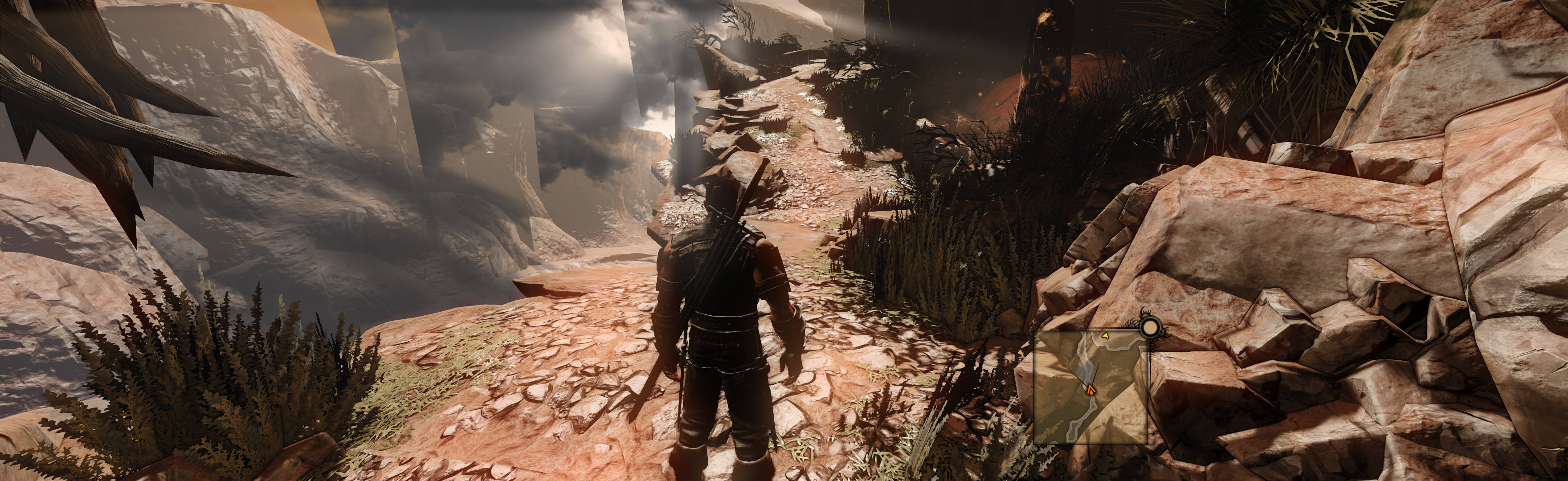
(This sky anomaly is caused by SoftTH; whereas borderless has no problem)
View guide for general help with the instructions.





