


Sniper Elite 3 2014 Manual PLP Instructions
Add shortcut/launcher arg: -subwindow. Edit %LOCALAPPDATA%\Sniper3\Settings.ini Resolution_Width & Resolution_Height (no border *). ShiftWindow (+ border = borderless).

(PLP screenshot with bezel effect)
Add shortcut/launcher arg: -subwindow. Edit %LOCALAPPDATA%\Sniper3\Settings.ini Resolution_Width & Resolution_Height (no border *). ShiftWindow (+ border = borderless).
SoftTH (fullscreen, DX9 x86). Edit %USERPROFILE%\Documents\My Games\Styx\StyxGame\Config\StyxSystemSettings.ini. AllowSecondaryDisplays=True, SecondaryDisplayMaximumWidth & ...Height= your side screen resolution. Run x86 game version, not x64. In-game select massive resolution.
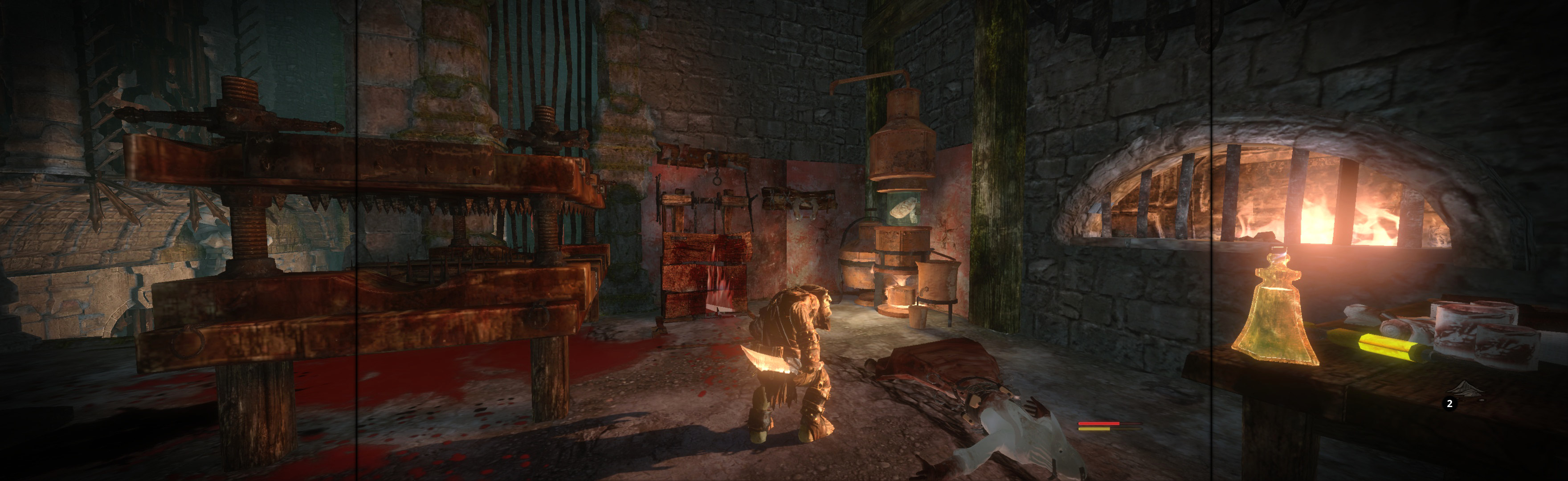
In-game: windowed. ShiftWindow (+ border = borderless)
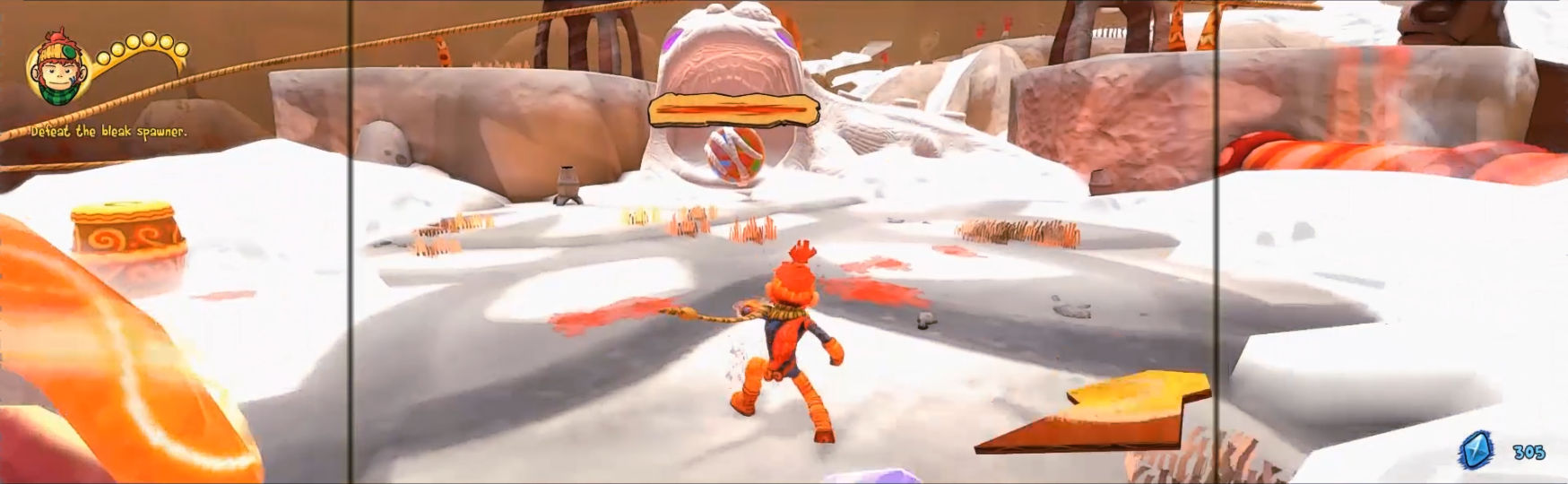
In-game windowed, ShiftWindow (trigger with offset & + border; won't visibly work, but preps). Quit. Re-launch game, ShiftWindow 2 times (+ border = borderless).

Game looks great. FOV & all text look proper.

Edit %USERPROFILE%\ Documents\TrialsFusion\ SavedGames\local_config.xml. Window width & height = yours (+ border = borderless). fullscreen="false" aspect_correction="false". ShiftWindow (same nums & to position).
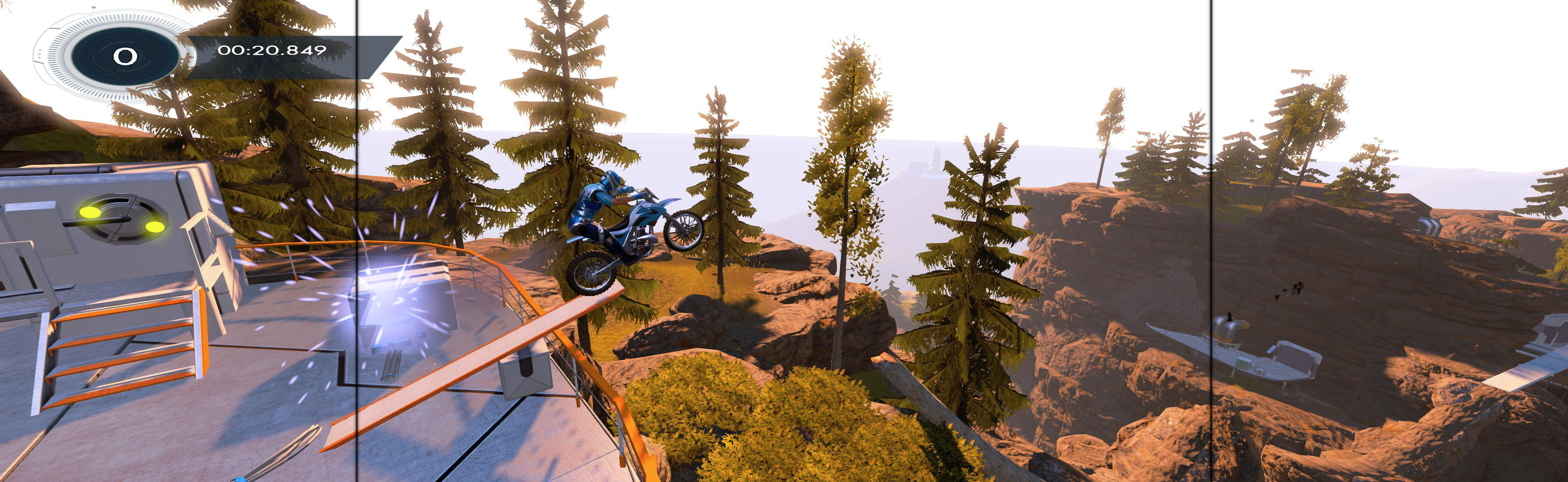
Ingame: windowed, 1920x1080, close. Regedit: HKEY_CURRENT_USER\Software\ inXile\Wasteland2\Resolution_h2981718891 (1920x1080) = yours w border. ShiftWindow (+ border = borderless) at inXile logo, close game & restart (only do 1st time. Corrects menu, off-target, & graphic anomaly). ShiftWindow.

Game's hor+ & looks great, marred by minor ugliness (not a problem). FOV varies from dead-proper to near-proper-FOV+ (details *), looks great. HUD mostly proper (& mostly on center), with some bigger elements ** (looks fine). Menus & text appear on center & are usually proper (see non-proper elements below). Rendered cutscenes full hor+, FMVs (rare) pillarboxed to center. Loading screens proper.

Great spread, though videos are stretched.
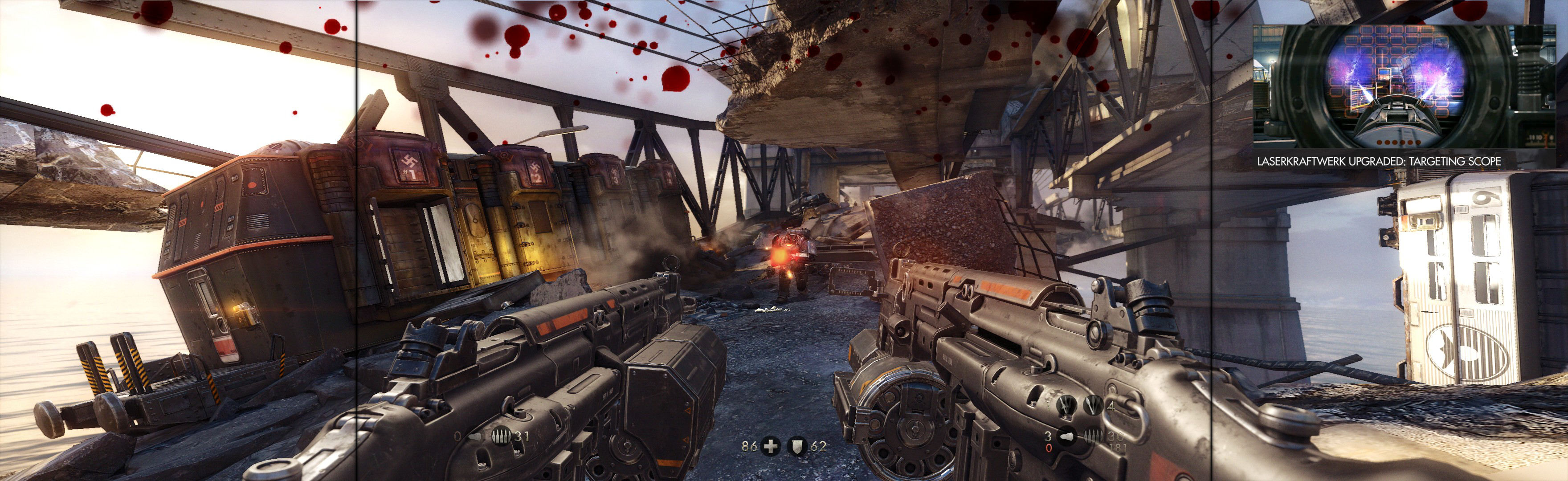
SoftTH (fullscreen, DX9 x86). In game launcher select massive resolution.


