


Flashback 2013 Manual PLP Instructions
Complex setup, but easy PLP once done & game looks quite good *.

(PLP screenshot with bezel effect, most common distance)
Complex setup, but easy PLP once done & game looks quite good *.
SoftTH (fullscreen, DX9 x86) in (path-to-game)\bin. In-game fullscreen, select massive resolution (every time).

Game looks pretty good. Hor+ & FOV looks proper. HUD & text perfect. Rendered video spreads full perfect. But minor issues *.

SoftTH (fullscreen, DX9 x86). Edit %USERPROFILE%\Documents\My Games\RedOrchestra2\ROGame\ Config\ROEngine.ini. ResX & ResY yours.

Game looks good. Hor+ & FOV looks proper. HUD & all text perfect, FMV cutscenes & loading screens are single-screen. But minor issues *.

Complex setup, but game looks good.

Game looks quite good. Hor+ & FOV looks proper. HUD & all text perfect. But black margin on side monitors' inner bezel. Backgrounds on menu/loading-type screens are often vert- or graphic anomalies on sides (not a problem).
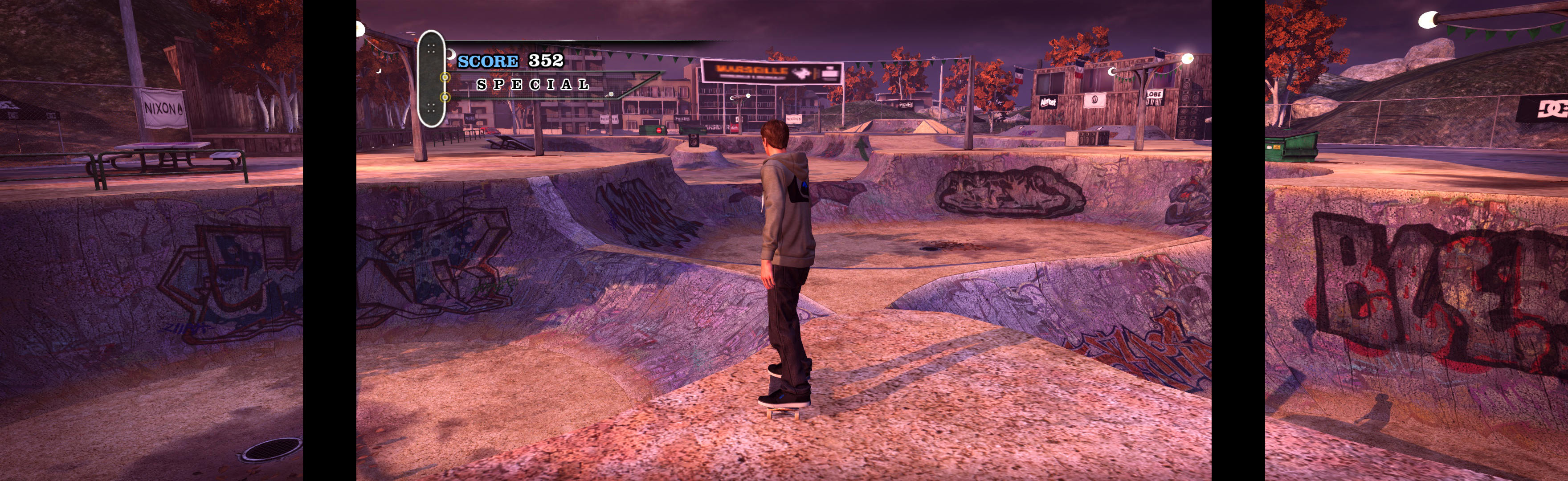
Game spreads perfect. Hor+, FOV looks proper. Loading screens, menus, HUD & text all perfect. Cutscenes render single-screen, fine.
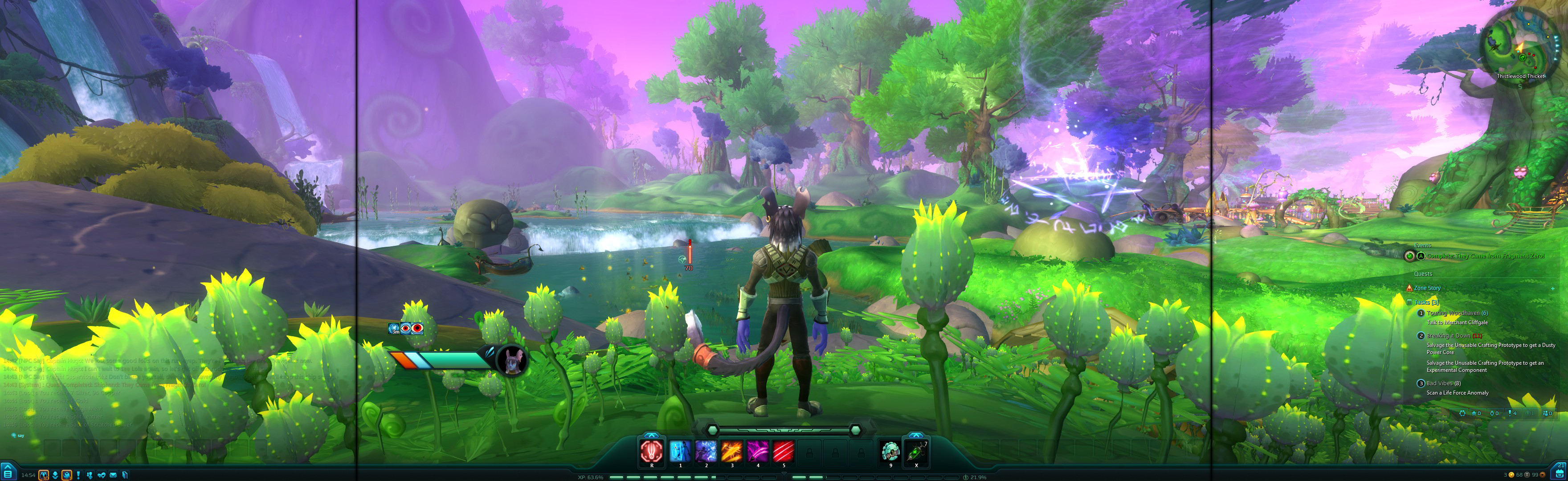
Do you struggle with games that involve shooting? This is correctable & fun to fix. Near-limitless immersive adventures await, if you can just get past the gun.
Looks good & easy setup if played with high FOV (cropped just below knees), but bit complex to set up proper FOV (cropped across butt). Latter also requires game update *.


