


Game looks good, & menus work well enough. Weapons look & aim proper. View maybe slightly FOV+ by default, & looks great (dead-proper FOV achievable *). Rendered cutscenes full hor+. All text is proper. Both menu elements & HUD span full width. Some ugliness (*).
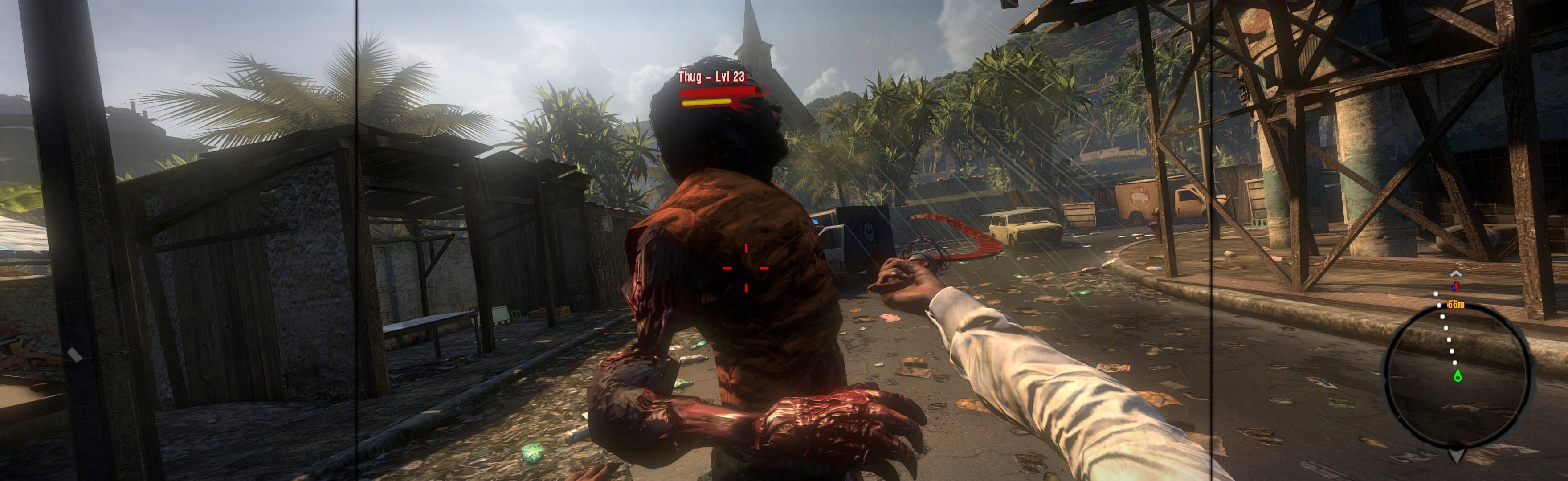
(PLP screenshot with bezel effect)
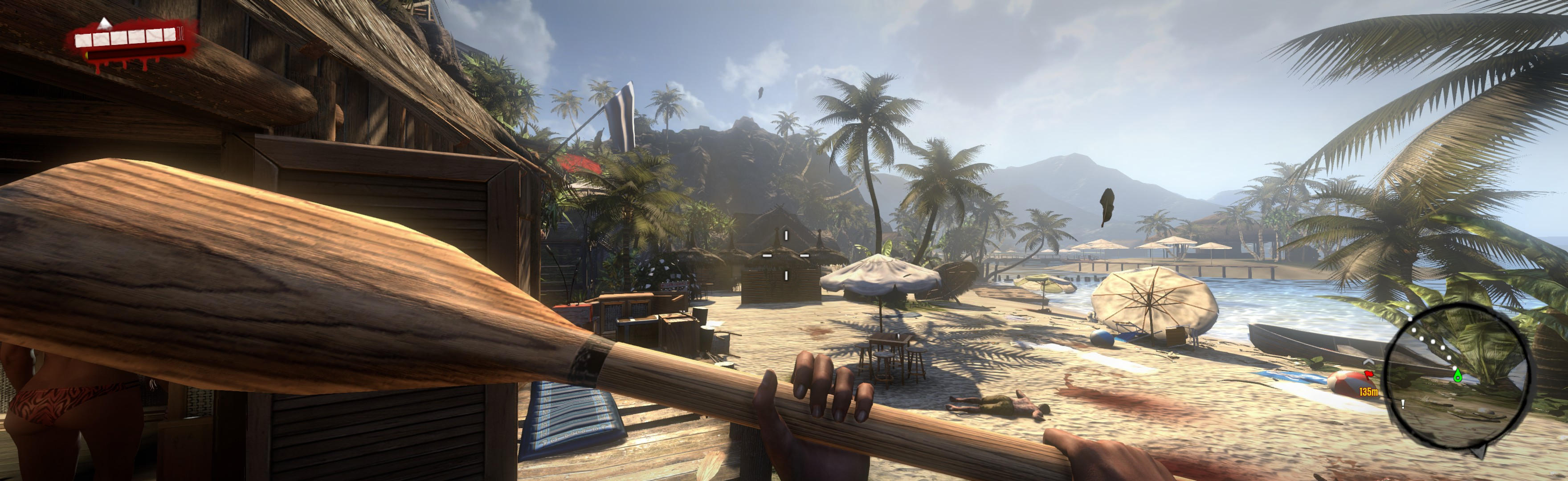
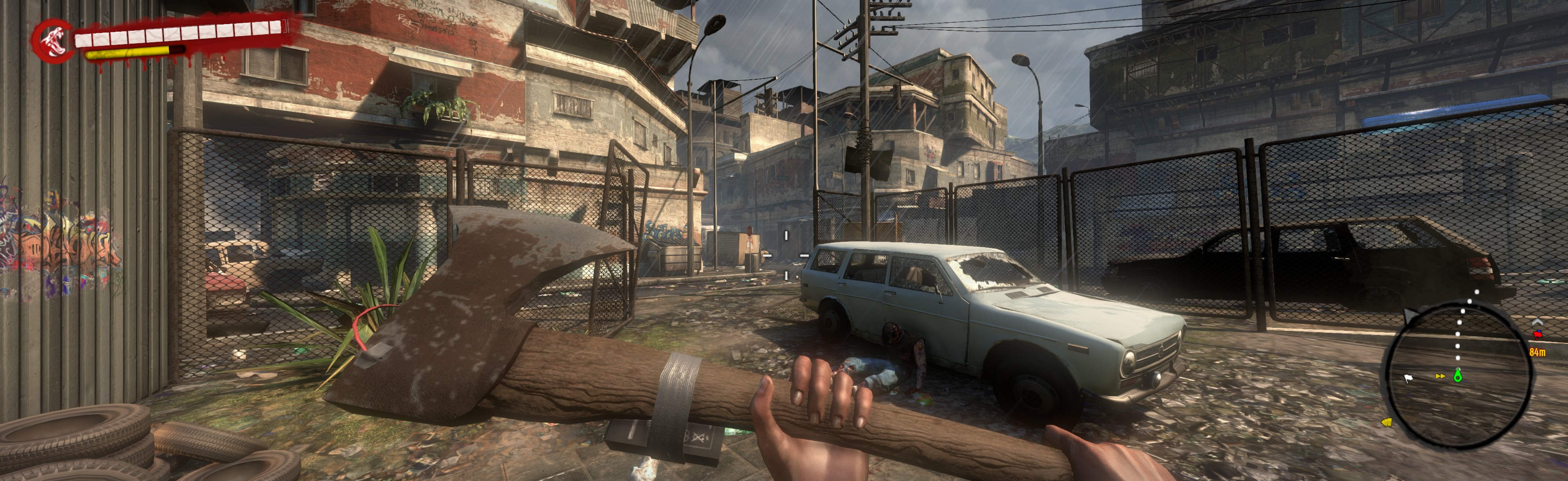
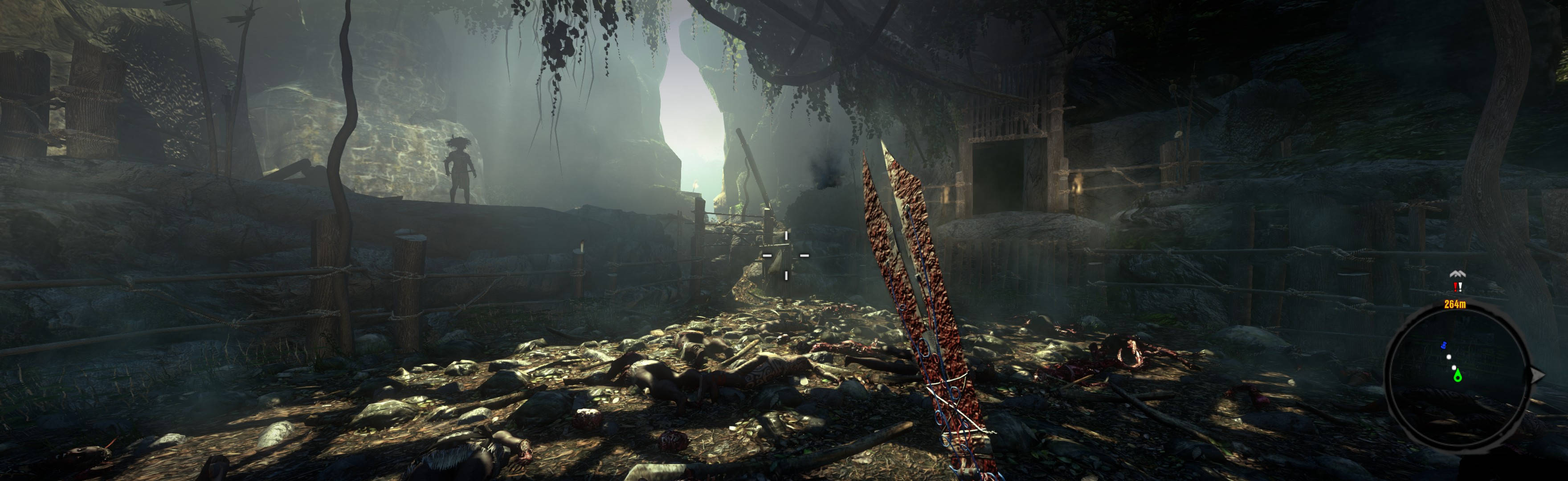
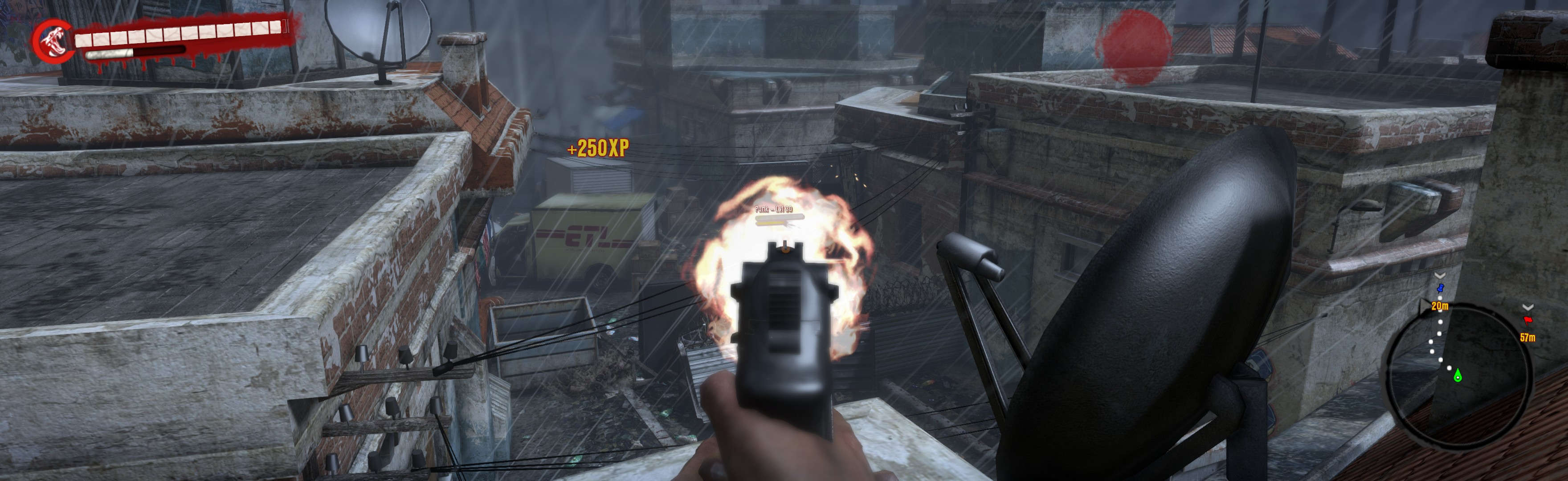
(aimed handgun)
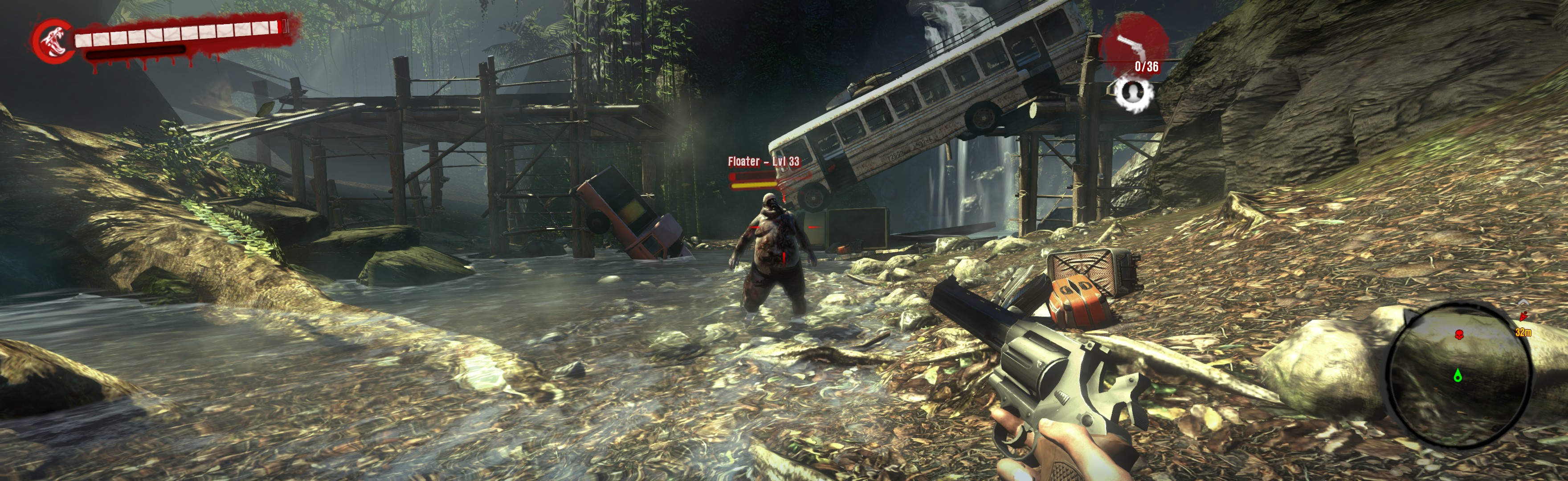
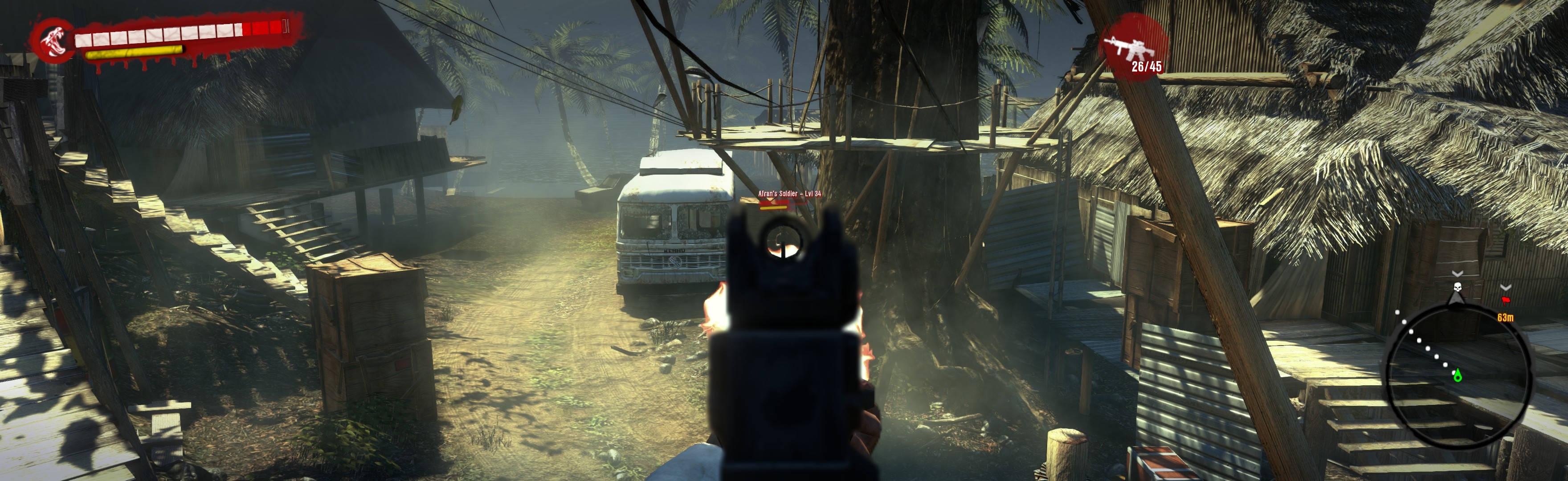
(aimed rifle. Game has no scopes)
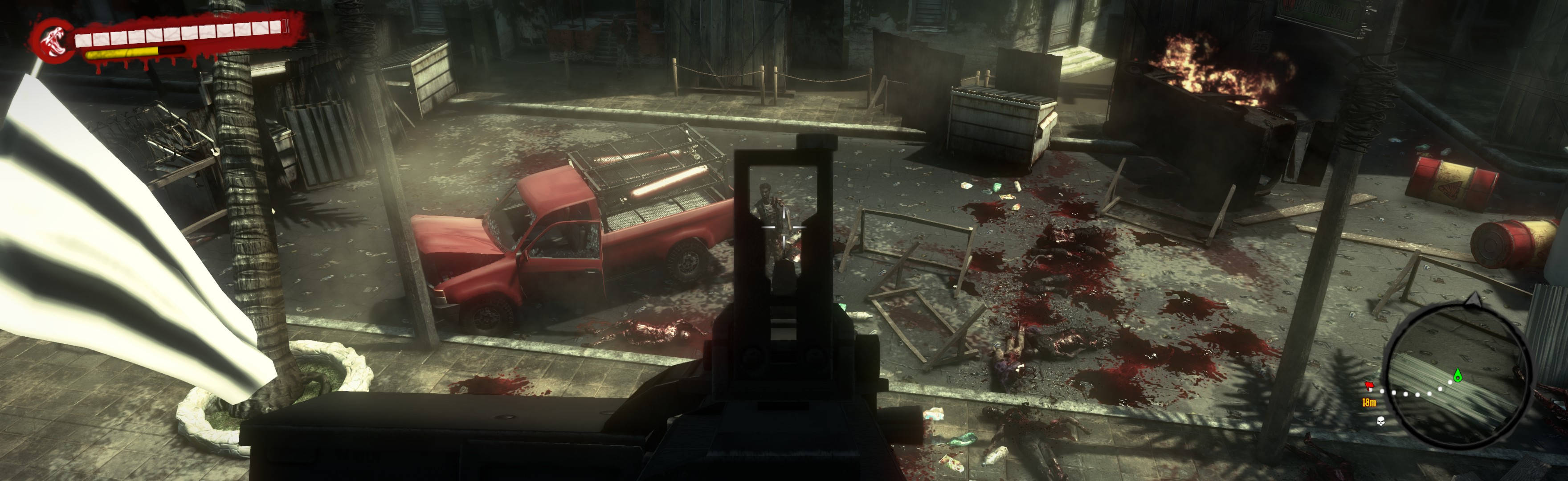
(turret, rare)
1. In-game windowed (its borderless), settings how you want, quit.
2. Edit (path-to-game)\DI\Out\Settings\Video.scr: Resolution(####,####) = your fullscreen.
3. Download & extract the LLL or 21:9 fix (either works same borderless), from http://www.wsgf.org/dr/dead-island/en.
4. Put extracted "data" folder in %USERPROFILE%\Documents\DeadIsland\out (failing that, put in (path-to-game)\DI\out).
5. Start game. At title, ShiftWindow (fullscreen = borderless).
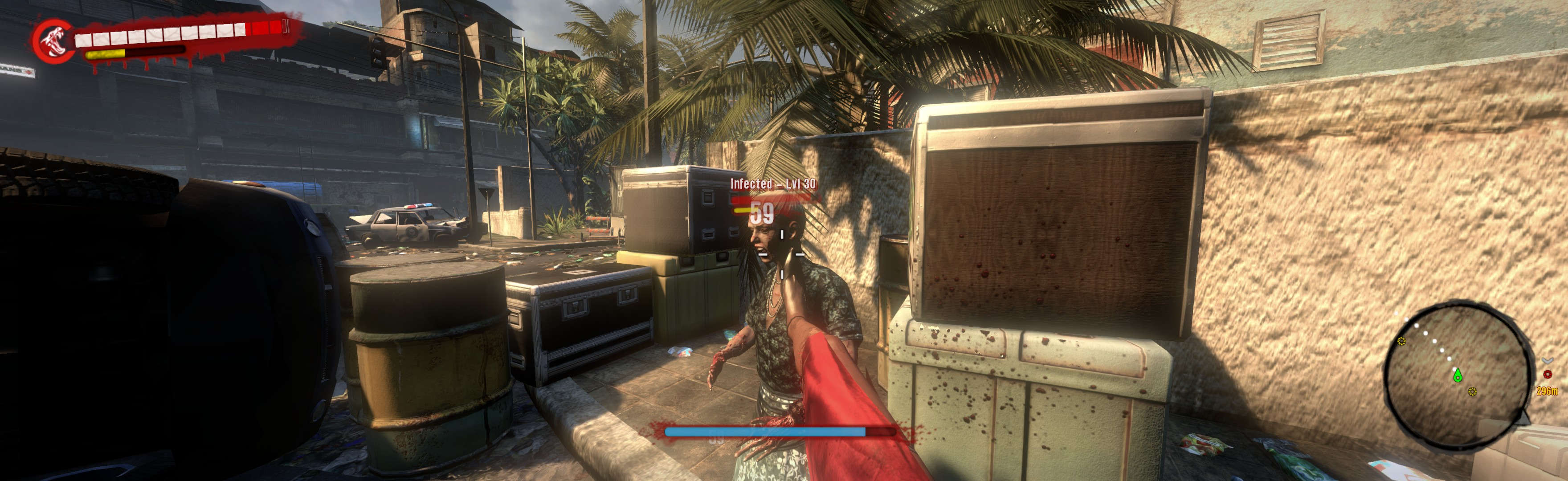
(kick is common)
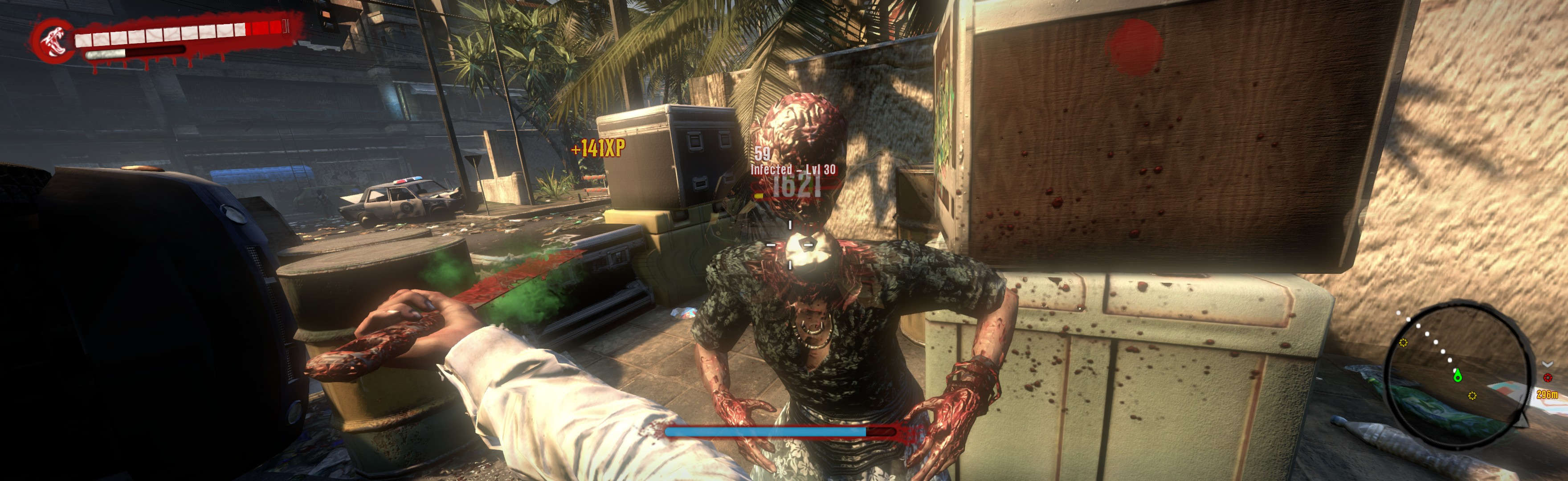
(same chick, decapitation)
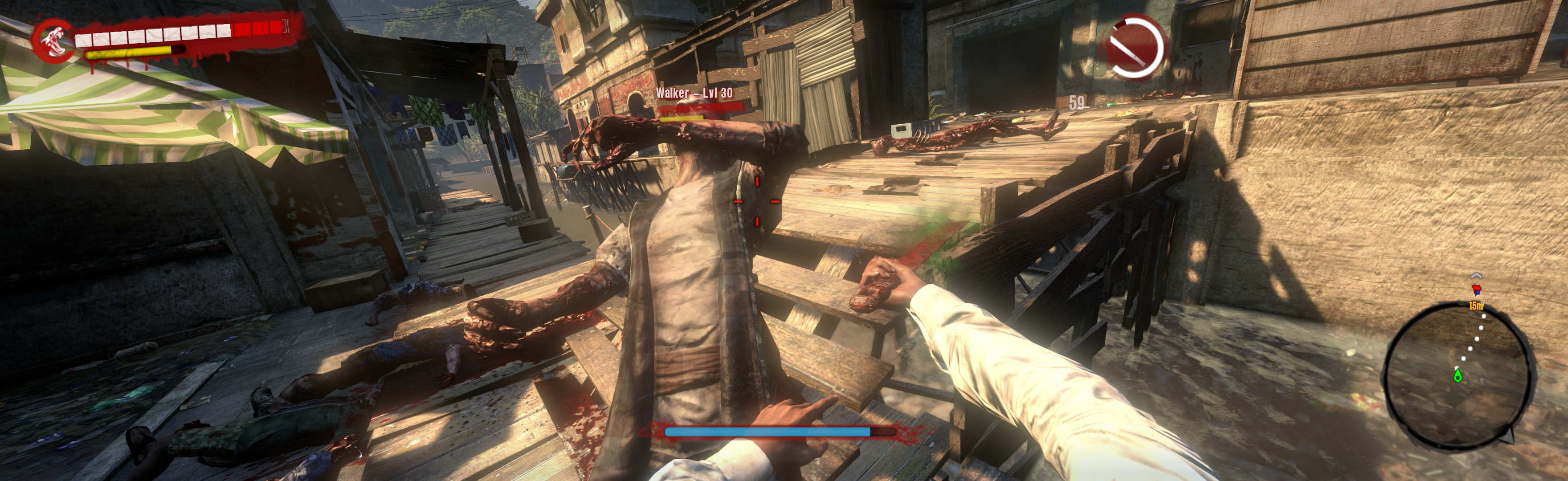
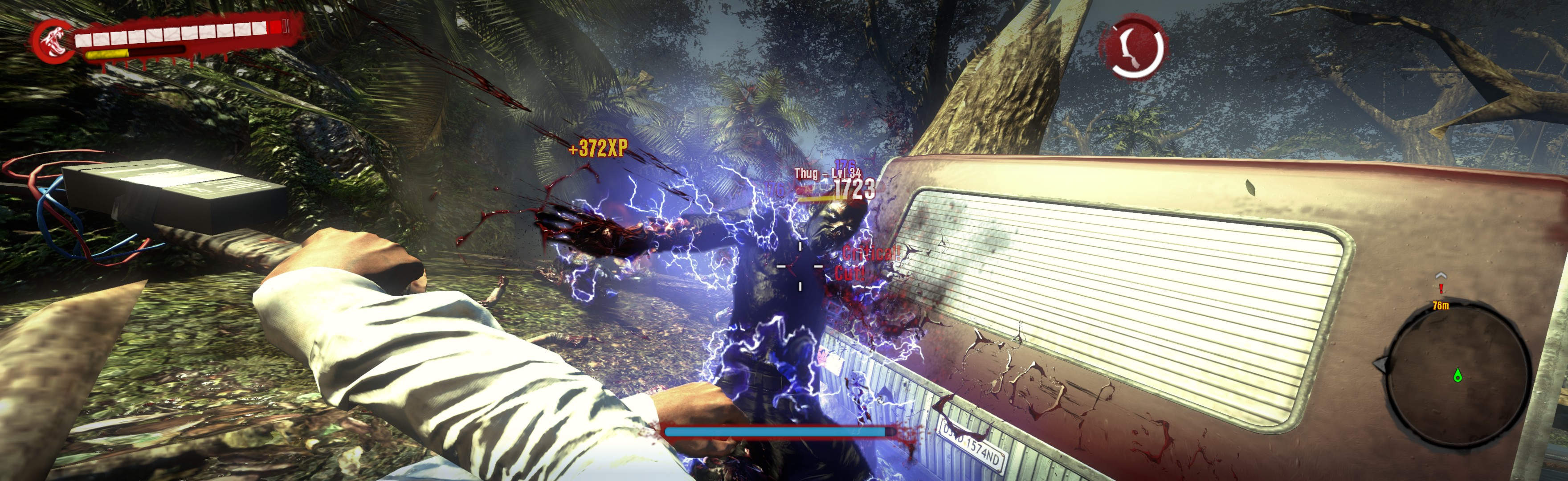
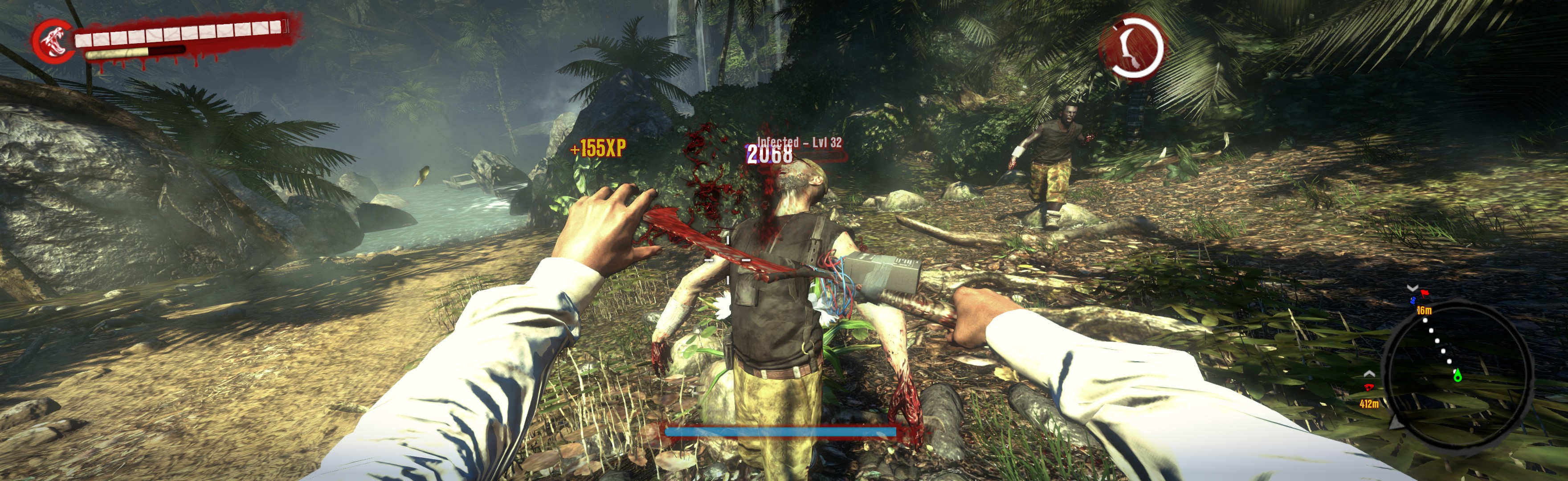
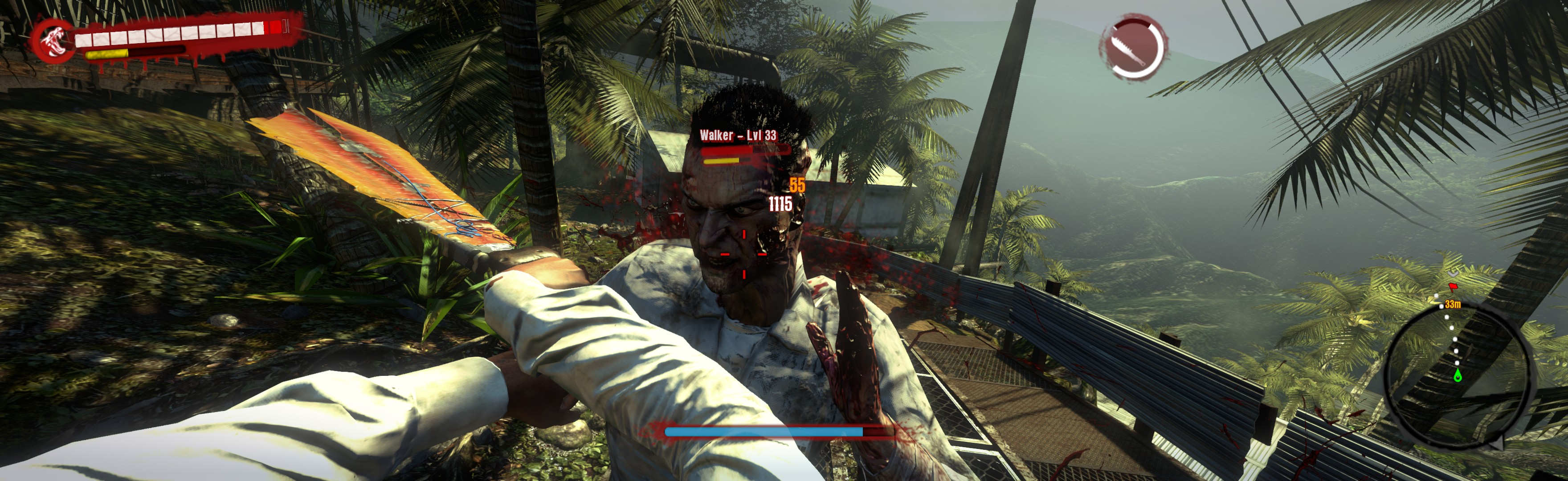
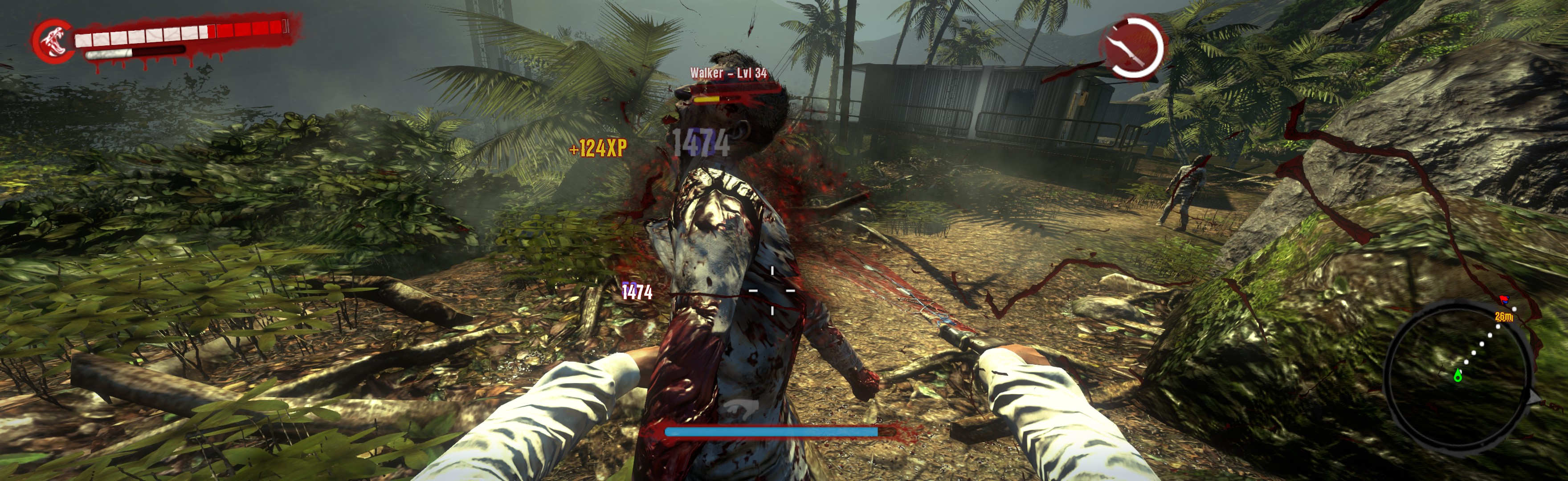
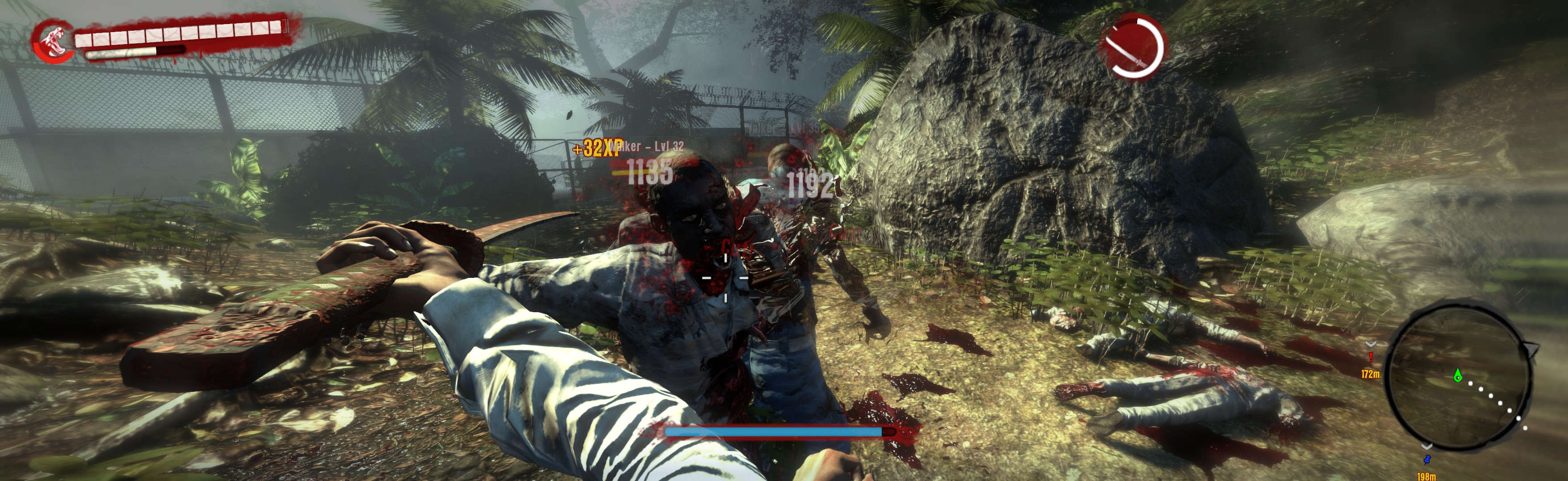
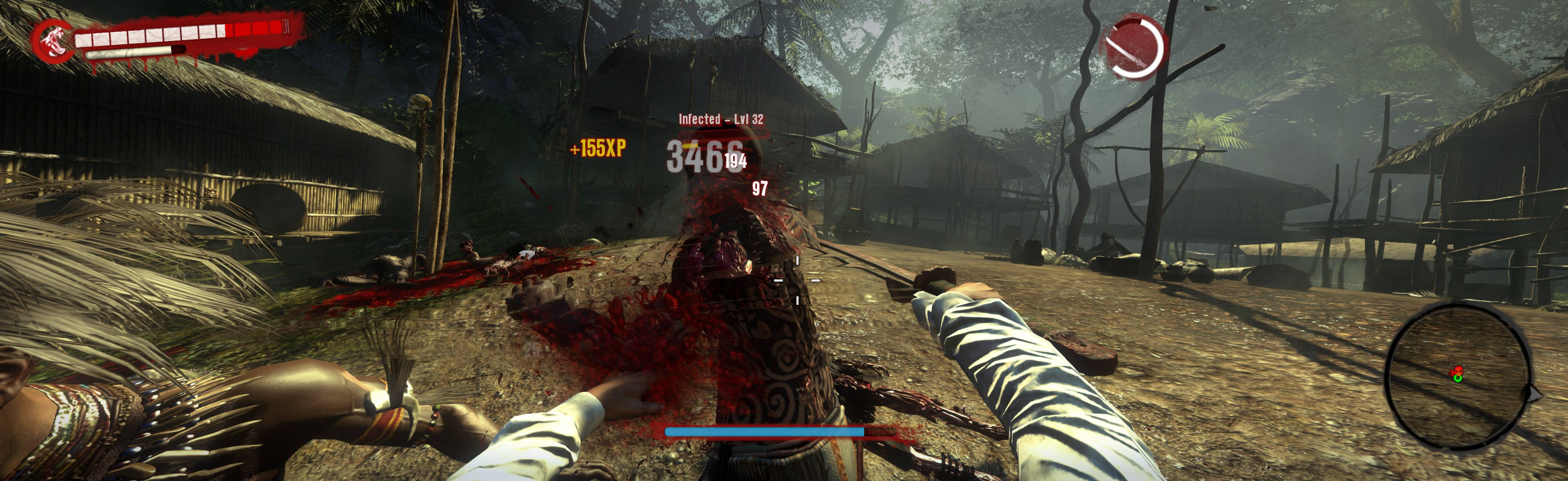
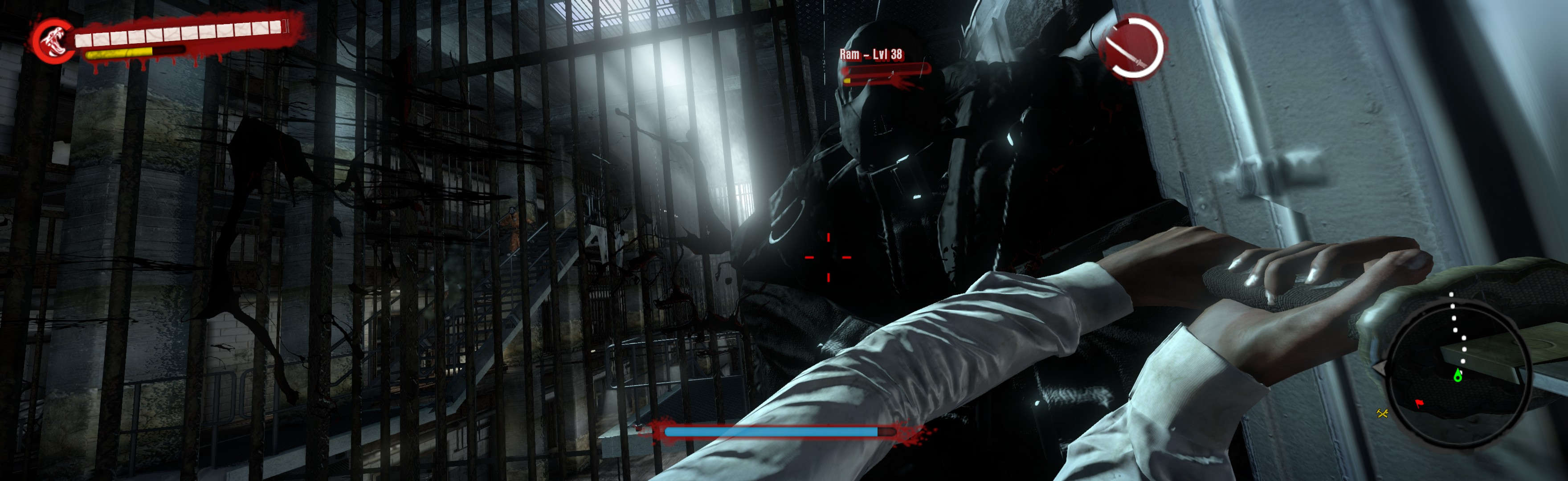
NOTES:
2. * Ugliness:
A. Non-text HUD elements are 1/3 larger than stock (improved from default-spread's HUD, which was 3/4 larger than stock).
B. Vert- FMV cutscenes (very rare) & main-menu's background-art.
C. Loading screens are ultrawide-left-justified (though for Quit it's stretched full). Map-pages are enlarged, works fine.
D. Some menus' top & bottom are cropped (though improved over default-spread). This hides a few menu-links, but they remain accessible (e.g. keyboard):
i. On Skills screen (U), to buy a skill, press Enter.
ii. On Quests screen (L), track a different quest by double-clicking it (or Enter; Red-flag shows destination on map & HUD).
iii. Inventory (I), weapons list: To Equip, double-click a weapon. To Compare, select weapon & Left-Arrow x3 & press Enter. To Drop, Left-Arrow x2 & press Enter. But when weapon level is too high to equip, "Drop" fails. So must sell high-weapon).
iv. Weapon Repair Station: To Repair item, just press Enter. To access Upgrade (list), hover mouse at screen-top (& approaching right-edge of green-background), then LMB-click. Then mouse-select item-list. To access Create (list), hover mouse at same spot stated above & click again.
v. NPC stores: To Buy an item, just press Enter. To access Sell (list), hover mouse at screen-top (& approaching right-edge of green-background), then LMB-click. Then mouse-select item-list. To access Buy-Back (list), hover mouse at same spot stated above & click again.
3. * Optional FOV (not needed):
A. Widescreen Fixer.
OR B. File edit:
i. %USERPROFILE%\Documents\DeadIsland\out\Data\Skills\default_levels.xml (CameraDefaultFOV = yours).
OR ii. Failing #2.B.i., instead use 7zip to extract default_levels.xml from (path-to-game)\DI\Data3.pak\Data\Skills. Then edit CameraDefaultFOV = yours (Notepad), & paste your new default_levels.xml file to this new folder structure: (path-to-game)\DI\out\Data\Skills.
4. Base PC-game GPS-bug:
A. Problem: Quest GPS-directions ("Enhanced Navigation=ON") works sporadically. Not a problem, but bit more hardcore.
B. Workaround: Quest map-markers work, as does the GPS-directions on player-made waypoints. So make your map-waypoints to find quest destinations. When map is blocked (e.g. underground), quest's GPS-directions usually work; when it fails, your brain is sufficient.
C. Labeled map makes Act1 navigation easier: deadisland.wikia.com/wiki/Category:Dead_Island_Maps.
5. Changing in-game Video settings will overwrite your resolution edit.
6. If game immediately crashes (unlikely), research "MenuUpgradeCharacter.xui" fix, here: http://www.wsgf.org/forums/viewtopic.php?f=61&t=25749&start=10.
7. Editing xui-file values further is not worth bother, & borderless game may well ignore edits (DI Riptide 2013 has higher chance of xui-edit success).
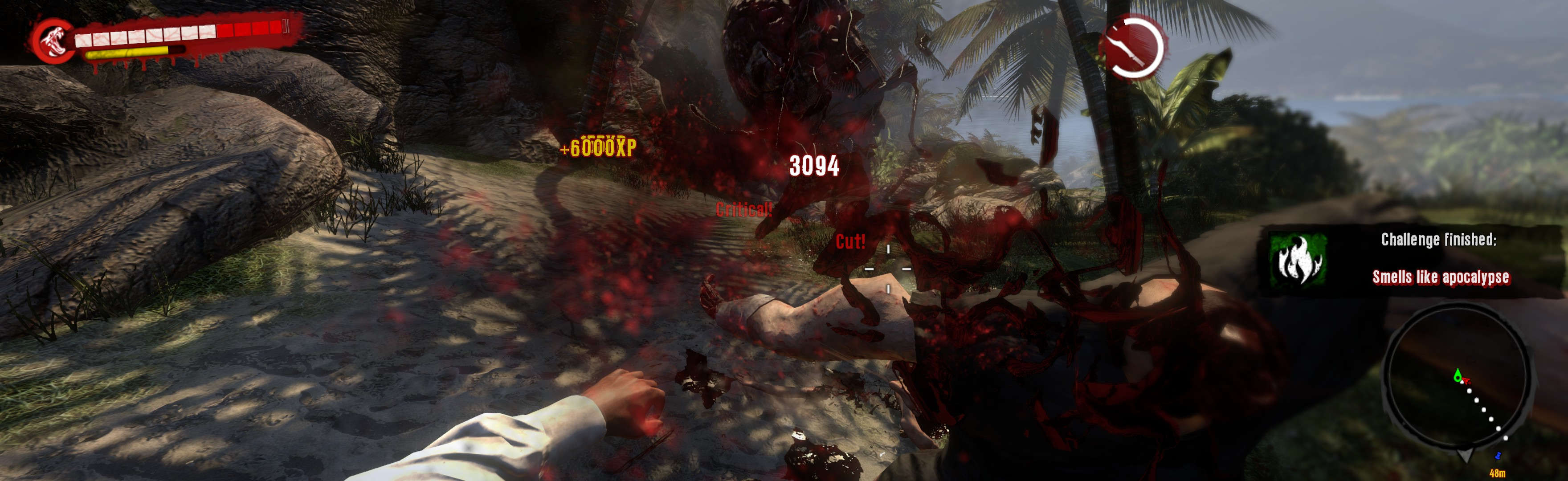
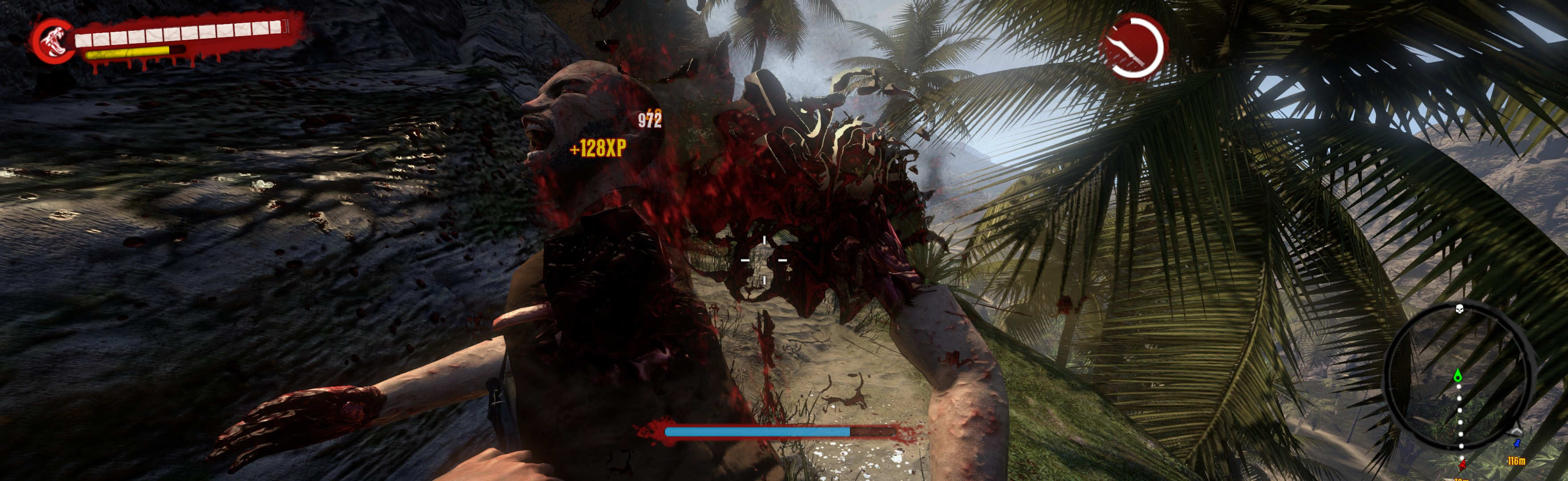
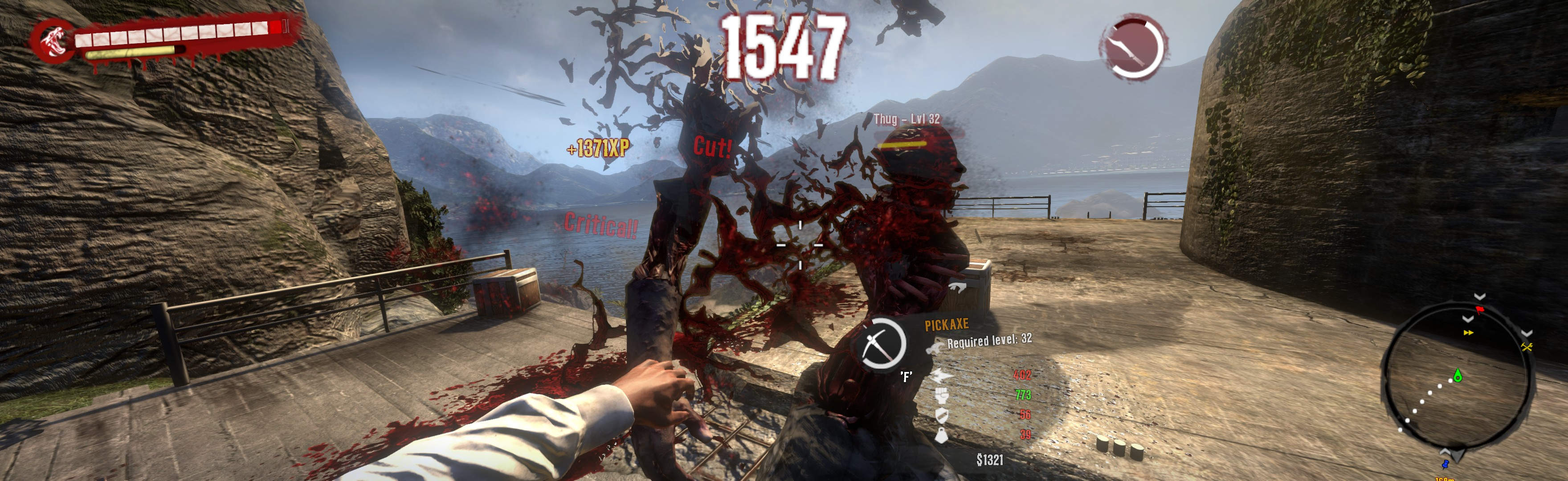
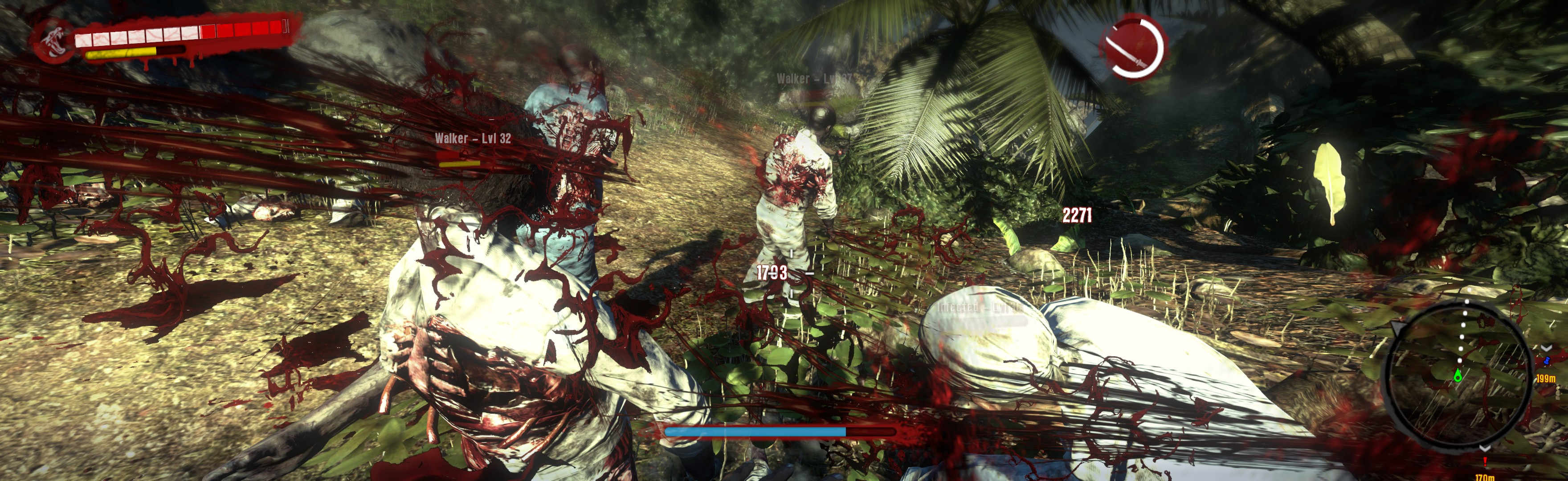
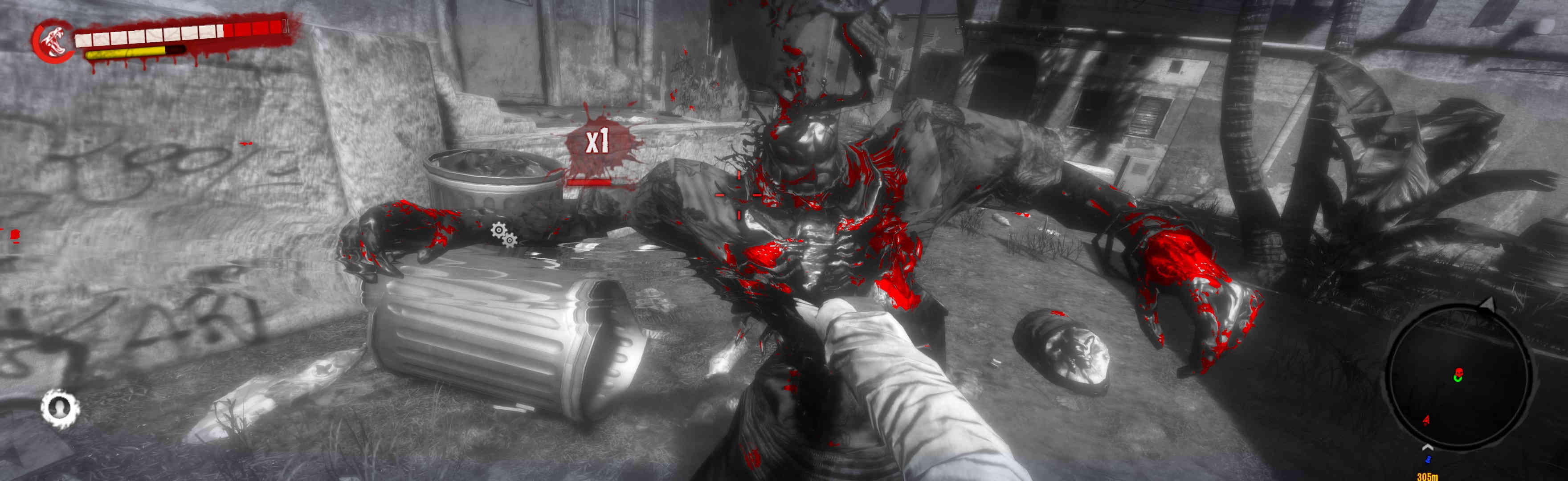
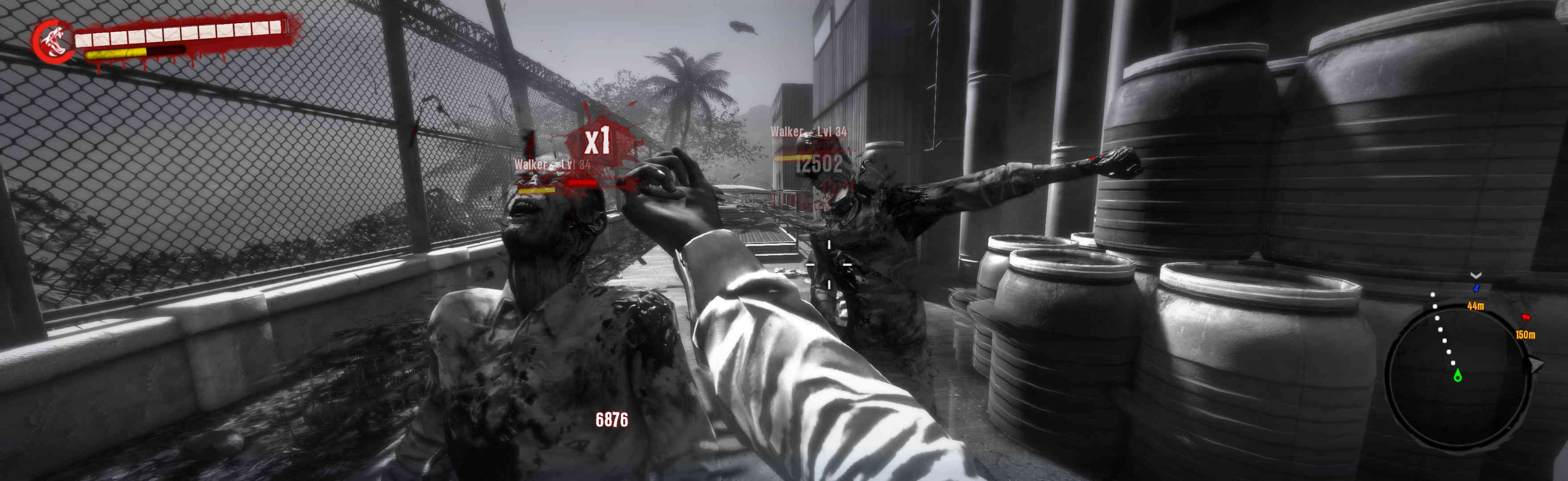
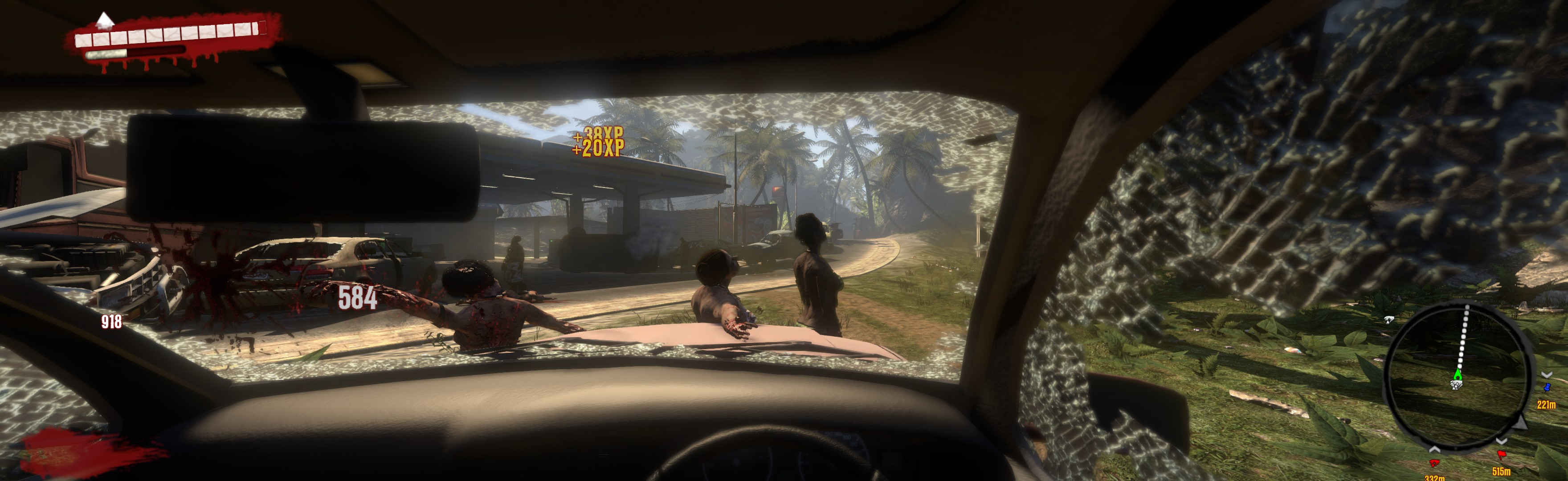
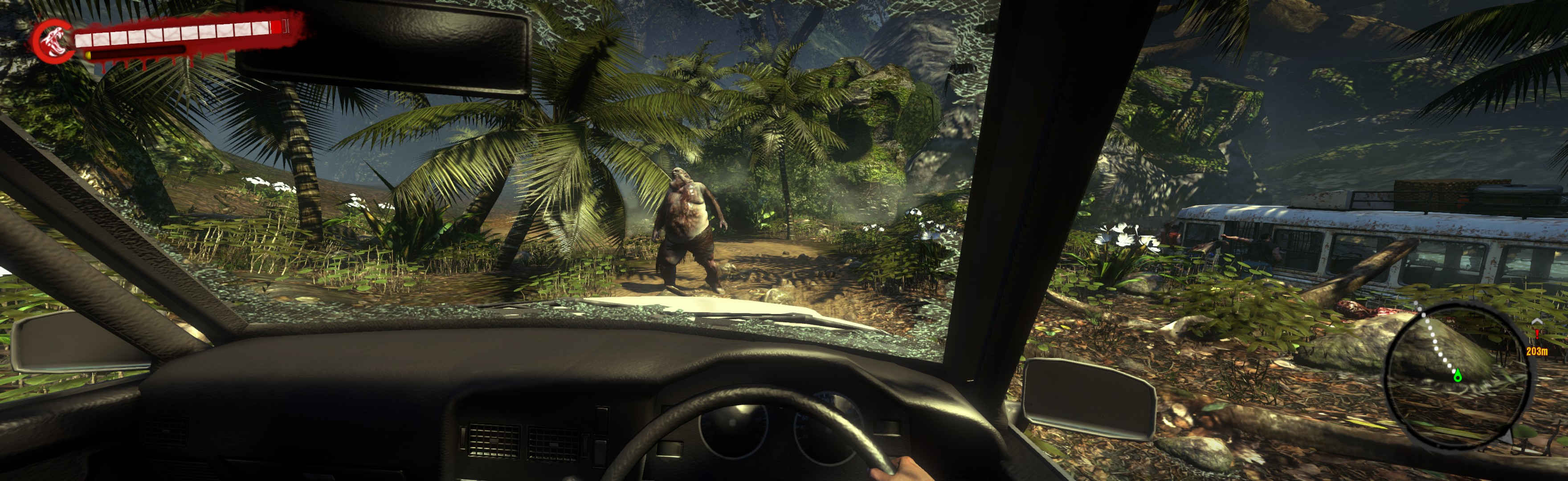
(convertible)
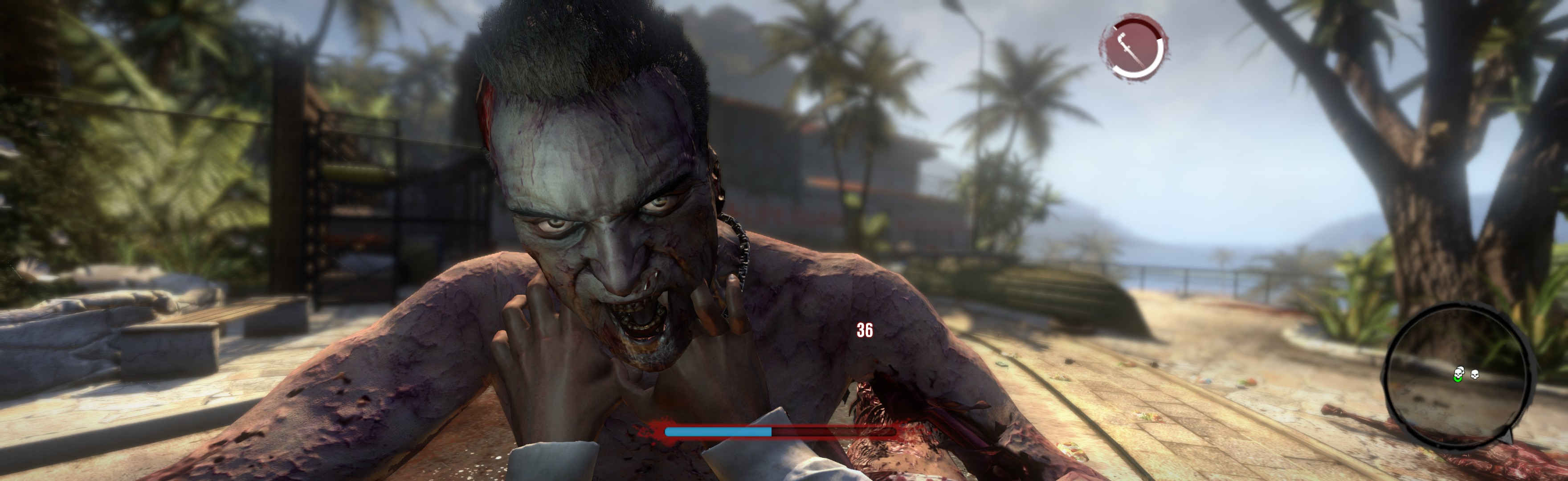
(quicktime-type event)
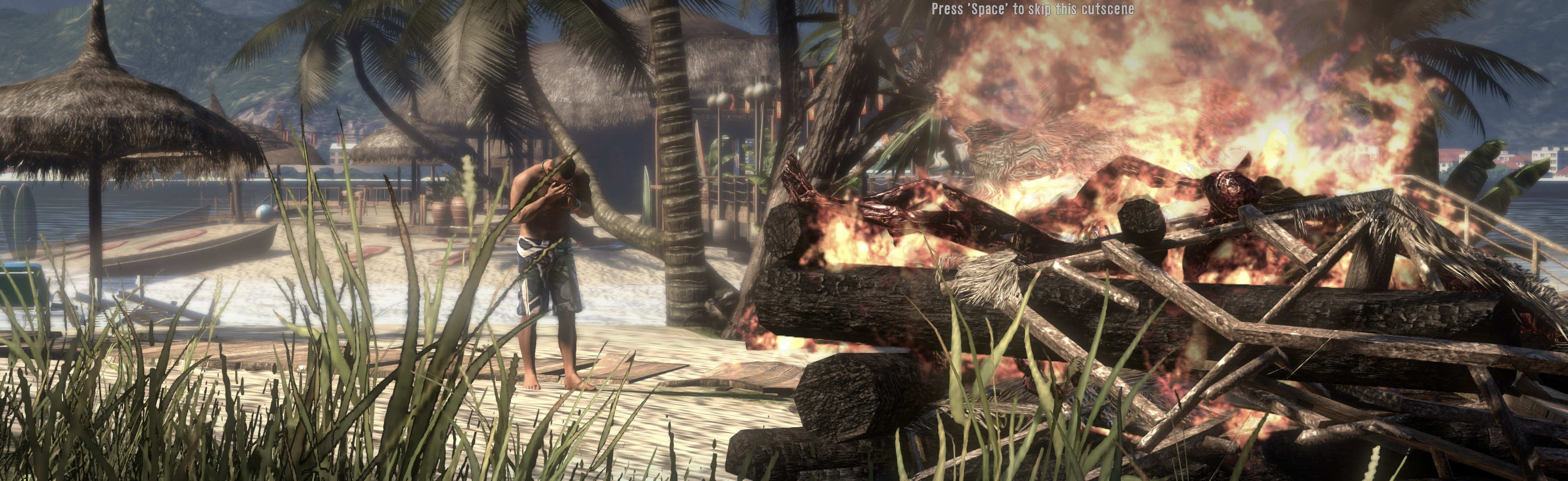
(rendered cutscenes...)
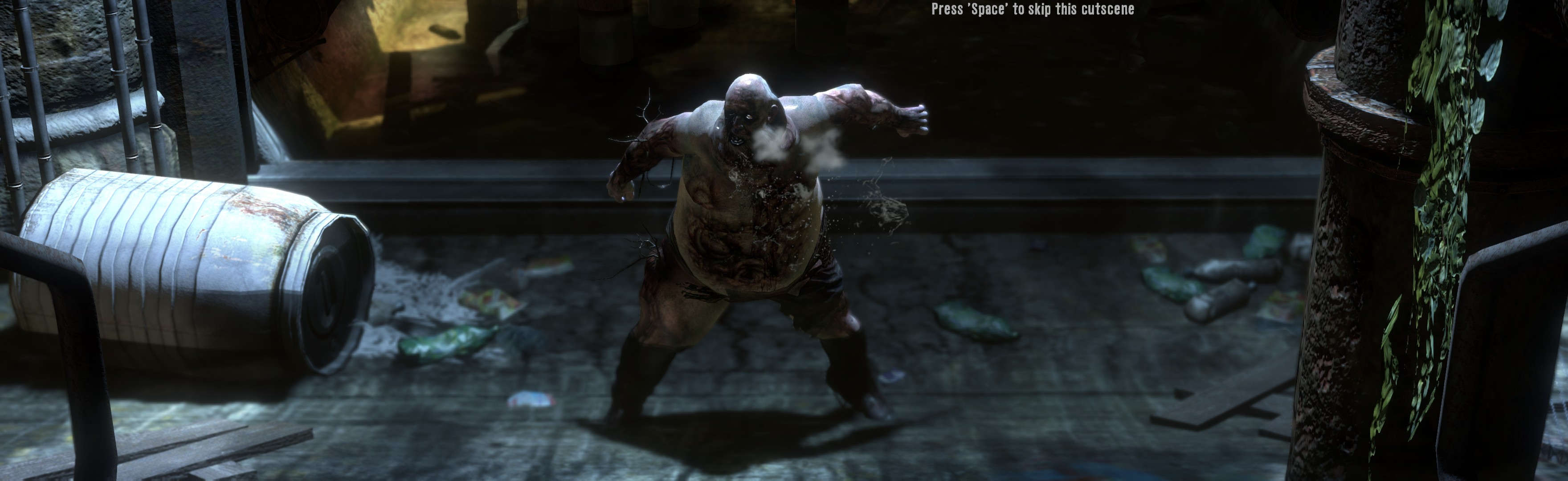
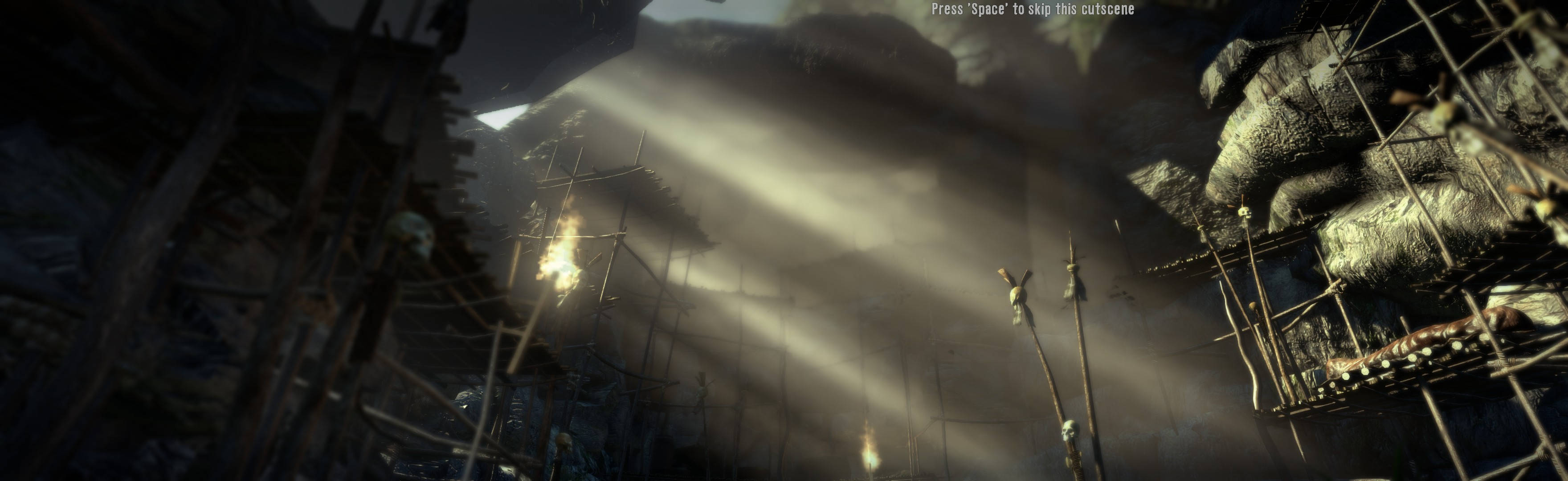
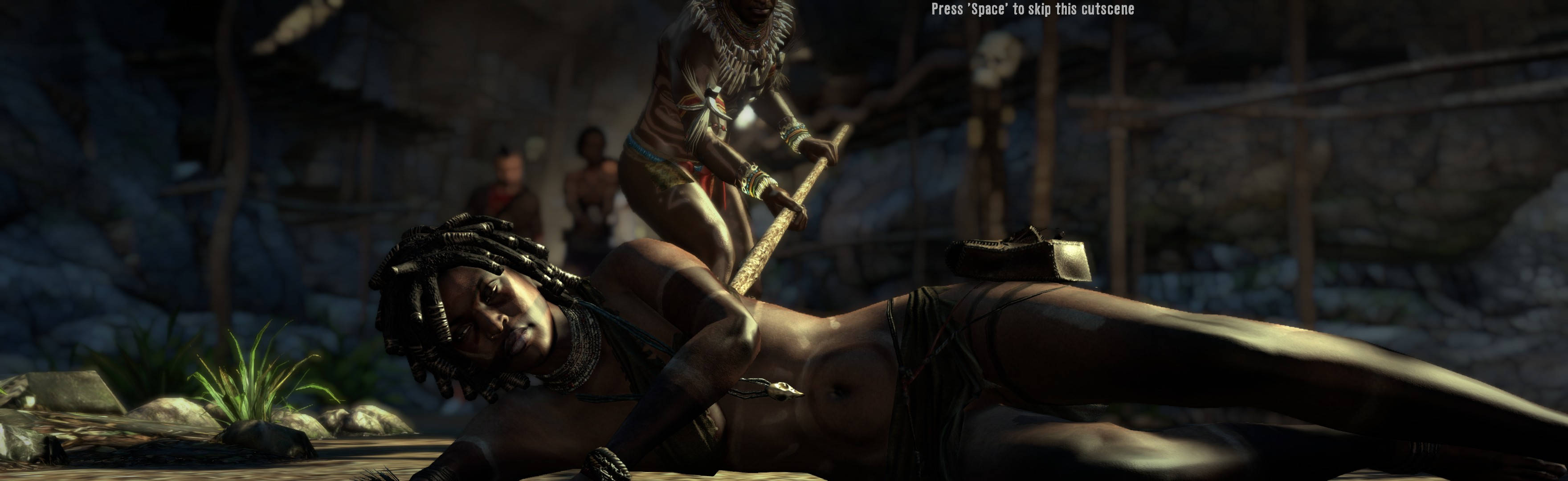
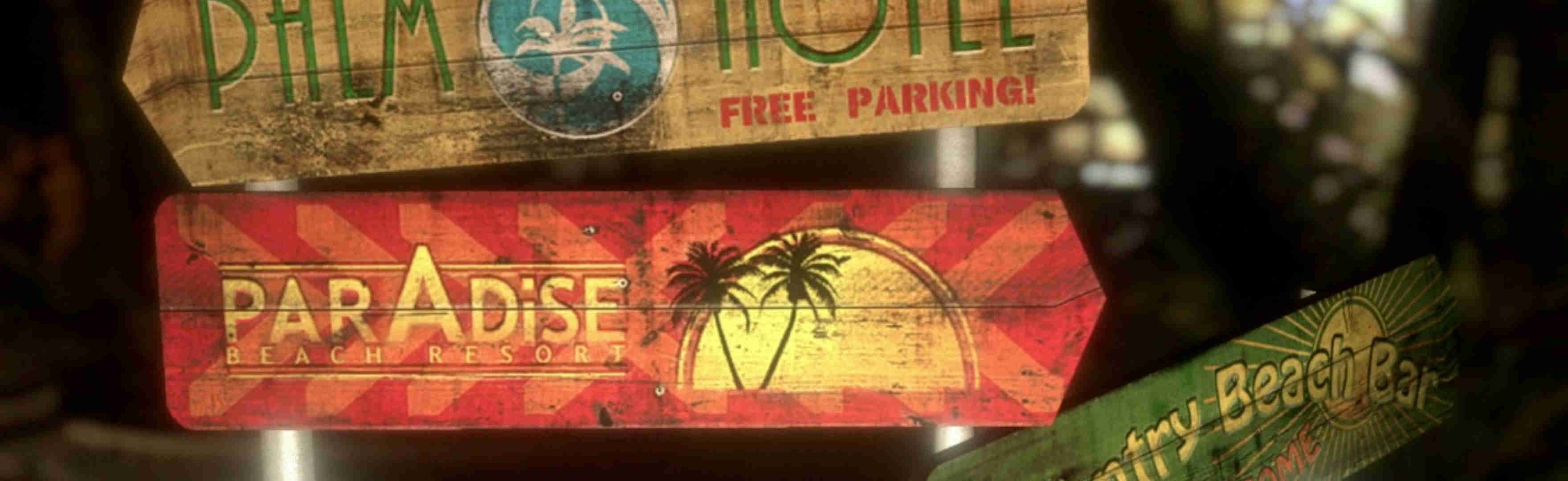
(FMV cutscene, at game-start, vert-. Very rare)
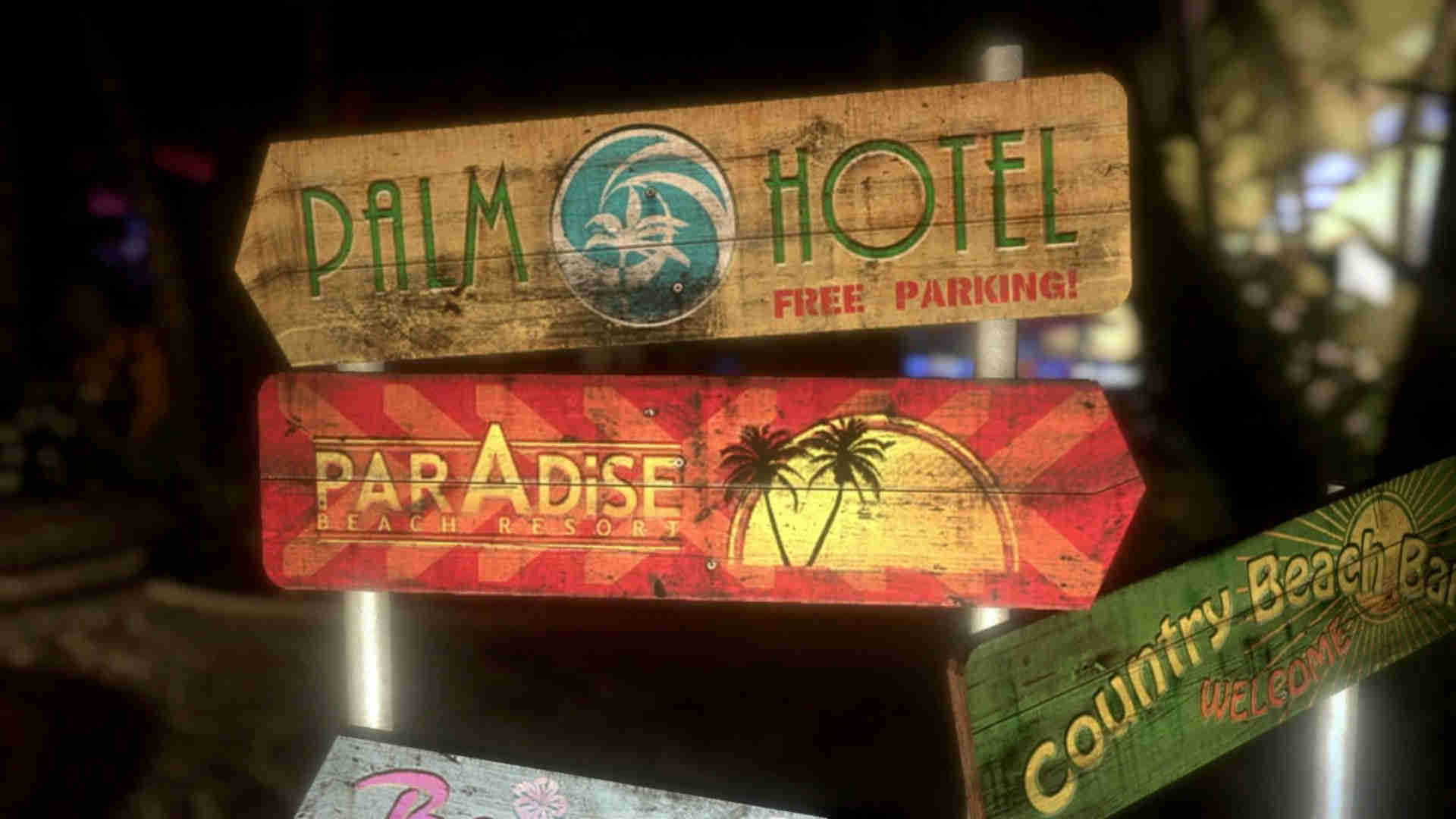
(1080p comparison)
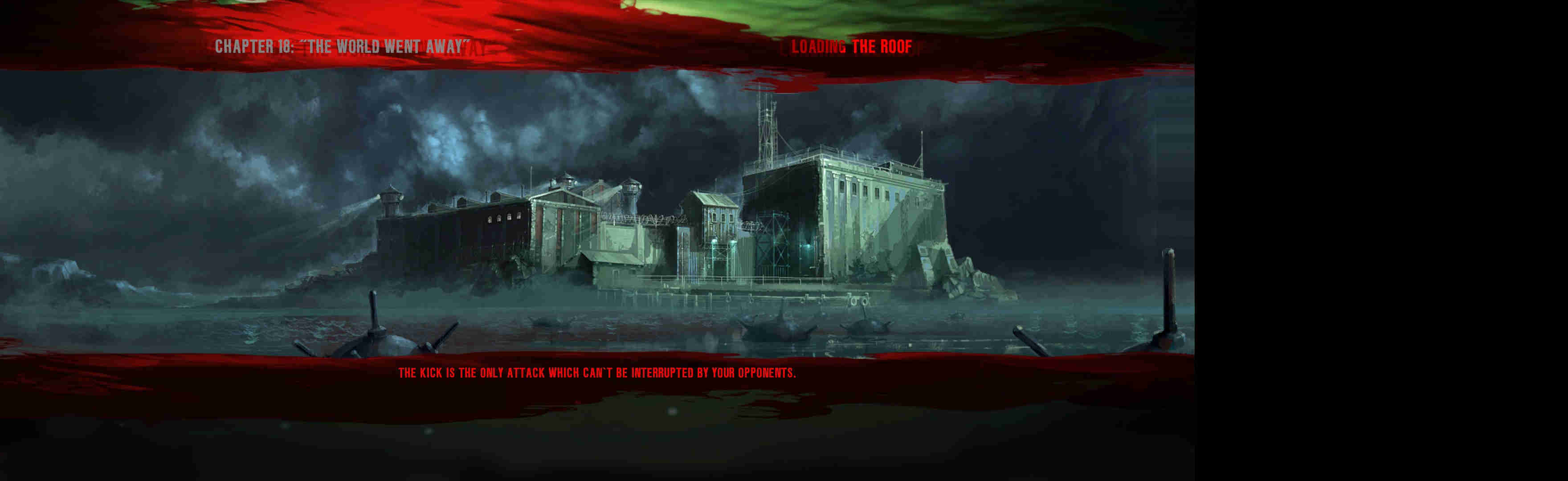
(loading screen, common dimensions)
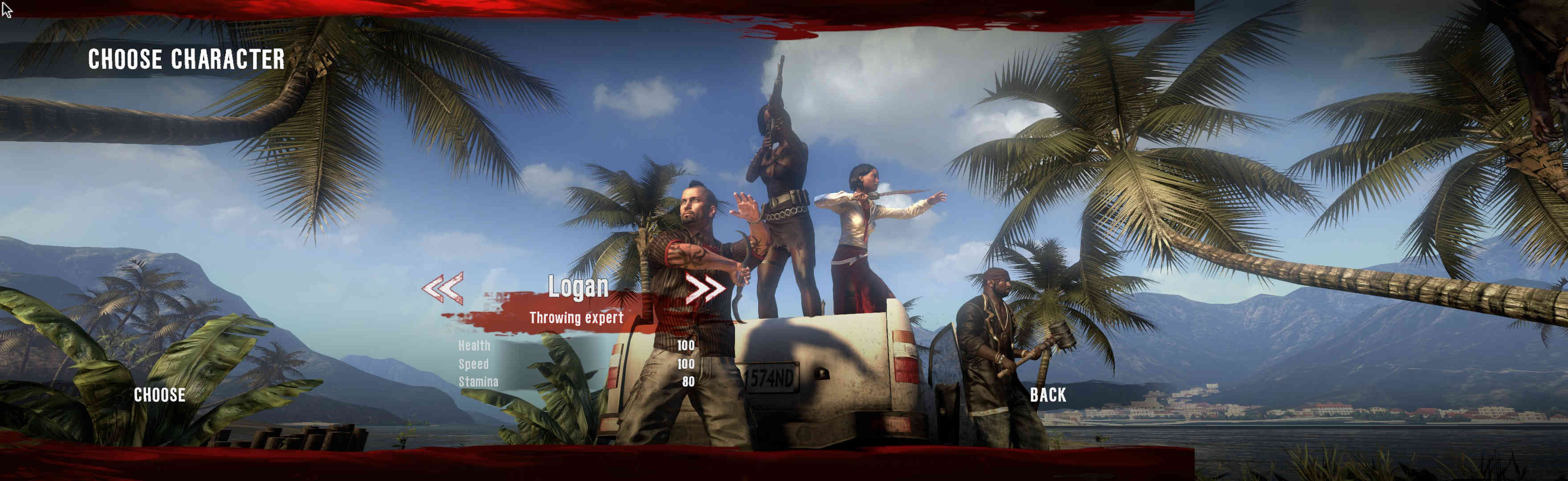
(character creation)
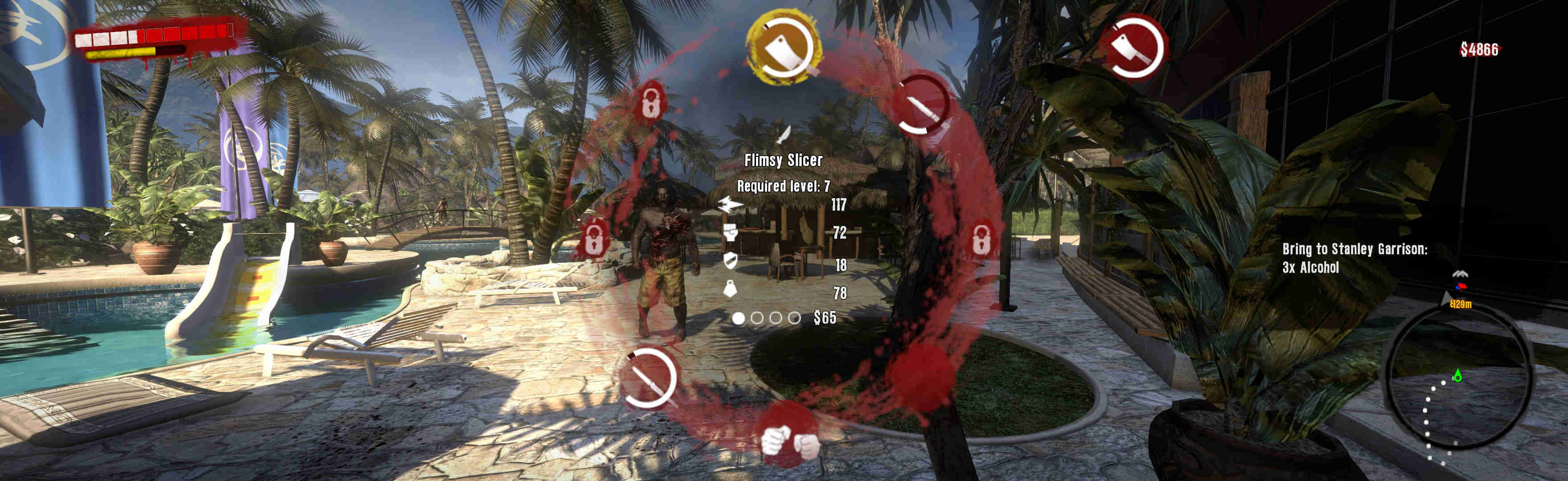
(weapon wheel)
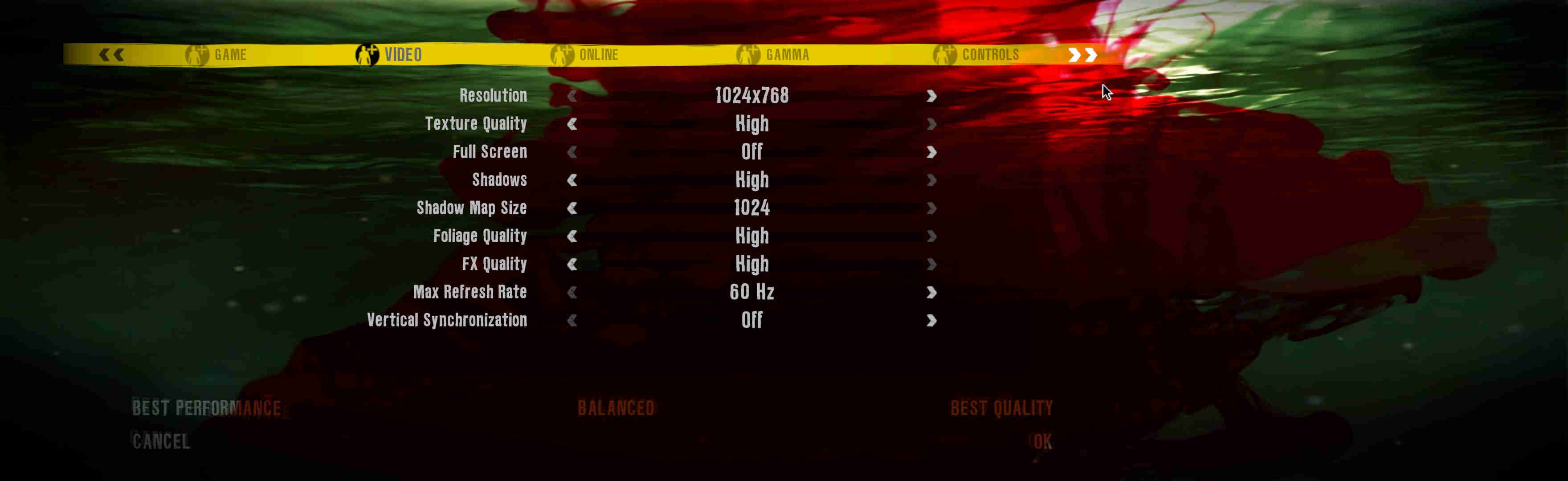
(main menu)
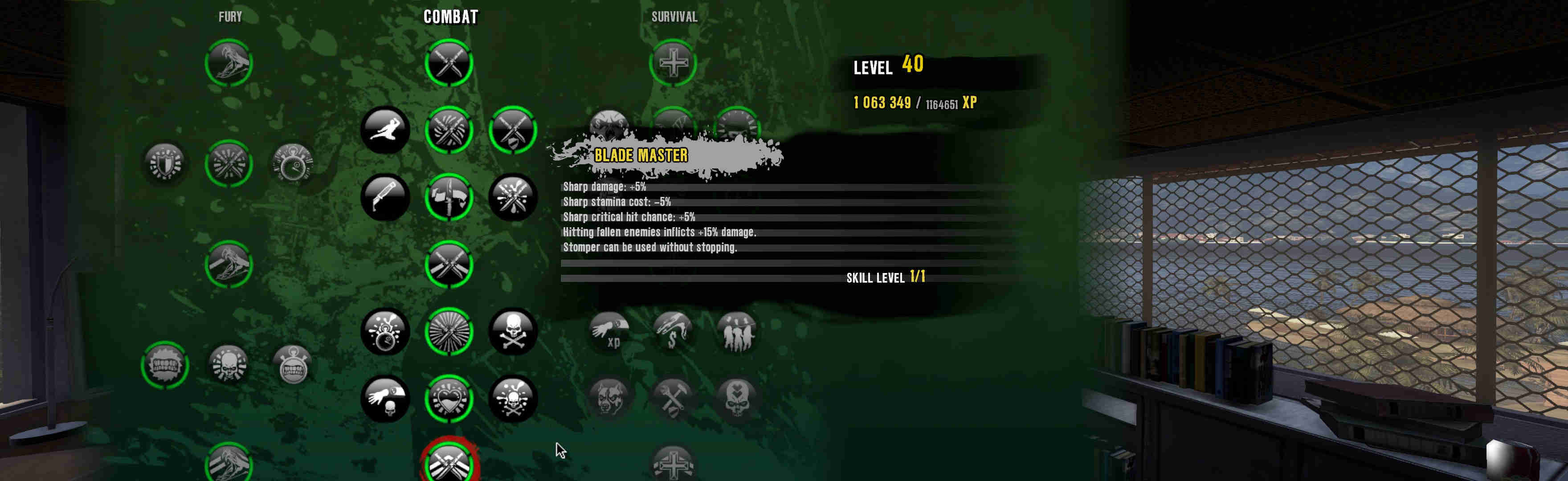
(Skills, cropped but works fine)
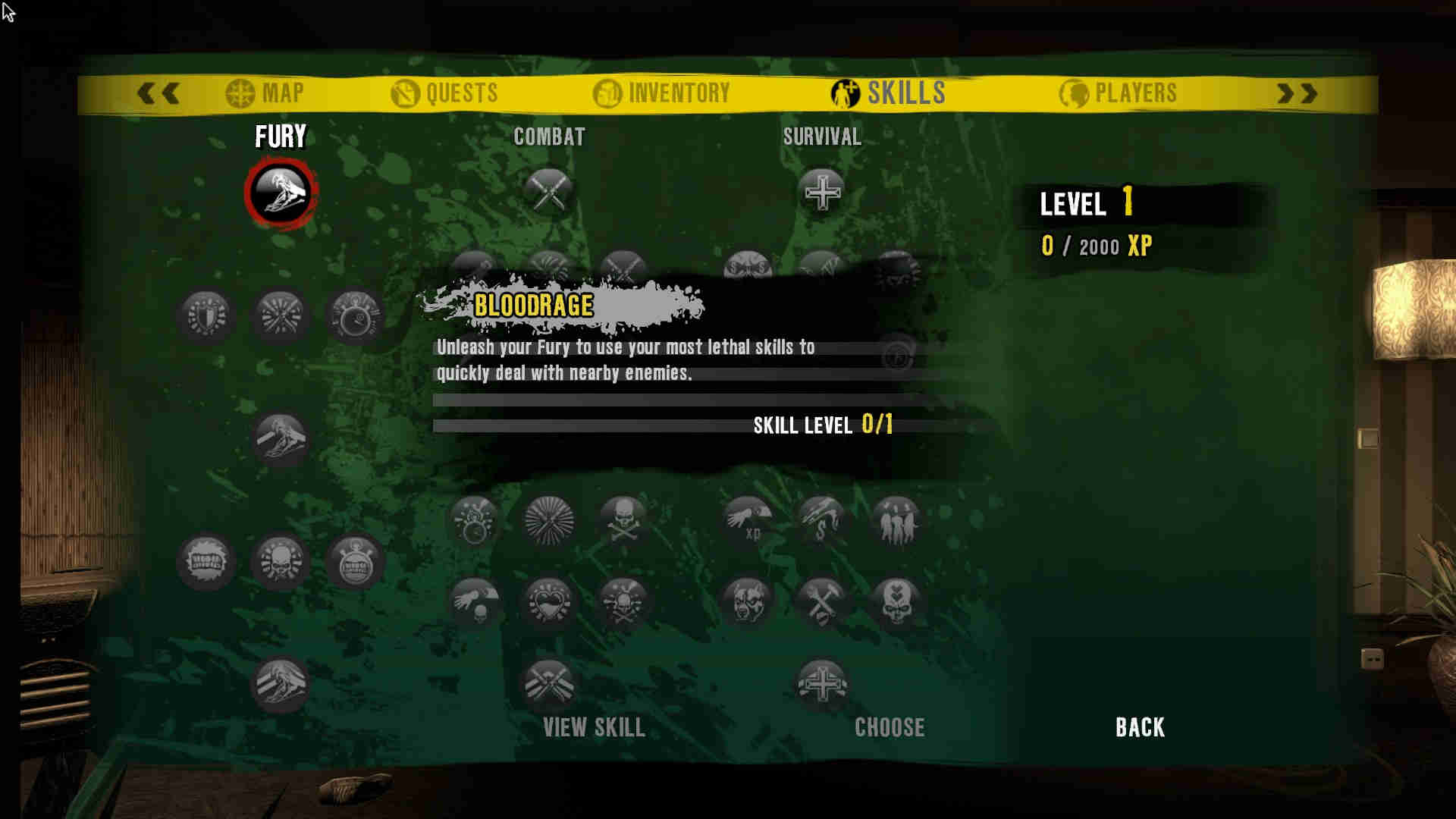
(1080p comparison)
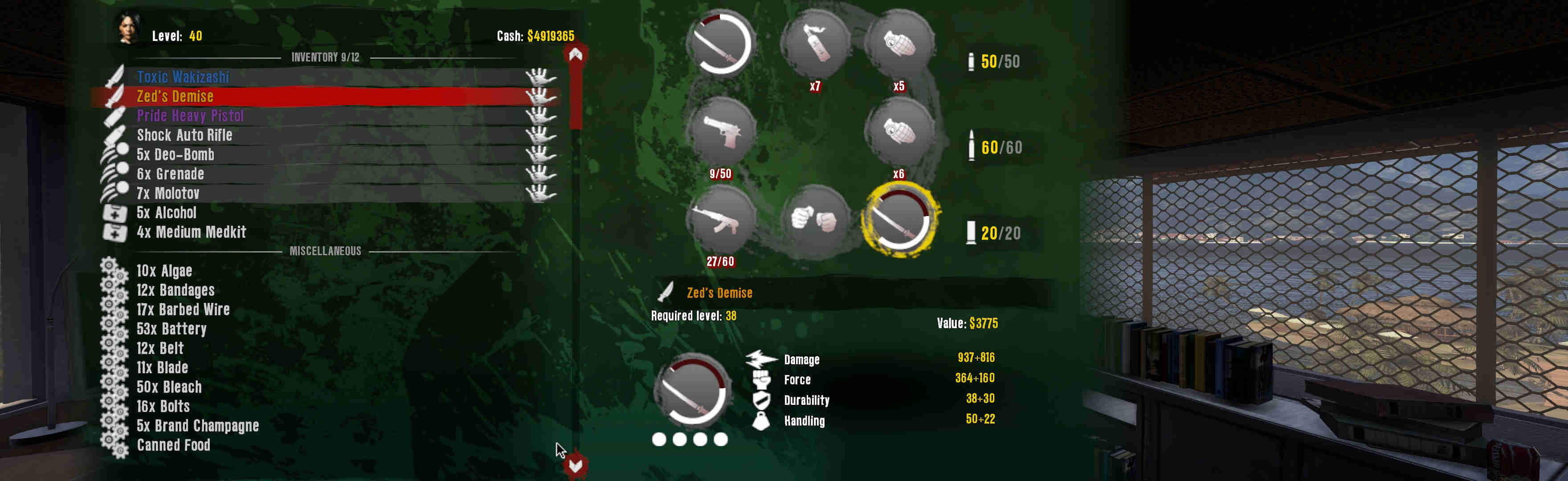
(Inventory, cropped but works fine)
View guide for general help with the instructions.
- Dead Island 2011.jpg
- Dead Island 2011 2.jpg
- Dead Island 2011 3.jpg
- Dead Island 2011 4.jpg
- Dead Island 2011 5.jpg
- Dead Island 2011 6.jpg
- Dead Island 2011 7.jpg
- Dead Island 2011 8.jpg
- Dead Island 2011 9.jpg
- Dead Island 2011 10.jpg
- Dead Island 2011 11.jpg
- Dead Island 2011 12.jpg
- Dead Island 2011 13.jpg
- Dead Island 2011 14.jpg
- Dead Island 2011 15.jpg
- Dead Island 2011 16.jpg
- Dead Island 2011 17.jpg
- Dead Island 2011 18.jpg
- Dead Island 2011 19.jpg
- Dead Island 2011 20.jpg
- Dead Island 2011 21.jpg
- Dead Island 2011 22.jpg
- Dead Island 2011 23.jpg
- Dead Island 2011 24.jpg
- Dead Island 2011 25.jpg
- Dead Island 2011 26.jpg
- Dead Island 2011 27.jpg
- Dead Island 2011 28.jpg
- Dead Island 2011 29.jpg
- Dead Island 2011 30.jpg
- Dead Island 2011 31.jpg
- Dead Island 2011 33.jpg
- Dead Island 2011 32.jpg
- Dead Island 2011 34.jpg
- Dead Island 2011 35.jpg
- Dead Island 2011 36.jpg
- Dead Island 2011 37.jpg
- Dead Island 2011 38.jpg
- Dead Island 2011 39.jpg
- Dead Island 2011 40.jpg









































