


Launcher: windowed, ultra (optional), click play, ingame Quit.
Edit %USERPROFILE%\Documents\My Games\Skyrim\SkyrimPrefs.ini: iSize W & H (yours no border *). Read-only.
Ingame, ShiftWindow (+ border = borderless), optional FOV: console (`) fov # (eg 90).
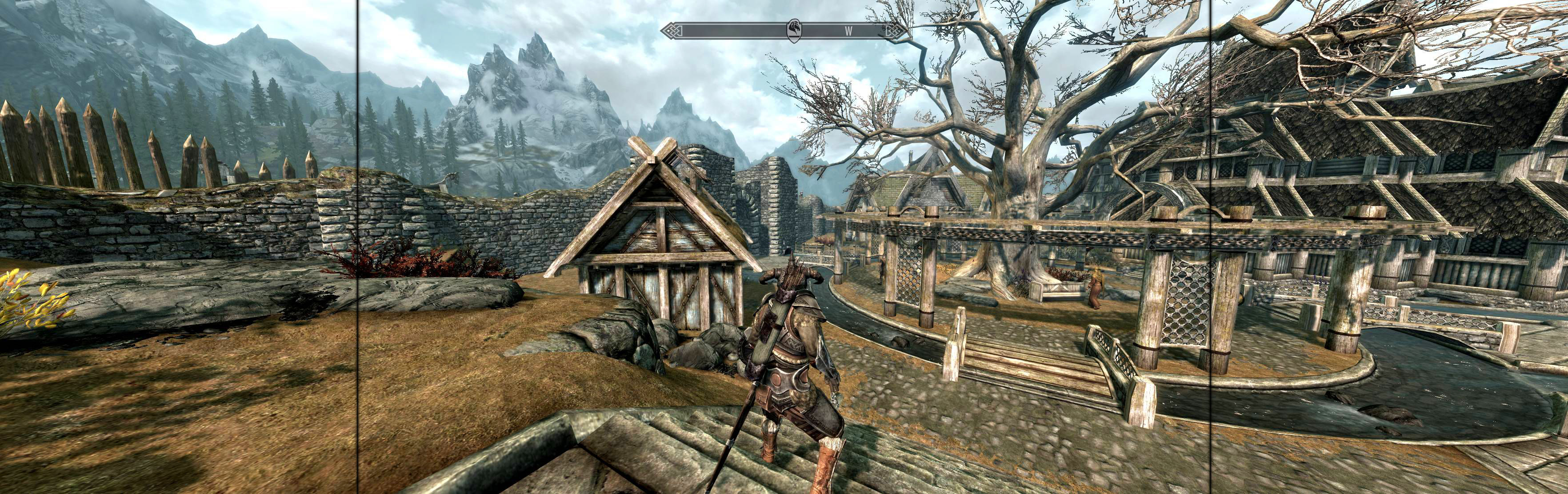
(PLP screenshot with bezel effect)
NOTES:
1. Flawless Widescreen was not tested, worth trying (likely requires FWS menu's resolution override).
2. * Deprecated: tester used "resolution+border" values in ini, which is not strictly proper.
View guide for general help with the instructions.
File Attachments:The Elder Scrolls V Skyrim 2011.jpg


