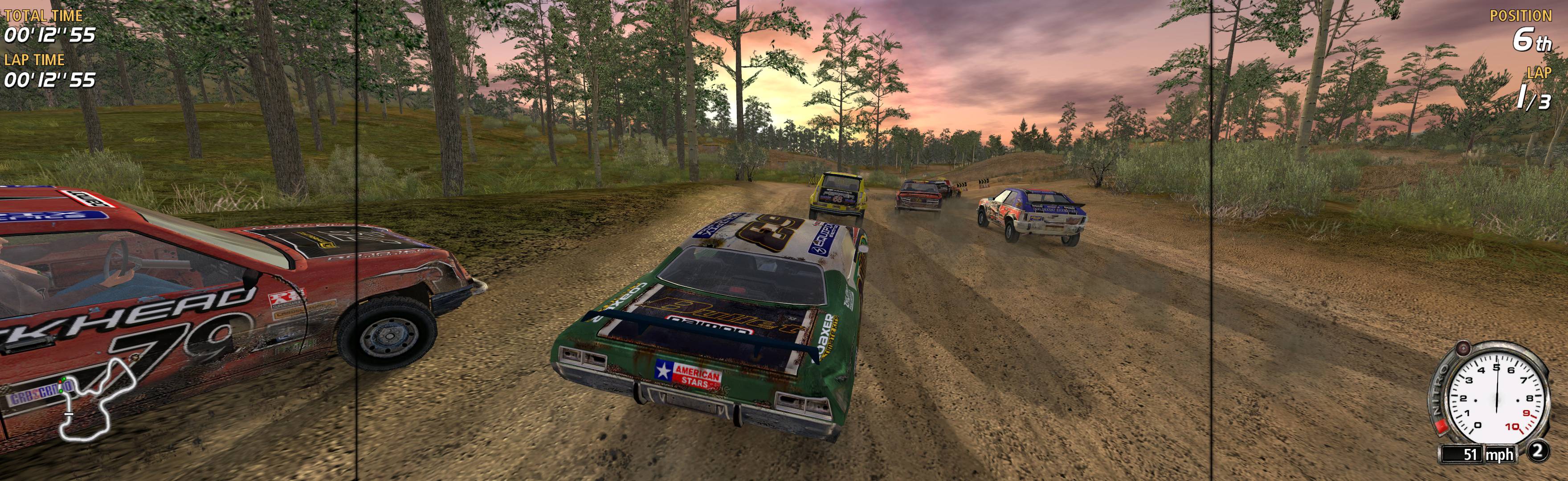
FlatOut Ultimate Carnage 2008 Manual PLP Instructions
Add 2 things to (path-to-game) folder: SoftTH (fullscreen, DX9 x86 game) & Widescreen Fix *. In game launcher, select base PLP resolution.

(PLP screenshot with bezel effect)
Add 2 things to (path-to-game) folder: SoftTH (fullscreen, DX9 x86 game) & Widescreen Fix *. In game launcher, select base PLP resolution.
Add shortcut/launcher arguments: -norestrictions -noprecache -windowed -width #### -height #### (PLP resolution, no border *). ShiftWindow (+ border = borderless)

Edit (path-to-game)\base\config.cfg. r_customheight & r_customwidth yours (+ border = borderless), r_customaspect "1", seta r_fullscreen "0", seta r_mode "-1". ShiftWindow (same nums & to position).
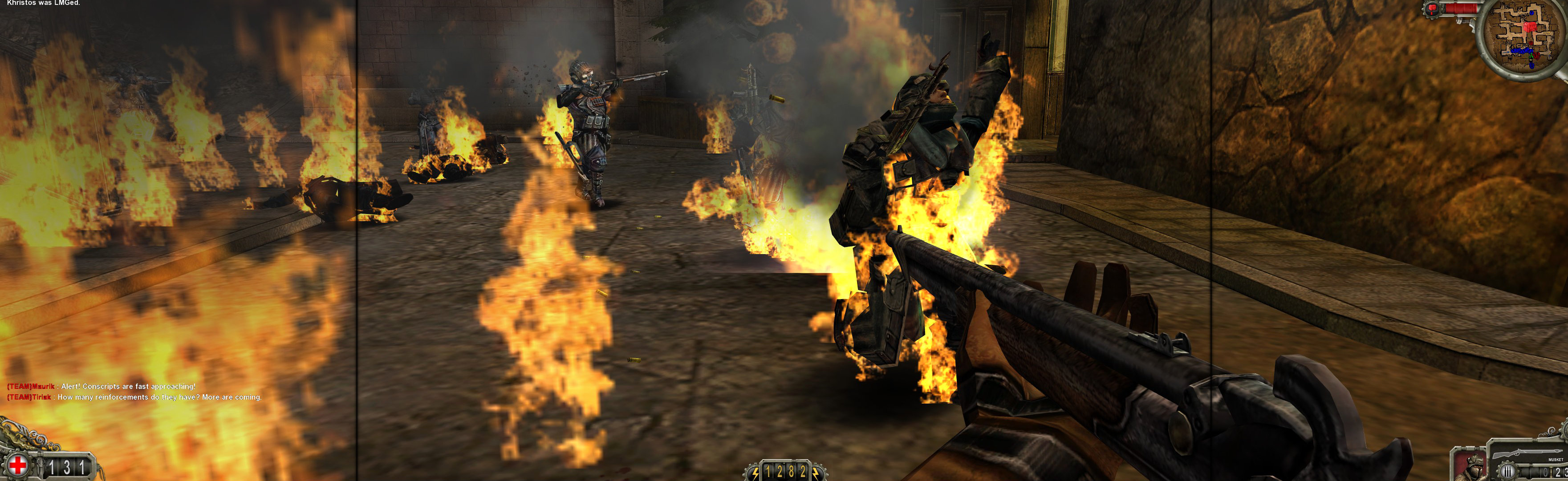
Regedit: search (Ctrl+F, Keys only) for "snowboarding". Looking for 1 or many copies of ...Ubisoft\ShaunWhiteSnowboarding\#.#\Engine. Must edit all found, inside Engine key: Edit existing or add new Value: DWORD (32-bit). Value Name = Fullscreen, Data = 0. Start game, it will be windowed. Wait for player on snowboard & stopped. ShiftWindow (+ border = borderless), may have to trigger x2.
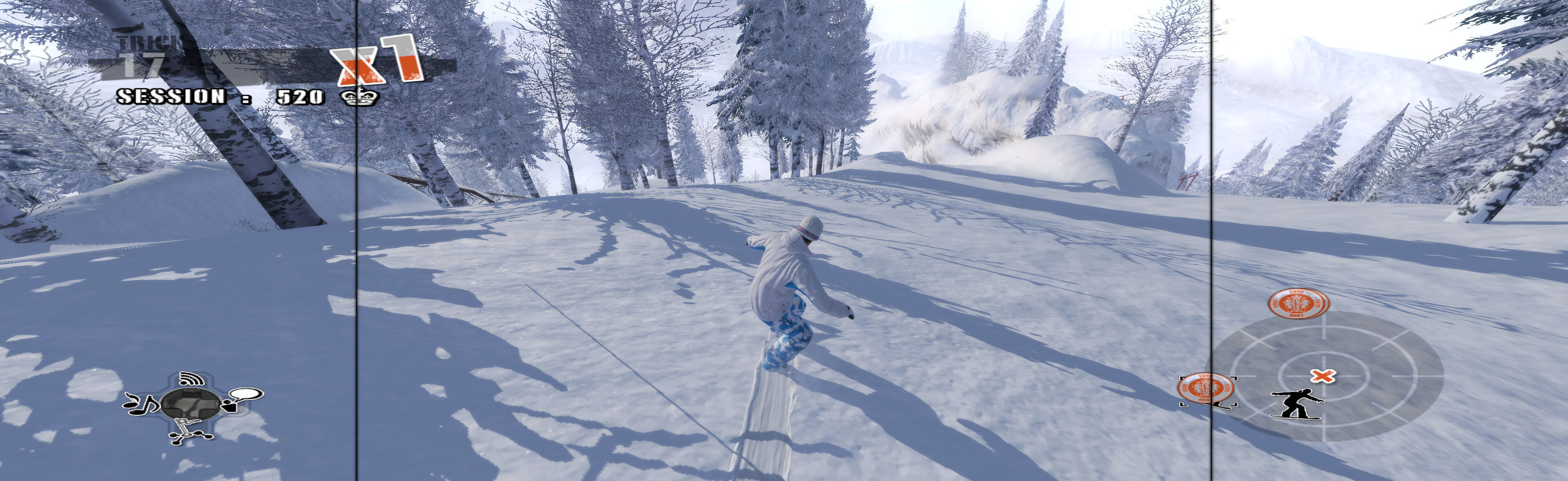
Fullscreen: SoftTH (DX9 x86). In game main menu, fullscreen & massive resolution. Quit, restart. OR Borderless (best choice *): In game main menu, windowed. Quit, restart. ShiftWindow (+ border = borderless, must Trigger 2x). FOV FIX (req'd): Edit (path-to-game)\TurokGame\Config\TurokInput.ini. TypeKey=Tab. Then while playing, press Tab & type: fov ## (~101, showing part of wrist on 1st gun). When FOV reverts, repeat (on new chapter or death).
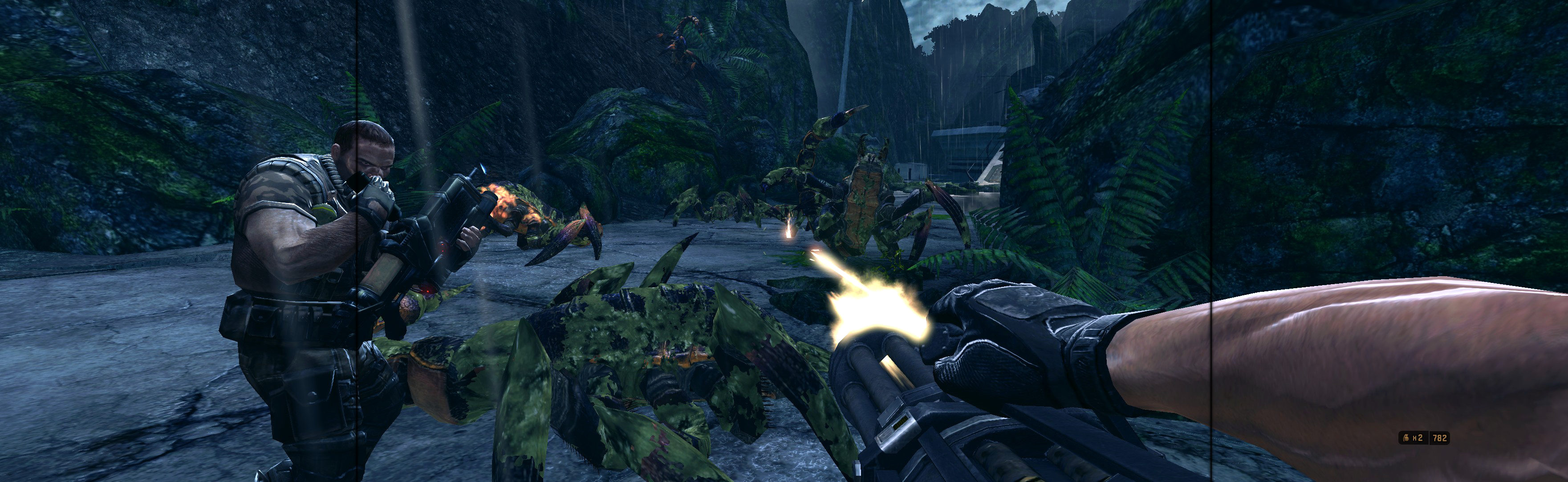
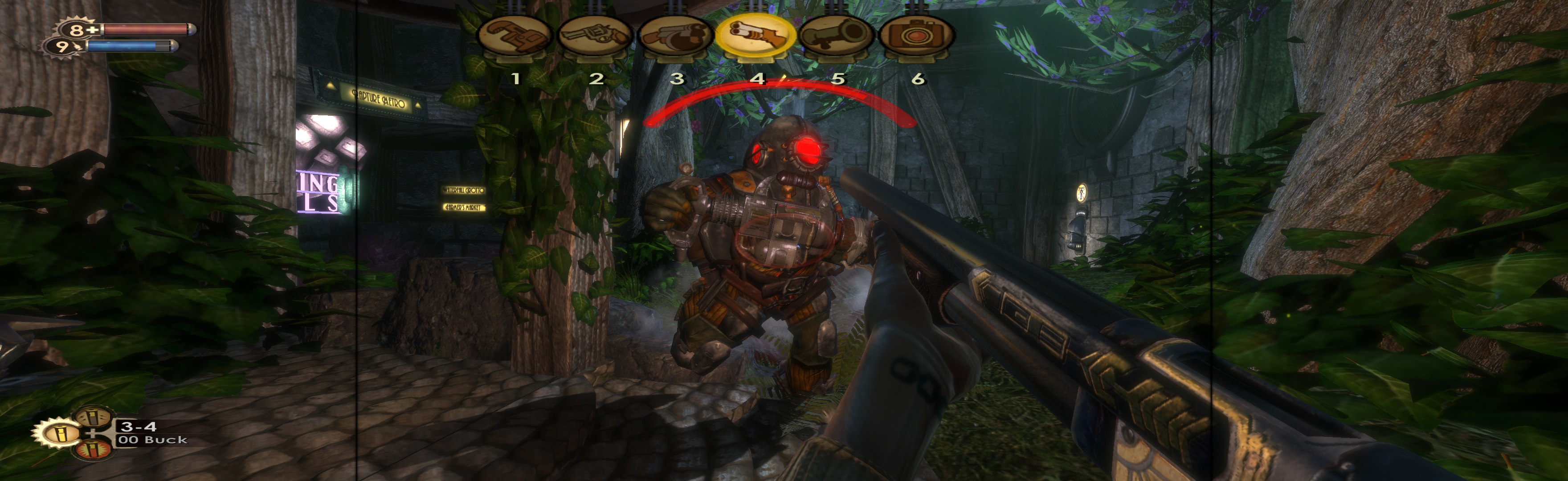
SoftTH (fullscreen, DX9 x86). Edit %APPDATA%\Bioshock\Bioshock.ini. HorizontalFOVLock=False. Shortcut/launcher argument -dx9. In-game, select fullscreen & massive resolution.
Not ideal spread, made decent with sketchy FOV improvement. Borderless (best choice *): Edit %LOCALAPPDATA%\GRAW2\data\settings\renderer_settings.xml. resolution = yours (+ border = borderless), windowed = "true", "aspect_ratio" value="#.#######" (yours = PLP width / height, ideally including borders). In-game ShiftWindow (same nums & to position). Then increase ShiftWindow nums till borders completely gone. (Mine was left & up a pixel, width +2, height +1.) OR Fullscreen: SoftTH (DX9 x86). Start game, press Enter many times (intro clips fail), quit (creates SoftTH adapter entry in the xml). Edit same xml file. resolution = yours, "aspect_ratio" value="#.#######" (yours = PLP width / height).

SoftTH (fullscreen DX9 x86). Run DX9 game from launcher. In-game select massive resolution.

Put SoftTH (DX9 x86) in (path-to-game)\bin. In-game select fullscreen & massive resolution.
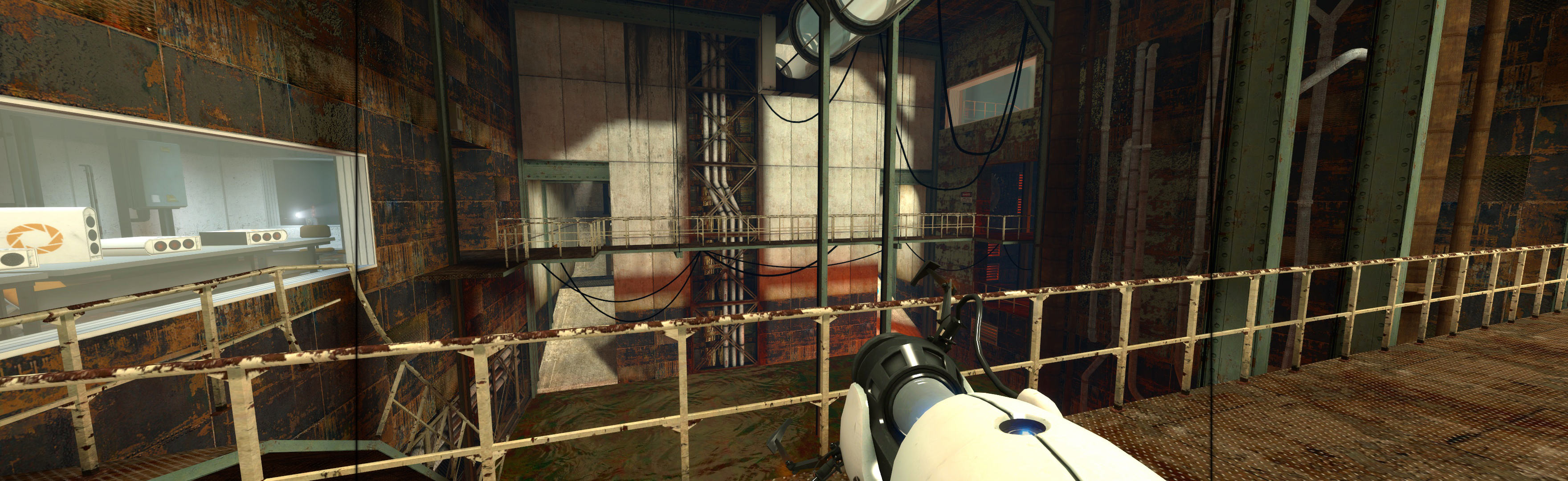
Add 2 things to (path-to-game) folder: SoftTH (fullscreen, DX9 x86) & Widescreen Fix *. Edit Fix's ini, FOV to 1.5. Shortcut/launcher argument -setup. Start game & select PLP resolution in launcher. High settings work fine.