Bulletstorm 2011 Manual PLP Instructions
Game looks great. FOV, HUD & all weapons are proper. Rendered cutscenes full hor+, FMVs & loading screens pillarboxed. Text & menus proper.

(PLP screenshot with bezel effect, 4-barrel shotgun)
Game looks great. FOV, HUD & all weapons are proper. Rendered cutscenes full hor+, FMVs & loading screens pillarboxed. Text & menus proper.
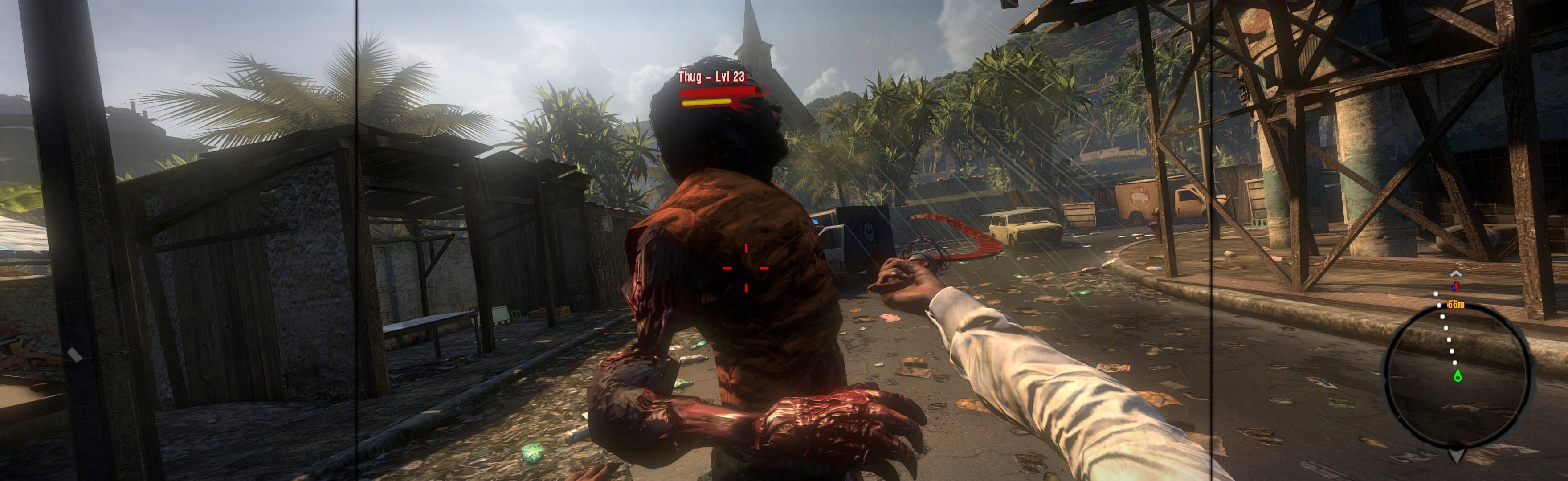
Game looks good, & menus work well enough. Weapons look & aim proper. View maybe slightly FOV+ by default, & looks great (dead-proper FOV achievable *). Rendered cutscenes full hor+. All text is proper. Both menu elements & HUD span full width. Some ugliness (*).
In-game: windowed. ShiftWindow (+ border = borderless)
View guide for general help with the instructions.
Borderless: In-game, save-point. Close. Edit %USERPROFILE%\Documents\ My Games\DiRT3\hardwaresettings\ hardware_settings_config.xml. fullscreen="false". ShiftWindow (+ border = borderless). OR Fullscreen: SoftTH (has proof, untested) & enforce DX9 (probably make forcedx9 true in file %USERPROFILE%\My Documents\??\hardware_settings_config.xml).
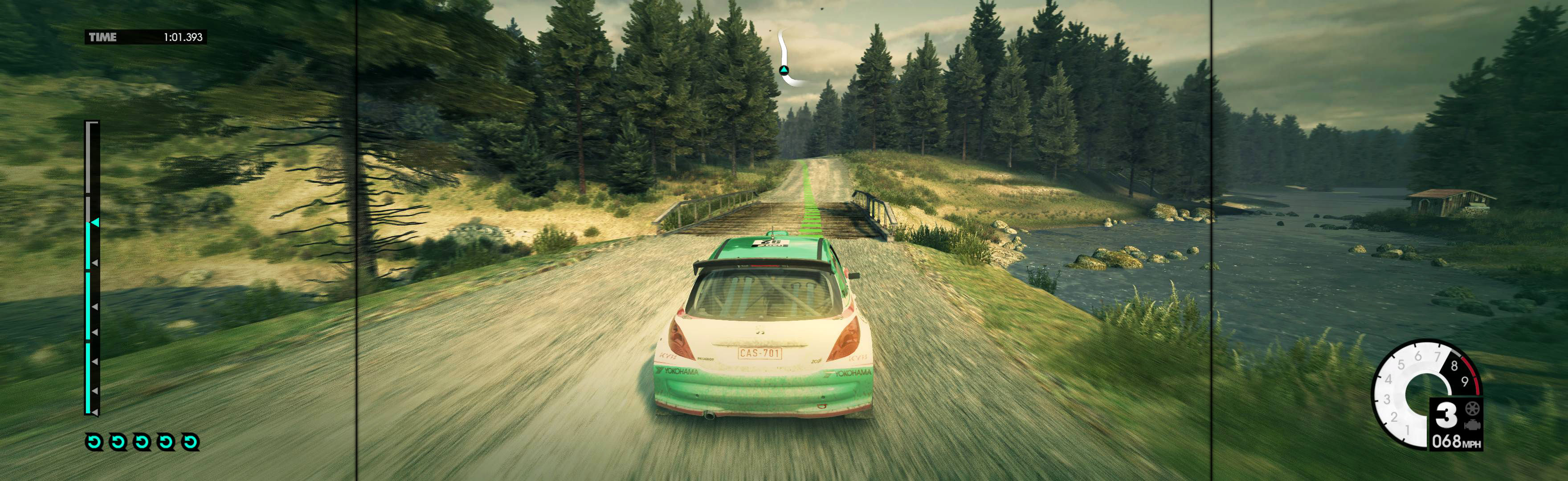
Complex setup, worth the effort. Game looks & works good overall, particularly all views & full rendered video. HUD, menu & FMV videos are not ideal, but not a problem.
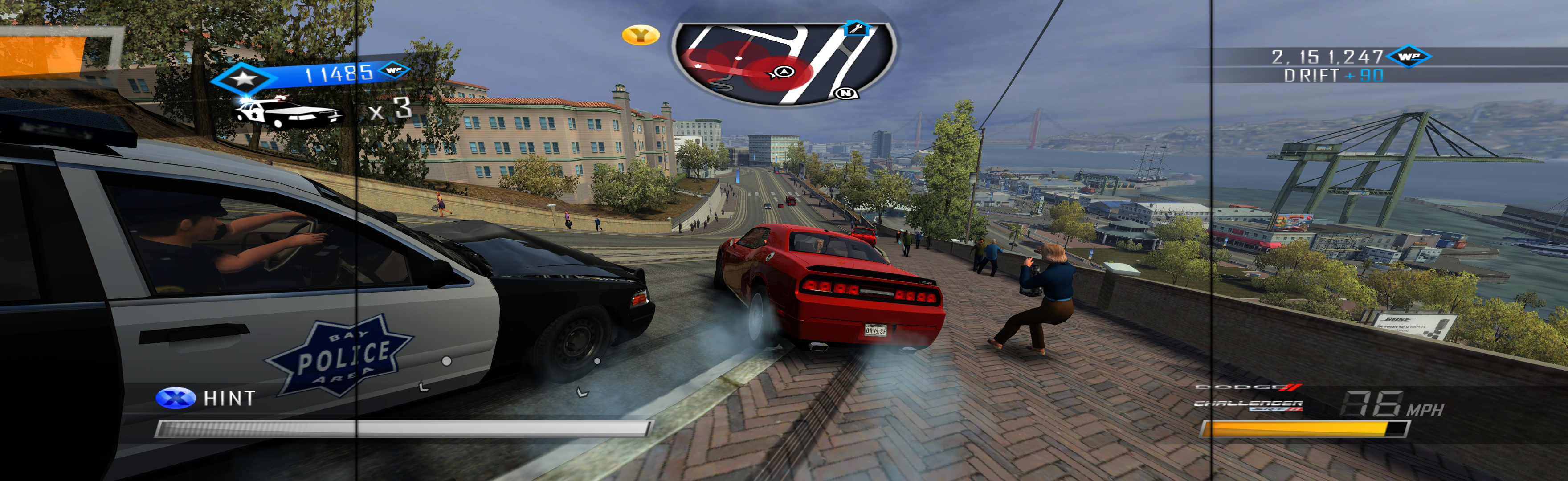
Edit %APPDATA%\Lionhead Studios\Fable 3\VideoOptions.xml: ScreenResolutionX & ScreenResolutionY (= yours + border) & Fullscreen False. ShiftWindow (+ border = borderless).
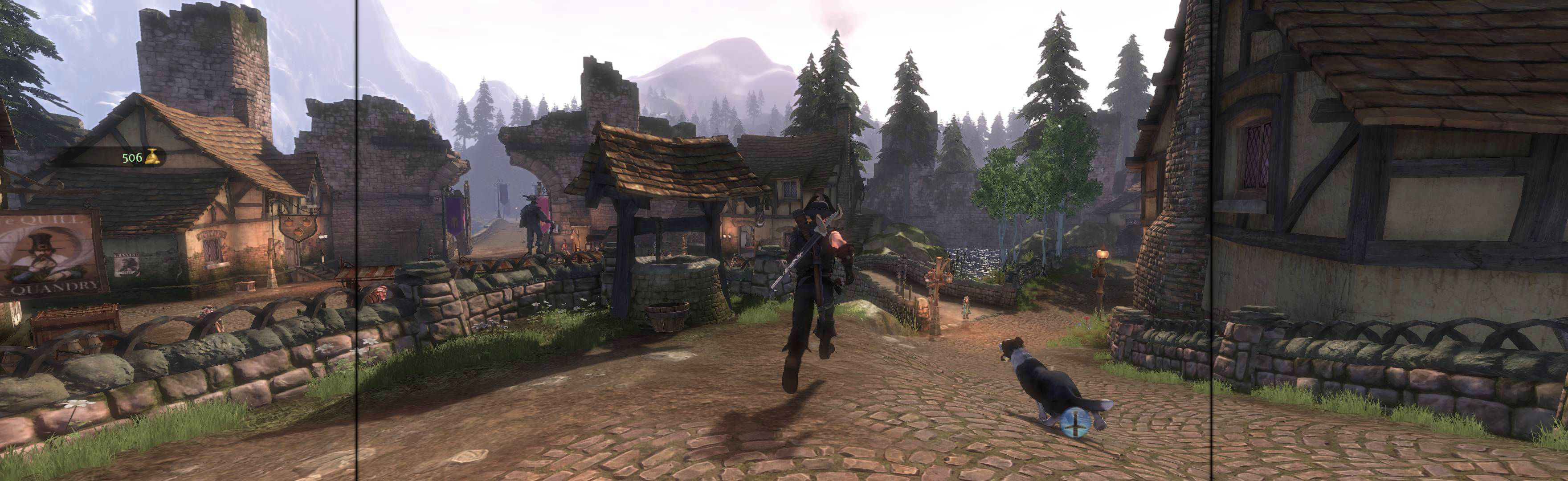
In-game windowed. ShiftWindow (+ border = borderless)
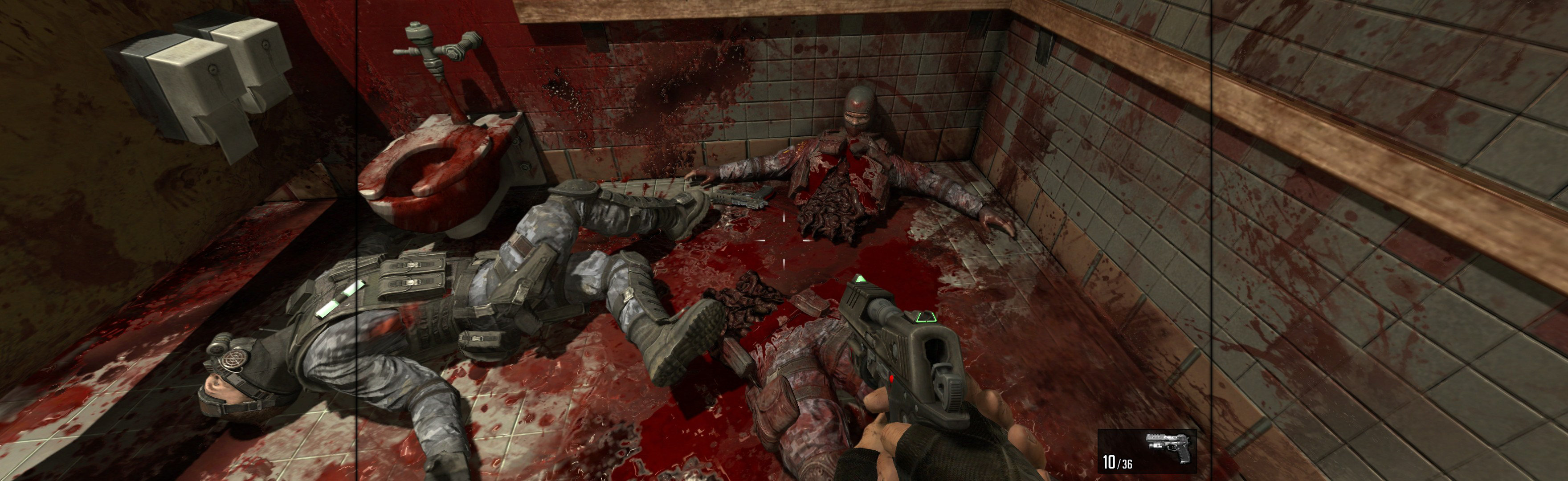
In-game, make save-point (play or change settings), quit. Edit %USERPROFILE%\Documents\My Games\insane2\user_config.cfg. r_fullscreen "0", r_heigth & r_width your base PLP resolution. ShiftWindow (must Grab co-ords from game window, then edit Top offset until proper borderless. Bit odd, but perfect spread.)
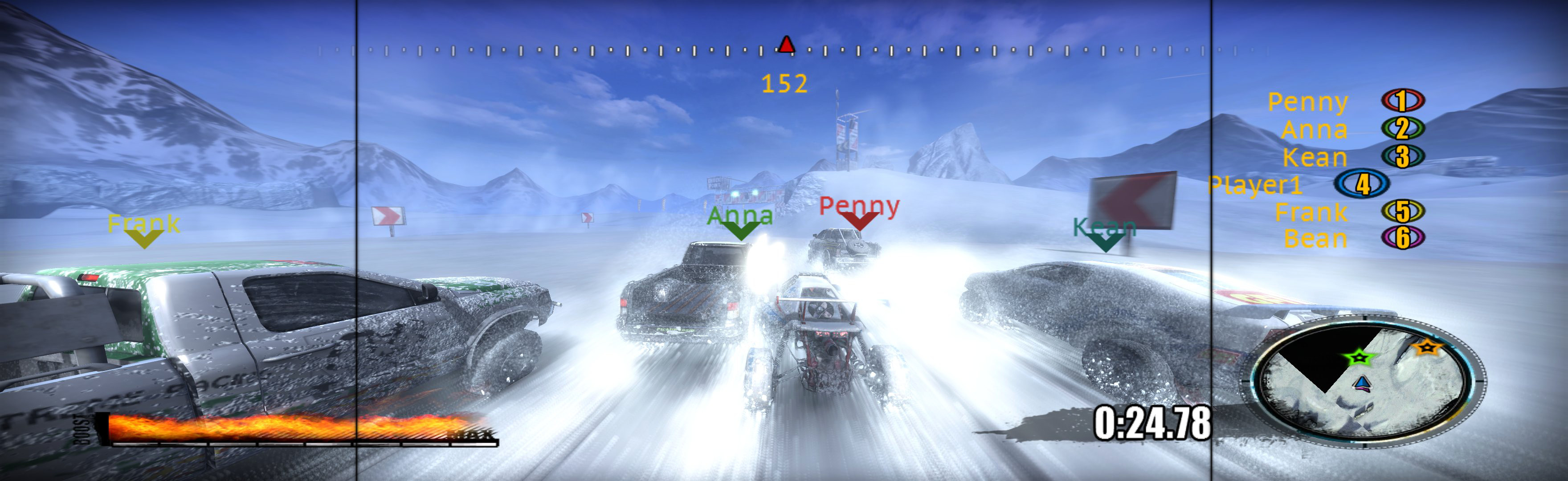
SoftTH (PLP resolution, no border *). In-game Windowed & select PLP resolution. Restart, ShiftWindow (+ border = borderless).

In-game: windowed. ShiftWindow (+ border = borderless)