imusrt's blog

Guide for Manual PLP Gaming Instructions

Fullscreen VS Borderless

Most instructions result in borderless windowed (impersonating fullscreen). This is a common trick for manual PLP, with only one downside: no Crossfire or SLI support. Some game engines quite consistently allow fullscreen with SoftTH. The biggest of these is Unreal Engine 3. When SoftTH V3+ becomes available (shortly), more games will support fullscreen.


Monitor Setup

A good Manual PLP monitor combination is required, where pixels line up (& other more minor factors). Many different layouts that line up pixels well can be found here. Listed below are PLP setup sizes that are documented.
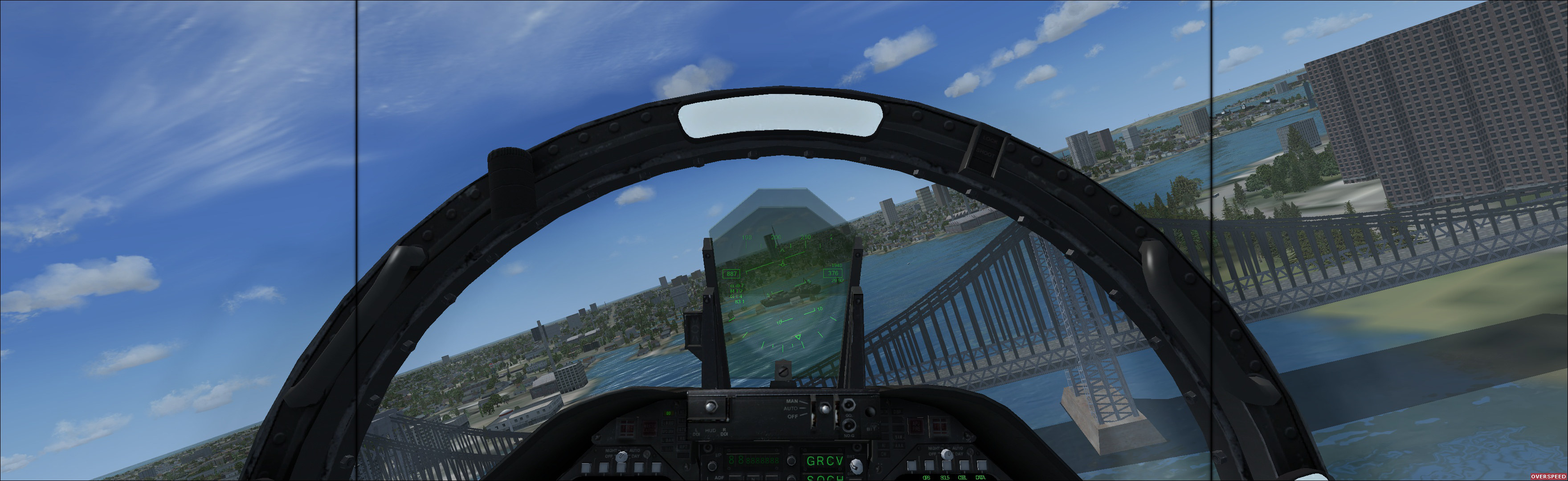

(Microsoft Flight Simulator X Steam Edition 2014, using layout 19-27-19 "Common Lightweight")
imusrt on

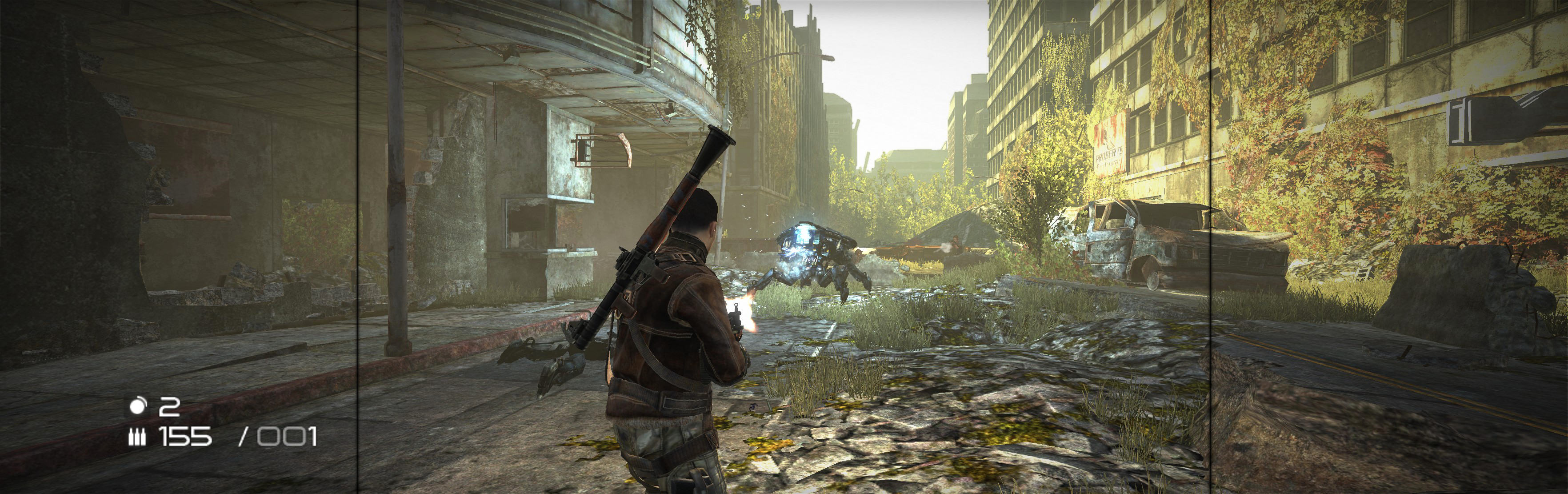
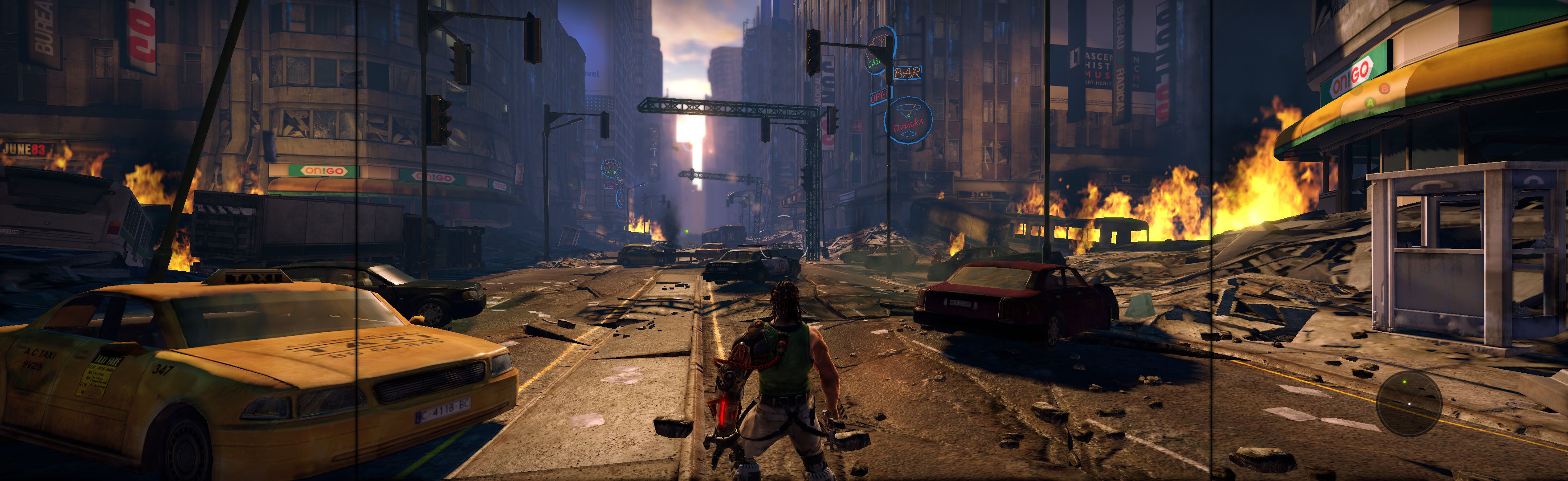
Bionic Commando 2009 Manual PLP Instructions

Fullscreen: SoftTH (DX9 x86). Run game from exe (bypass launcher). In-game select massive resolution. Do not use Aspect setting. OR Borderless: Edit *...\BC\data\settings\renderer_settings.xml. resolution = yours (+ border = borderless), windowed = "true", aspect_ratio = "#.#####" (yours = width / height, ideally including borders). In-game ShiftWindow (same nums & to position). Then increase ShiftWindow nums till borders completely gone.


(PLP screenshot with bezel effect)
imusrt on

Need For Speed Shift 2009 Manual PLP Instructions

SoftTH (PLP resolution, no border *). In-game: windowed & select PLP resolution (by scrolling game's numbered list). Close, remove SofTH files. Restart, wait for in-game, ShiftWindow (+ border = borderless).


(PLP screenshot with bezel effect)
imusrt on

Trine 2009 Manual PLP Instructions

Edit (path-to-game)\config\options.txt: screen_height & width (yours no border *). Run launcher, select Windowed & AA 2x (the max for multi-monitor). ShiftWindow (weird nums = full spread. Wing it).


(PLP screenshot with bezel effect)
imusrt on

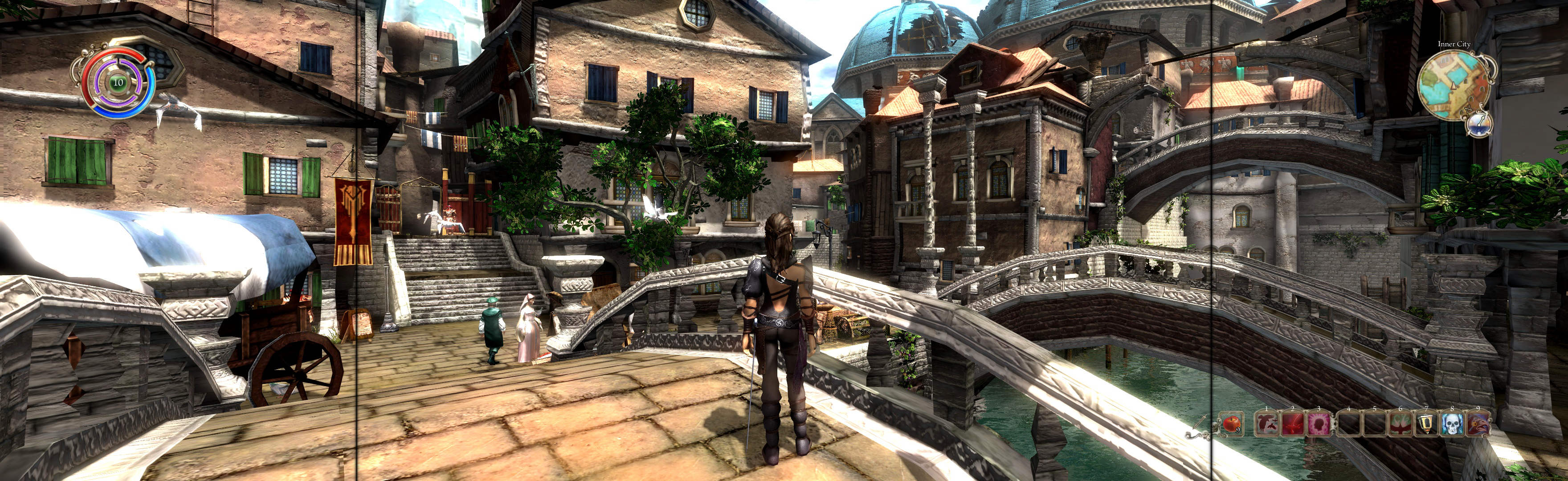
Venetica 2009 Manual PLP Instructions

Fullscreen (best choice *): SoftTH (DX9 x86). In-game select massive resolution. Game then requires restart. OR Borderless: Edit %USERPROFILE%\Documents\Venetica\settings-user.ini. fullscreen = false, window_size = yours (+ border). In-game wait for main menu, then ShiftWindow (+ border = borderless).


(PLP screenshot with bezel effect)
imusrt on

Wanted Weapons Of Fate 2009 Manual PLP Instructions

Fullscreen: SoftTH (DX9 x86). In-game select massive resolution. OR Borderless: Edit %LOCALAPPDATA%\wanted\data\settings\renderer_settings.xml. resolution = yours (+ border = borderless), windowed = "true", aspect_ratio = "0". In-game ShiftWindow (same nums & to position). Then increase ShiftWindow nums until borders completely gone.


(PLP screenshot with bezel effect)
imusrt on

Wolfenstein 2009 Manual PLP Instructions

#1.A. Fullscreen: SoftTH (DX9 x86). Edit %LOCALAPPDATA%\id Software\WolfSP\base\wolf.cfg. r_customerHeight & ...Width yours, r_letterBoxedHeight & ...Width yours, r_fullscreen "1", r_mode "-1". #1.B. OR Borderless: Edit wolf.cfg (same folder). r_customHeight & ...Width (yours no border *), r_fullscreen "0", r_mode "-1".
#2. Widescreen Fixer (Aspect ratio not auto-detect. Enter Custom 16x5, or calc exact for proper).
#3. In-game, Fullscreen works as-is. But for borderless, use ShiftWindow, same nums (yours + border = borderless) & to position.


(PLP screenshot with bezel effect)
imusrt on