imusrt's blog

BioShock 2 2010 Manual PLP Instructions

SoftTH (fullscreen, DX9 x86). Shortcut/launcher argument -dx9. In-game, select fullscreen & massive resolution. Optional FOV (recommended): Flawless Widescreen (Helmet & FOV values maxed. I.e. show whole left hand).


(PLP screenshot with bezel effect)
imusrt on

Fallout New Vegas 2010 Manual PLP Instructions

In game's launcher, choose windowed. Max game (optional). Edit %USERPROFILE%\Documents\My Games\FalloutNV\FalloutPrefs.ini: iSize W & H yours (+ border = borderless). Edit (path-to-game)\Fallout_default.ini: iLocation Y & X (+ border & down&right by 1 pixel = borderless).


(PLP screenshot with bezel effect)
imusrt on

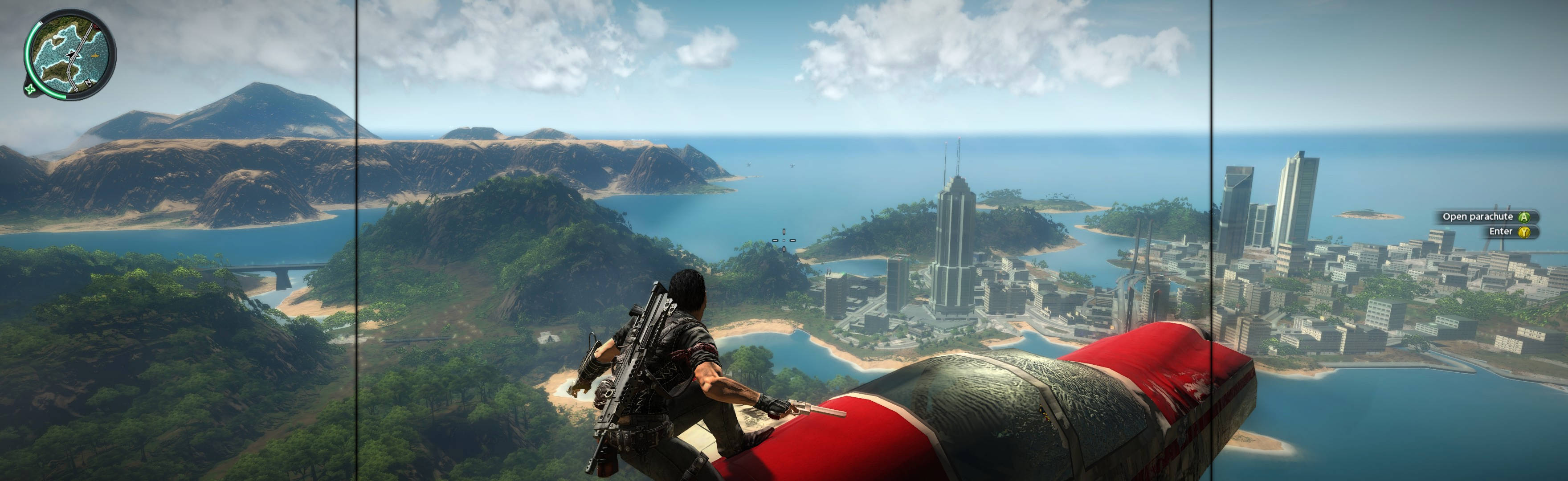
Just Cause 2 2010 Manual PLP Instructions

Game spreads perfect hor+. All are proper: FOV, aim (& sniper scope), vehicles, text, HUD (HUD element-positions span full width), menu (text on center with background full hor+), cutscenes (rendered are full hor+; FMVs rare & pillarboxed), popups, loading screens. Also bit brighter (better), as side-dark-gradient-overlay is pushed further out & diminished.


(PLP compressed screenshot with bezel effect; stunt-riding an airplane)
imusrt on

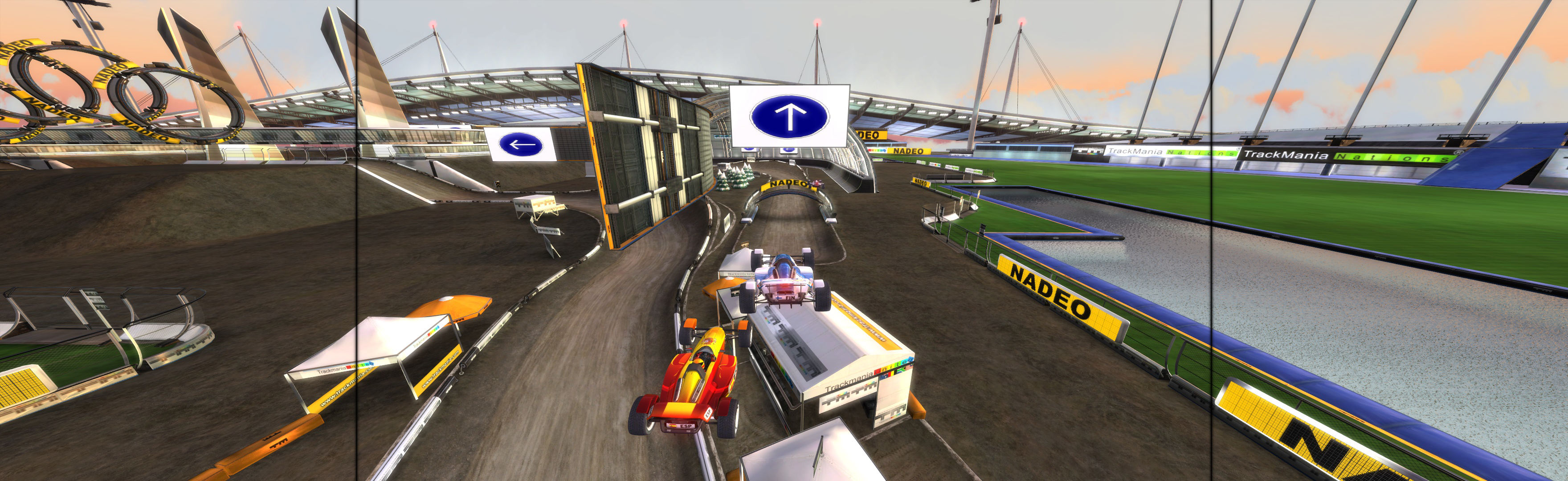
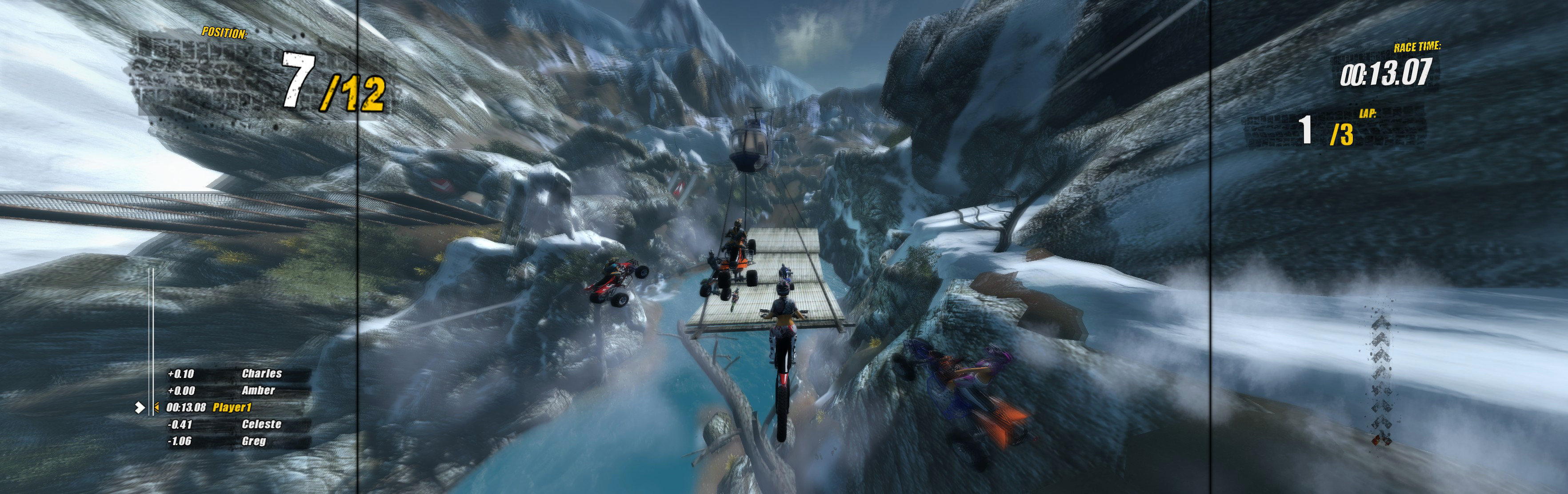
Nail'd 2010 Manual PLP Instructions

In-game, windowed. Edit (path-to-game)\Haste\Out\Settings\Video.scr (Notepad). Resolution(####,###) yours (no border*). ShiftWindow (+ border = borderless).


(PLP screenshot with bezel effect)
imusrt on

Brothers In Arms Road To Hill 30 2005 Manual PLP Instructions

Both methods require the FOV Fix. Fullscreen: SoftTH (DX9 x86). In-game select massive resolution, apply, quit, restart. OR Borderless: Start game, Alt+Enter (windowed). ShiftWindow (+ border = borderless). When reverts, retrigger (every chapter). FOV Fix: Edit %APPDATA%\Gearbox Software\Brothers In Arms\(ProfileName)\User.ini. Under [Engine.Input], find line "9=" & type in "fov ##" (about 100, to taste. Stock is 63). In-game, press 9 for FOV fix. When reverts, repeat (infrequent).


(PLP screenshot with bezel effect)
imusrt on

Brothers In Arms Hells Highway 2008 Manual PLP Instructions

Edit %USERPROFILE%\Documents\ My Games\BIA Hells Highway\SumacGame\ Config\SumacEngine.ini. ResX & ResY yours. SoftTH (fullscreen, DX9 x86). FOV Fix (required): Edit SumacInput.ini (same config folder). Under [SumacGame.SumacPlayerInput], add Bindings=(Name="H",Command="fov 106.1"). (106.1 is approx, change as needed *). In-game, press H for FOV fix. When reverts, repeat (infrequent).


(PLP screenshot with bezel effect)
imusrt on