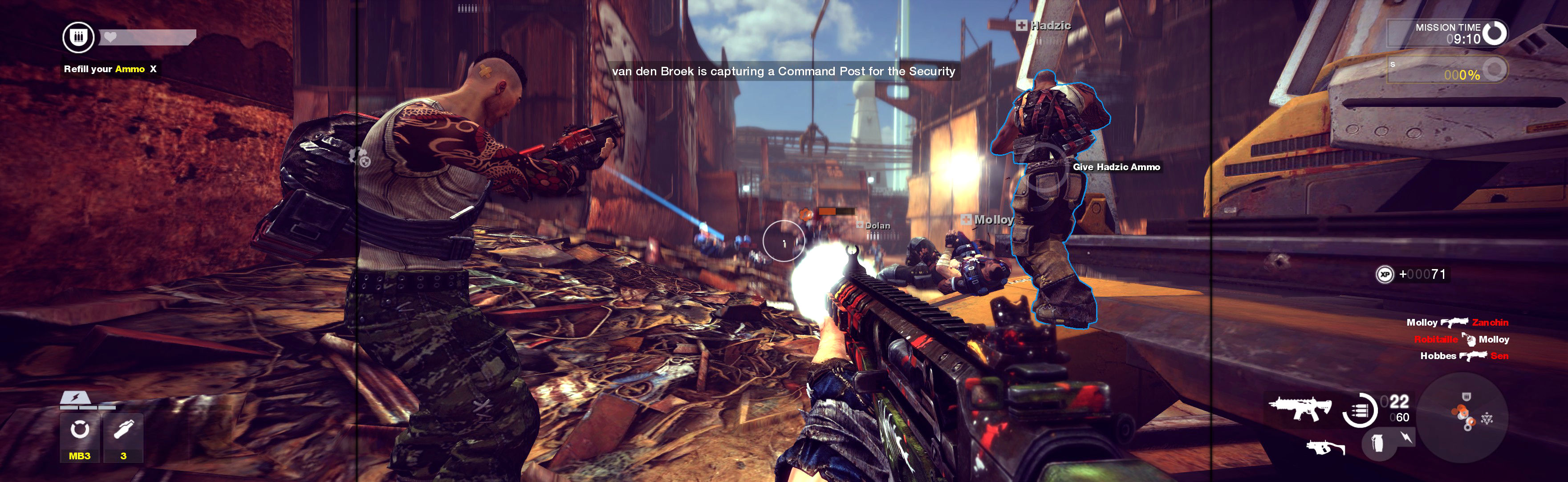
Prince Of Persia Forgotten Sands 2010 Manual PLP Instructions
Game & all video renders well.

(PLP screenshot with bezel effect)
Game & all video renders well.
Fullscreen: SoftTH (DX9 x86). Resolution & optional FOV: Flawless Widescreen (FWS) *. OR Borderless: In-game windowed. ShiftWindow (+ border = borderless, might need to trigger 2x). Optional FOV: FWS *.

Start Flawless Widescreen, checkmark Fix Enabled. Start game. In menu under PC Settings, Screen Size = Off (i.e. windowed). Scroll down & Apply. ShiftWindow (+ border = borderless).
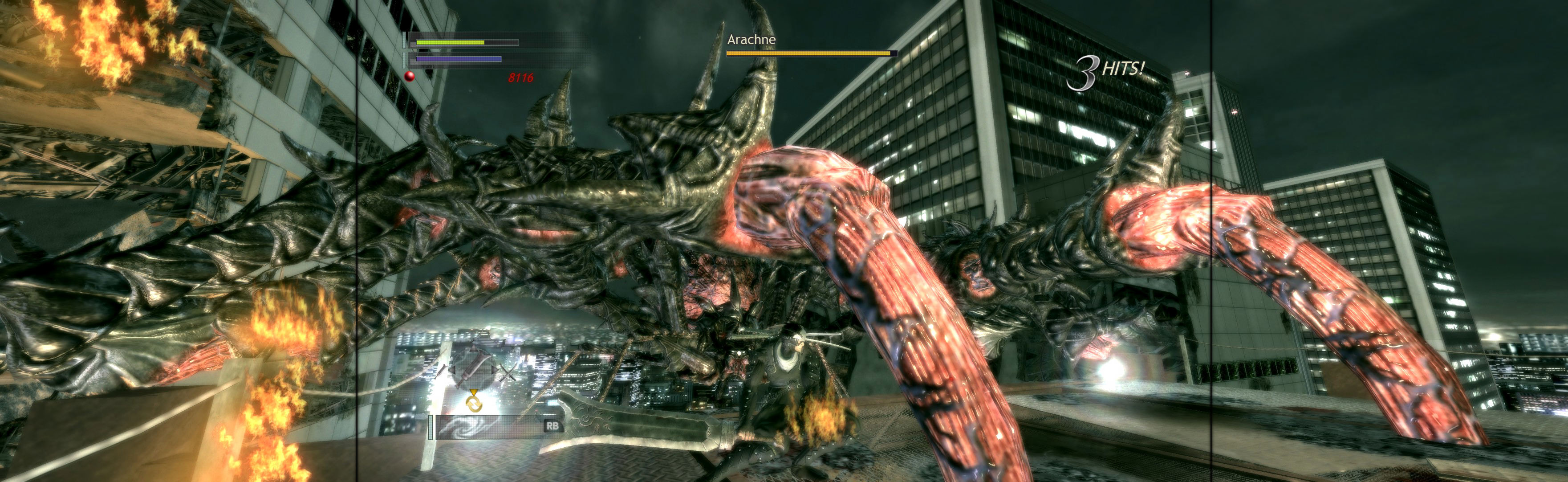
Fullscreen (best choice *): SoftTH (DX9 x86). In-game select massive resolution. OR Borderless: In-game windowed, quit. Edit %USERPROFILE%\Documents\ Stalker-COP\user.ltx (if folder isn't there, find in %PUBLIC%\Documents\ S.T.A.L.K.E.R. - Call of Pripyat). vid_mode ####x#### yours (no border). ShiftWindow (+ border = borderless. If game minimizes, Alt+Tab back to it & try again).

Game & all video renders well. But menu, text & HUD is stretched (same as LLL). Not a problem.

Fullscreen (best choice *): SoftTH (DX9 x86). In-game select massive resolution. OR Borderless: In-game windowed, quit. Edit %USERPROFILE%\Documents\ Stalker-STCS\user.ltx (if folder isn't there, find in %PUBLIC%\Documents\). vid_mode ####x#### yours (no border). ShiftWindow (+ border = borderless. If game minimizes, Alt+Tab back to it & try again).
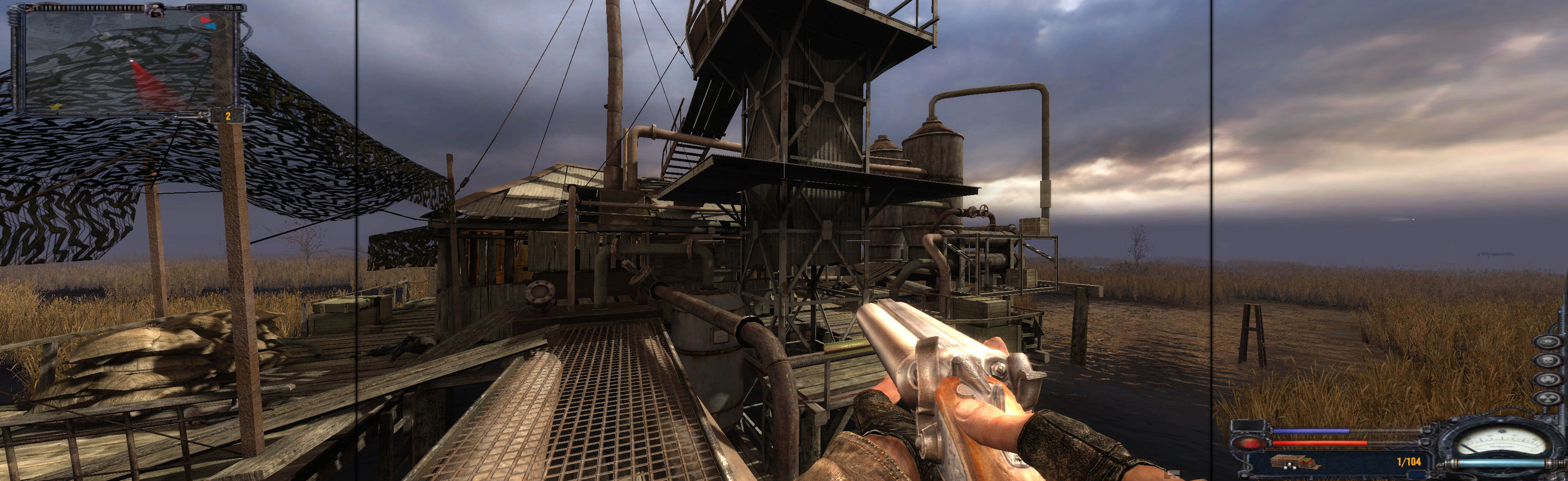
Fullscreen (best choice *): SoftTH (DX9 x86). Shadow Fix **. In-game select massive resolution. OR Borderless: In-game windowed, quit. Edit %USERPROFILE%\Documents\ Stalker-SHOC\user.ltx (if folder isn't there, find in %PUBLIC%\Documents\). vid_mode ####x#### yours (no border). Shadow Fix **. ShiftWindow (+ border = borderless. If game minimizes, Alt+Tab back to it & try again).

SoftTH (fullscreen, DX9 x86). Open (path-to-game)\RascalGame\Config\DefaultGame.ini. Edit (removing related semicolon): bForceResolution=true, ForceResX & Y yours, bForceFullscreen=true. Edit %USERPROFILE%\Documents\ My Games\Afterfall InSanity\RascalGame\ Config\RascalEngine.ini. Switch AspectRatio_MaintainXFOV to ...YFOV. Looks great & correct FOV (cropping just under knee).

SoftTH (DX9 x86). Edit %USERPROFILE\Documents\WB Games\Batman Arkham City\BmGame\Config\UserEngine.ini. Fullscreen=True, ResX & ResY= your massive resolution (no border), AllowD3D10=False, AllowD3D11=False, TessellationAdaptivePixelsPerTriangle=0.

Search for & edit brinkconfig.cfg. seta r_mode "-1", seta r_aspectRatio "-1", seta r_customAspectRatioH "16", seta r_customAspectRatioV "5". Or calc your aspect for proper. ShiftWindow (+ border = borderless & to position). Game updates rest of its settings.