Nitronic Rush 2011 Manual PLP Instructions
SoftTH (PLP resolution + border). In-game: windowed. ShiftWindow (+ border = borderless)
View guide for general help with the instructions.
SoftTH (PLP resolution + border). In-game: windowed. ShiftWindow (+ border = borderless)
View guide for general help with the instructions.
Fullscreen: SoftTH (DX9 x86). In-game select massive resolution.
OR Borderless: Edit %LOCALAPPDATA%\PAYDAY\ renderer_settings.xml. resolution = yours (no border *), windowed = "true", aspect_ratio = "#.#####" (yours = width / height *). In-game ShiftWindow (+ border = borderless). Then increase ShiftWindow nums until borders completely gone **.

SoftTH (fullscreen, DX9 x86) in (path-to-game)\bin. In-game select fullscreen & massive resolution.

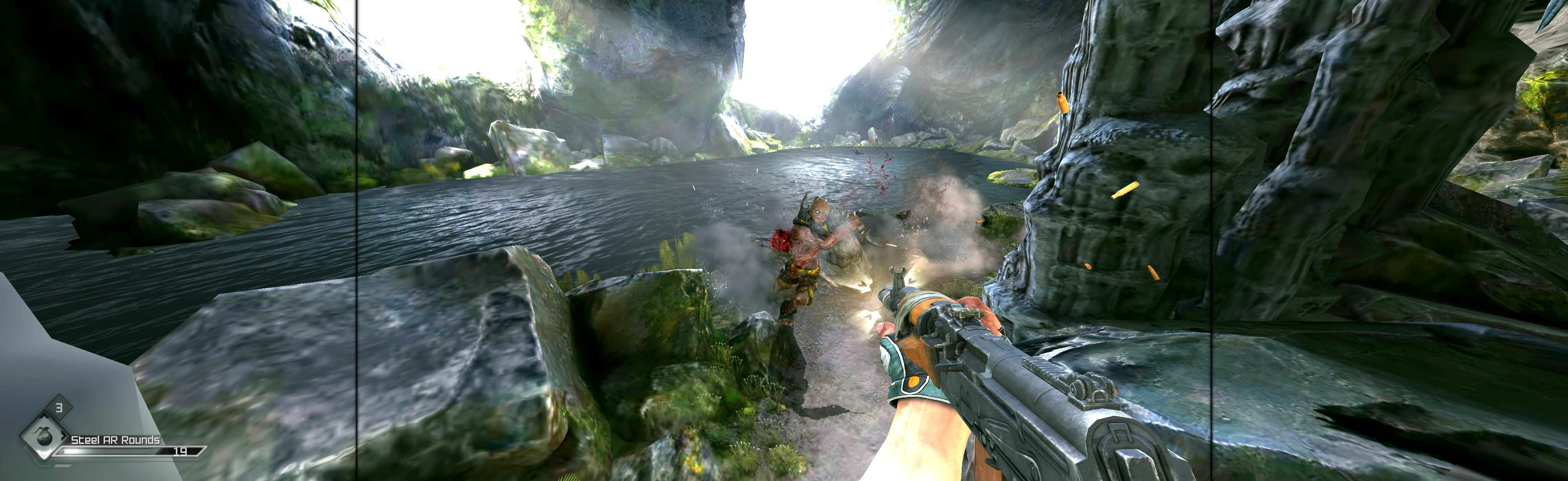
Complex setup. But once done, easy perfect PLP. Must play x64 game (as x86 cfg files are unusable). Shortcut/launcher arguments (+com_allowconsole 1 +g_fov 102). Ingame mnu: Windowed, Resolution your main monitor. Console (`) r_mode 44, close (`). ShiftWindow (increase nums til borders gone). View resolution auto-saves in (path-to-game)\SAVES\ base\rageConfig.cfg at bottom *. Confirm auto-save is NEAR your ShiftWindow nums.
Launcher: windowed, ultra (optional), click play, ingame Quit.
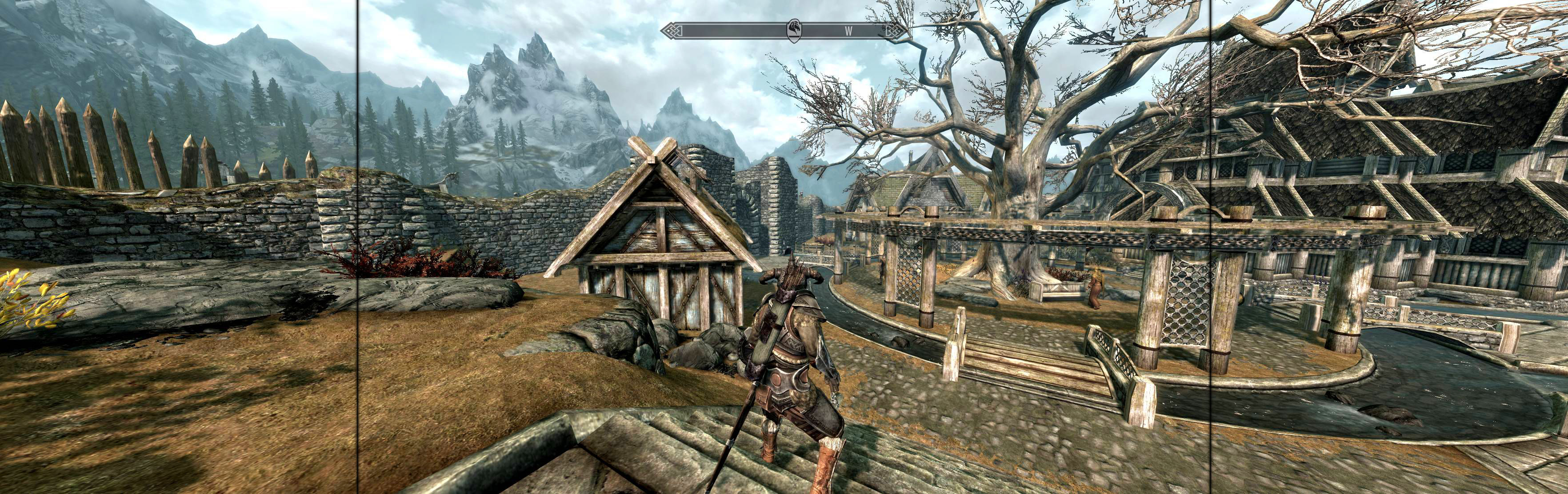
Edit %USERPROFILE%\Documents\My Games\Skyrim\SkyrimPrefs.ini: iSize W & H (yours no border *). Read-only.
Ingame, ShiftWindow (+ border = borderless), optional FOV: console (`) fov # (eg 90).
Launcher, Options, set fullscreen & advanced quality wanted. Quit. Edit %USERPROFILE%\Documents\Witcher 2\Config\User.ini (launcher creates file). Height & Width your base PLP resolution. Put SoftTH files in game-install's "bin" folder (same base PLP resolution). Widescreen Fixer (WSF): select game version *, not auto-detect, Custom 16:5 aspect & same base PLP resolution.

Game spreads full hor+ & FOV proper, in all view distances. Rendered video hor+ (sometimes letterboxed). Other areas bit ugly **, but decent spread & none a problem.

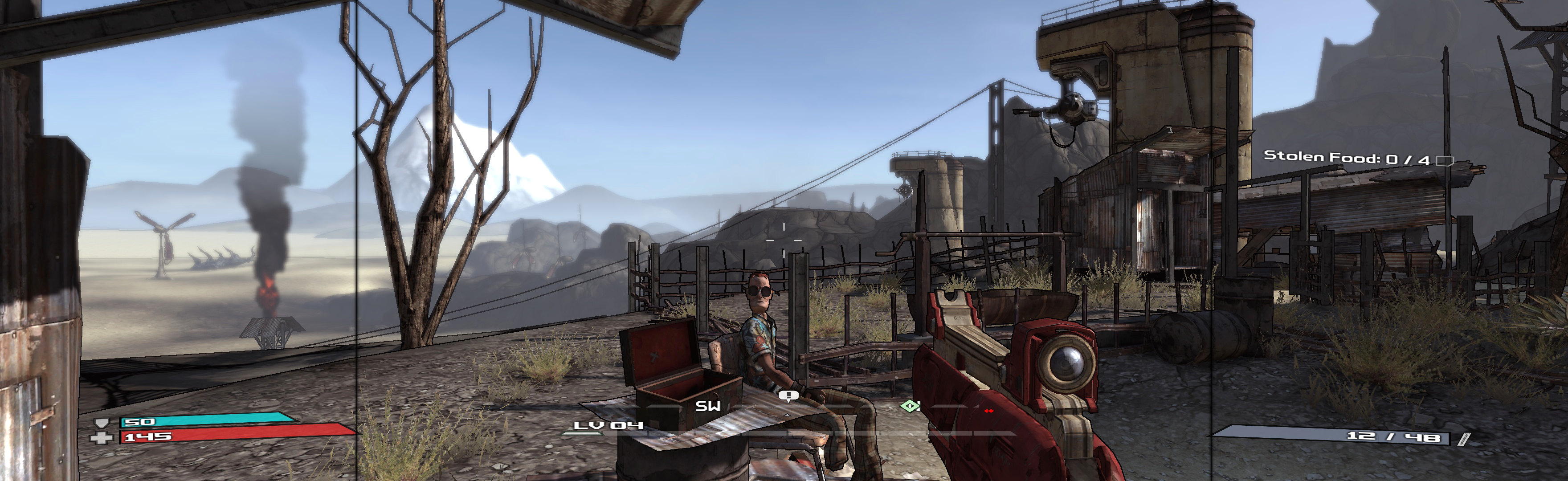
Game renders pretty well. But oddities (none a problem): weapon is vert- (still decent), text is bit big, menus are large & bit cropped, scope FOV looks right but scope image overlay is vert-, sprint view FOV is bit strong.
SofthTH (DX9 x86). Run DX9 game. In-game select massive resolution.
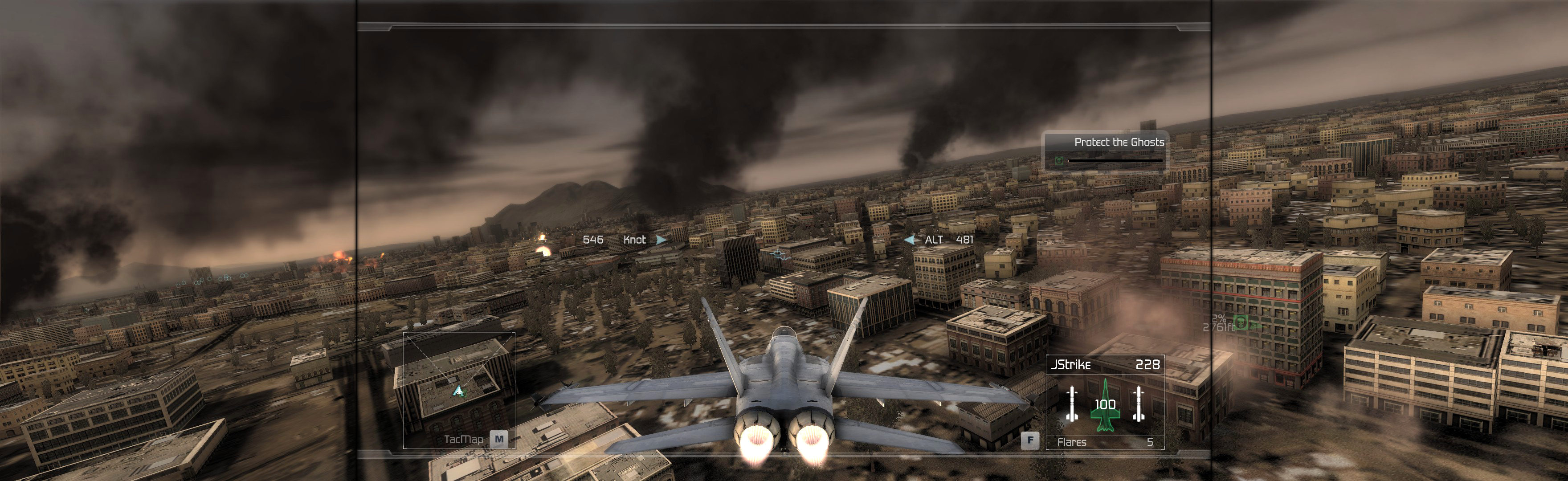
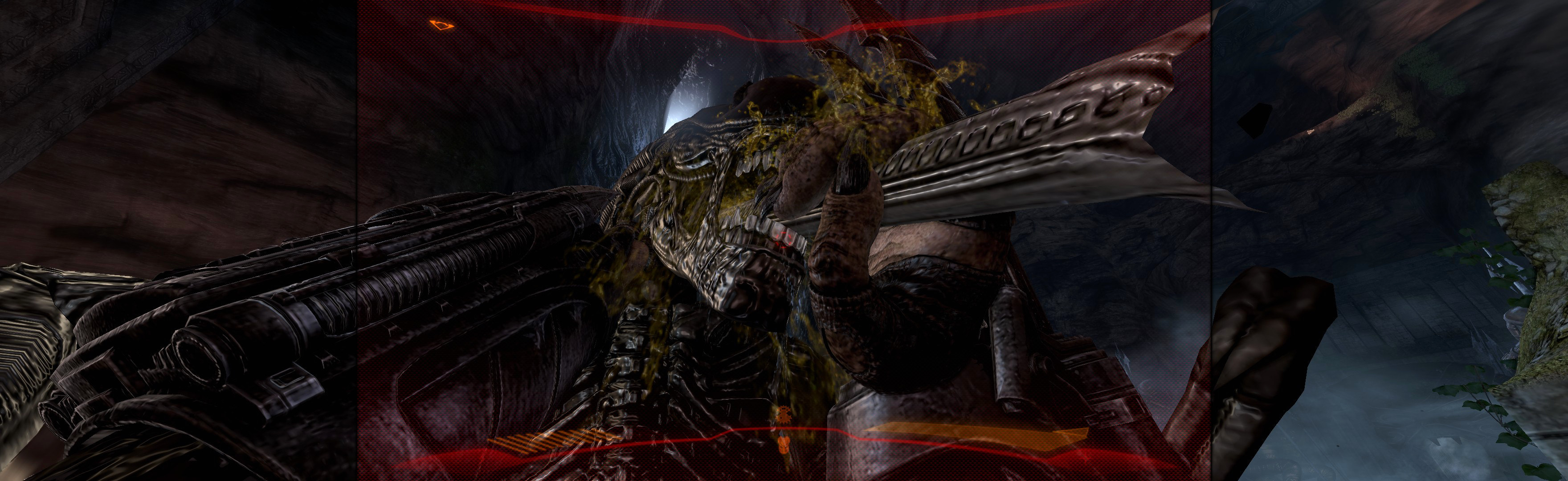
Both solutions require running game from AvP.exe (enforces DX9). Fullscreen: SoftTH (DX9 x86). In-game select massive resolution. OR Borderless: Shortcut/launcher argument -subwindow. ShiftWindow (+ border = borderless). Optional FOV (not needed, recommended): Use FOV Changer *