


Dreamfall Chapters Book One Reborn 2014 Manual PLP Instructions
In-game, windowed. ShiftWindow (+ border = borderless). Distance to character is flexible, on mouse wheel.
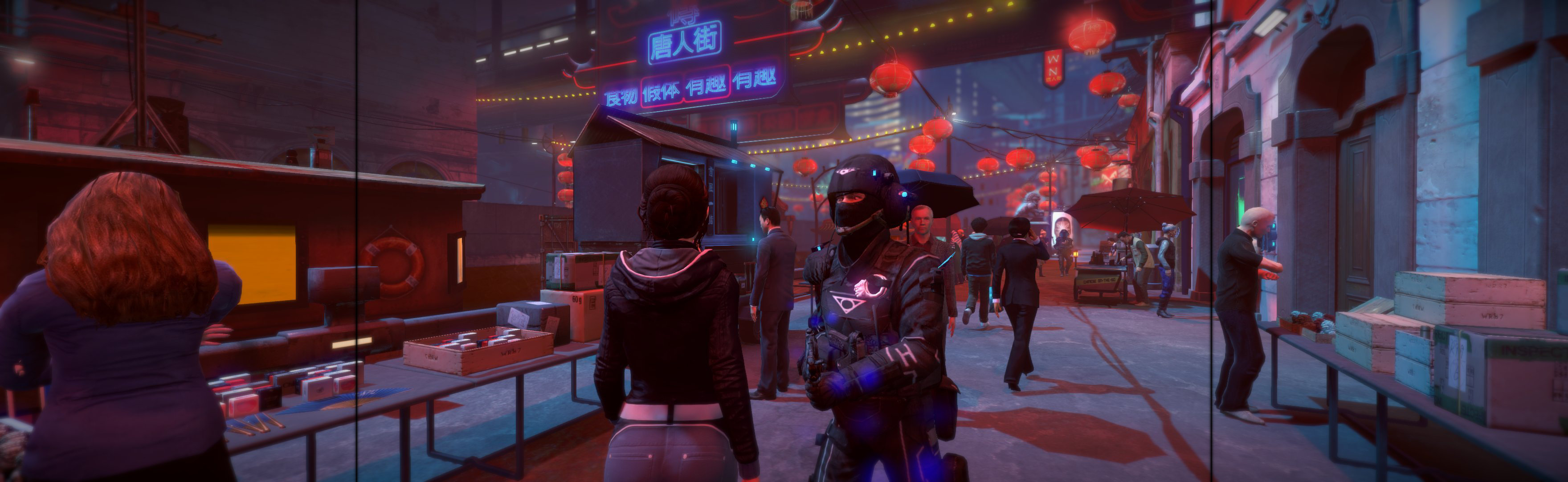
(PLP screenshot with bezel effect)
In-game, windowed. ShiftWindow (+ border = borderless). Distance to character is flexible, on mouse wheel.
SoftTH (DX9 x86). Edit 2 files in (path-to-game)\UDKGame\Config. 1. UDKSystemSettings.ini: AllowSecondaryDisplays=True, SecondaryDisplayMaximumWidth & ...Height= your side resolution (fixes mouse oddity). 2. UDKEngine.ini: Switch AspectRatio_MaintainXFOV to ...YFOV. In-game fullscreen & select massive resolution. FOV slider in game settings, Advanced. Default FOV is bit strong.
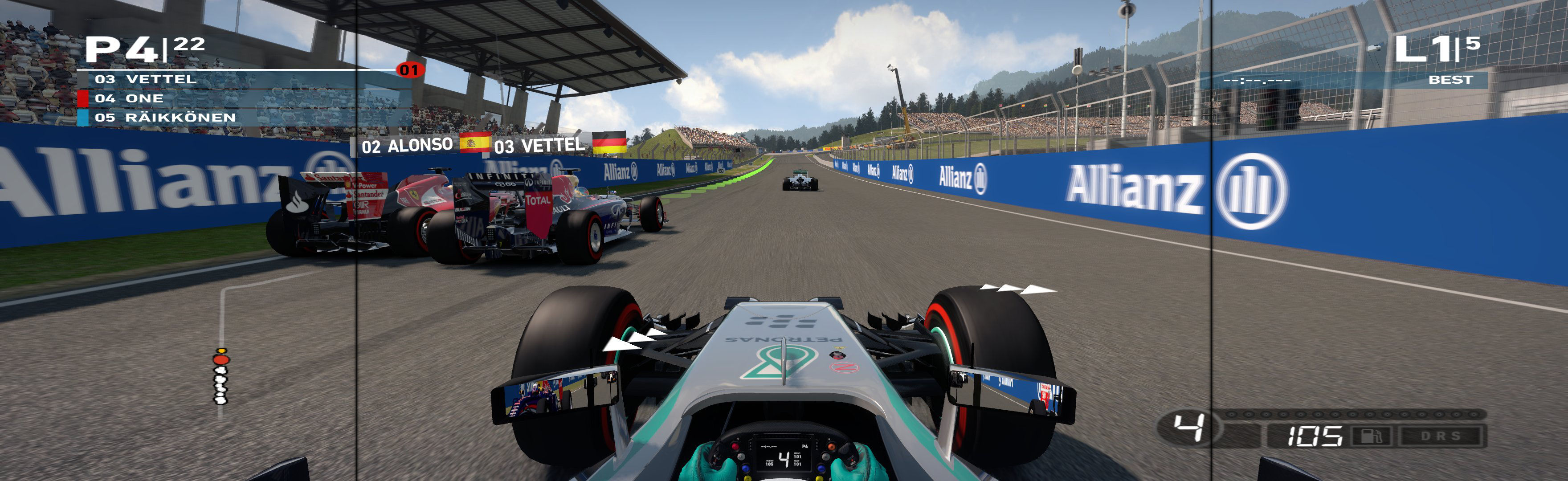
In-game, save-point. Close. Edit %USERPROFILE%\Documents\My Games\FormulaOne2014\hardwaresettings\hardware_settings_config.xml. resolution width & height = yours (+ border = borderless), fullscreen="false". ShiftWindow (same nums & to position).
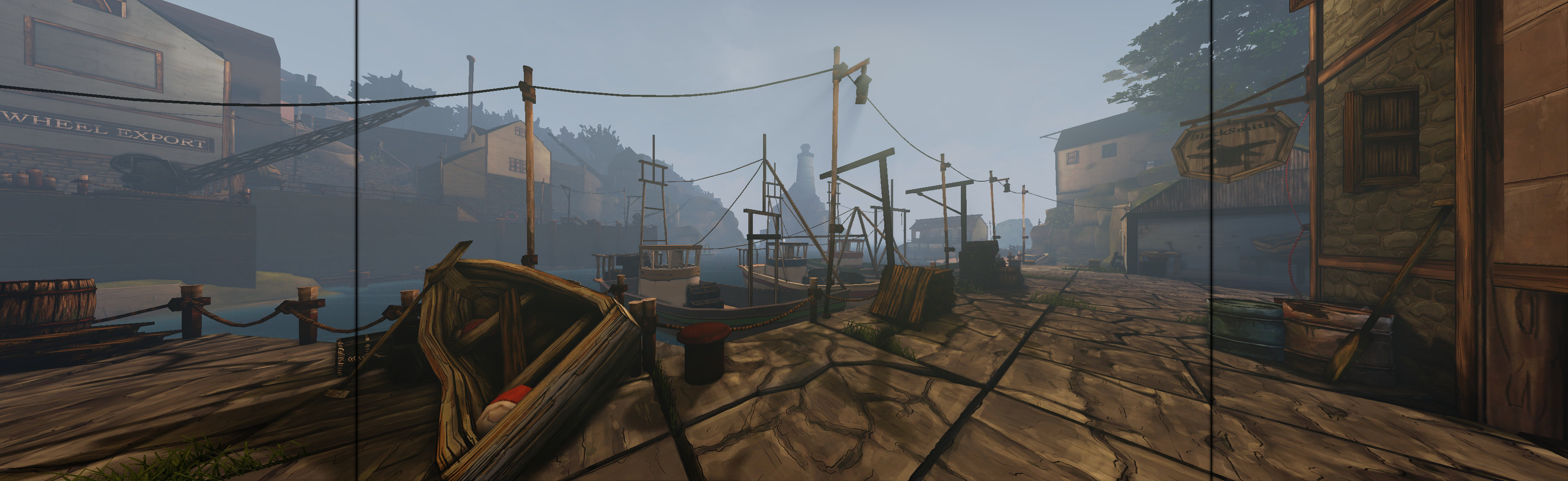
In-game, windowed (doesn't remember on reboot). ShiftWindow (+ border = borderless).
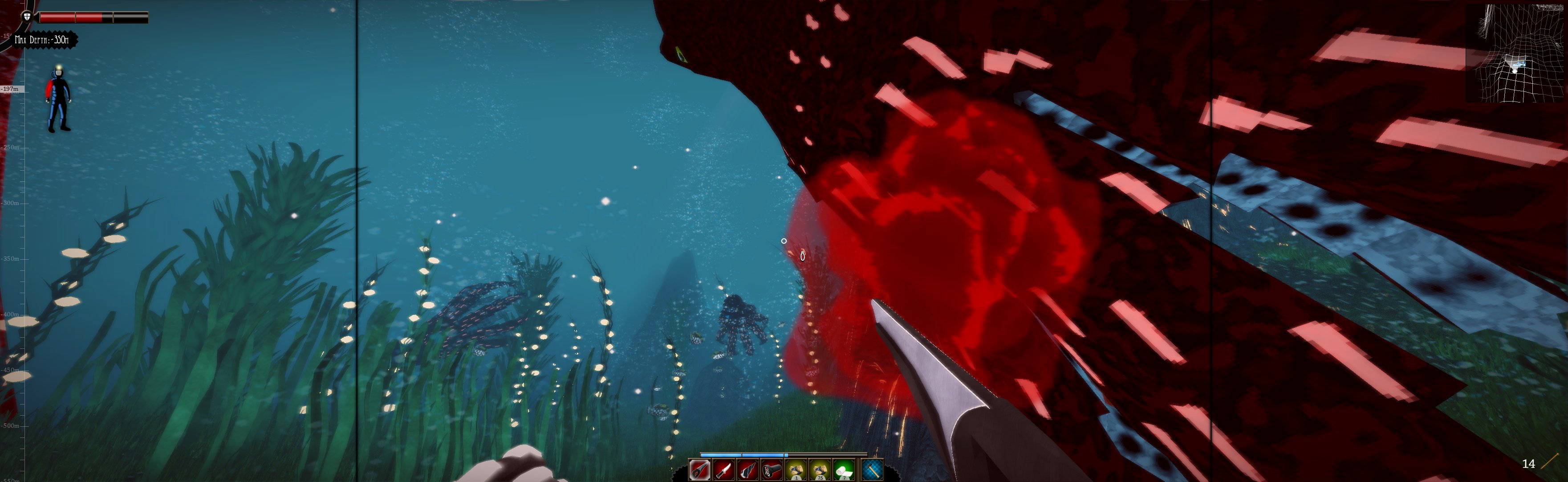
In-game: windowed. ShiftWindow (+ border = borderless). Ingame views are perfect.
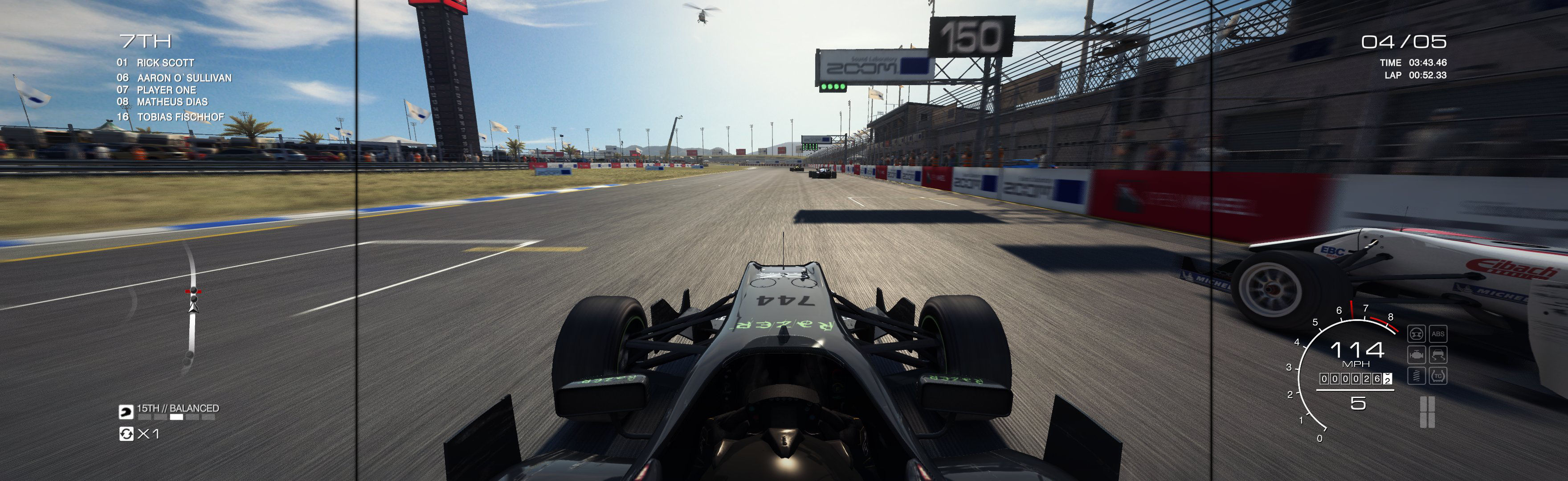
SoftTH (works fullscreen & borderless)
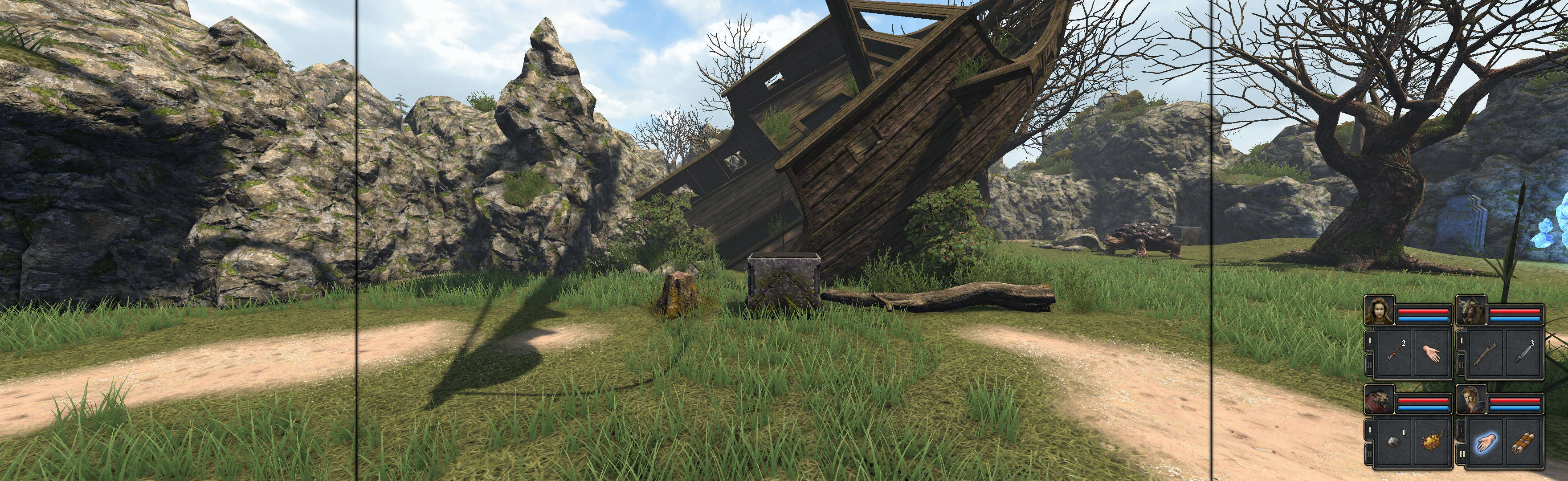
SoftTH (works in fullscreen). In-game: choose PLP resolution, Aspect Ratio use From Screen-Res, & use DX9 (default setting).
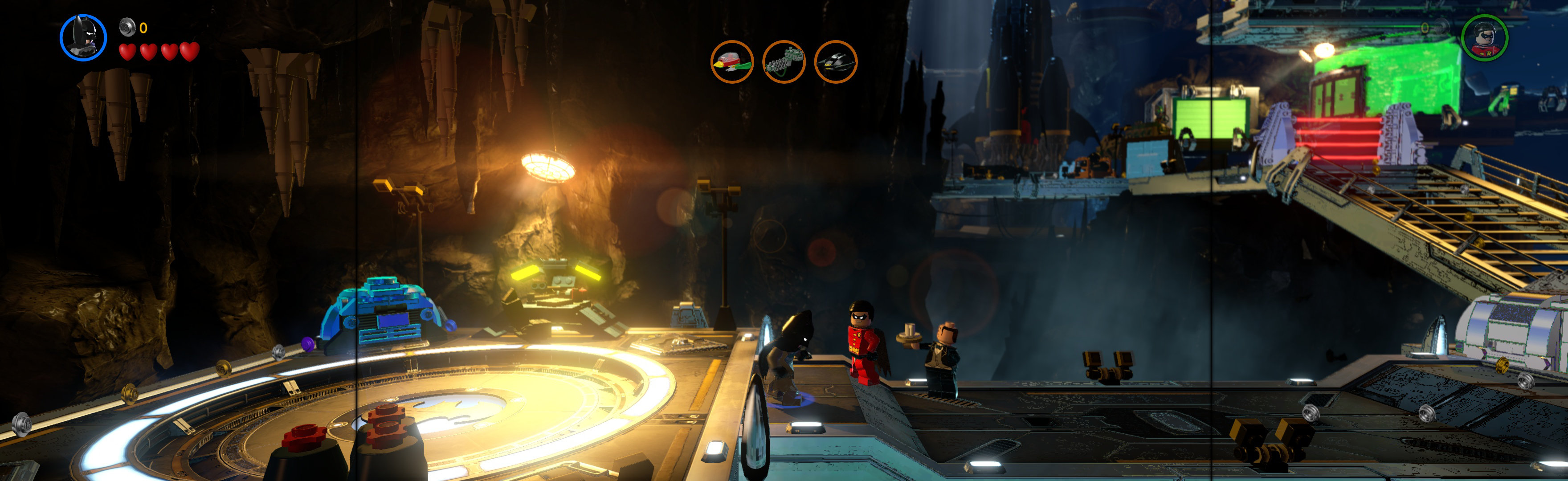
Edit %LOCALAPPDATA%\4A Games\Metro Last Light\(user-id)\user.cfg. r_base_fov 60, r_fullscreen off, r_res_hor & r_res_vert yours (no border *). ShiftWindow (+ border = borderless)

SoftTH (fullscreen, DX9 x86). Edit %APPDATA%\Microsoft\FSX-SE\fsx_se.CFG. WideViewAspect=True. In game launcher, select massive resolution. In-game use fullscreen (Alt+Enter, each time).

Crisp borderless & HUD.


