


SoftTH (DX9 x86). Edit 2 files in (path-to-game)\UDKGame\Config. 1. UDKSystemSettings.ini: AllowSecondaryDisplays=True, SecondaryDisplayMaximumWidth & ...Height= your side resolution (fixes mouse oddity). 2. UDKEngine.ini: Switch AspectRatio_MaintainXFOV to ...YFOV. In-game fullscreen & select massive resolution. FOV slider in game settings, Advanced. Default FOV is bit strong.
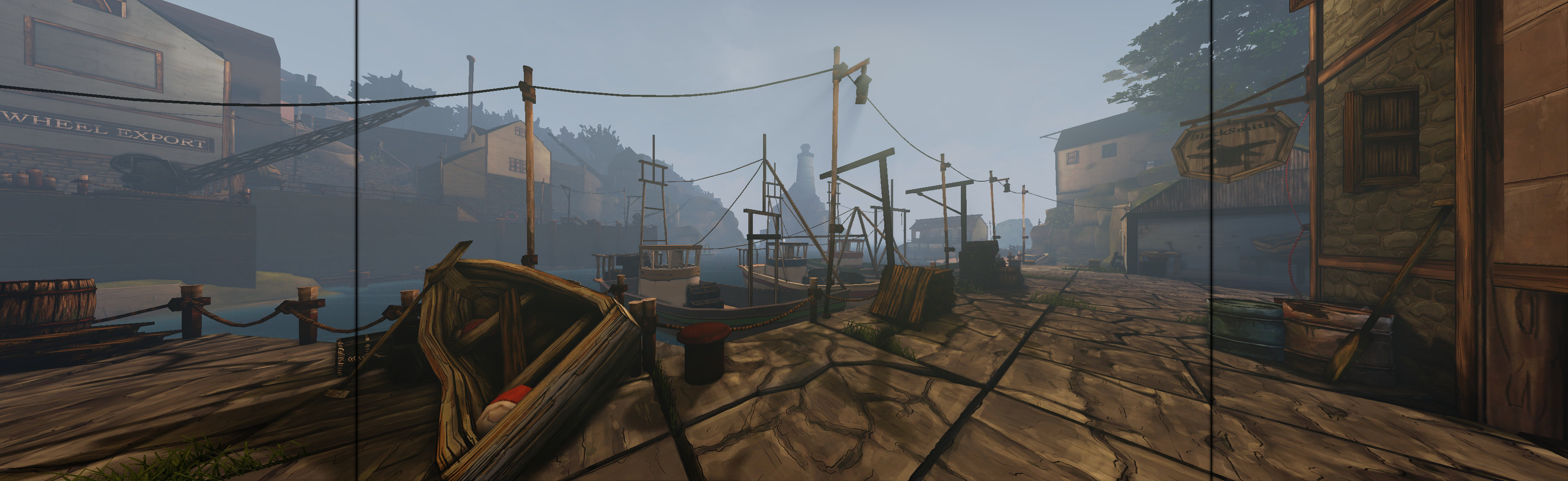
(PLP screenshot with bezel effect, default FOV)
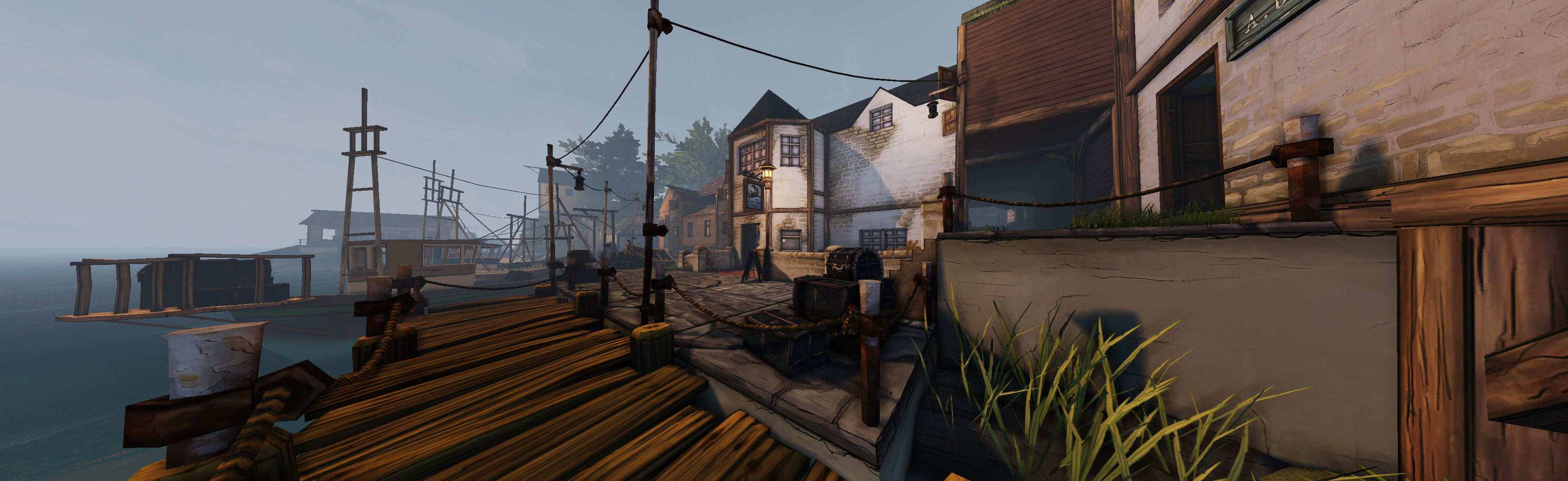
(FOV probably higher than default)
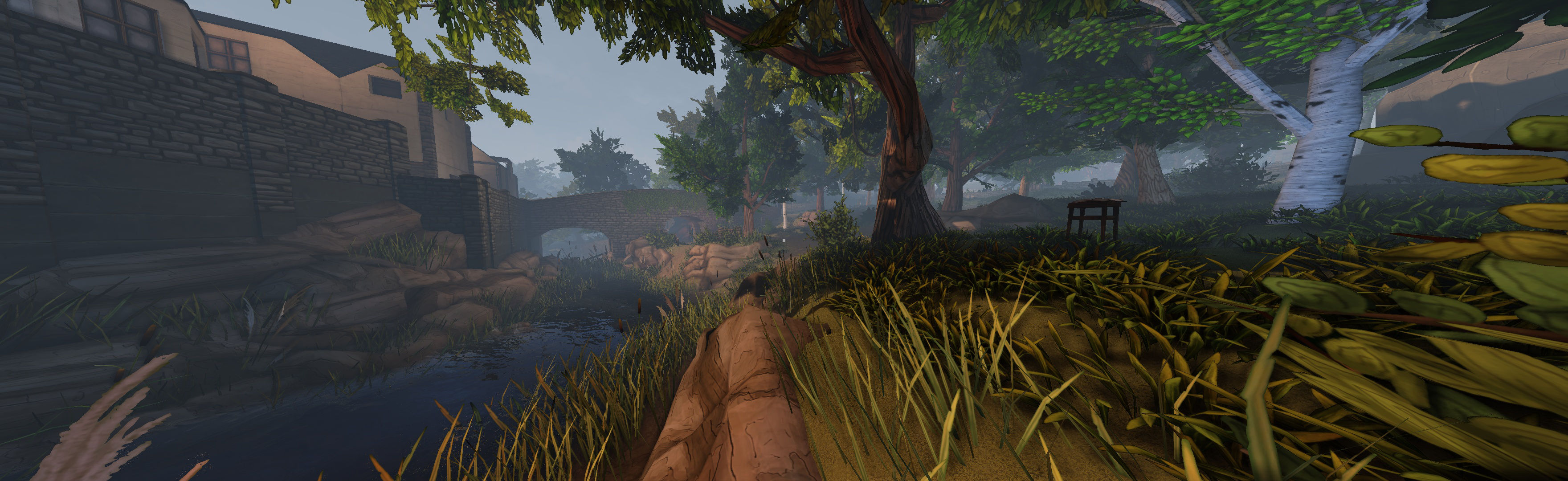
(FOV probably higher than default)
View guide for general help with the instructions.
File Attachments:




