Deadfall Adventures 2013 Manual PLP Instructions
Complex setup, but good easy PLP once done.

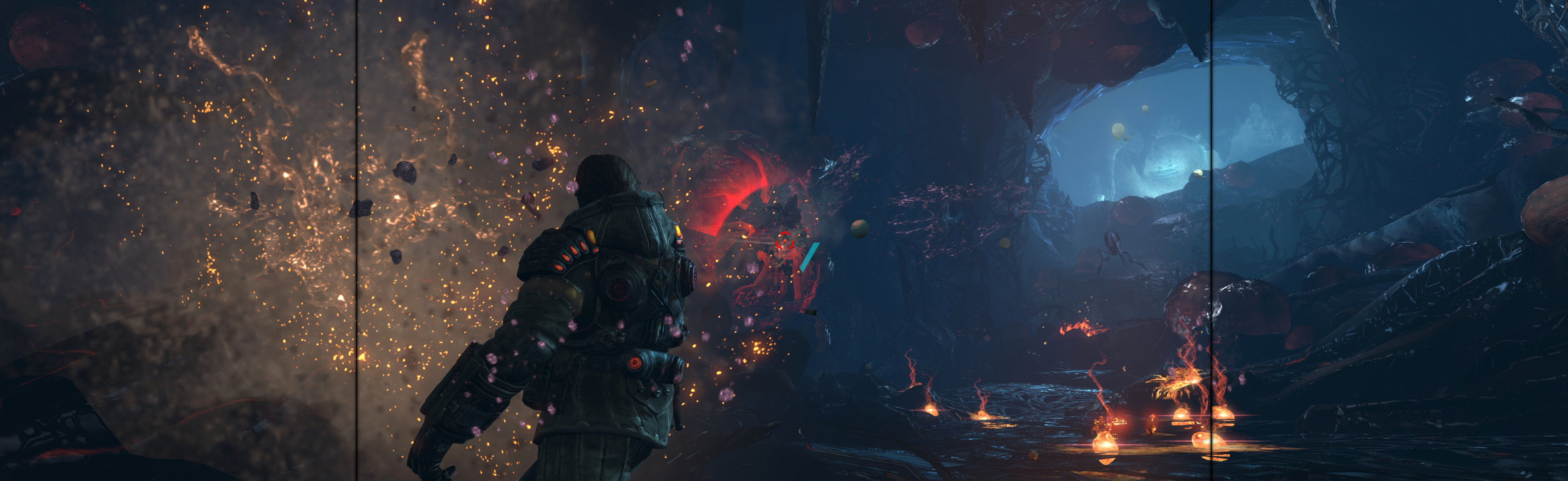
(PLP screenshot with bezel effect)
Complex setup, but good easy PLP once done.
SoftTH (fullscreen, DX9 x86 game). In-game, select base PLP resolution.
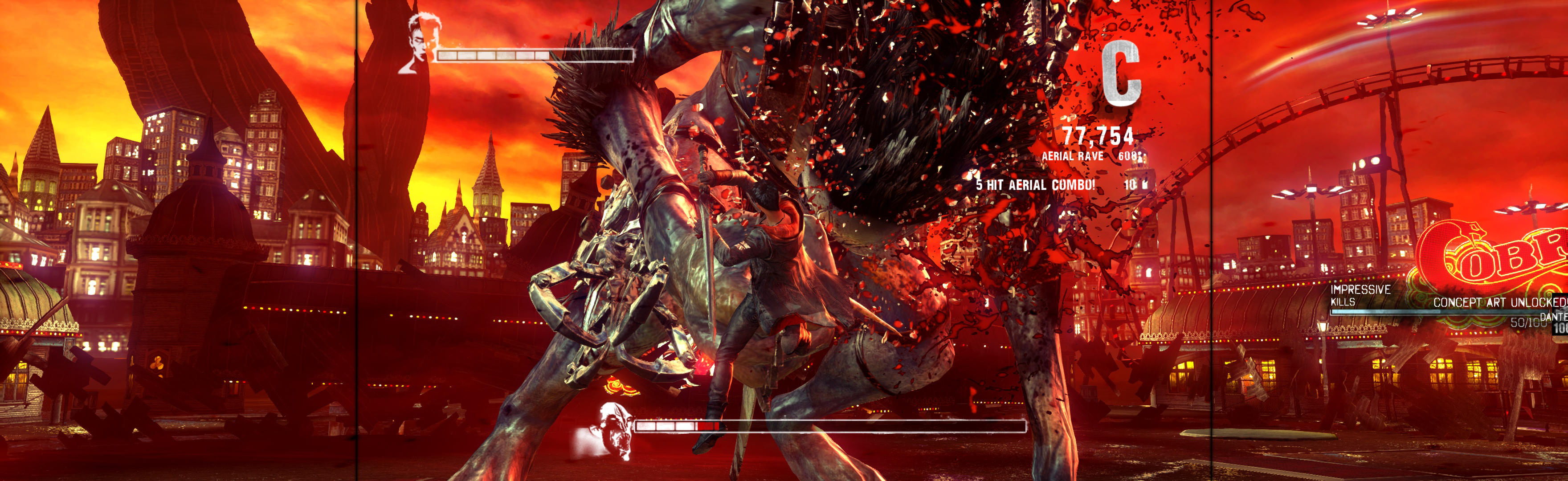
Game hor+ looks good, just menus are ugly but work fine.
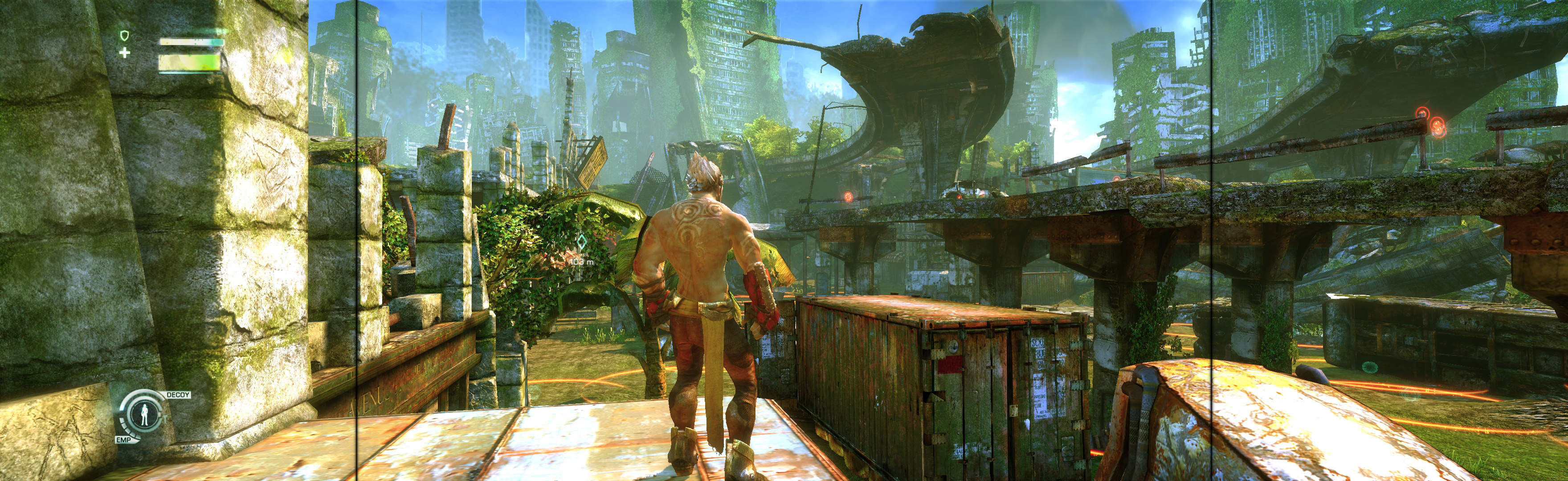
SoftTH (PLP resolution + border). In-game: windowed, select PLP resolution. ShiftWindow (+ border = borderless)
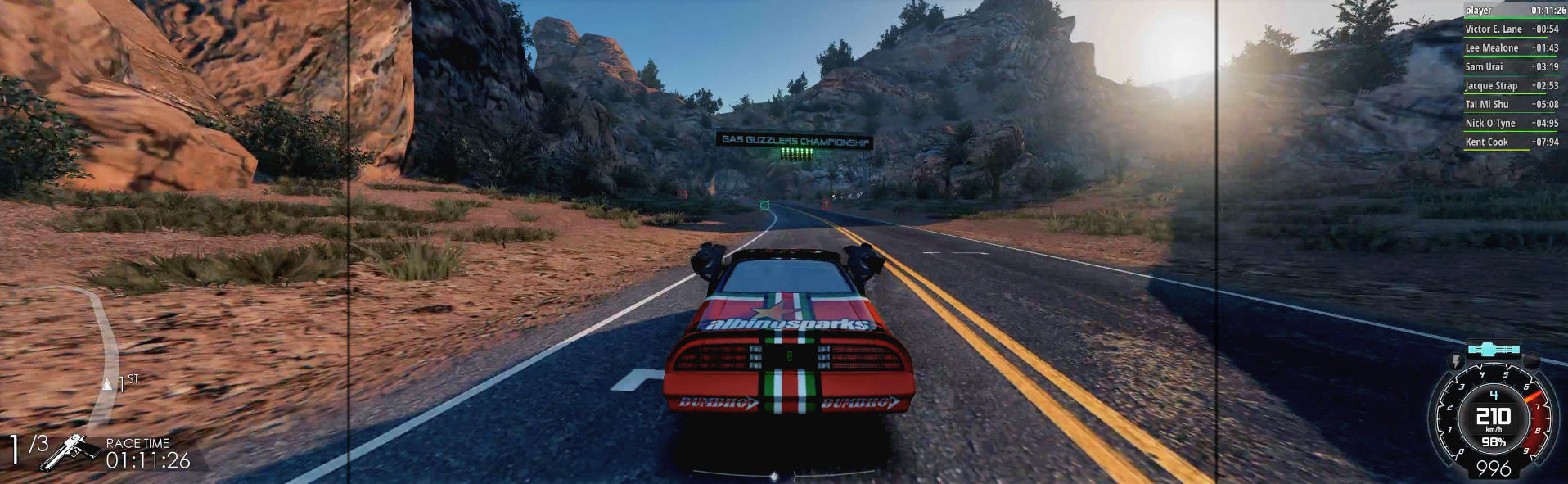
In-game: windowed. ShiftWindow (+ border = borderless). If game loses focus, click icon in taskbar x2.

SoftTH (PLP resolution + border). In-game: windowed, select PLP resolution. ShiftWindow (+ border = borderless)
View guide for general help with the instructions.
Looks good. Stock FOV bit strong, correctible.

SoftTH (DX9 x86). In-game fullscreen & select massive resolution. Menus are big, but not a problem.
Edit %LOCALAPPDATA%\4A Games\Metro Last Light\(user-id)\user.cfg. r_base_fov 60, r_fullscreen off, r_res_hor & r_res_vert yours (+ border). ShiftWindow (+ border = borderless)
View guide for general help with the instructions.
ShiftWindow (+ border = borderless). Optional FOV: Flawless Widescreen.