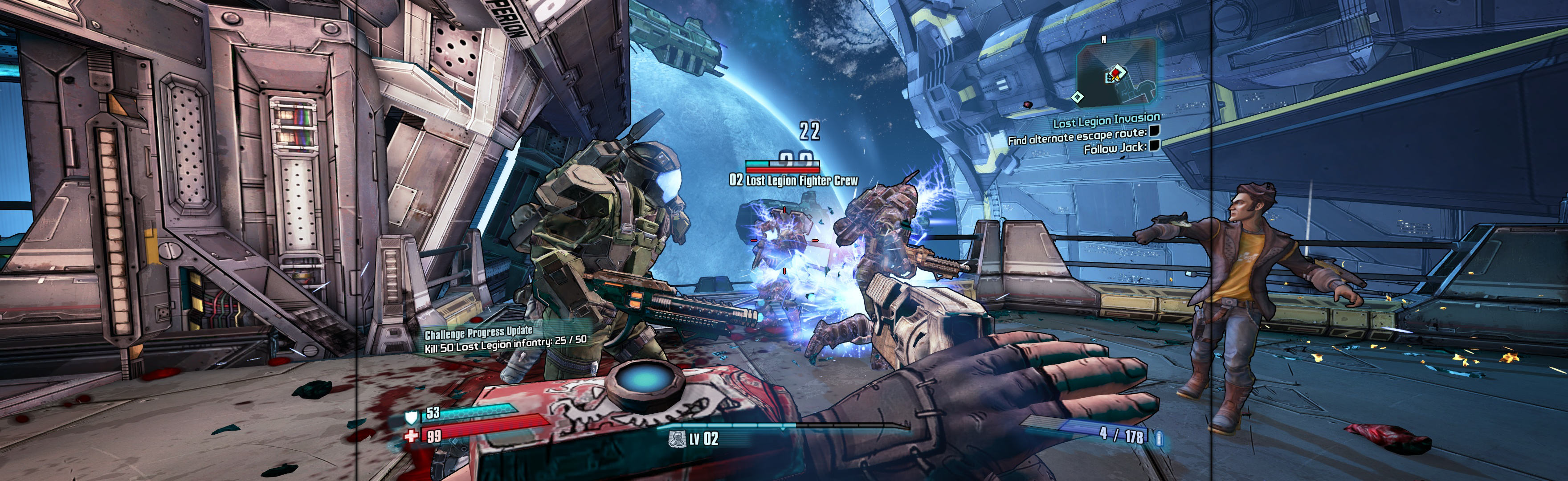
Dear Esther 2012 Manual PLP Instructions
SoftTH (fullscreen, DX9 x86) in (path-to-game)\bin. In-game select fullscreen & massive resolution.
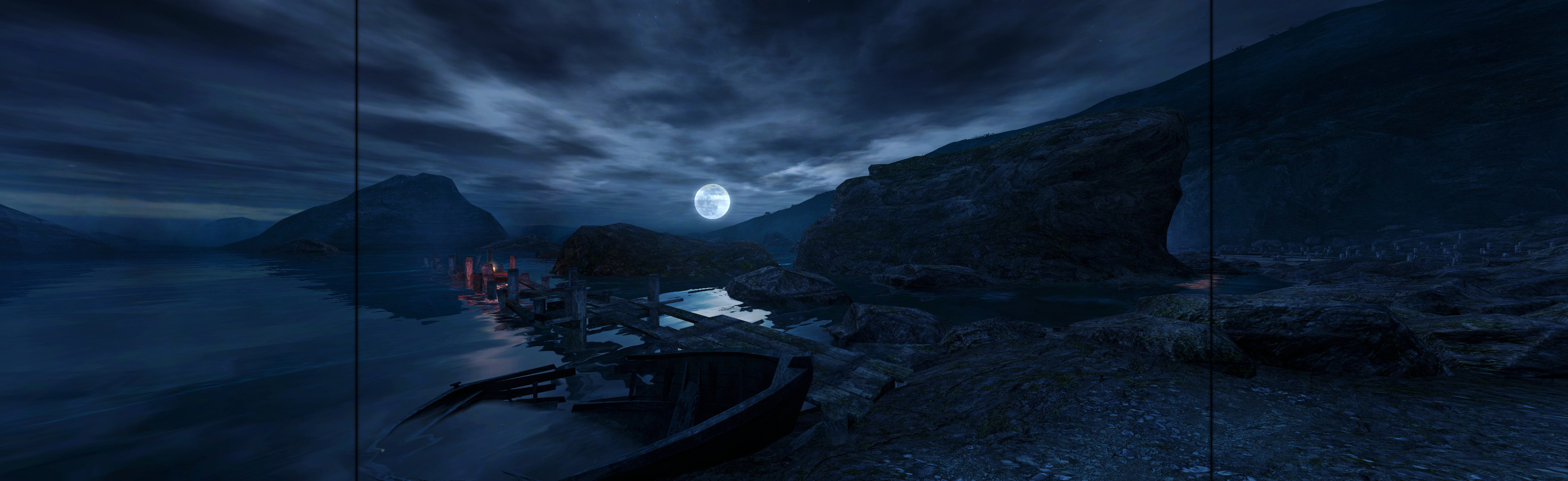
(PLP screenshot with bezel effect)
SoftTH (fullscreen, DX9 x86) in (path-to-game)\bin. In-game select fullscreen & massive resolution.
In-game (x64 or x86 version), windowed. ShiftWindow (+ border = borderless). FOV Fix: Hover at window top-left for menu; Settings, Rendering Options, change "lateral field of view" to 93.4, press Esc to close (FOV is approximate, change as needed; default was 60).
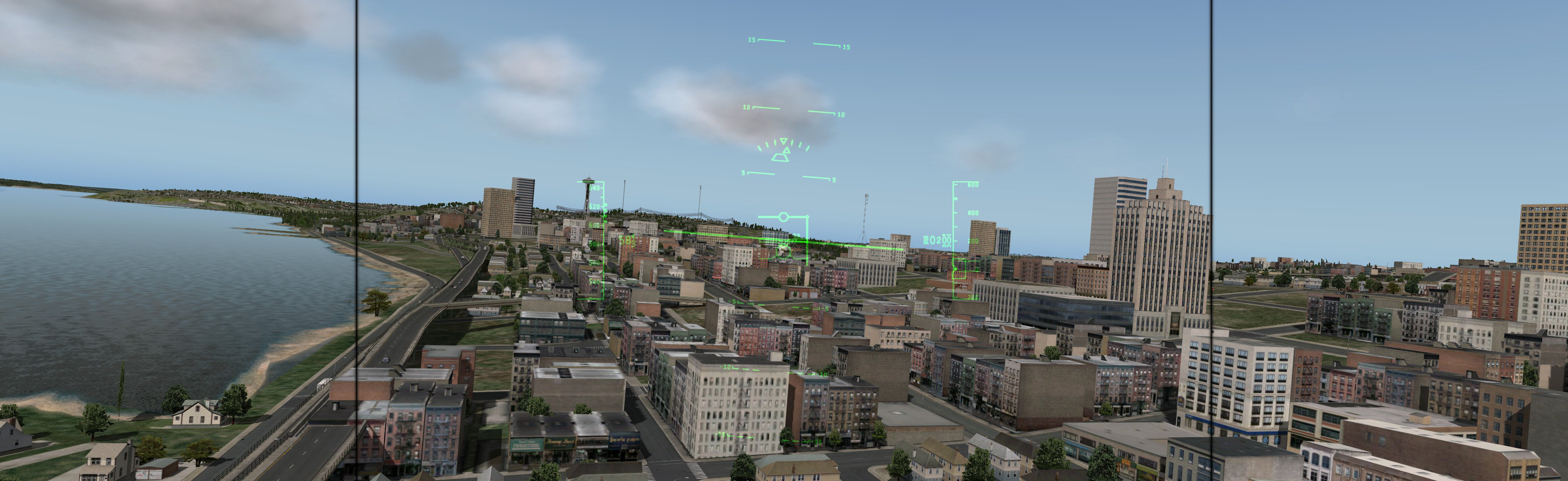
SoftTH (fullscreen, DX9 x86). Do Cursor Lock Fix *. In-game select massive resolution (every time). When done playing, revert to your single-screen resolution before quitting (every time **).
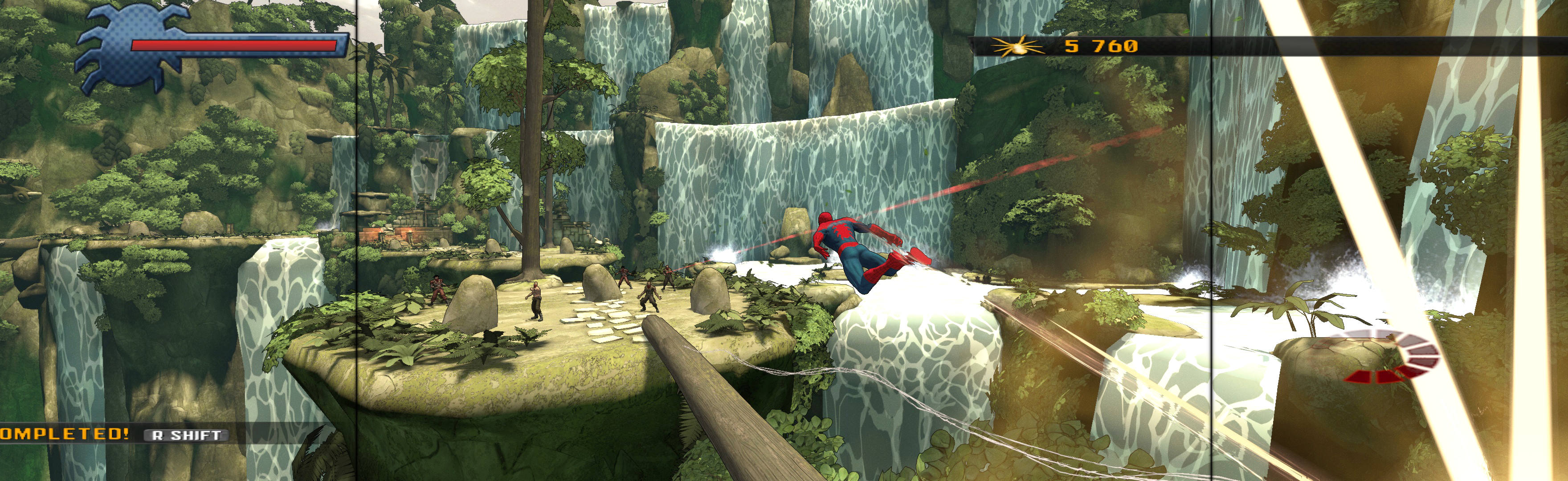
Game spreads all perfectly, except lighting maybe hint different (no worse/better) & multiplayer remains single-screen. Even rendered cutscenes are hor+ (unlike native LLL; so SoftTH is better).
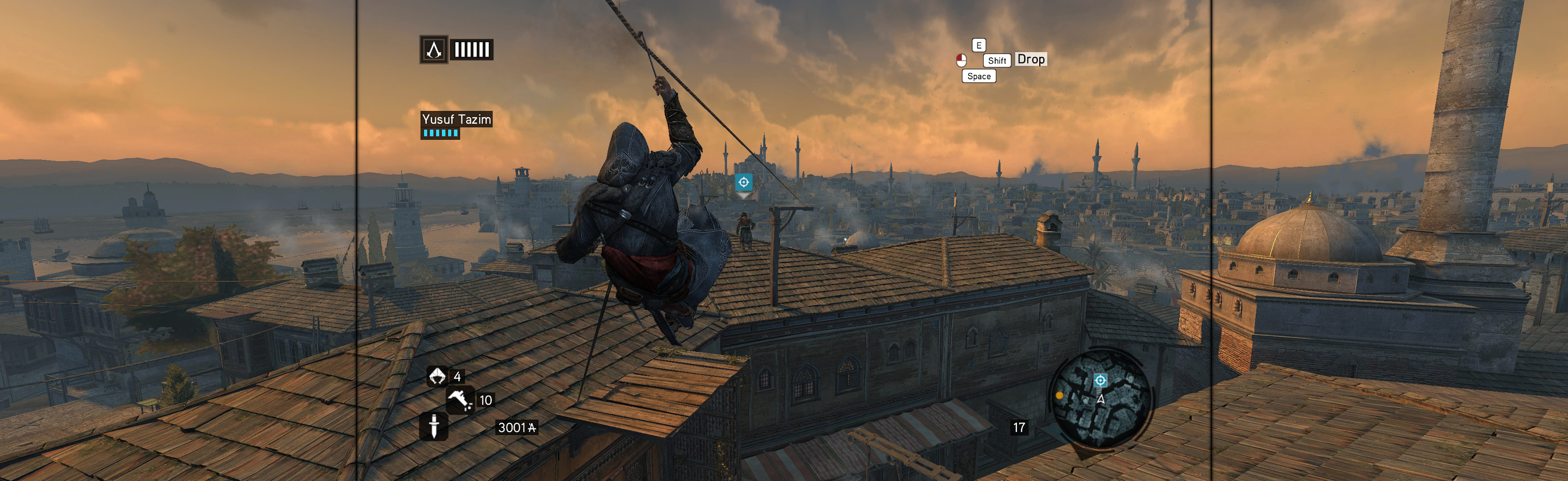
Bit complex setup. Game renders hor+ & proper FOV. But HUD, text, scoreboard & FMV video are stretched. None a problem; LLL suffers same.

Game & video renders well; hor+ & FOV in all views looks proper (including house). But HUD & menu are stretched, not a problem.

Edit (path-to-game)\DATA\ENGINE_SETTINGS.XML. Search for resolutionX & copy the whole line. Paste above it, changing for your resolution (4 nums, , no border *) & incriment precedence #. In-game, select windowed & your PLP resolution. ShiftWindow (+ border = borderless).

In-game: windowed. ShiftWindow (+ border = borderless)
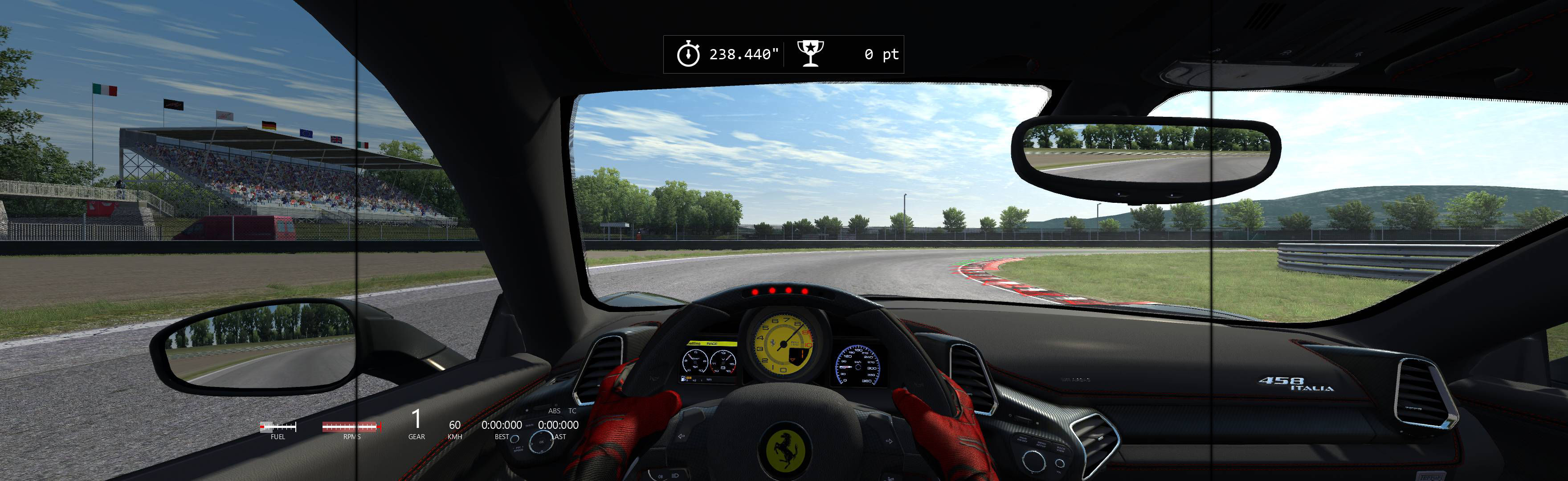
Game positions perfect, borderless.
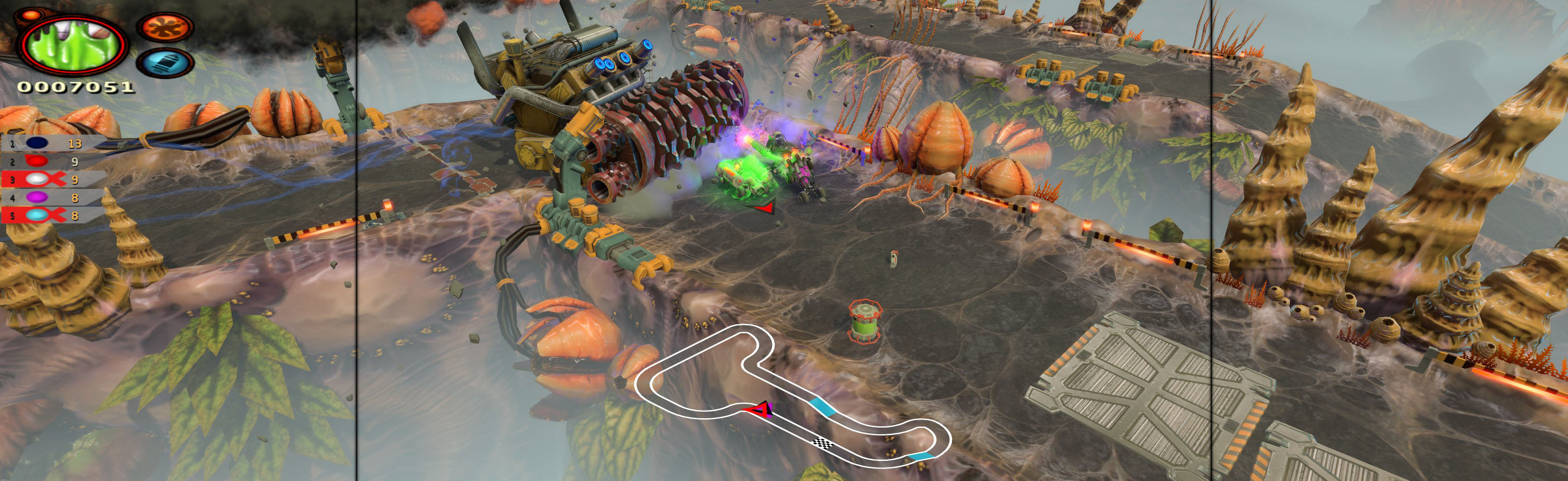
Shortcut/launcher argument -nolauncher. SoftTH (DX9 x86). In-game select fullscreen & massive resolution. FOV slider in-game (not needed).