
Spore

Profile picture for user skipclarke

Spore is a multi-genre single-player god game developed by Maxis and designed by Will Wright. The game was released for the Microsoft Windows and Macintosh operating systems in September 2008 as Spore. Covering many genres including action, real-time strategy, and RPG, the game allows a player to control the development of a species from its beginnings as a microscopic organism, through development as an intelligent and social creature, to interstellar exploration as a spacefaring culture.

It has drawn wide attention for its massive scope, and its use of open-ended gameplay and procedural generation. Throughout each stage, players are able to use various creators to produce content for their games. These can then be uploaded to the online Sporepedia ( http://www.spore.com/sporepedia ) and downloaded by other players.

Support Summary

Widescreen
Ultra/Super‑Wide
Multi-Monitor
4K Ultra HD
Support
Method
HUD
Cutscenes
FMVs

Game Information

Game Status:Released
Release Date:
Tested Version:1.003
Play Styles:Single-Player
Setting:Sci-Fi

Screenshots Comparison

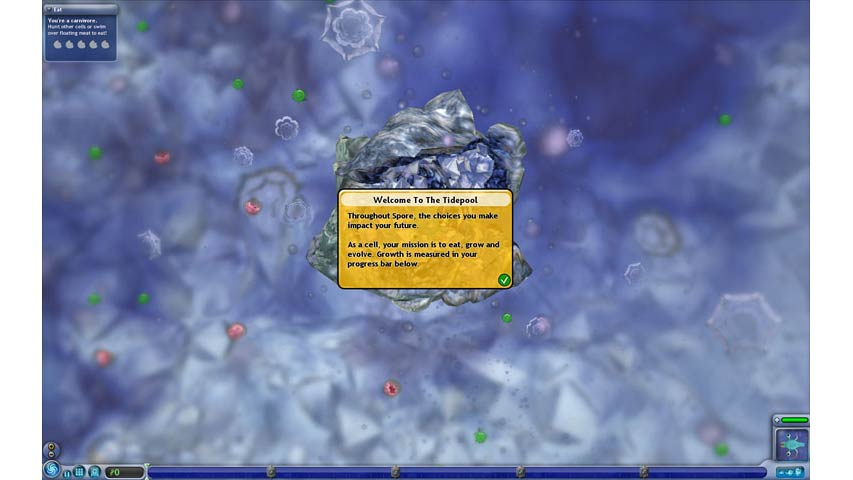
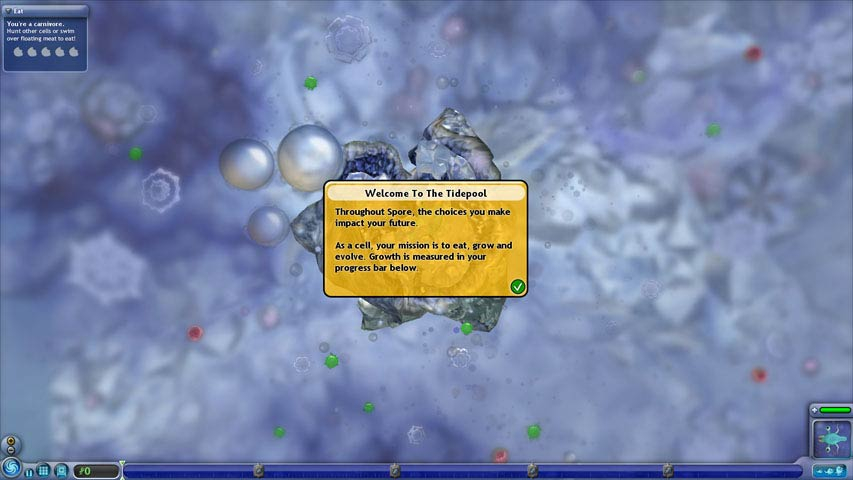
4:3 Screenshot
16:10 Screenshot
16:9 Screenshot
21:9 Screenshot
A monitor with a question mark on it. The text above it reads "There is currently no image uploaded for this field." There is a semi-transparent WSGF logo in the background, while the main background is white. The image aspect ratio is 21:9.
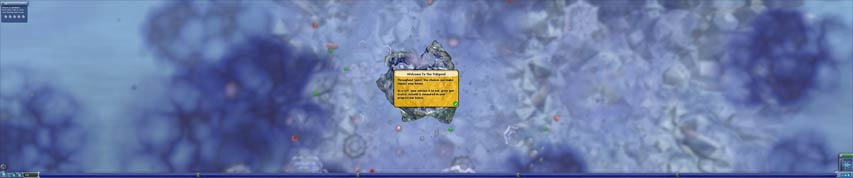
32:9 Screenshot
Eyefinity / Surround Screenshot
Solutions & Issues
Eyefinity / Surround Specific Solution & Issues:

Hor+
Spore has three distinct POVs. The first is the 2D cell stage, the second is the third-person creature stage, and the last is the "god view" of an RTS which covers the last three stages (Tribal, Civilization and Space).

Note the incorrect camera in the screenshot titled "Creature stage - anomaly" located in the Additional Screenshots. The camera is elevated about a "100 feet" (in my guess), to the right of my creature and spun 180 degrees. This happens in both 5040x1050 and 1440x900. It does not happen in normal Surround. It does not happen in any widescreen resolution, and it does not happen in any other stage. I was able to play the stage fine in 3840x1024. This will not detract from Widescreen Certification.

4K UHD Specific Solution & Issues:

HUD is tiny. Button hitboxes are moved out of position (must click higher up than the actual button or use keyboard when possible).

4:3 Screenshot
16:10 Screenshot
16:9 Screenshot
21:9 Screenshot
A monitor with a question mark on it. The text above it reads "There is currently no image uploaded for this field." There is a semi-transparent WSGF logo in the background, while the main background is white. The image aspect ratio is 21:9.
32:9 Screenshot
Eyefinity / Surround Screenshot
4:3 Cutscene
16:10 Cutscene
16:9 Cutscene
Eyefinity / Surround Cutscene
4:3 Menu
16:10 Menu
16:9 Menu
Eyefinity / Surround Menu
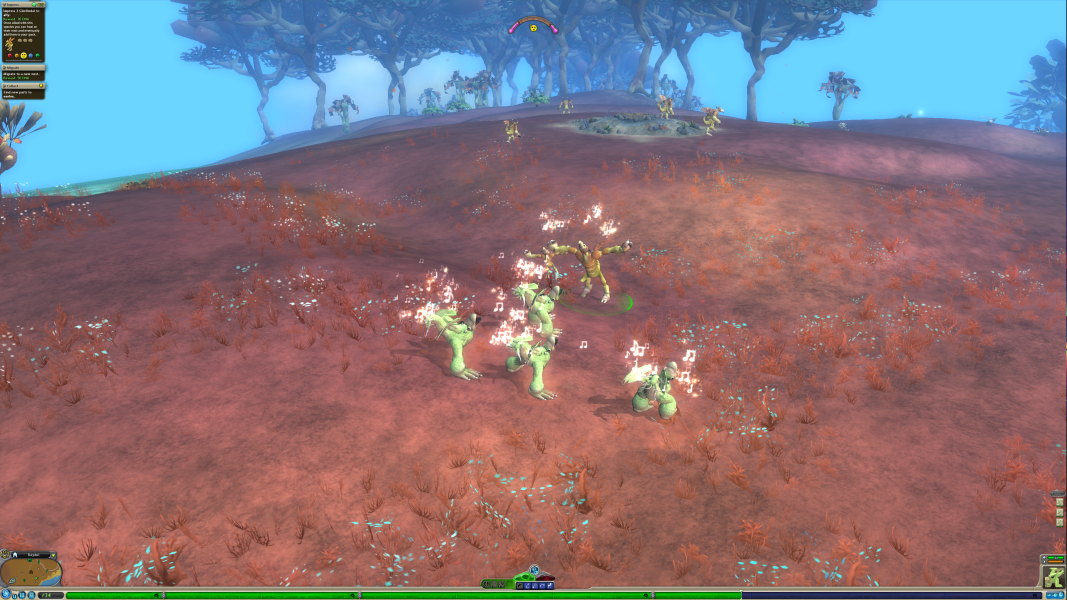
4K Gameplay Screenshot
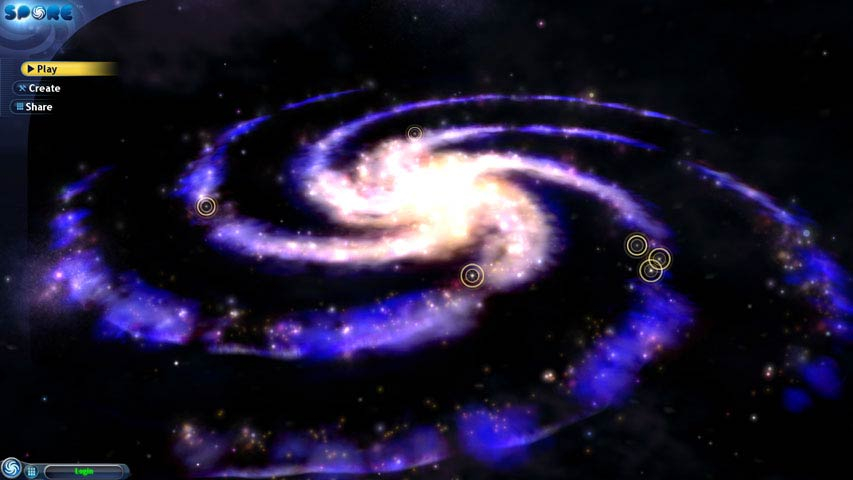
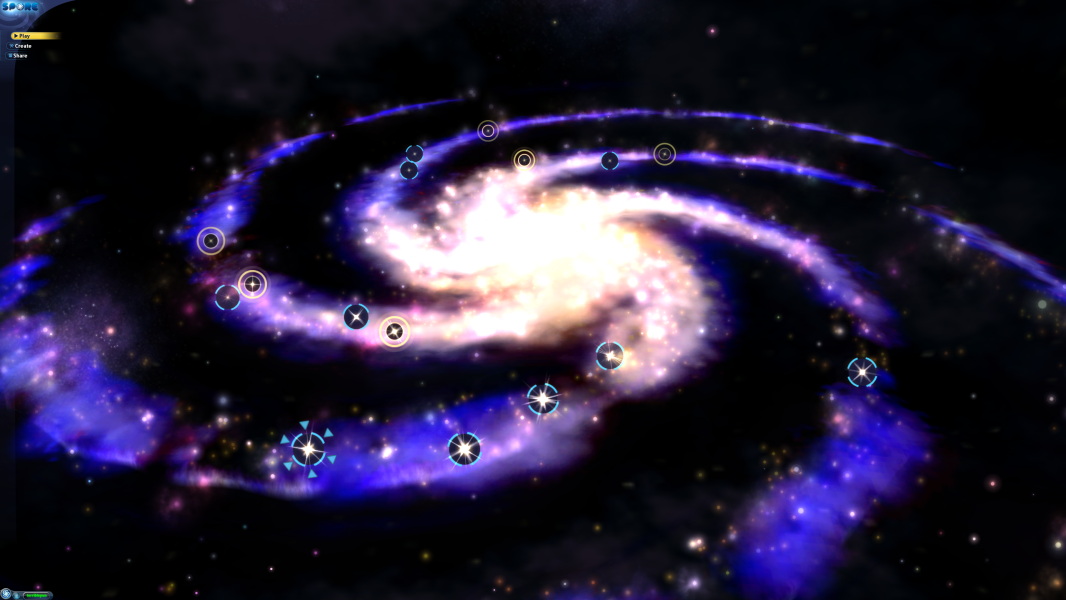
4K Menu Screenshot
Uploaded by: skipclarke
TH2Go setup options
Uploaded by: skipclarke
30" monitor setup options
Uploaded by: skipclarke
5:4 Cell stage
Uploaded by: skipclarke
TH Cell stage
Uploaded by: skipclarke
Creature stage
Uploaded by: skipclarke
Creature stage
Uploaded by: skipclarke
Creature stage
Uploaded by: skipclarke
Creature stage
Uploaded by: skipclarke
Creature stage
Uploaded by: skipclarke
Creature stage - anomaly
Uploaded by: skipclarke
Tribal stage
Uploaded by: skipclarke
Tribal stage
Uploaded by: skipclarke
Tribal stage
Uploaded by: skipclarke
Tribal stage
Uploaded by: skipclarke
Tribal stage
Uploaded by: skipclarke
Tribal stage
Uploaded by: skipclarke
5:4 Main menu
Uploaded by: skipclarke
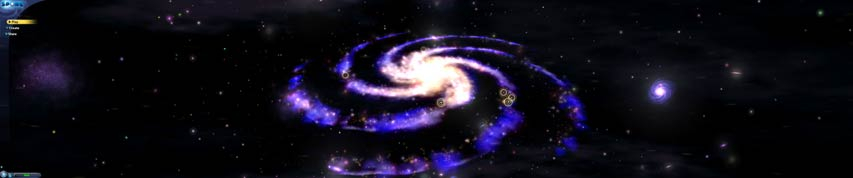
TH Main menu
Uploaded by: skipclarke
Stage Select
Uploaded by: skipclarke
Stage Select
Uploaded by: skipclarke
Stage Select
Uploaded by: skipclarke
Stage Select
Uploaded by: skipclarke
Stage Select
Uploaded by: skipclarke
Stage Select
15:9 Resolutions:1280x768
Eyefinity / Surround Resolutions:
4K UHD Resolutions:3840x2160