

Sins of a Solar Empire is a science fiction real-time strategy computer game developed by Ironclad Games and published by Stardock Entertainment for Microsoft Windows operating systems. Sins is a real-time strategy (RTS) game that incorporates some elements from 4X strategy games; promotional materials describe it as "RT4X." The game was released on February 4, 2008, its first content expansion titled Entrenchment was released as a download on February 25, 2009, and its second content expansion titled Diplomacy was released as a download on February 9, 2010. A package that combines the original game with the two expansions was released at that time with the name Sins of a Solar Empire: Trinity.
The playing field is a 3D web of planets and other celestial objects in the orbital plane of one or more stars. It features a sandbox mode, allowing the player to choose different types of solar systems to unlock achievements. Players can conquer neighboring planets and explore distant star systems in a "massively scaled, fully 3D environment featuring entire galaxies, orbiting planets, clusters of asteroids, space dust and radiant stars." Notably, there is no single-player campaign mode, but games can be played against opponents offline and other players online.
Support Summary
Game Information
Screenshots Comparison
Solutions & Issues
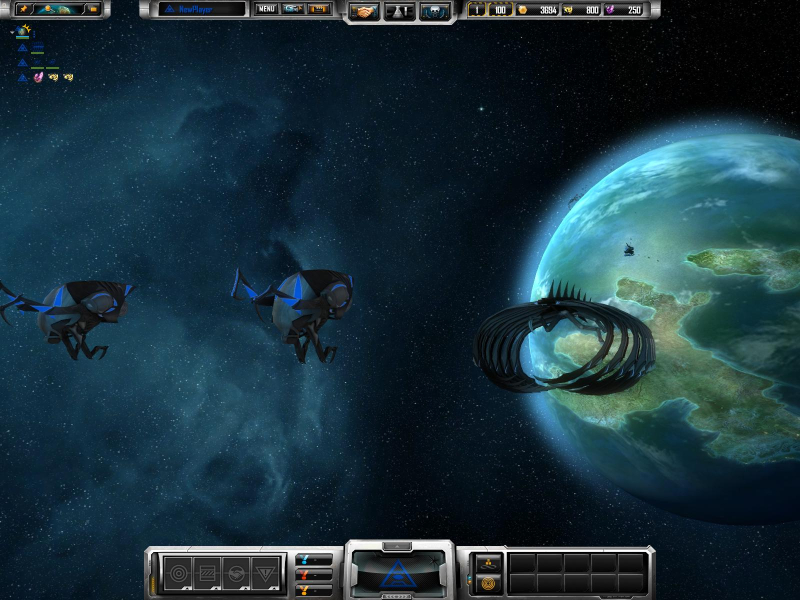
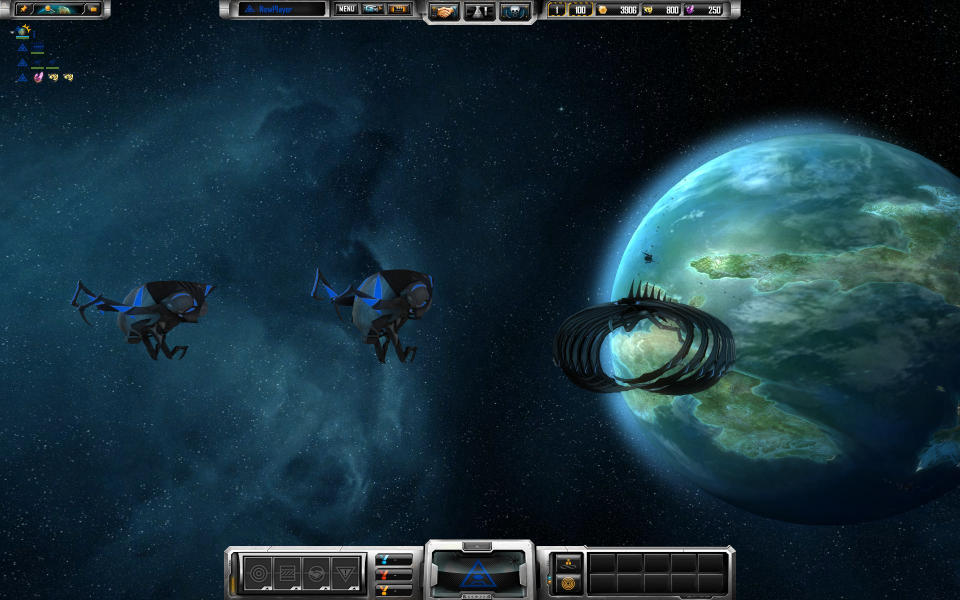
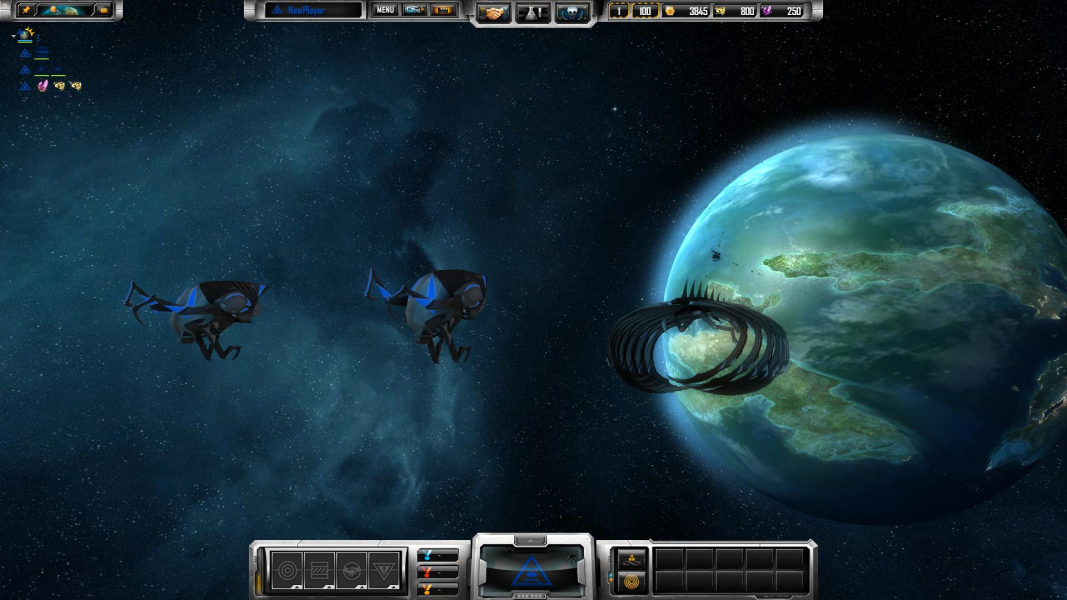
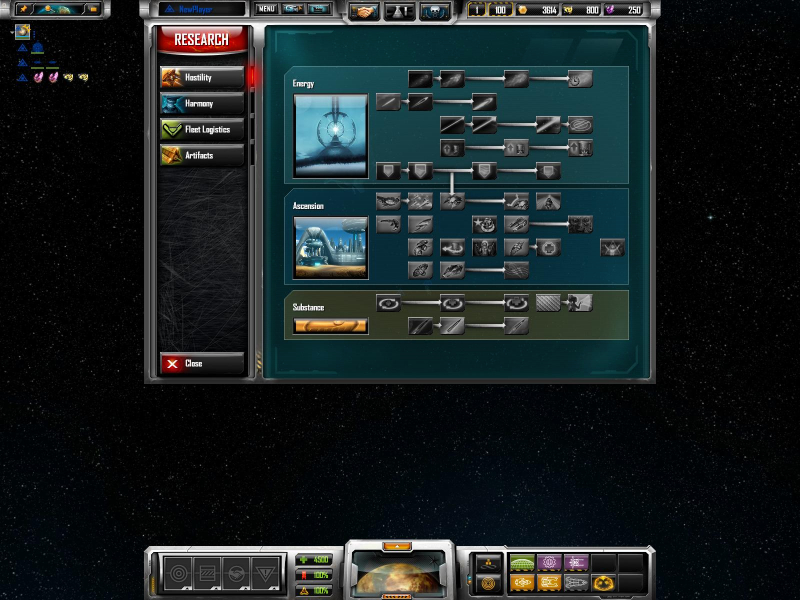
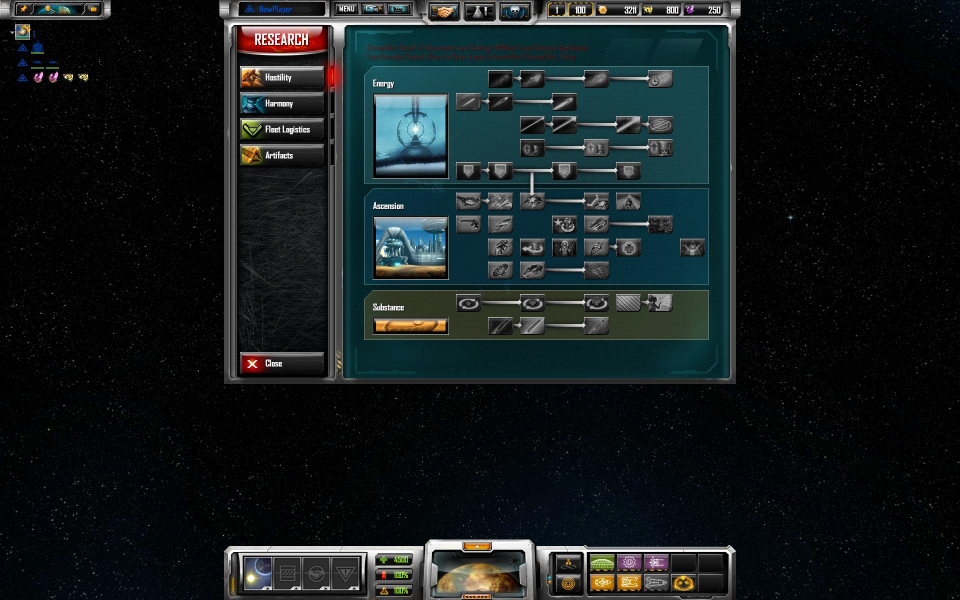
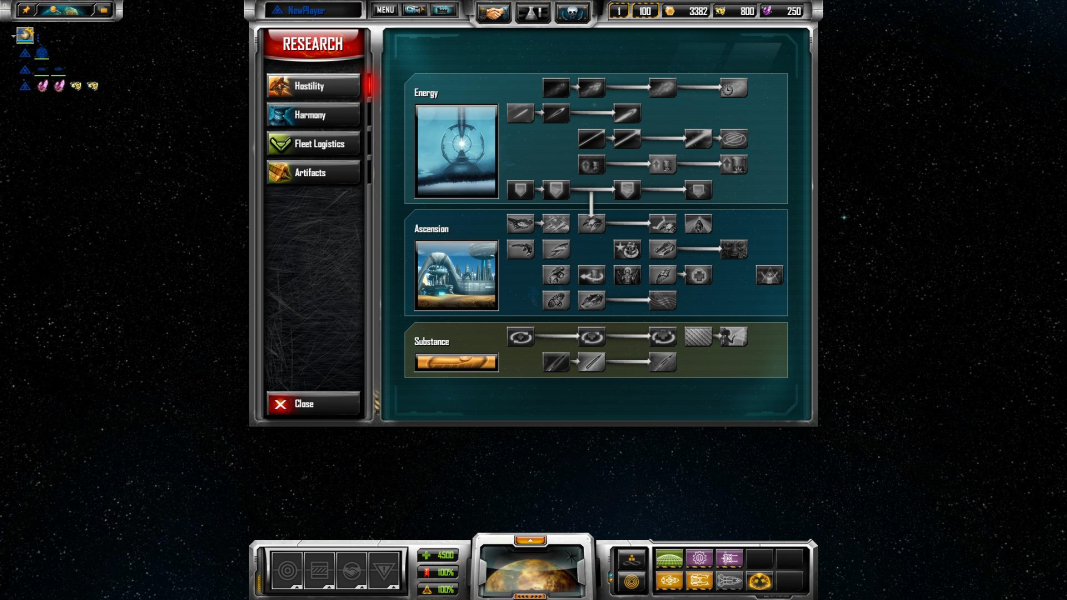
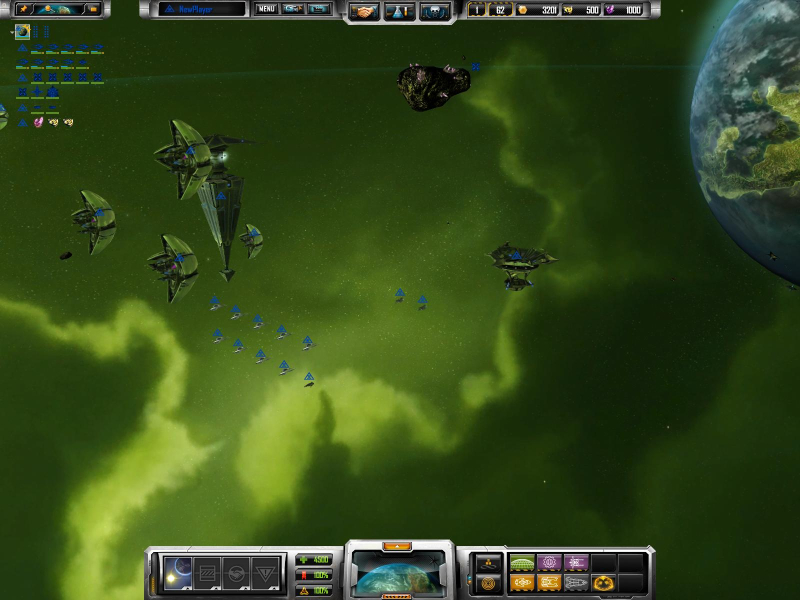
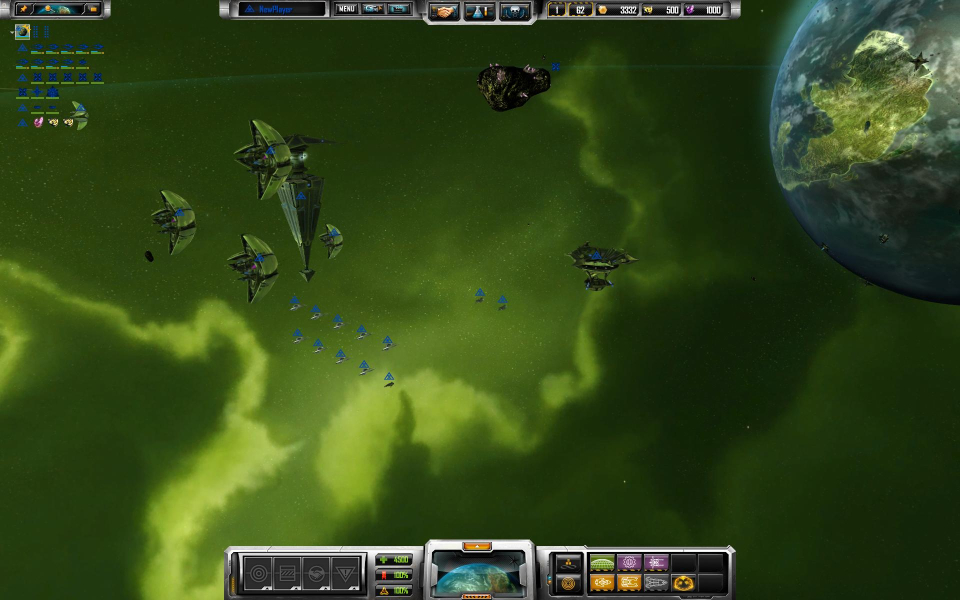
Native support for 1280x768, 1280x800, 1440x900, 1680x1050, 1920x1080, and 1920x1200 widescreen resolutions.
There is an optional method for 1280x720.
Go to "Documents and Settings\*User Name*\Local Settings\Application Data\Ironclad Games\Sins of a Solar Empire\Setting" and open "user.setting" with a text editor. Search for...
VideoFullScreenWidth ****
VideoFullScreenHeight ****
Change "****" to your desired widescreen resolution.
Please note that this optional method for 1280x720 will break the game introduction for any resolution after this point. To play the game press the "Esc" key three times to bring up the main menu. Due to the minimum resolution requirement of 1024x768 some HUD elements will be cropped but the game remains playable.
You may need to enable "Show hidden files and folders" in the "View" tab in the "Folder Options" menu if you are unable to find the file.
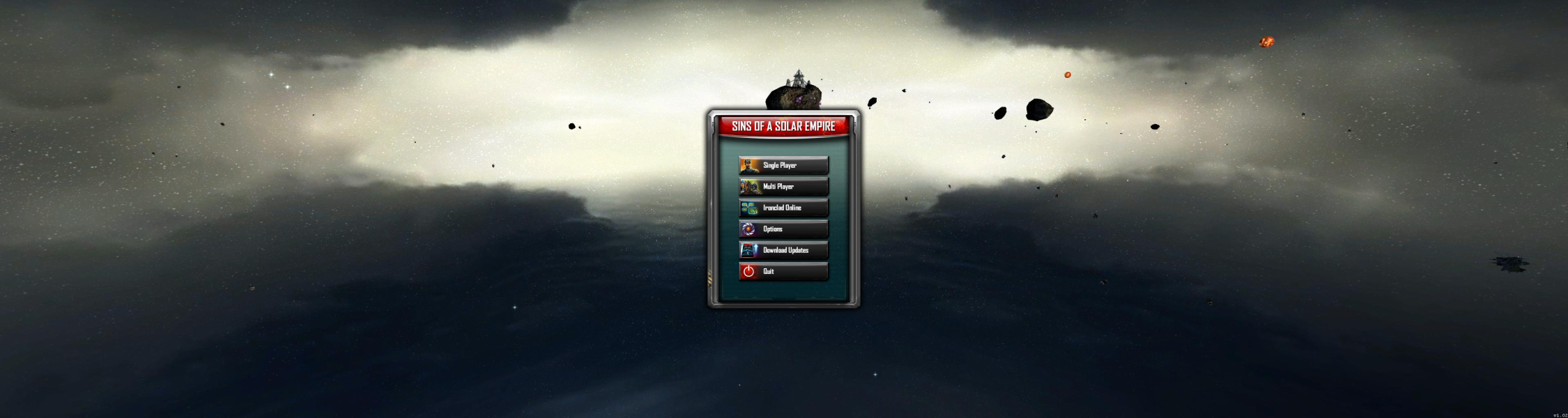
The mouse hover-popup when accessing the research/diplomacy/trading screen, when running the game on multi-monitor.
That is a problem since it makes it hard to read what the research area is (at least until you memorize what everything does).
Also the upper-left UI element listing all your assets is too far away to look at all the time, and there is an upper right UI element that appears when hovering over UI units that is also a bit far away.
Gameplay Screenshots


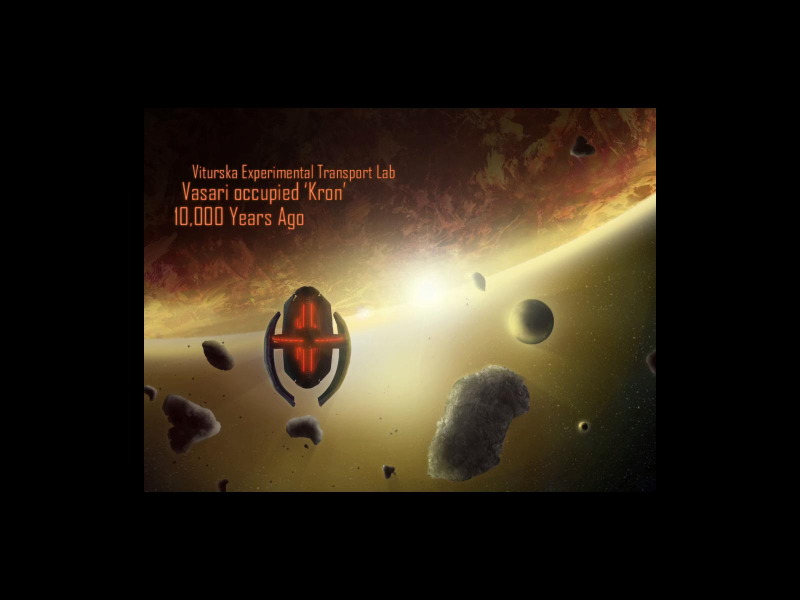
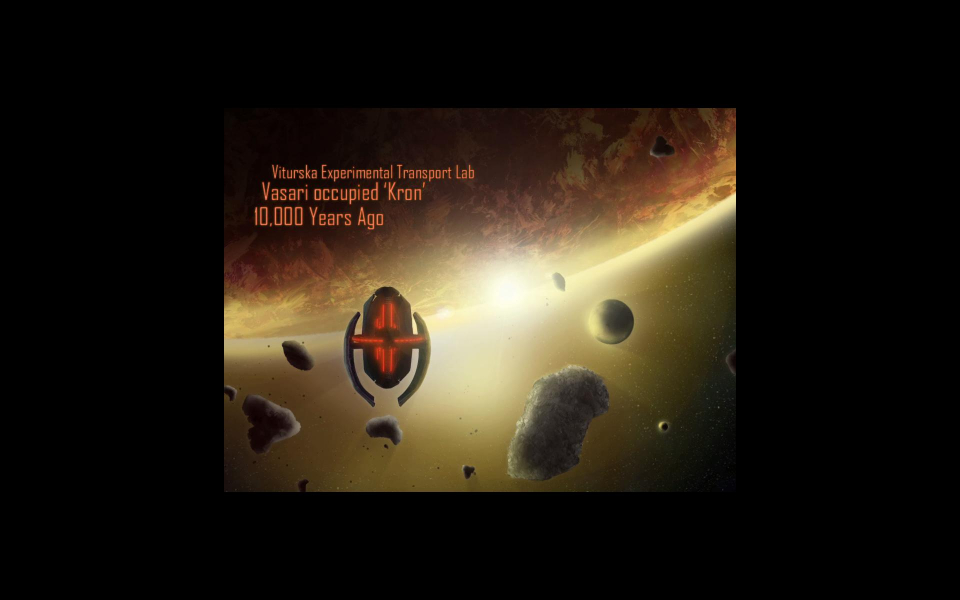
FMV Cutscenes
Additional Screenshots