Hardware
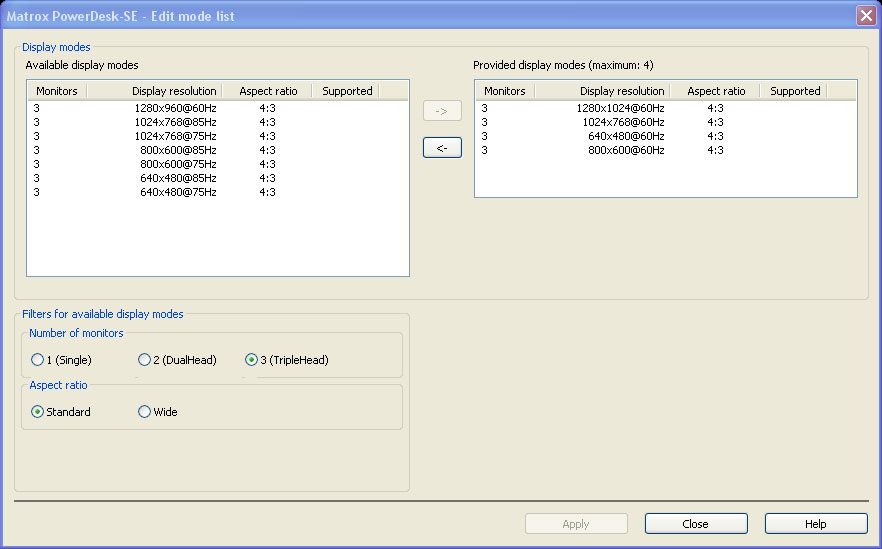
The DTH2Go package includes the unit, a USB cable, a Dual-Link DVI cable and the software CD. The unit is small and very lightweight. All of the plugs are clearly marked, and it has a red power LED near the USB connection. The unit can hold four resolutions in its firmware at any one time. It is pre-configured for 3840x1024, 3072x768, 2400x600 and 1920x480. The resolutions can be swapped for different options through the Matrox Power Desk.
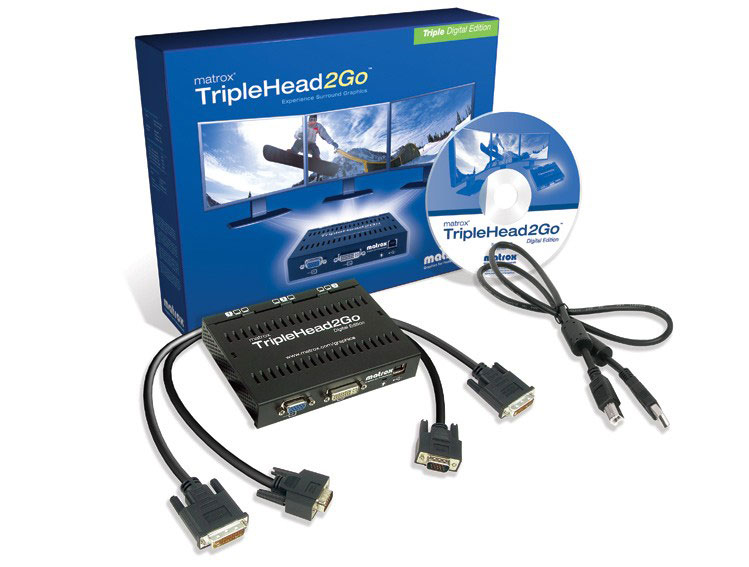

The DTH2Go supports the following TripleHead resolutions:
| Standard Resolutions | Widescreen Resolutions | ||||||
| 3 x 5:4 | 3 x 4:3 | 3 x 16:10 | 3 x 16:9 | ||||
| 1280x1024 | 3840x1024 | 1280x960 | 3840x960 | 1280x800 | 3840x800 | 1360x768 | 4080x768 |
| 1024x768 | 3072x768 | 1280x768 | 3840x768 | 1280x720 | 3840x720 | ||
| 800x600 | 2400x600 | 800x480 | 2400x480 | ||||
| 640x480 | 1920x480 | ||||||
Software
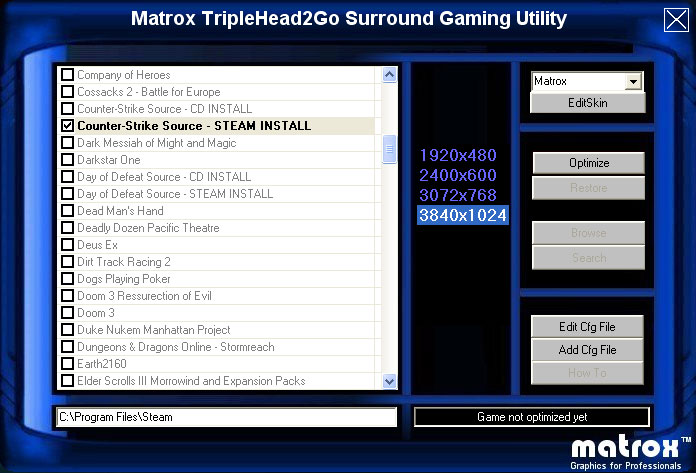
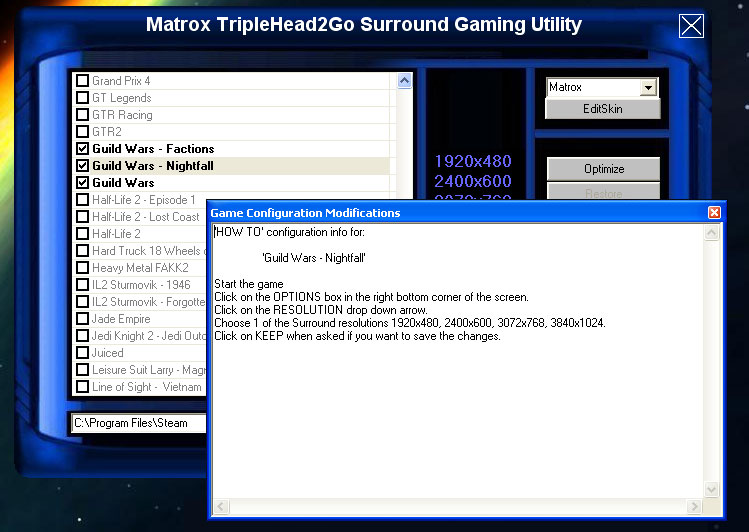
The package also includes a software CD, which contacts the Surround Gaming Utility (SGU) and the Matrox PowerDesk (MPD). The SGU is a utility that Matrox provides for configuring games to work in Surround. For those games that need a simple fix like a registry or .ini adjustment, the SGU will handle that for the user. Many WSGF members are used to making these updates on their own, but the SGU will handle those duties. For those games with native support, the SGU provides instructions on how to access the display/video settings in the game.
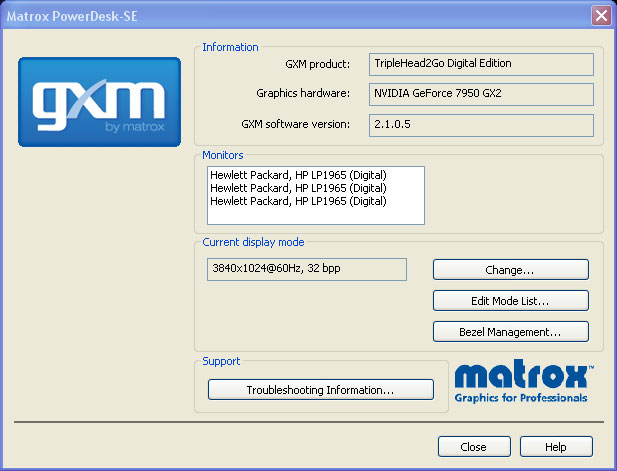
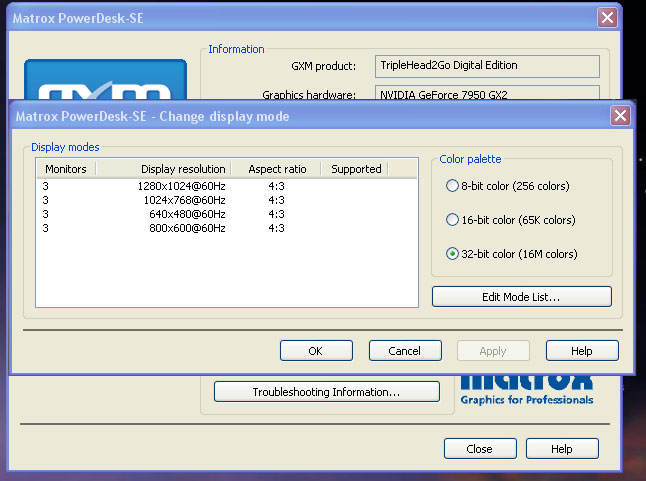
The MPD is Matrox's "display utility" for multiple monitors. It handles configuration of available modes (resolutions), Bezel Management, and other settings.
Surround Gaming Utility
The screenshots below show the Matrox SGU, the process of updating Counter-Strike: Source for TH2Go, and the note within the SGU that Guild Wars has native support.
Matrox PowerDesk
The following screenshots show how you set up new modes as native Windows resolutions. The last image shows the setup for Bezel Management.