


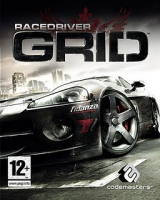


Sequel to the famous Race Driver series. Using a highly optimized version of the DiRT engine, GRID features stunning visuals, reallistic physics and destruction effects, and a gameplay that will please both arcade and simulation fans.
Support Summary
Game Information
Screenshots Comparison
Solutions & Issues
Native.
There is a setting to select the screen aspect ratio. The default setting is "Normal", an auto mode that always follows the current resolution's AR.
Selecting a specific ratio will stretch the screen to match the selection. Ratios available: 4:3, 5:4, 16:10, 16:9, 5:3.
An important thing to note is that the game does not support resolutions above 1440x900 and 1280x1024 if a graphic card with less than 512mb is detected. The game might incorrectly detect the amount of vram when using newer graphics cards, which will lock you out of using higher resolutions. Follow these steps to solve this problem:
1) Look for your hardware_settings_restrictions.xml file in your 'system' folder (default for steam version: C:\Steam\steamapps\common\grid\system\), and make a backup.
2) Open the file with Notepad. Scroll down to the bottom, remove the following entry and save the file:
data
res mem="270" maxWidth="1280"
/data
The restriction is now gone and you can play the game at your native resolution.
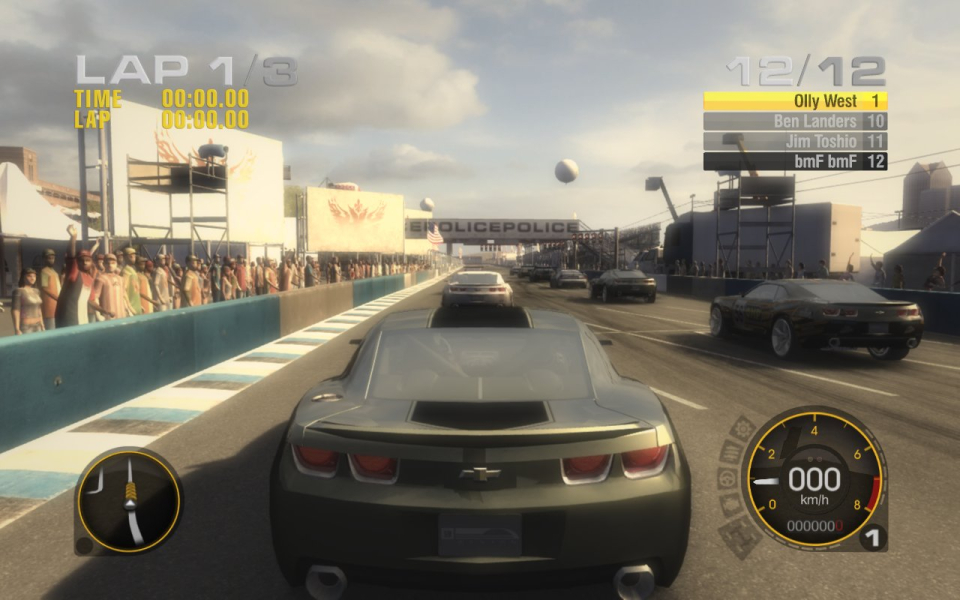
Gameplay Screenshots



FMV Cutscenes
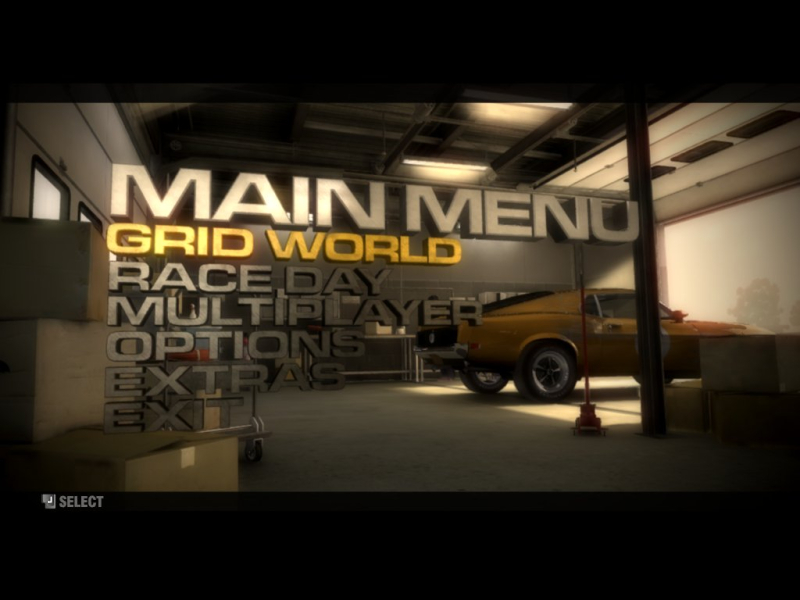
Menu Screenshots
Additional Screenshots


