

Latest installment of the saga Unreal Tournament, probably the best fast-paced online shooter around.
Support Summary
Screenshots Comparison
Solutions & Issues
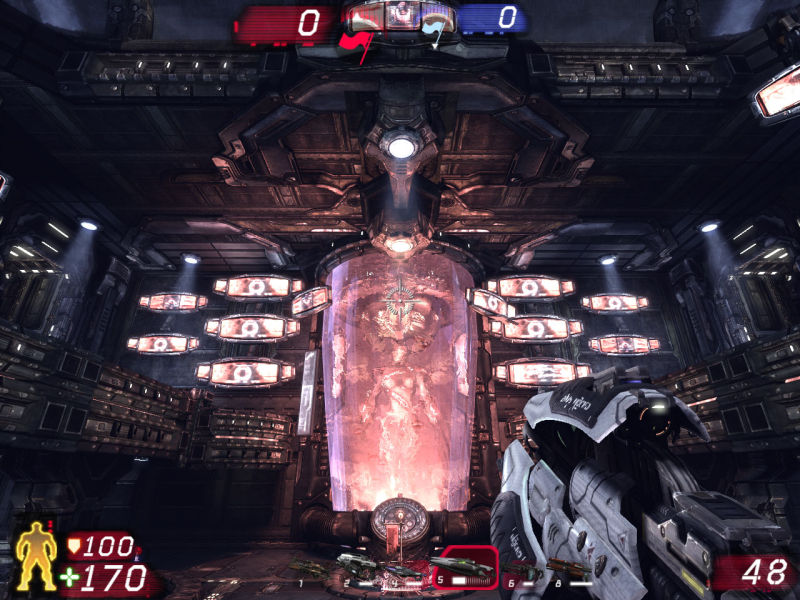
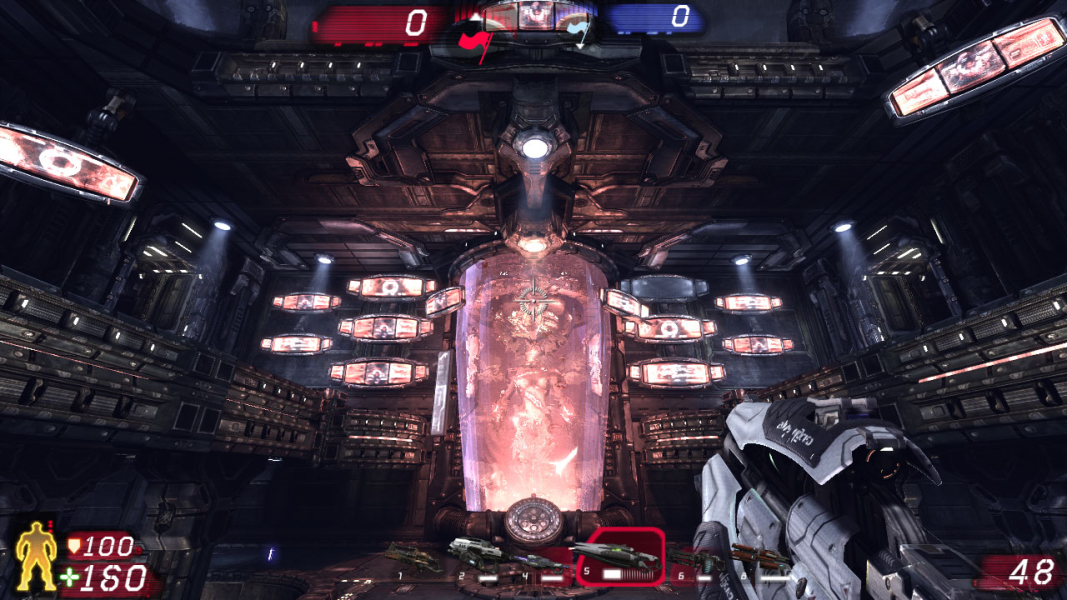
FOV is set to 90 by default (good for 4:3) and should be manually set to 100.4 for 16:10 and about 106.3 for 16:9.
Since patch v1.1 FOV can be changed with a slider in the Video/Advanced menu.
However, FOV in this game seems to be capped intentionally to 100. The only solution i have found to bypass this limit is a mutator called "FreeFov", which allows field of view adjustments of 70-130º which is more than enough for 16:9. FreeFov can be found below:
To get the correct FOV with decimals the file has to be edited, the console command won't recognize decimals. (at least for me) So:
Once FreeFov is installed, you have to edit the file UTMutator_FreeFOV.ini in C:\Users\(yourusername)\Documents\My Games\Unreal Tournament 3\UTGame\Config\
For 19:9 last line should be edited to:
Code:
DefaultFOV=106.270273
and for 16:10:
Code:
DefaultFOV=100.394872
Gameplay:
Hor+ for 16:10.
Hor+/Vert- for 16:9.
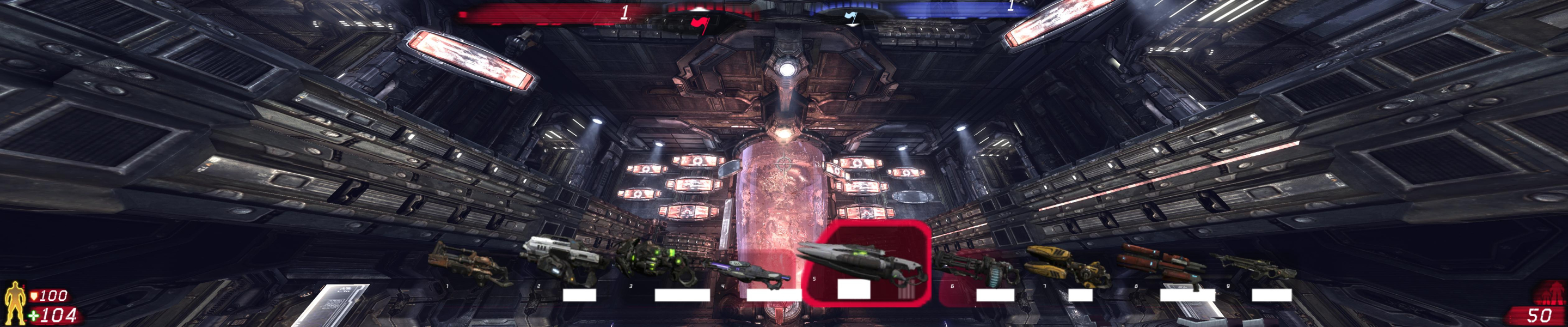
FreeFOV helps, but the badly swollen HUD and Vert- weapon models render UT3 still barely playable in Surround. (3rd-person view mods may help a bit at this point, but that's another story.)
Value for 3x 16:10 :
DefaultFOV=148.951778
Don't forget to increase the MaxFOV value to at least 150 as well, since default is 130 only. Since 100+ FOV values are only achieved with a mutator, proper 16:9 Hor+ is only available on multiplayer servers runing this mutator, FreeFov (see method section)
Gameplay Screenshots



FMV Cutscenes
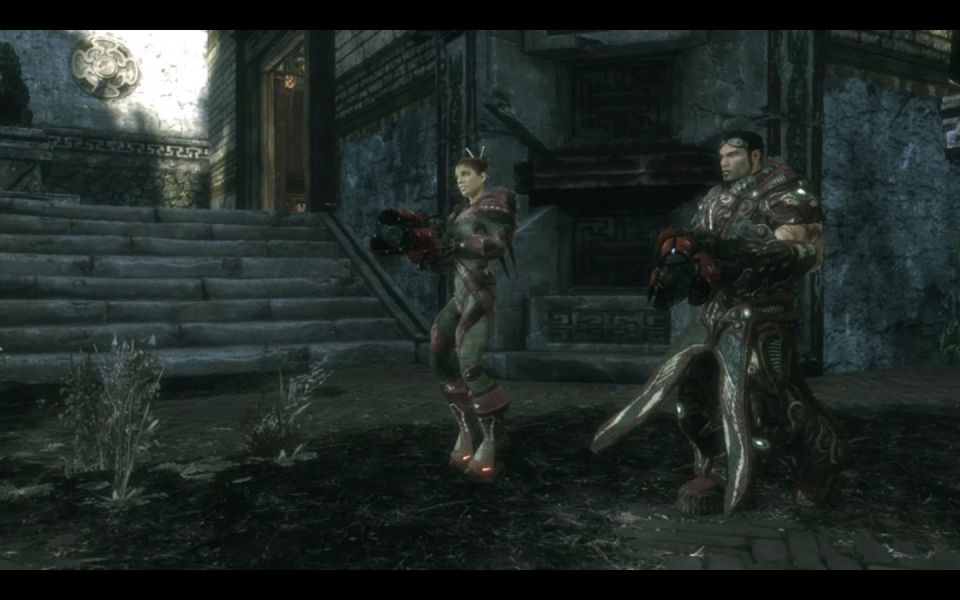
4K UHD Screenshots