


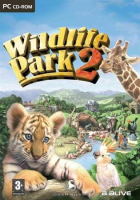


Second game in the Wildlife Park series of park management games.
Support Summary
Widescreen | Ultra/Super‑Wide | Multi-Monitor | 4K Ultra HD | |
Support | ||||
Method | ||||
HUD | ||||
Cutscenes | ||||
FMVs |
Game Information
Game Status:Released
Release Date:
Play Styles:Single-Player
Setting:Theme Park
Genre:
Developer:
Screenshots Comparison
Solutions & Issues
Widescreen Solution & Issues:
just go into your game directory \deep silver\wildlife park2\settings
now edit the file custom.def and look for 'screenresolution=', enter desired resolution here.
Gameplay Screenshots
4:3 Screenshot
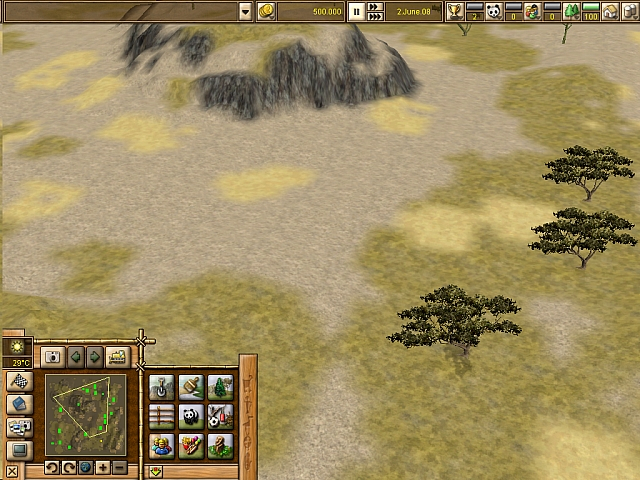
16:10 Screenshot

16:9 Screenshot

21:9 Screenshot

32:9 Screenshot

Eyefinity / Surround Screenshot

Resolutions & Configurations
16:10 Resolutions:1680x1050


