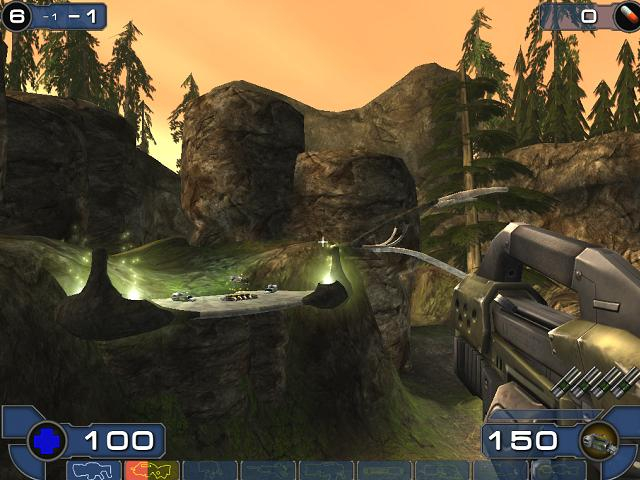


Unreal Tournament 2003 is an online FPS from Epic Games and Infogrames, and the follow-up to the highly successful Unreal Tournament. UT2003 features improved graphics, improved physics, faster gameplay, and a higher emphasis on teamplay over its predecessor.
Support Summary
Screenshots Comparison
Solutions & Issues
Go to \system. Open ut2003.ini. Find these lines:
FullscreenViewportX=xxxx
FullscreenViewportY=xxx
Change them to set your resolution.
**IF YOU HAVE A 16:10 DISPLAY**
Now open user.ini. Find these lines:
DesiredFOV=85.000000
DefaultFOV=85.000000
Change the values to set your FOV to your preference. I recommend 95.
**IF YOU HAVE A 16:9 DISPLAY**
If you have a 16:9 display, I recommend an FOV of 102. Unfortunately, if you set the FOV to something higher than 100 in user.ini, it will get reset to 100 as soon as you load the game. Instead, whenever you load a new map, bring down the console (the tab key does this by default) and type "fov 102." This seems to work in all online games. Advanced users may consider binding a key to "fov 102." If you don't mind having a slightly too narrow FOV, you can just set the FOV to 100 via the user.ini file.
The game's aspect ratio automatically matches your resolution. But the wider your aspect ratio, the higher the FOV needs to be to maintain Hor+.
Hor+ depends on your FOV, and every server I tried allows FOV adjustments.
Gameplay Screenshots