


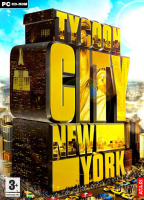


In TC:NY it's up to you to expand your district by placing and upgrading buildings. Meet your residents' demands, develop your businesses against rival AIs, build famous landmarks of the Big Apple and ultimately take control over the whole of today's Manhattan.
Support Summary
Game Information
Game Status:Released
Release Date:
Play Styles:Single-Player
Setting:Modern
Genre:
Store Links:
Screenshots Comparison
Solutions & Issues
Widescreen Solution & Issues:
Native, but max resolution is 1600x1200.
Should the launcher's configuration tool not list your desired resolution, try this :
Open \Atari\Tycoon City - New York\videoconfig.dat in Notepad.
Change the values of the following items :
MaxXRes
MaxYRes
to match your desired width and height. Anything above 1600x1200 will still be ignored.
Subtitles of cut-scenes are displayed too low and get cut off in 16:9.
Gameplay Screenshots
4:3 Screenshot

16:10 Screenshot
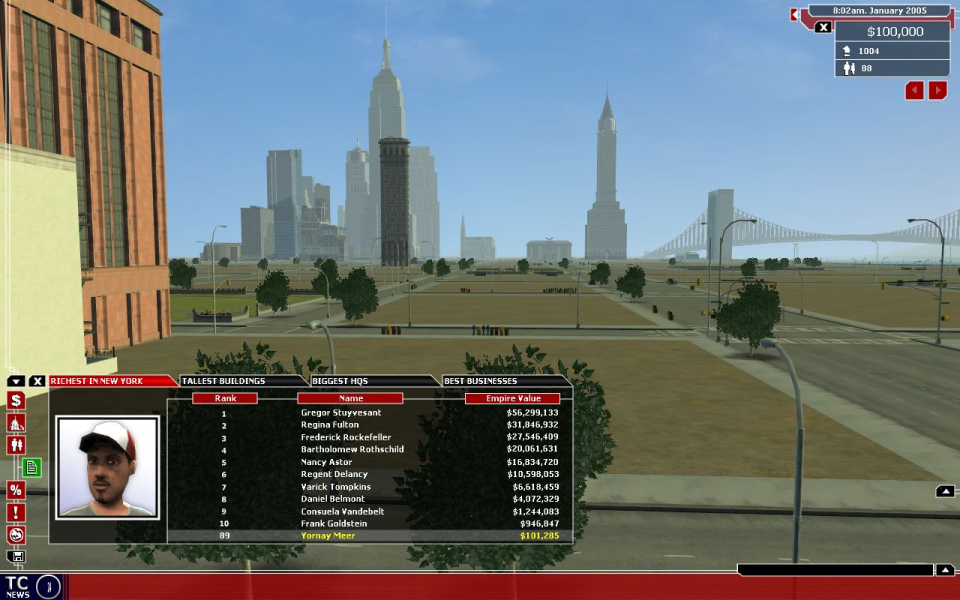
16:9 Screenshot
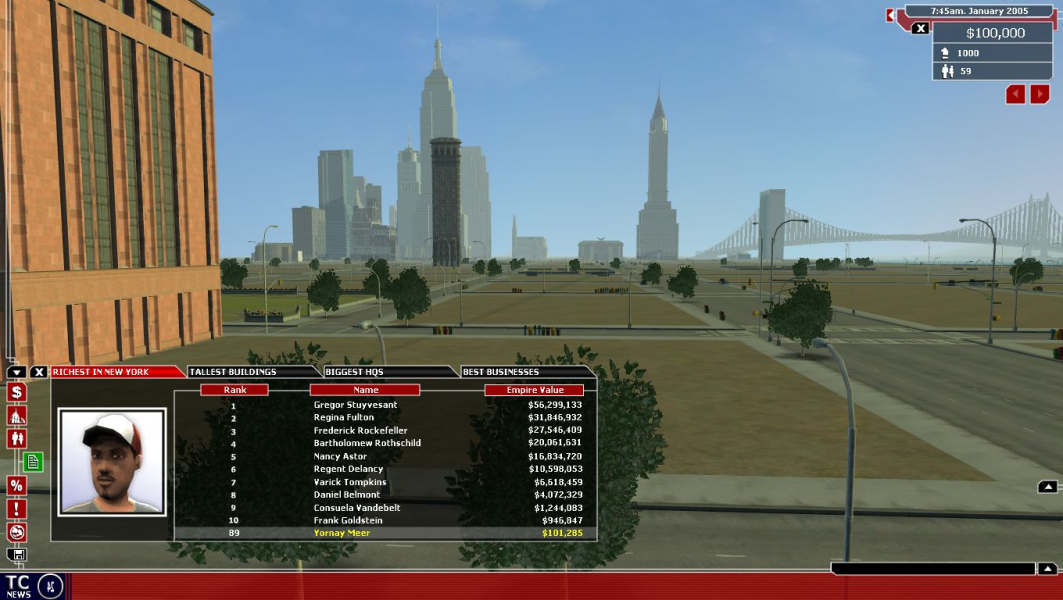
21:9 Screenshot

32:9 Screenshot

Eyefinity / Surround Screenshot

In-Game (Rendered) Cutscenes
4:3 Cutscene
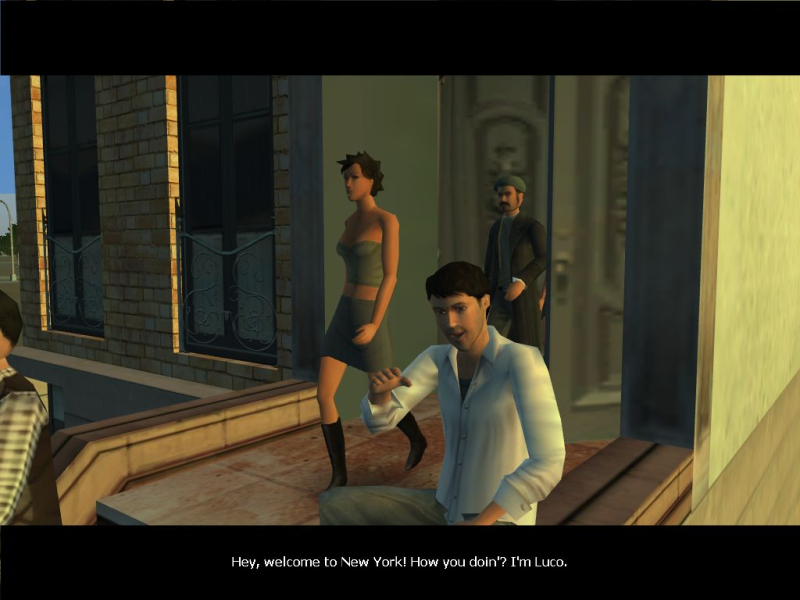
16:10 Cutscene
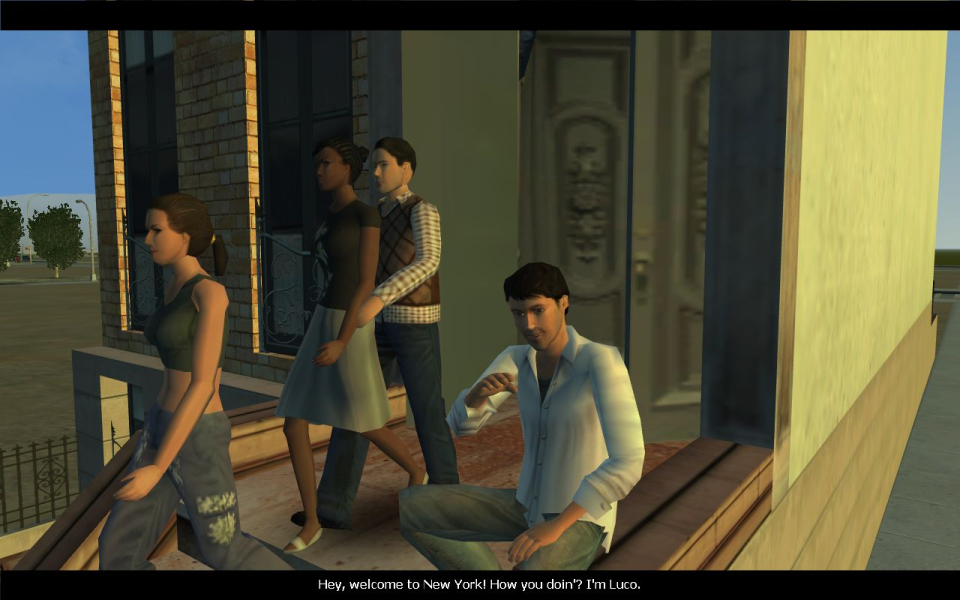
16:9 Cutscene

Additional Screenshots
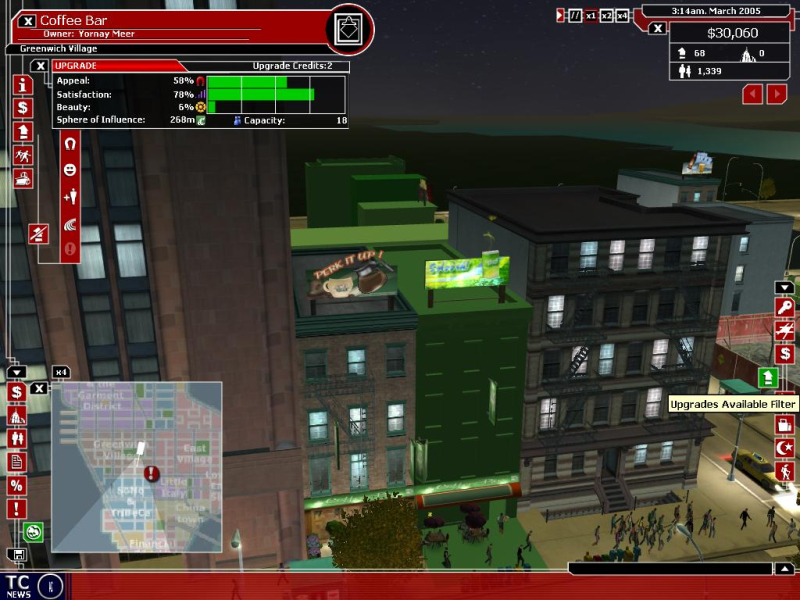
more UI elements, 4:3
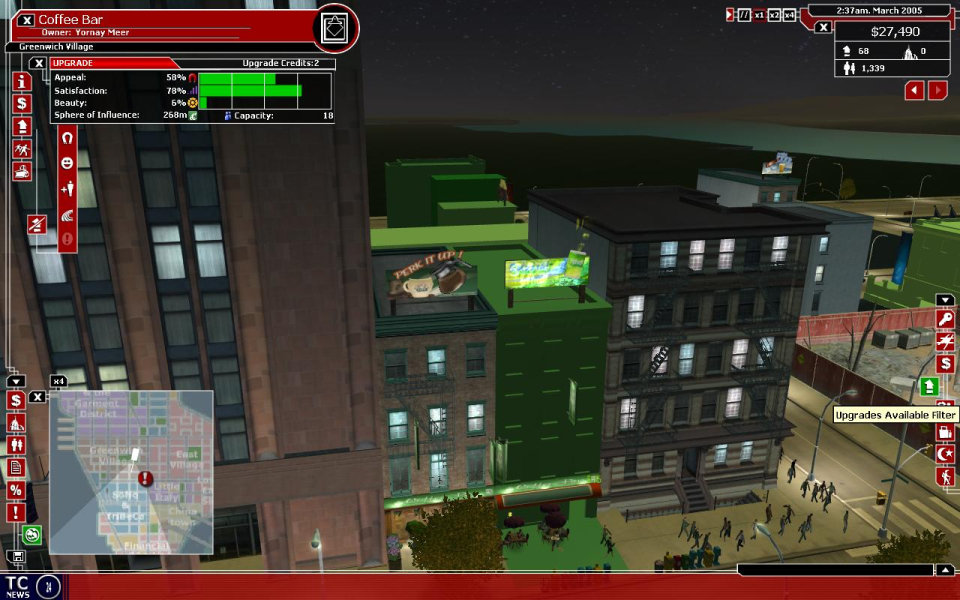
more UI elements, 16:10
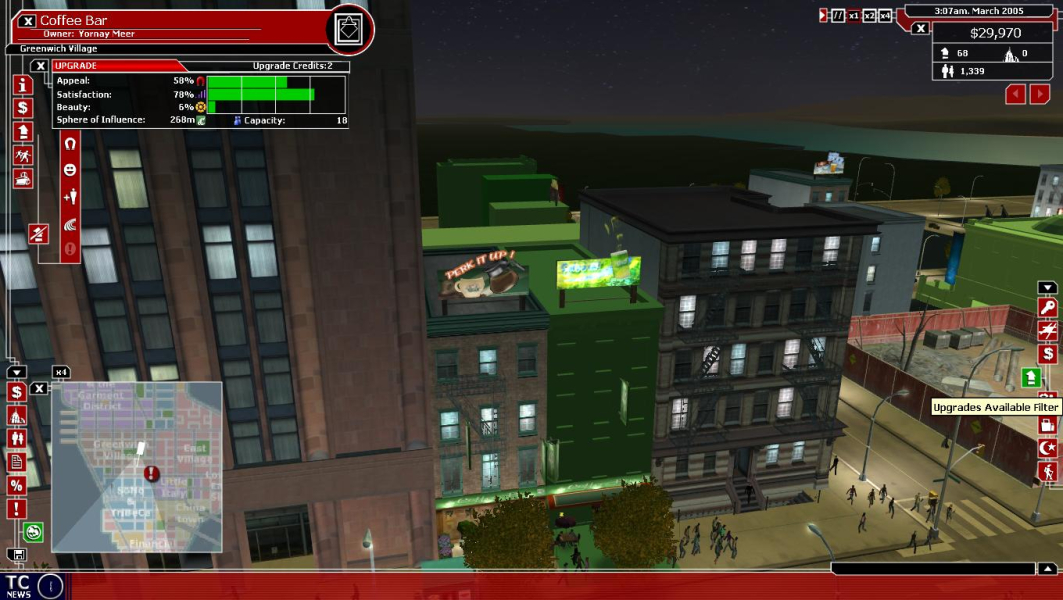
more UI elements, 16:9

cut-scene with subtitle, 15:9


