

Hitman: Blood Money is the fourth game of the Hitman series from Io-Interactive and Eidos. Once again Agent 47 uses either stealth or sheer firepower to assasinate his Agency's contracts.
Support Summary
Game Information
Screenshots Comparison
Solutions & Issues
The game has native support for widescreen resolutions. Select you resolution from the in game options menu. I was unable to get 1280x768 and 1280x800 natively though.
For custom resolutions you will need to edit the HitmanBloodMoney Configuration Settings file. Default location C:\Program Files\Eidos\Hitman Blood Money Demo. Make a backup of this file just in case.
Before doing this, make sure to setup your video options first. Going into the video options menu with a custom resolution causes the game to reset to 800x600.
Open HitmanBloodMoney.configuration settings with a text editor such as Notepad.
The top line of this document should read: Resolution 1440x900 or which ever resolution was last used in the game. Change this to your custom resolution.
For example 1280x800 would look like this: Resolution 1280x800
Save the document and exit.
---
In 5:4 AR, 1280x1024 the game is Vert+
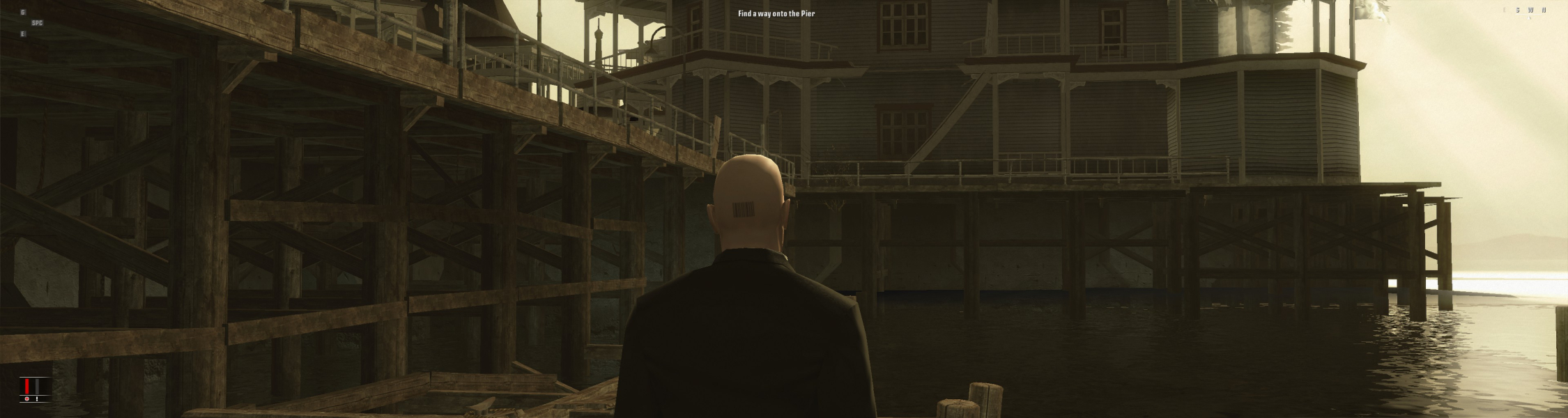
To play in 2560x1080 open hitmanbloodmoney.ini located in the game's folder
and replace old resolution with new one.
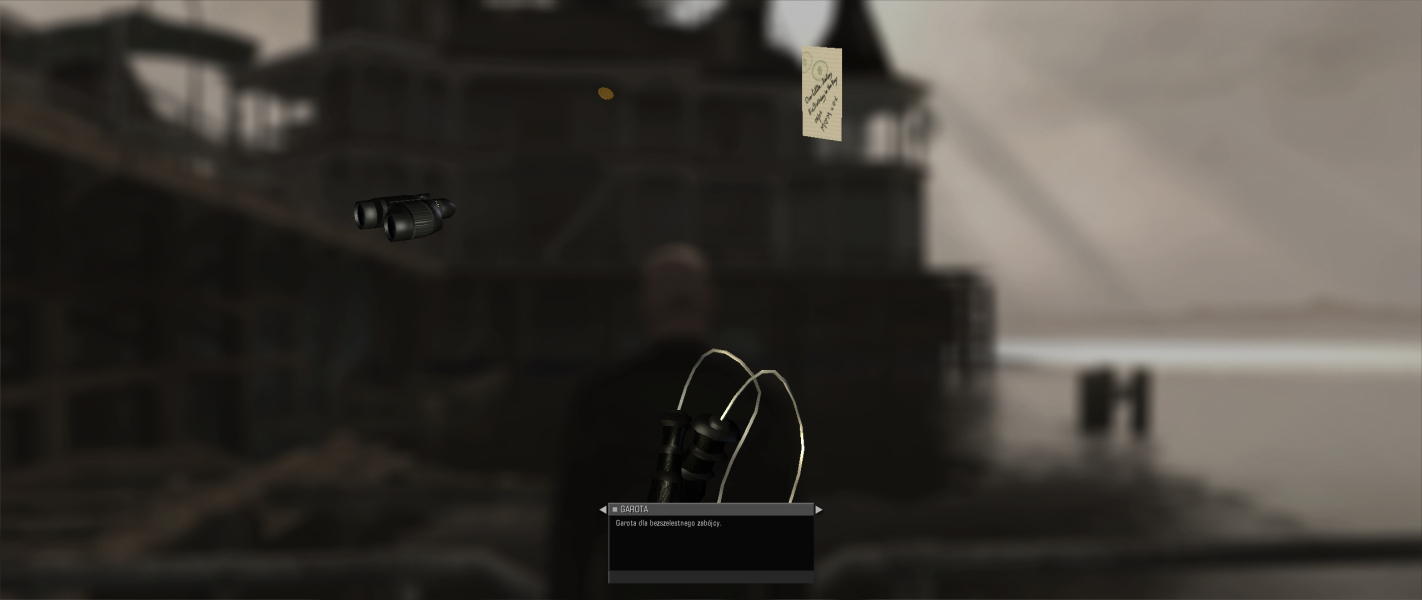
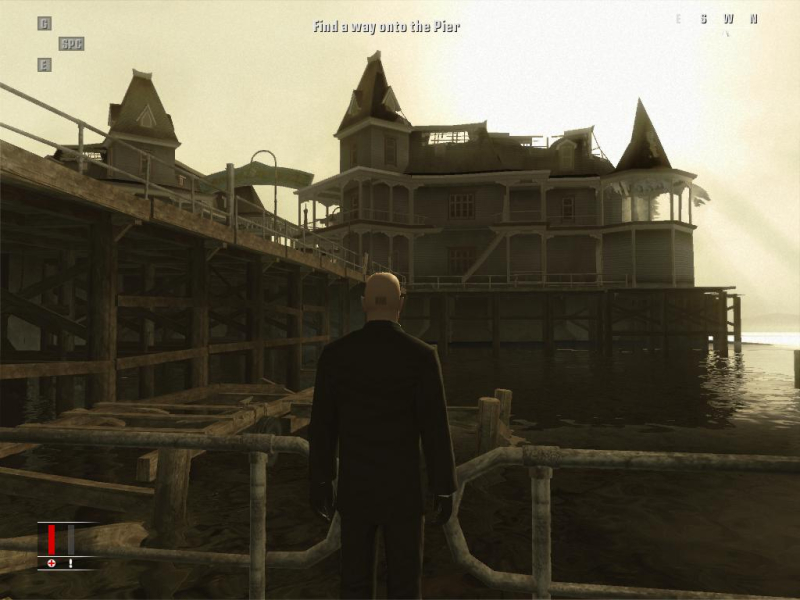
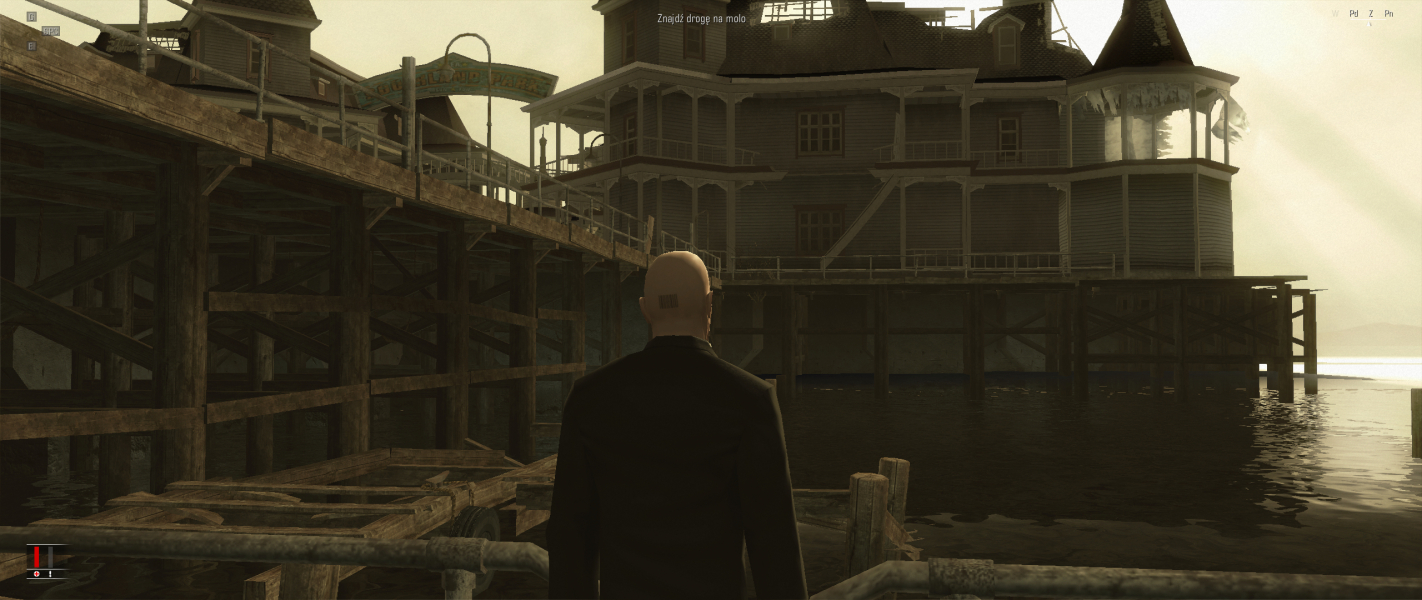
Game is vert-, so in 21:9 there is quite a significant loss of the image on top and bottom.
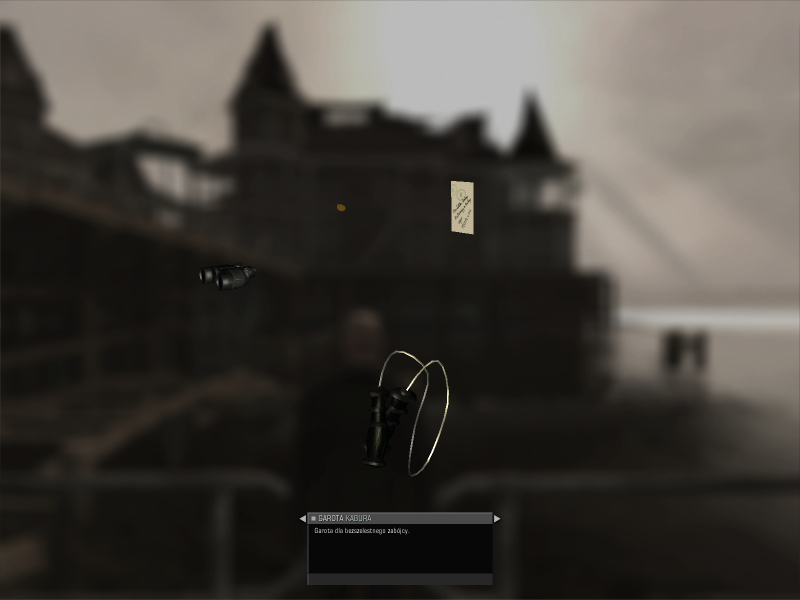
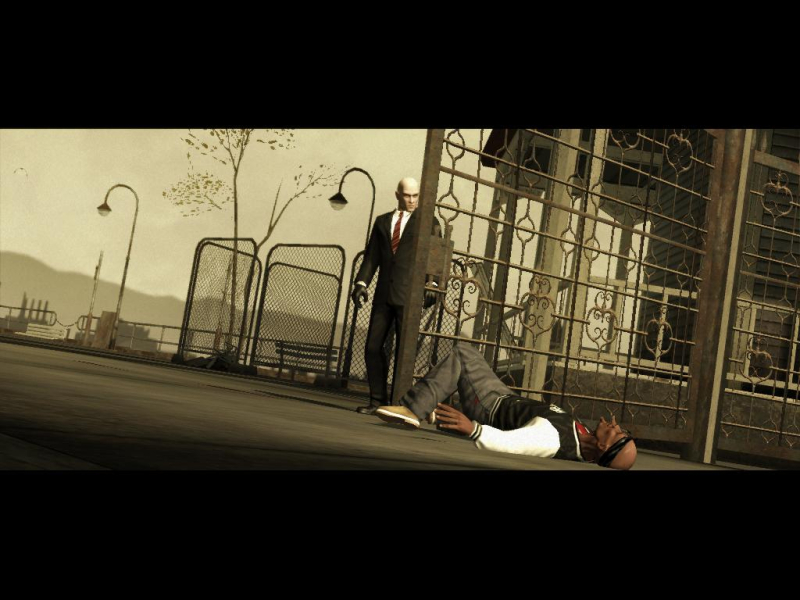
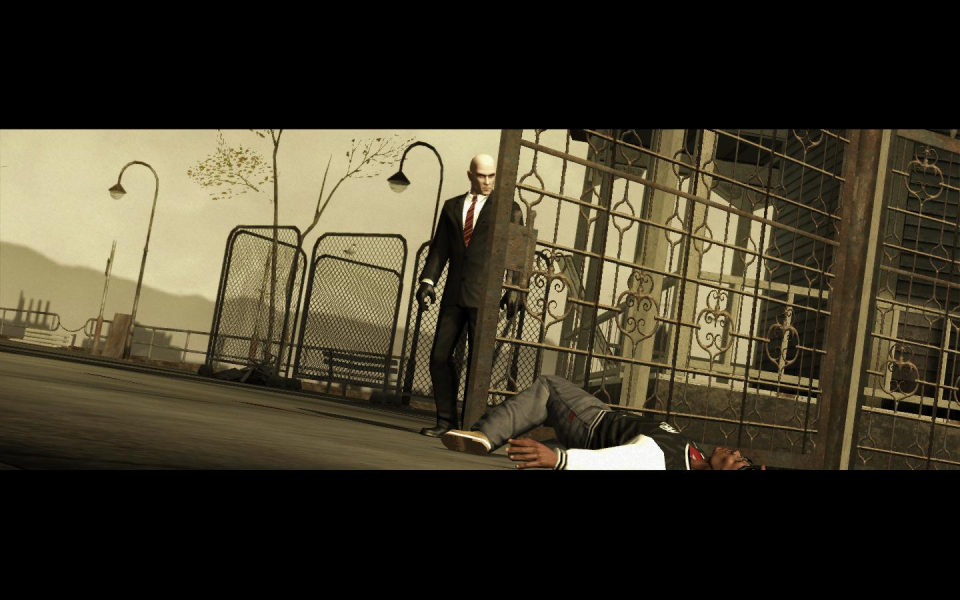
Rendered cut-scenes are also vert- this leads to situation where characters may be cut at top and bottom, because the frame was probably designed to be 16:9 max.
Hor+ fix
Download Widescreen fix by nemesis2000
Extract h4.zip to the game folder (password=h4).
Edit h4.ini to set the resolution.
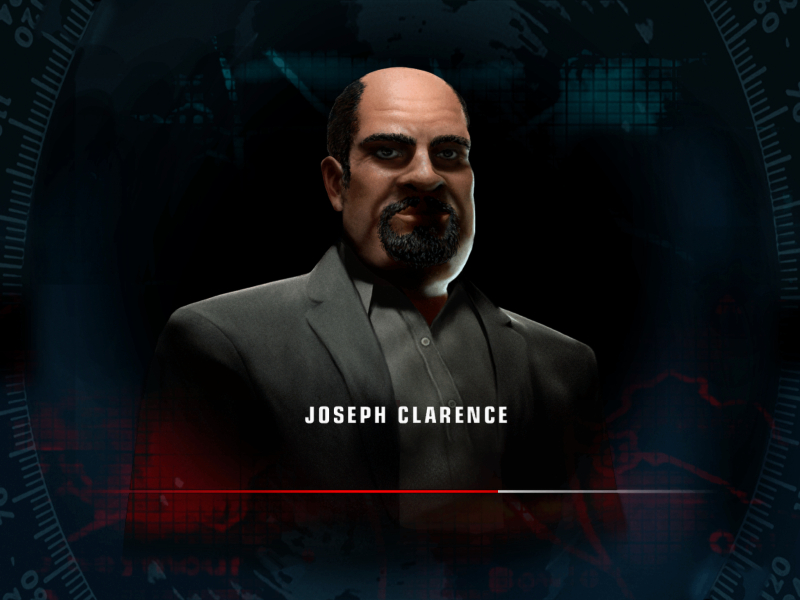
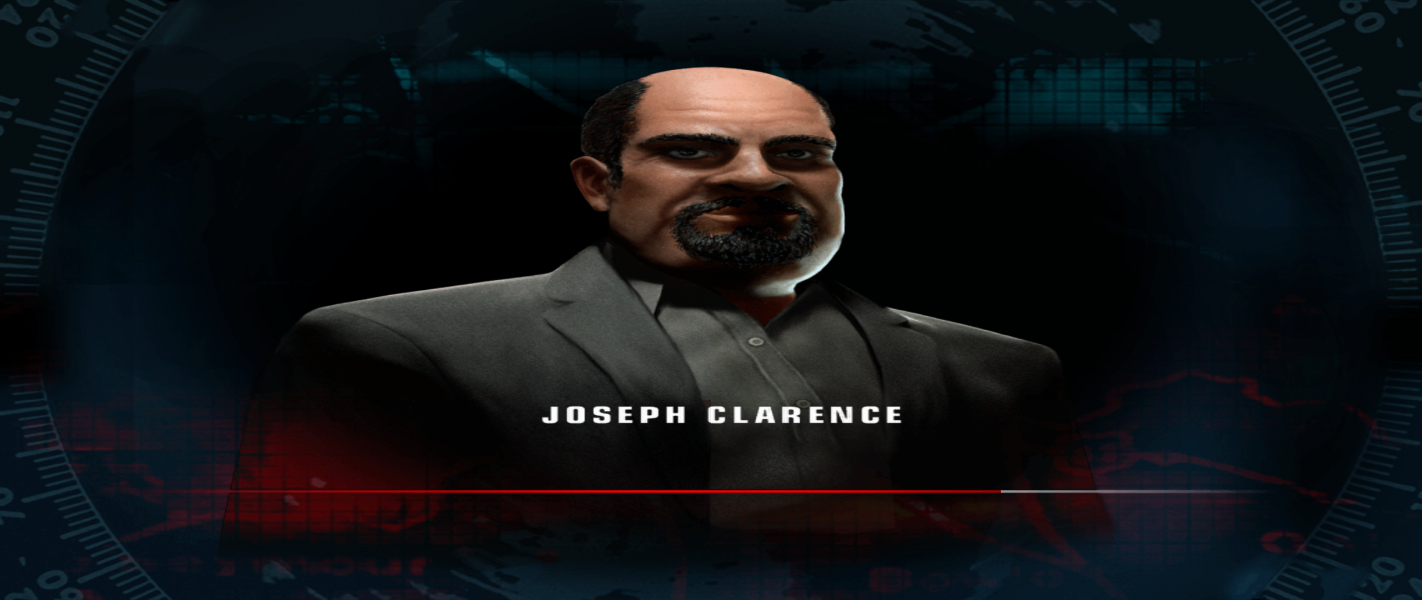
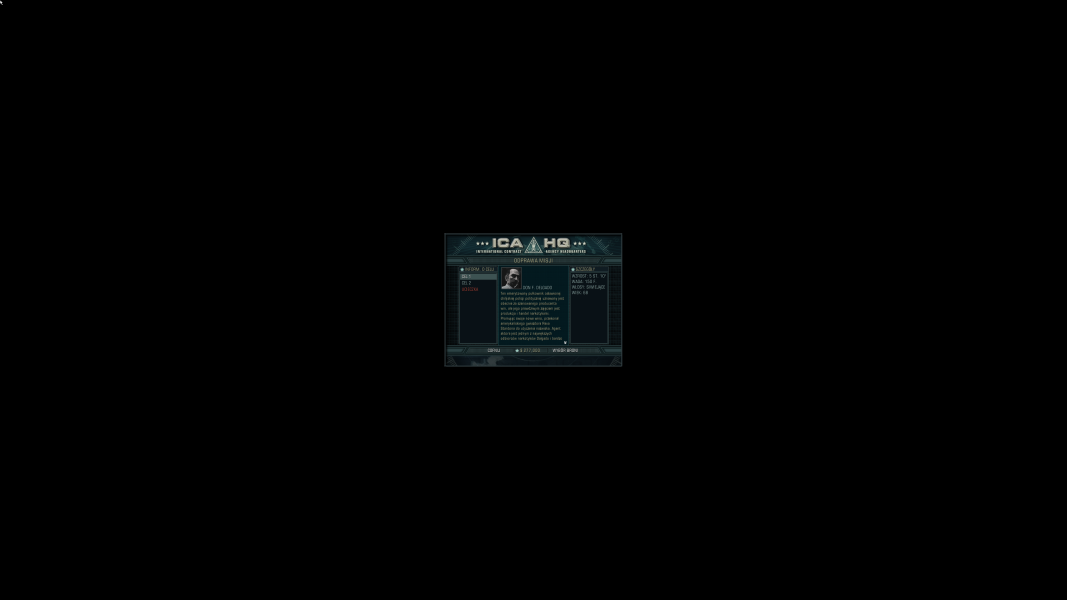
The briefing menu is tiny, as well as the HUD and text.
Gameplay Screenshots



In-Game (Rendered) Cutscenes

FMV Cutscenes



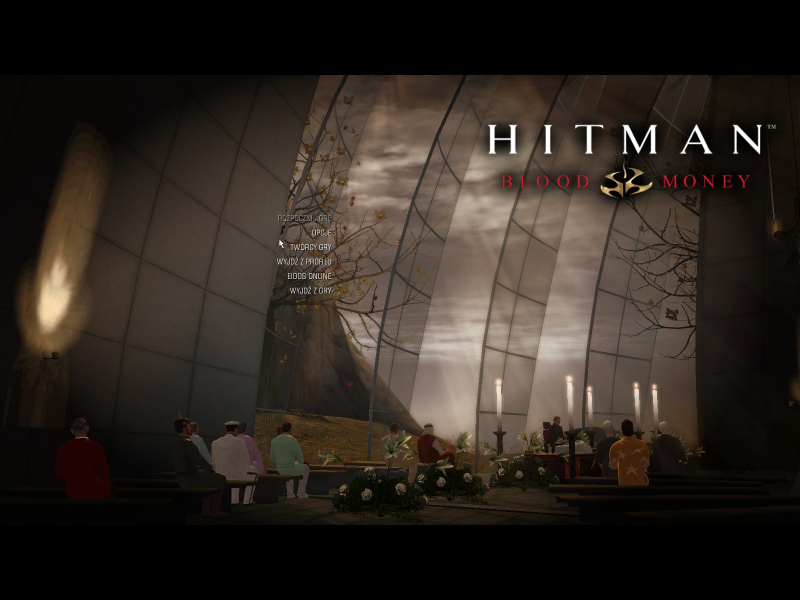
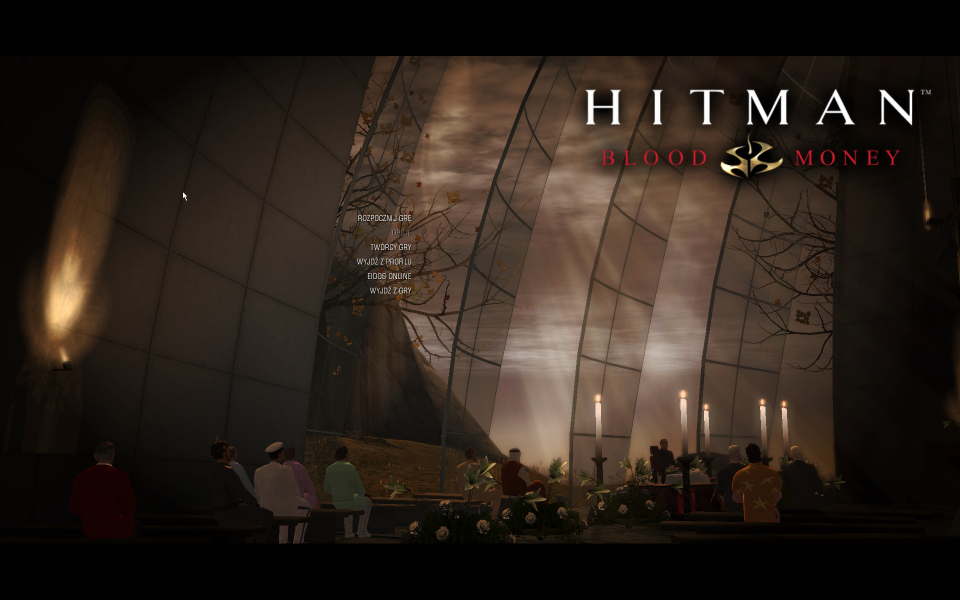
Menu Screenshots
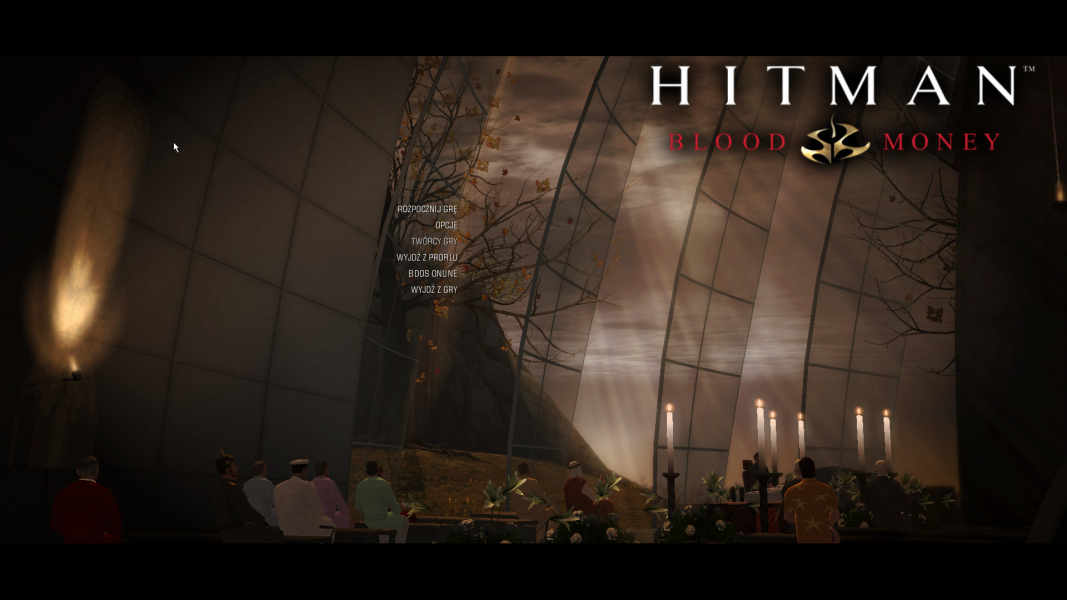
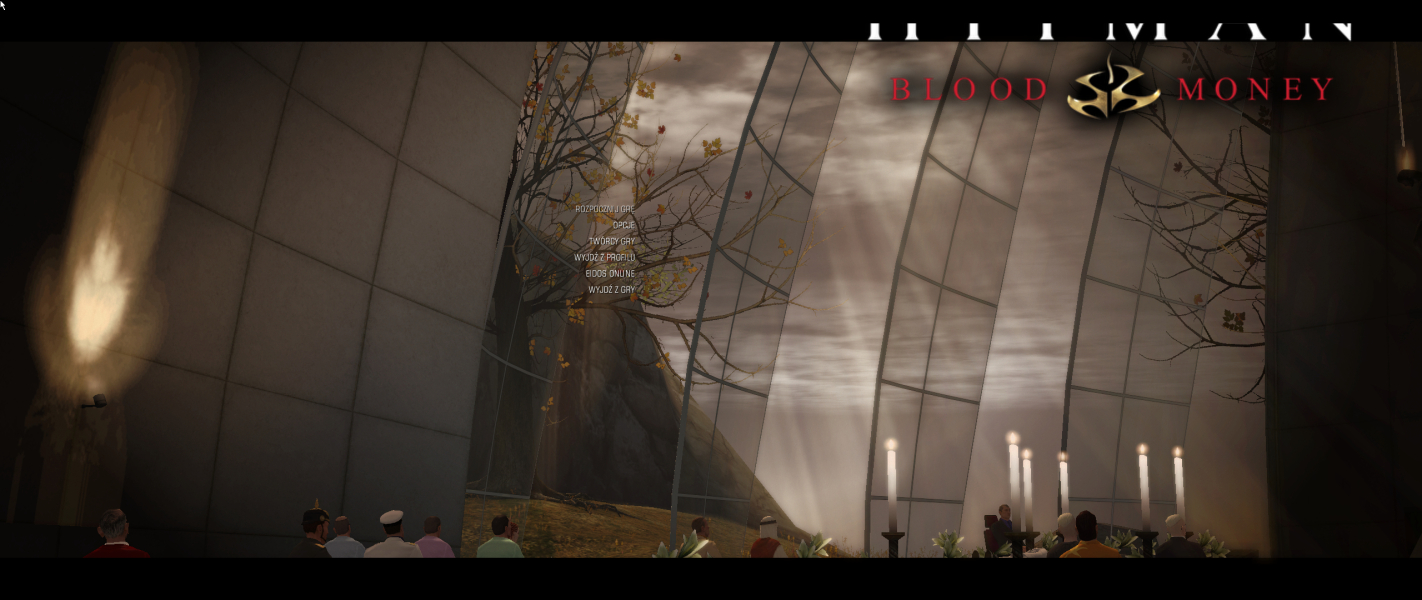
4K UHD Screenshots
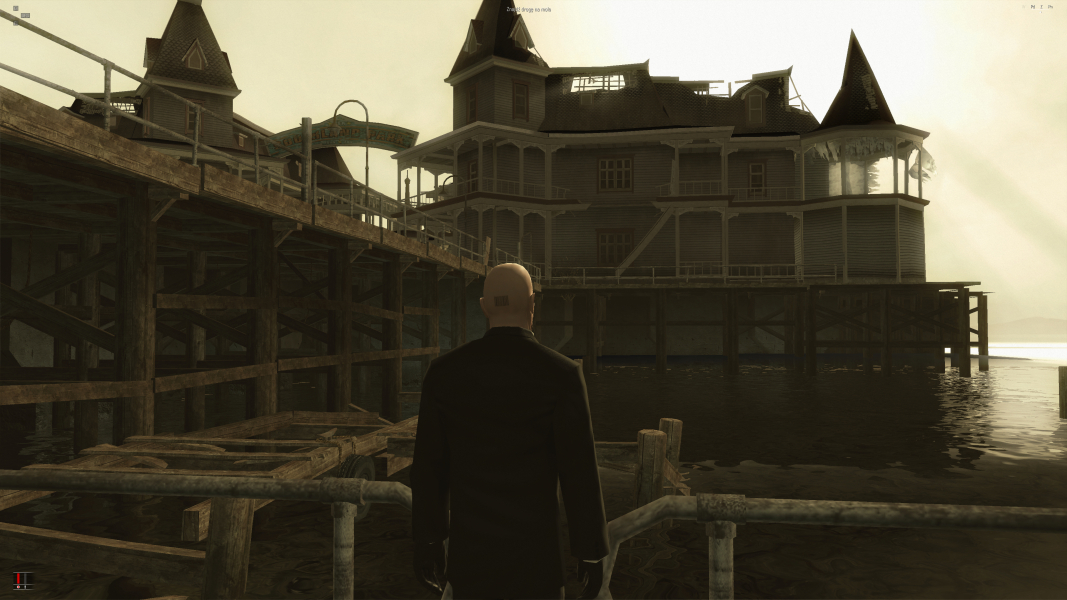
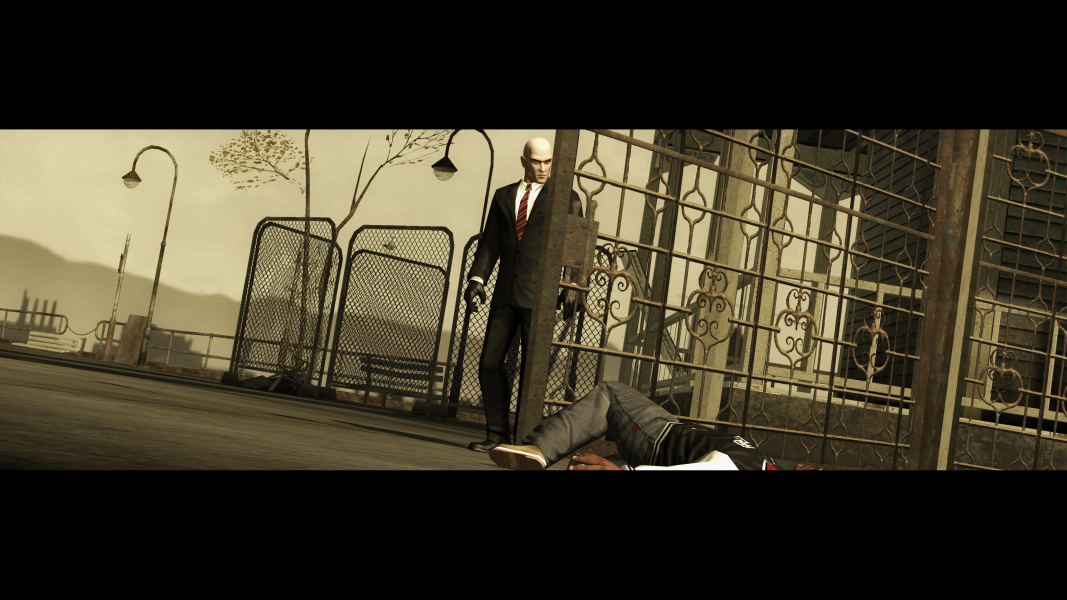
Additional Screenshots