

Third in the TOCA Race Driver series. Focus is on sim-style racing.
Support Summary
Game Information
Screenshots Comparison
Solutions & Issues
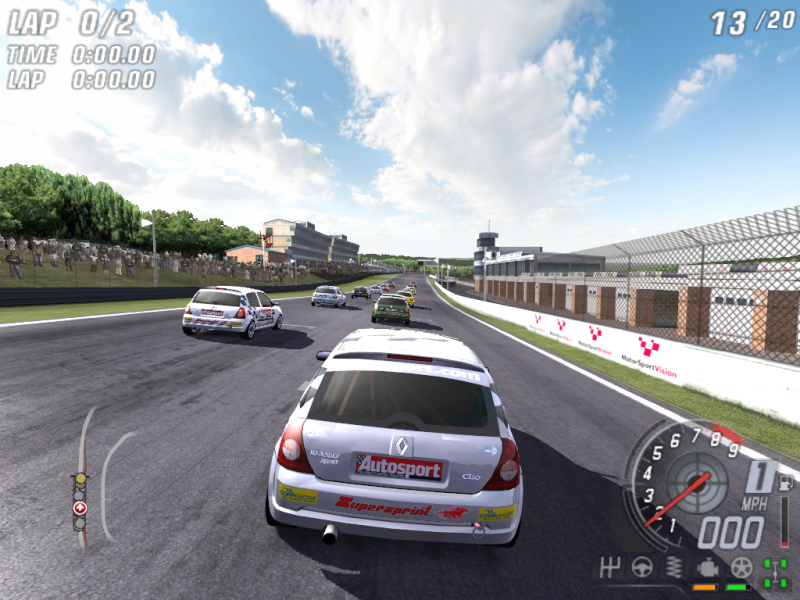
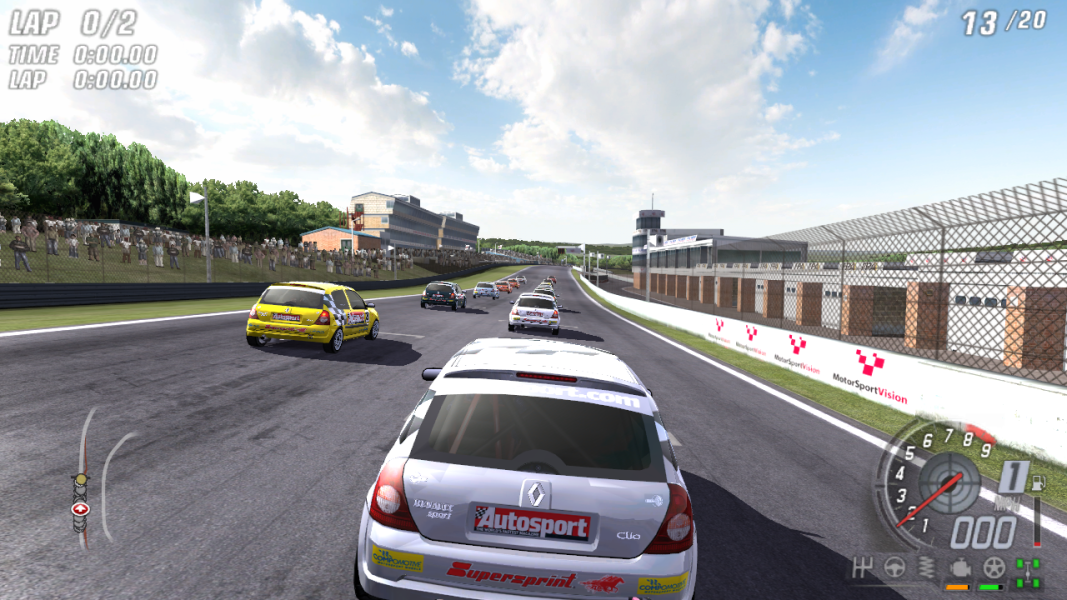
4:3, 5:4, 16:9 and 16:10 resolutions are natively supported through the Hardware Setup tool. The resolution and aspect ratio settings are separate.
The Hardware Setup tool should list all normal resolutions; for custom/unlisted resolutions you can try making the changes manually. Select 1024x768 resolution from the config tool. Save and exit. Go to \savedata and edit pchardwareconfig.ini. Go down to the [Graphics] header and edit these lines:
FullScreenRefresh=75
FullScreenHeight=768
FullScreenWidth=1024
Change these to set your resolution. Make sure the refresh rate is correct - 60 is usually correct for native resolutions.
Racer_S released a cam hack for further customisation (see attachments above).
Gameplay Screenshots