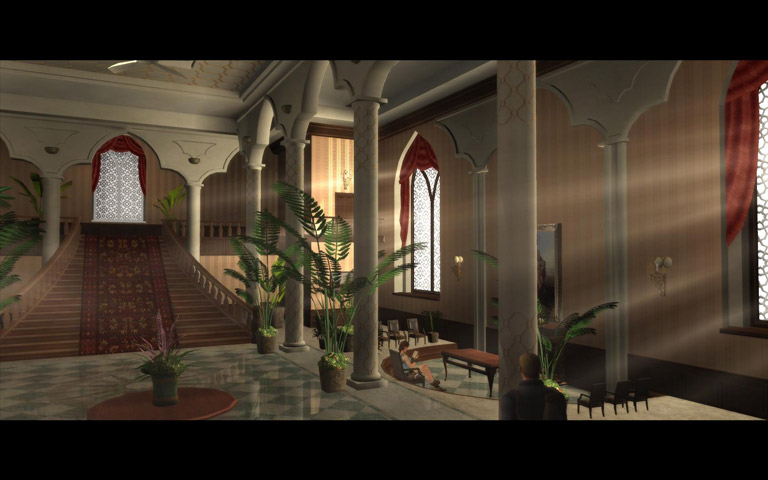


Created with an advanced version of the engine used for Lara Croft Tomb Raider: Legend, the gameplay mechanics, artificial intelligence and level puzzles of Tomb Raider: Anniversary are now more refined, in-depth and complex. Now fans can explore the original adventure on a much grander scale, while enjoying the elements which made the original such a success.
Support Summary
Game Information
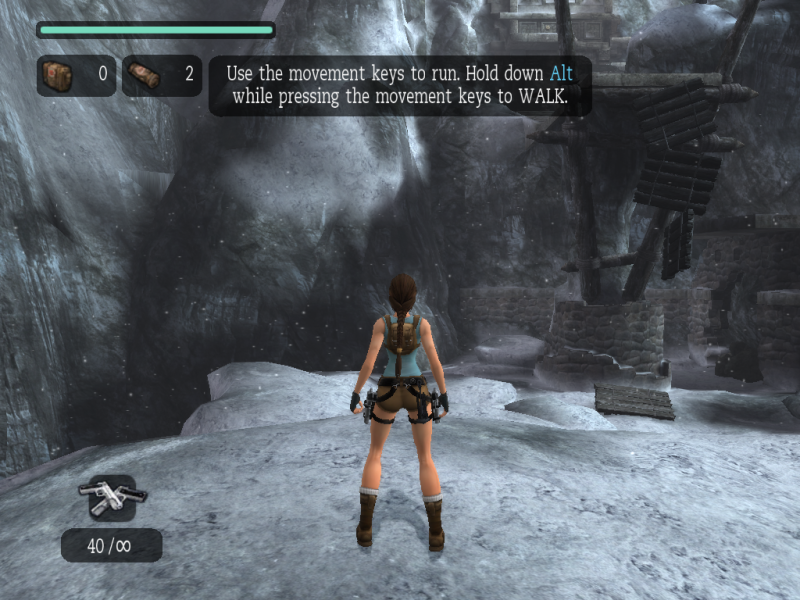
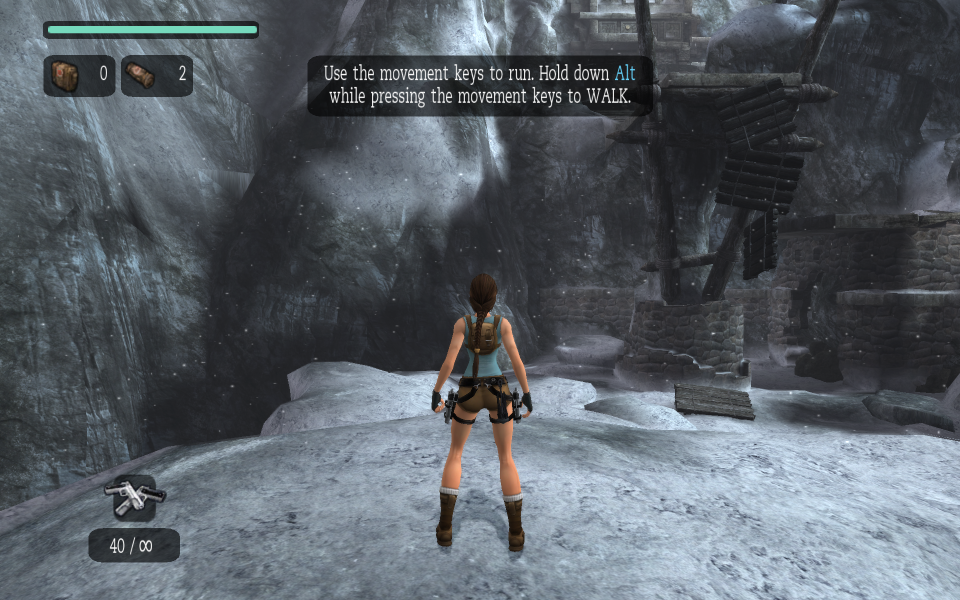
Screenshots Comparison
Solutions & Issues
Select your resolution from the Display settings with the Aspect Ratio on Auto. Native support only covers 4:3, 16:9, and 16:10. For other aspect ratios use Flawless Widescreen or Widescreen Fixer.
The game is Hor+
The HUD scales correctly.
All cut-scenes are rendered in-game and are also Hor+
Use Flawless Widescreen (corrected HUD) or Widescreen Fixer (stretched HUD). Flawless Widescreen has some minor HUD positioning differences when compared with regular widescreen (everything still has the correct proportions).
Old/alternate method: use Racer_S tool. Set slider to 0.562.
Use Flawless Widescreen or Widescreen Fixer.
Old/alternate method: use Racer_S tool.
Resolution cannot exceed 4096 pixels (higher resolutions will fail to launch).
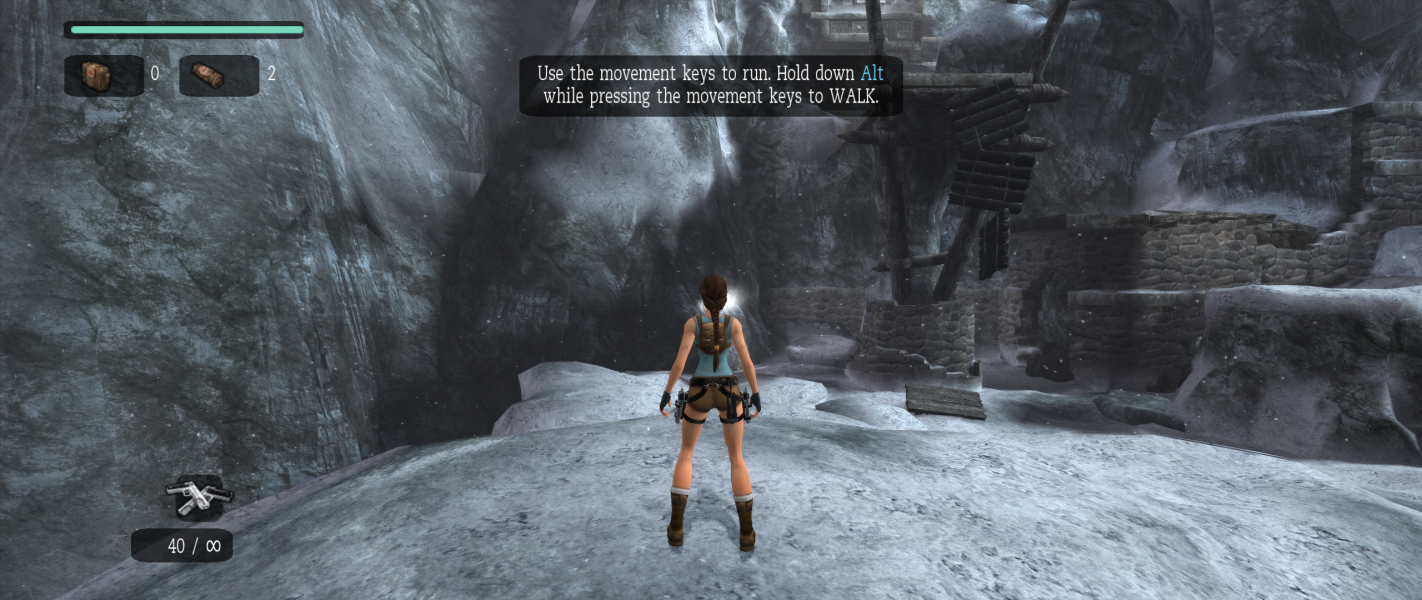
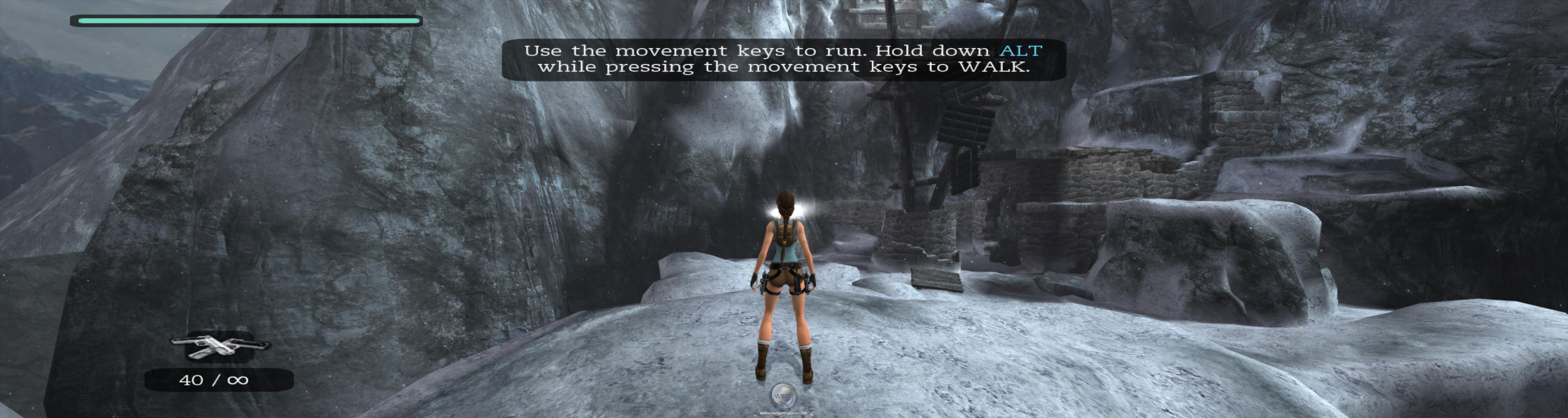
Gameplay Screenshots


FMV Cutscenes