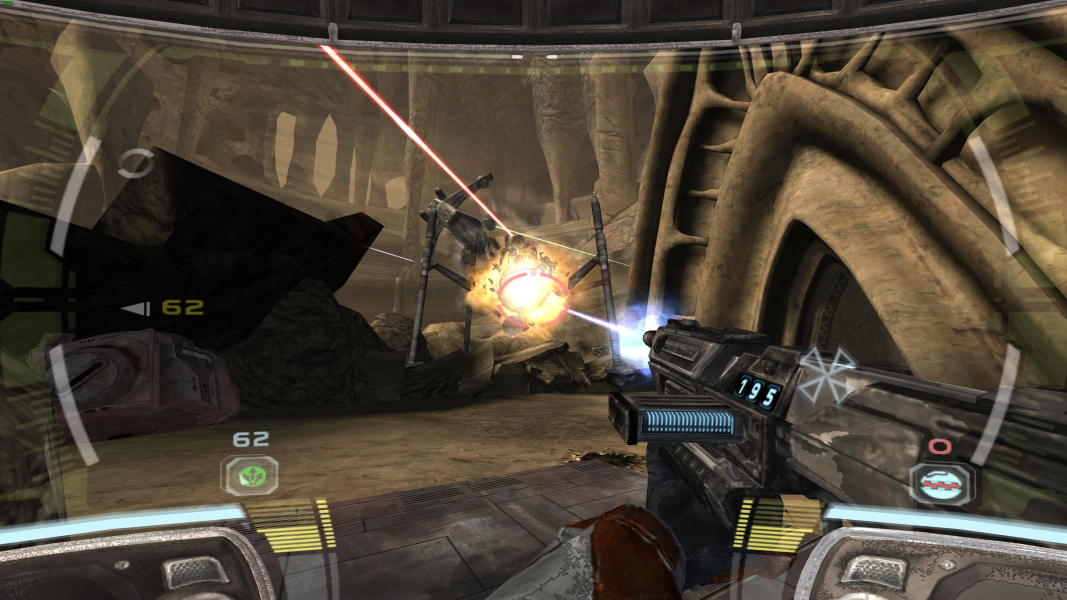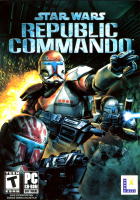


Star Wars: Republic Commando is a first-person shooter Star Wars video game, released on March 4, 2005. The game uses Epic Games' Unreal Engine and features some gameplay elements that resemble features in other first-person shooters, including Metroid Prime, Halo, and Tom Clancy's Rainbow Six.
The Heads-Up Display (HUD) in the game resembles the Metroid Prime helmet display. The context-based squad order system is similar to the Rainbow Six games. The usage of health and recharging shields, as well as the general combat gameplay, resemble styles seen in Halo 1. An unusual feature is that blood, or any fluid from a dead enemy that will splash onto the helmet, can slightly affect vision until an energy-based "windshield wiper" cleans it off.
Support Summary
Game Information
Screenshots Comparison
Solutions & Issues
Fix available from the PC Gaming Wiki Community Files (search there).
New Solution: Download this MOD Star Wars Republic Commando Fix. It adds options for higher screen resolutions and a FOV-Slider to the menu and you can play the game even in 4K.
And the HUD Solution Republic Commando: Widescreen Hud Fix
=====
Old Solution: This is a two-part edit that includes both an .ini edit and a hack.
Resolution INI edit: Go to --> ...\Star Wars Republic Commando\GameData\Save\system.ini
[WinDrv.WindowsClient]
FullscreenViewportX=2560
FullscreenViewportY=1440
After you have edited the .ini file, right click on it and go to properties. Tick the box "read only" and apply.
FOV hex edit: Go to --> ...\Star Wars Republic Commando\GameData\System\engine.u
Search for this hex values: 00 00 AA 42. There will a couple instances. Each instance will need to be replaced with the value of your desired FOV.
The default floating point value for Republic Commando is 85 degrees (4:3).
For a 4:3 resolution:Change "AA" to "B4" This will give you a 90° FOV. This is a more standard 4:3 FOV.
For a 16:10 resolution:Change "AA" to "CC" This will give you a 102° FOV.
For a 15:9 resolution: Change "AA" to "D4" This will give you a 106° FOV.
For a 16:9 resolution: Change "AA" to "E3" This will give you a 113.5° FOV.
This Solution is Based on this MOD Star Wars Republic Commando Fix - i changed the FOV Slider (more then 125) and added 4 new Resolutions: 2560x1080, 3440x1440, 5040x1080, 5760x1080.
Install the MOD and then extract all Files from Republic_Commando_Graphics Fix.Update.zip. Fix available from the PC Gaming Wiki Community Files (search there).
This Solution is Based on this MOD Star Wars Republic Commando Fix - i changed the FOV Slider (more then 125) and added 4 new Resolutions: 2560x1080, 3440x1440, 5040x1080, 5760x1080.
Install the MOD and then extract all Files from Republic_Commando_Graphics Fix.Update.zip. Fix available from the PC Gaming Wiki Community Files (search there).
Same Solution as in Widescreen.
Gameplay Screenshots


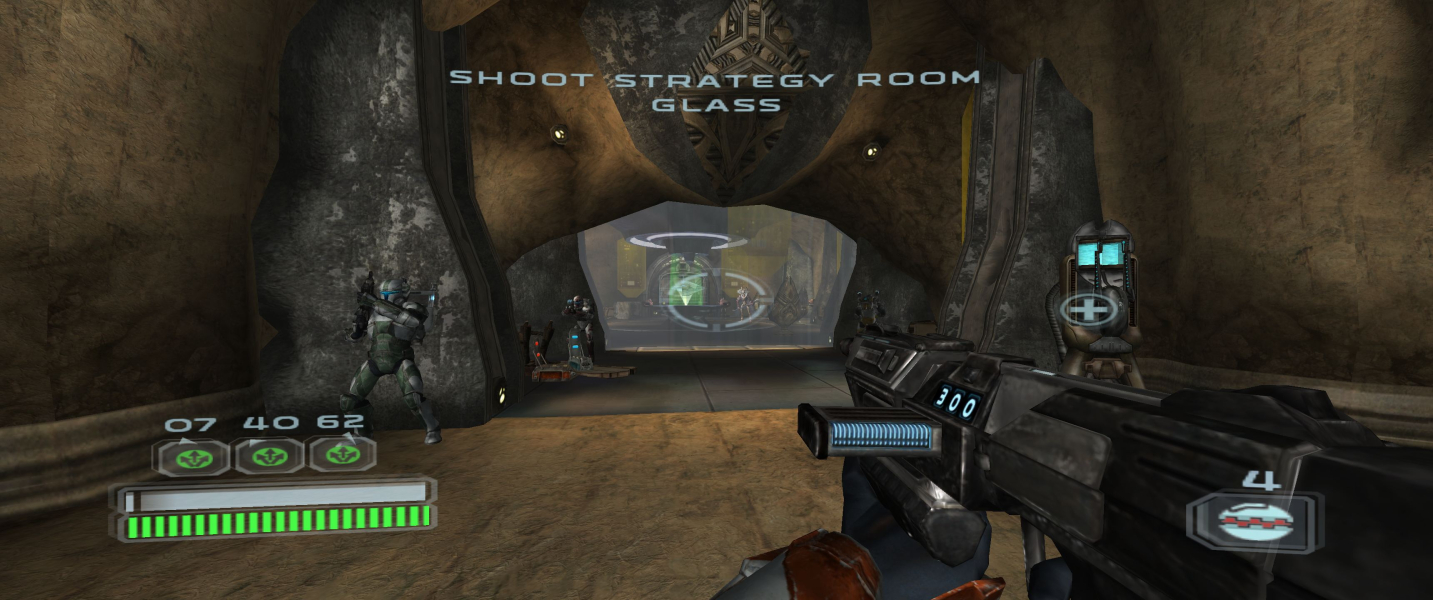


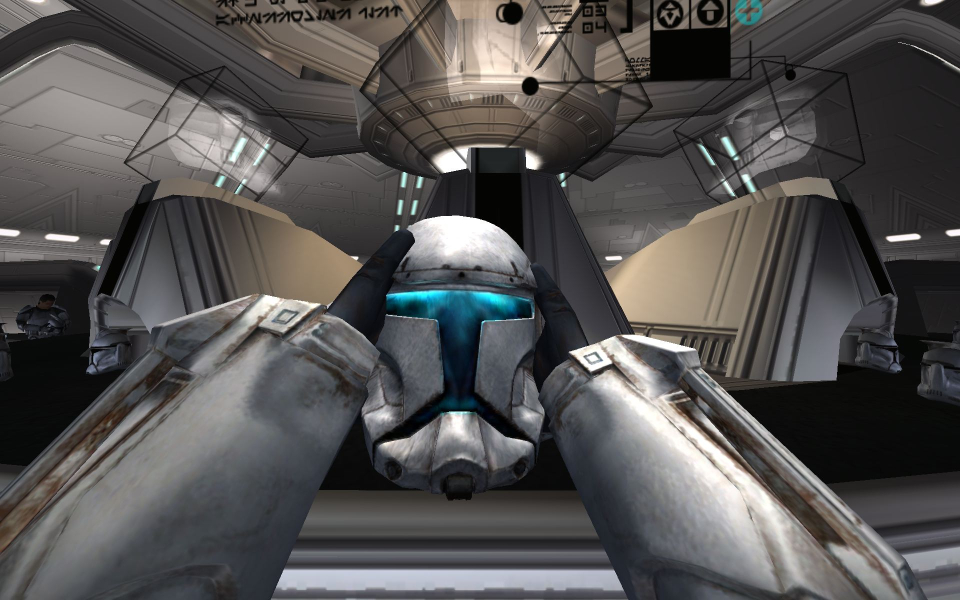
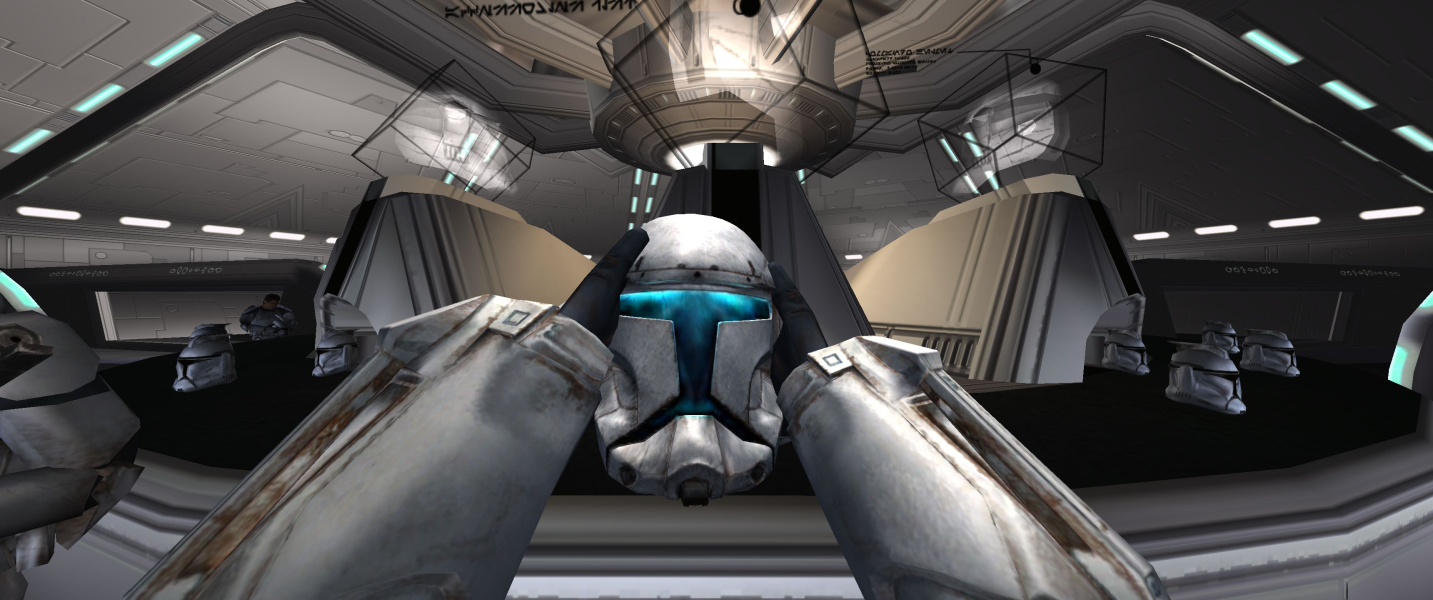
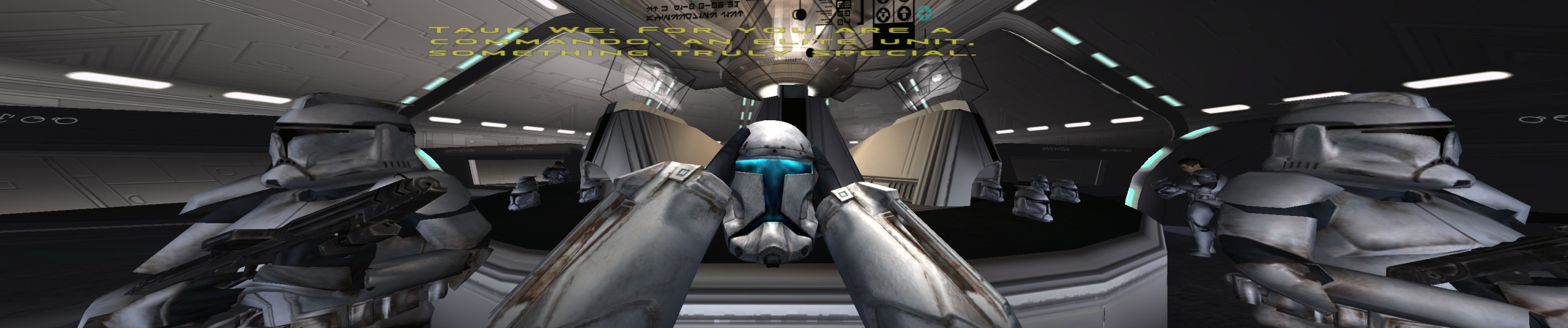
In-Game (Rendered) Cutscenes
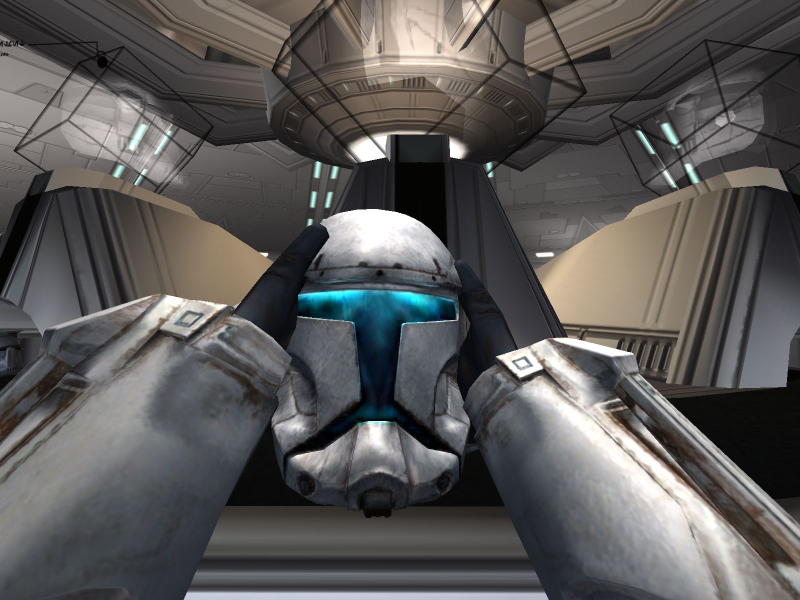

FMV Cutscenes


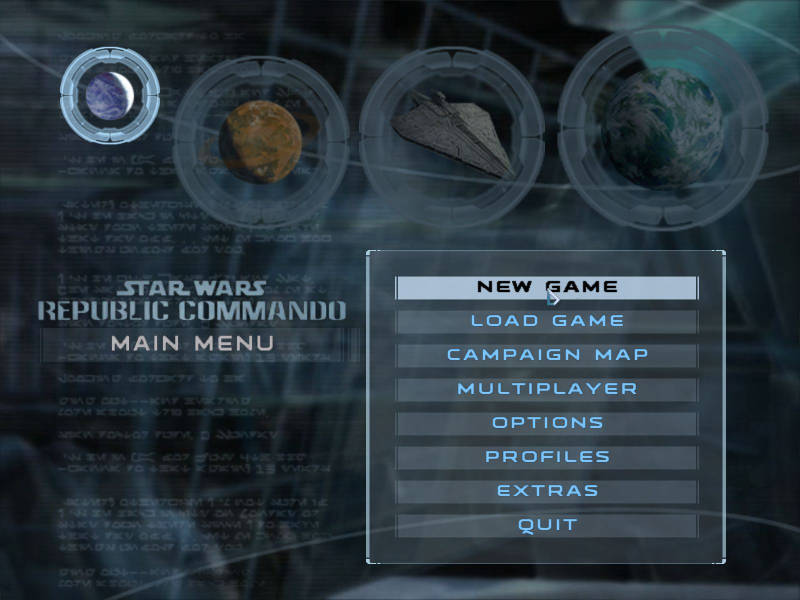
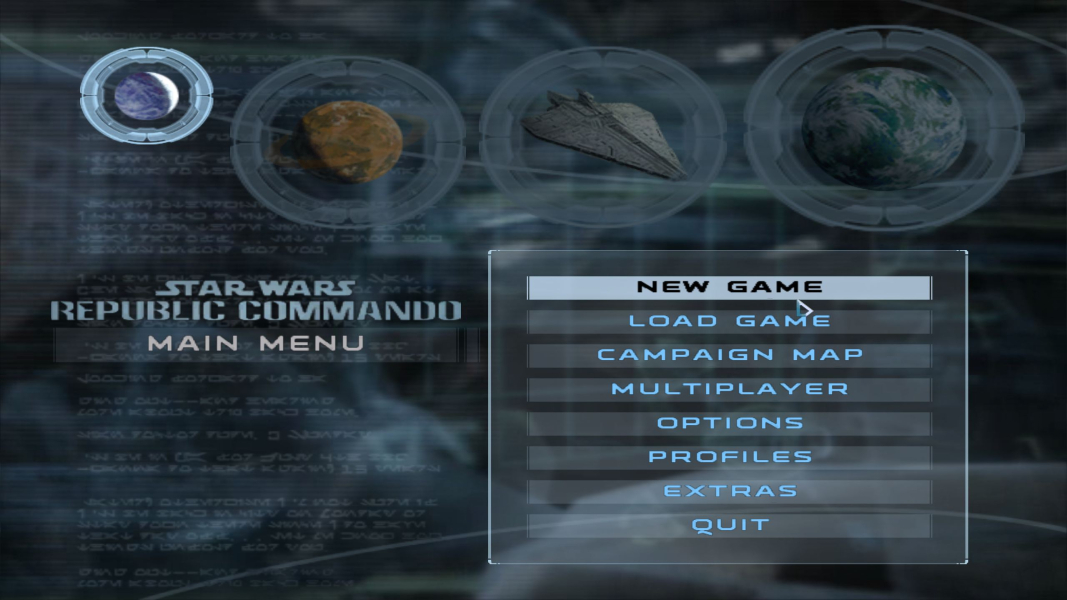
Menu Screenshots
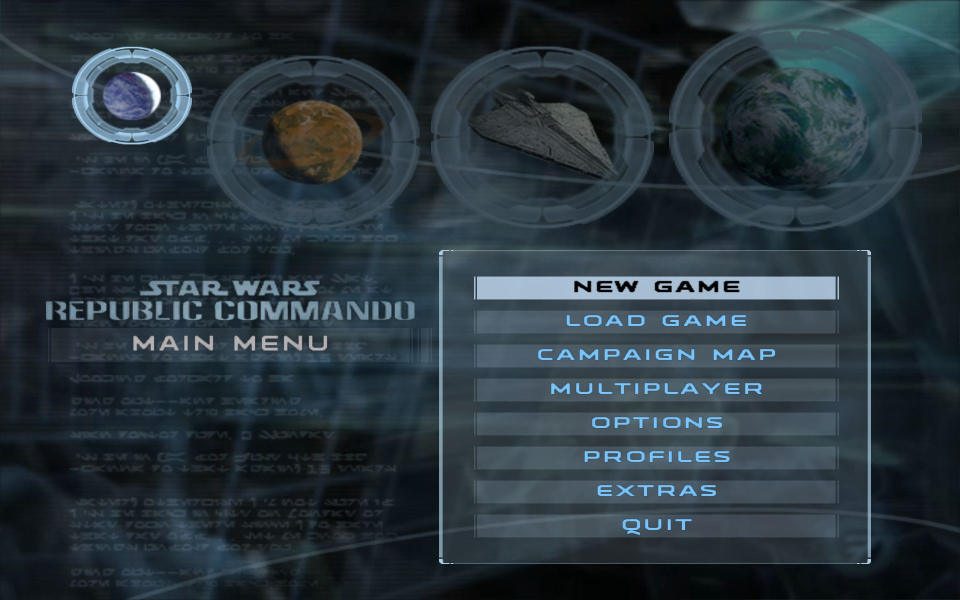
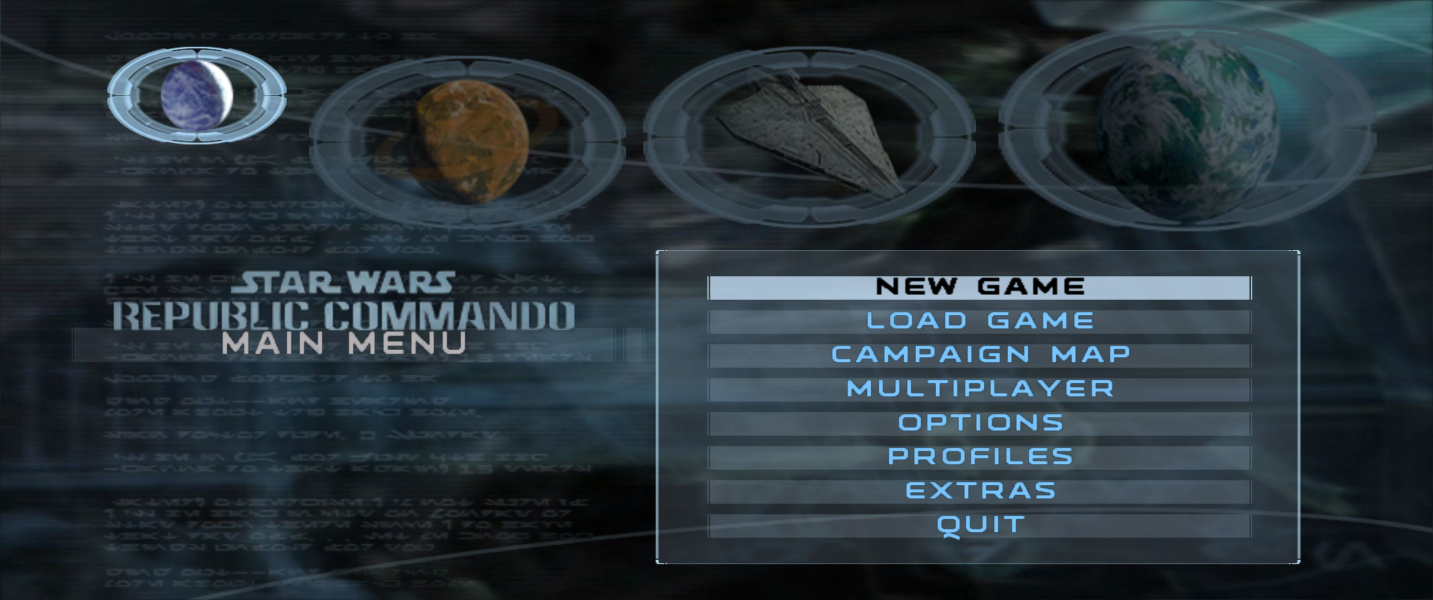

4K UHD Screenshots