

A top-down third-person shooter. You are stationed on one of Jupiter's moons which was recently colonized, and are called in to investigate the cause of a power outage. Aliens threaten to overwhelm a nearby colony. Only you stand in their way.
Support Summary
Game Information
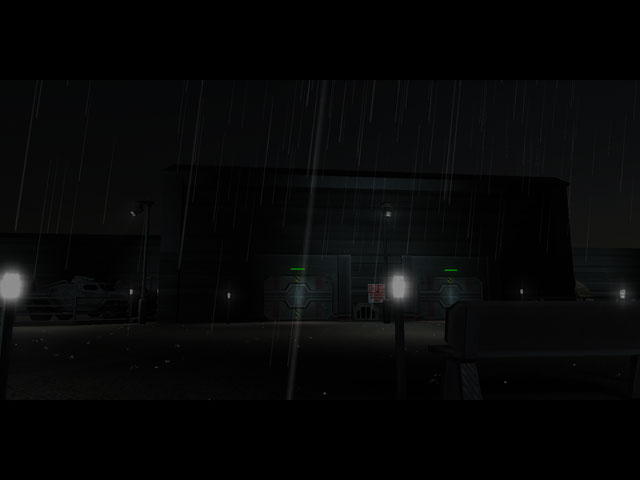
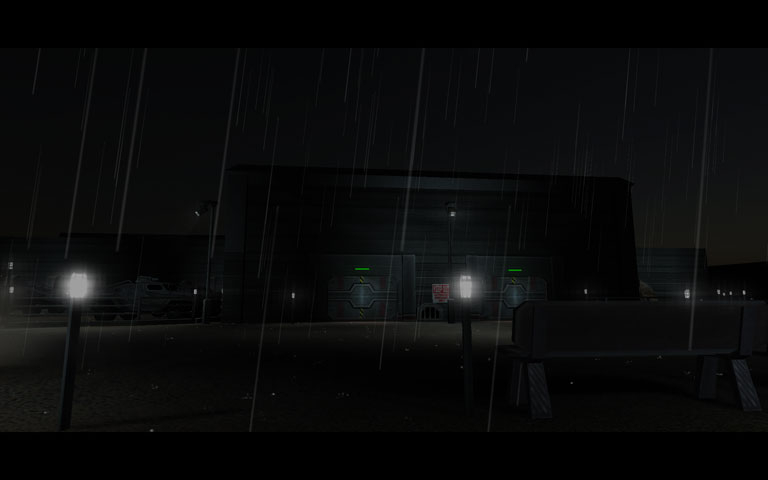
Screenshots Comparison
Solutions & Issues
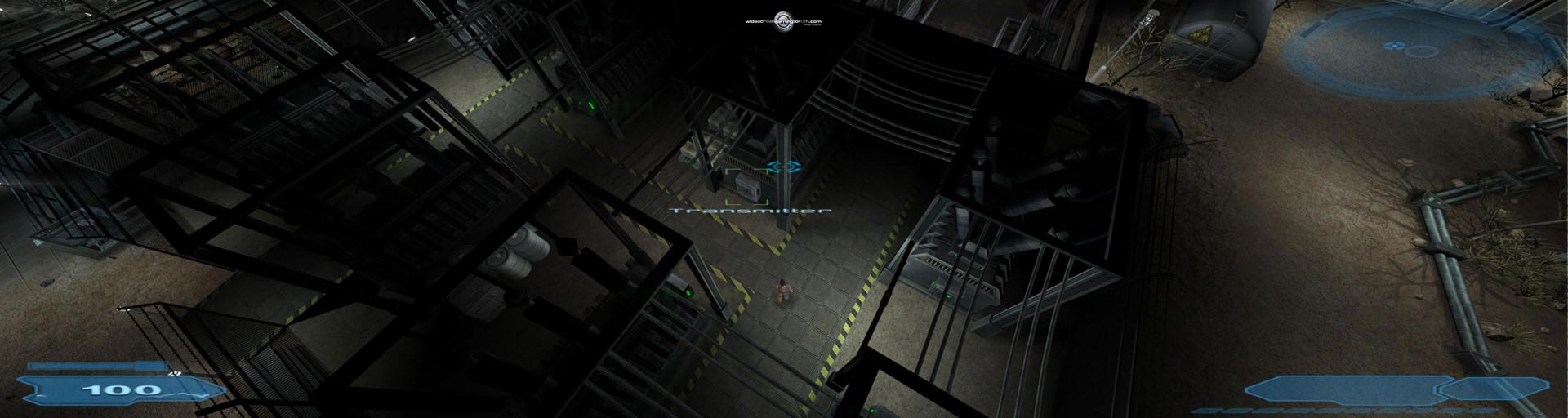
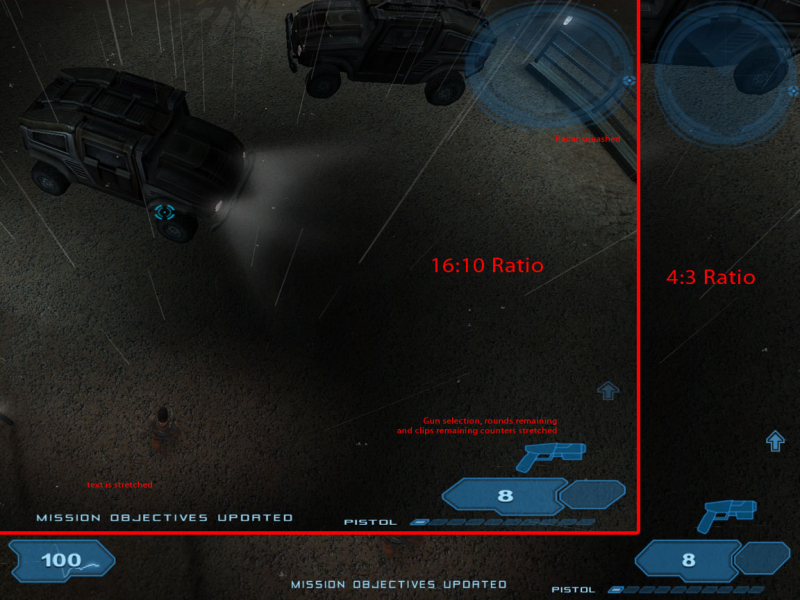
This game DOES support widescreen resolutions, but not via the game launcher. Only 4:3 resolutions are selectable using the launcher.
However, widescreen resolutions can be used by editing OPTIONS.TXT as follows:
1) Open c:/program files/ShadowGrounds/config/OPTIONS.TXT using Notepad
2) Scroll down to "screen_height =" and "screen_width =" and insert the resolution you wish to use. (eg. screen_height = 1050 and screen_width = 1680)
3) Save, then run the game. Easy!
1) Open options.txt in ...\Steam\steamapps\common\Shadowgrounds\Config
2) Scroll down to "screen_height =" and "screen_width =" and insert the resolution you wish to use. (eg. screen_height = 1440 and screen_width = 3440)
Same as WS solution above.
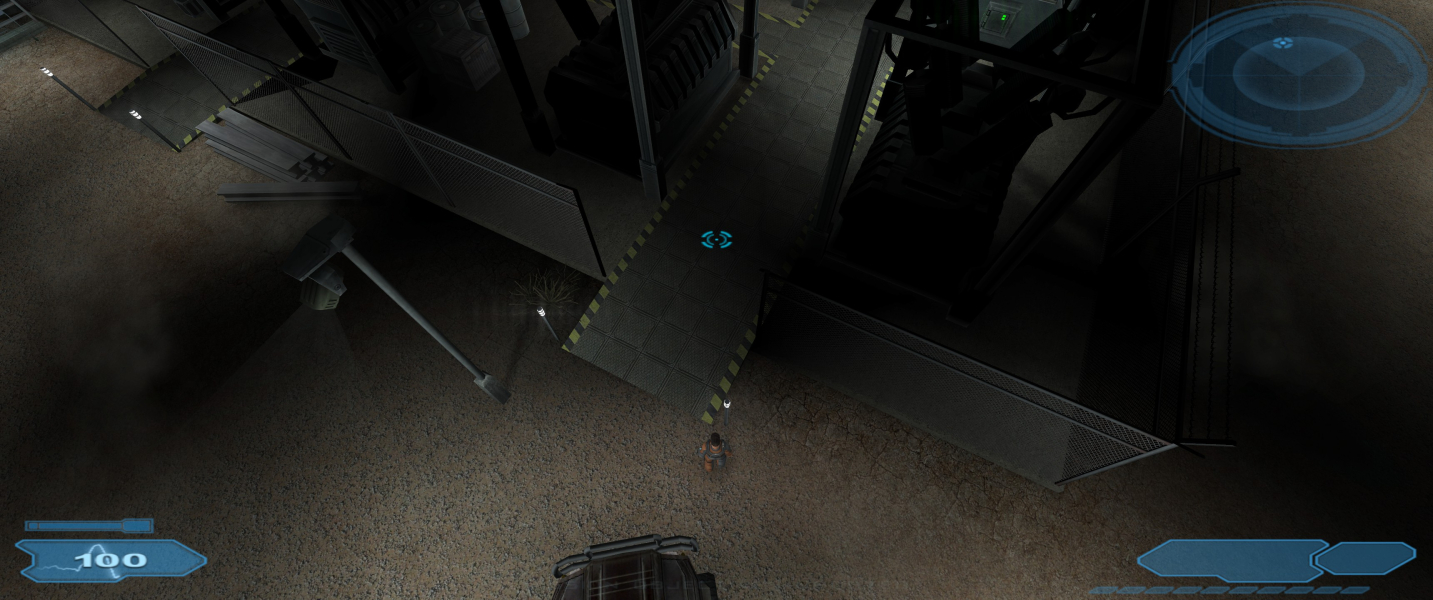
Gameplay Screenshots




In-Game (Rendered) Cutscenes
Additional Screenshots