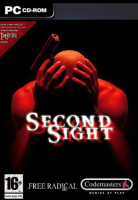


Second Sight is an action-adventure video game developed by Free Radical Design and published by Codemasters. The storyline follows MIT parapsychology researcher John Vattic and his attempts to recover his memory as well as the secrets behind his new mental powers.
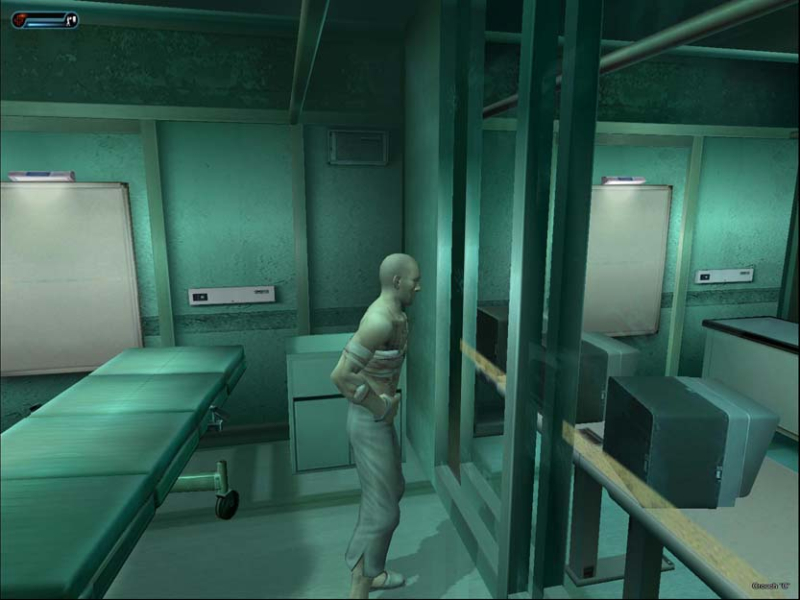
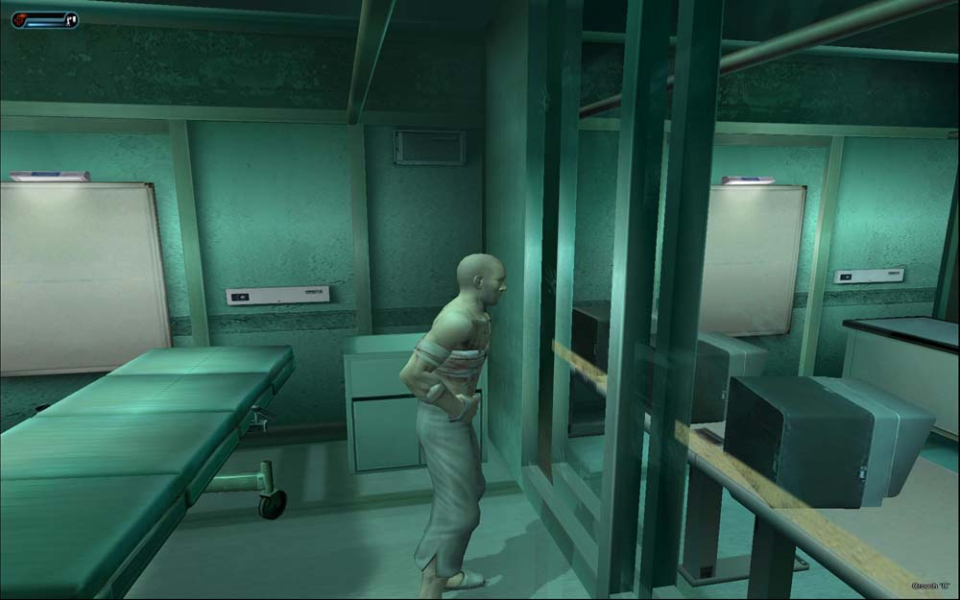
The game begins with John Vattic, the protagonist, waking up in a medical research facility. He has no memory of his past except for a mission that he went on six months before. His role in the mission was to be strictly advisory, but he finds himself going to Siberia with a group of U.S. Marines called WinterICE, and a psychic named Jayne Wilde, in search of a Russian scientist named Victor Grienko, whose secret research is beginning to draw attention from The Pentagon.
Support Summary
Game Information
Screenshots Comparison
Solutions & Issues
In the game's installed folder (\Codemasters\Second Sight\) open up secondsight.cfg
Find these entries:
scr_height=
scr_hz=
scr_width=
As far as I know they are the only ones related to screen resolution.
Second Sight should be considered a fixed aspect game. (4:3)
Although you can set
scr_height=1080
scr_width=1920
it will stretch, I'm not sure what engine they are using (might be fully custom)
My advice is to use your graphic card's "keep aspect" scaling or your monitor's equivalent if it has such a mode.
Then use values like this.
For 1920x1080 use:
scr_height=1080
scr_width=1440
For 1680x1050 use:
scr_height=1050
scr_width=1400
In other words, for any non-4:3 aspect, take the height of your screen native resolution, divide by 3 then multiply by 4.
enter you screen's native resolution height as the scr_height and the width you just calculated as the scr_width.
If all goes well then the game should now be pillarboxed. If not then it's time to mess with you monitor's aspect settings or your graphic card's aspect settings.
The key is to look for the "keep aspect scaling" (or whatever it's called in your case).
Since the scr_height is the same as the native resolution and the scr_width is less than your native resolution no scaling is needed
and the GFX card or monitor should automatically center the image horizontally and pillarbox it.
Gameplay Screenshots