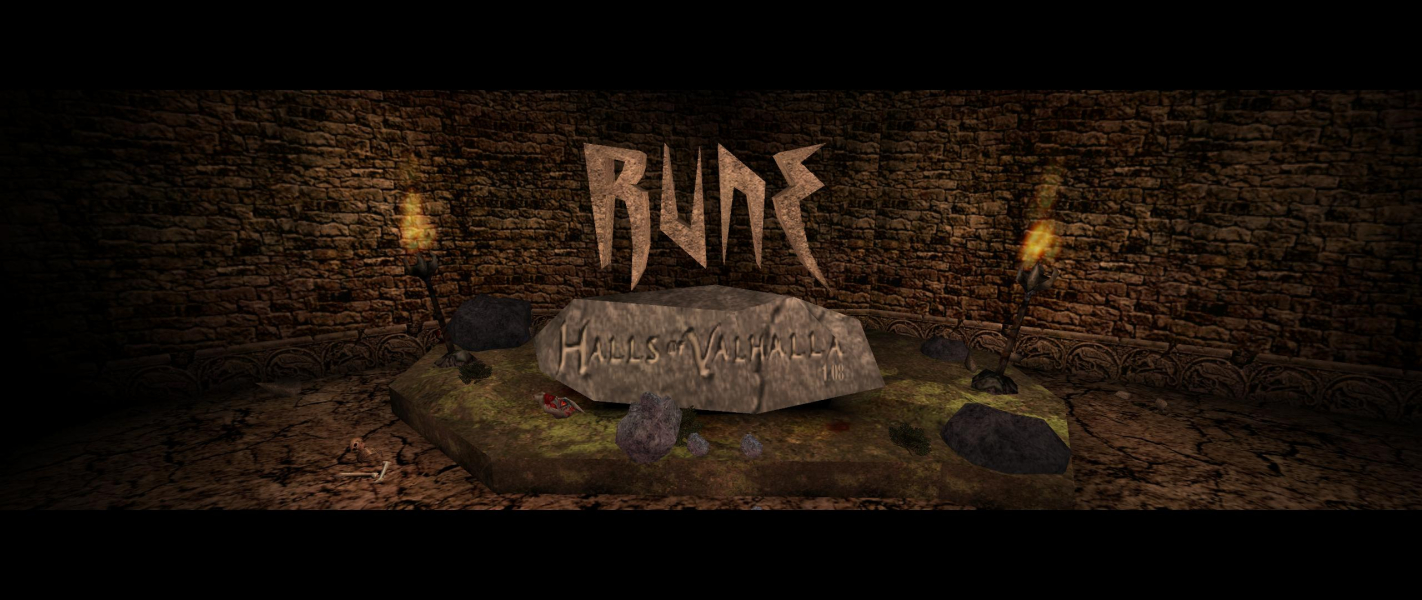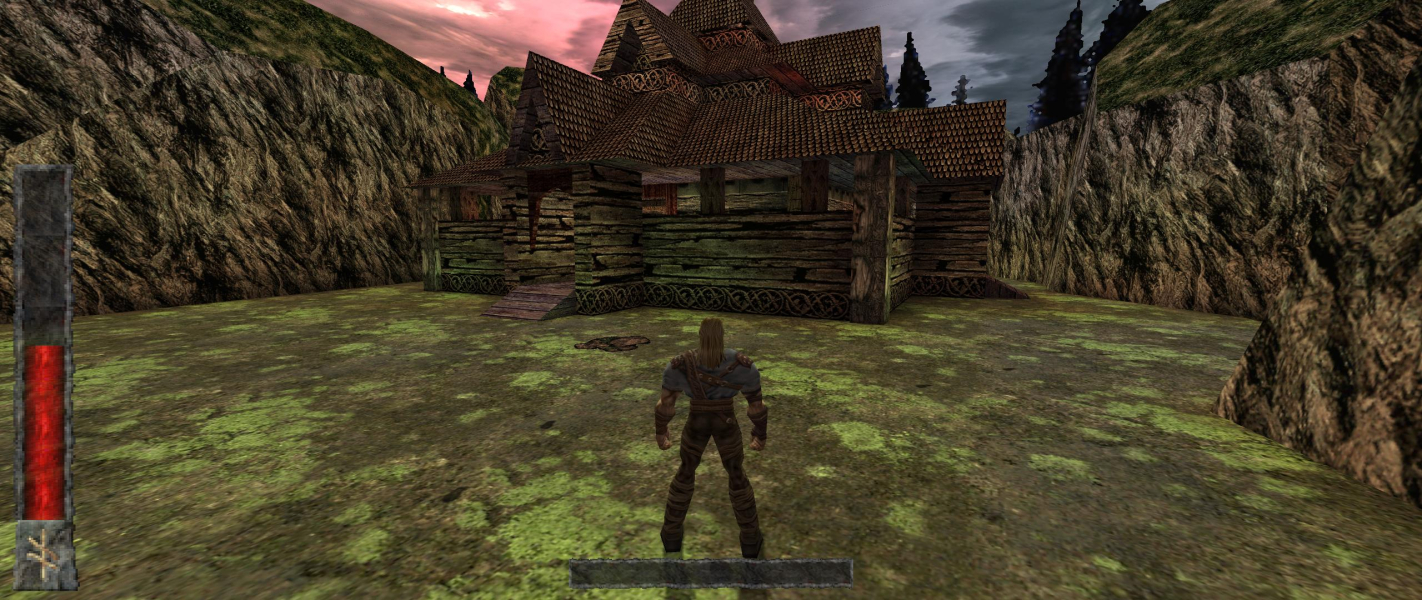


Rune is a third person action game from Human Head Studios and Gathering of Developers. You play as a Viking named Ragnar, and must fight monsters, dwarves, and other Vikings with a variety of bladed instruments in your quest for Valhalla.
Support Summary
Screenshots Comparison
Solutions & Issues
Download the Patch Rune Hov 108 upd Full from here --> http://www.rune-library.com/e107/download.php?view.14
Run Setup and Install it. Now start the Game, in the Rune Video Configuration you have to click on SHOW ALL DEVICES and select Opengl Support.
Now in Game you can choose any Resolution.
Setting the FOV:
Open User.ini. Find these lines:
DesiredFOV=75.000000
DefaultFOV=75.000000
Change them to set your FOV. I recommend 85.3 for 16:10 resolutions, and 91.3 for 16:9 resolutions.
Multiplayer's widescreen works just like Singleplayer - FOV is overridden by the .ini. But you must set it by the .ini method - you can't adjust the FOV ingame.
Download the Patch Rune Hov 108 upd Full from here --> http://www.rune-library.com/e107/download.php?view.14
Run Setup and Install it. Now start the Game, in the Rune Video Configuration you have to click on SHOW ALL DEVICES and select Opengl Support.
Now in Game you can choose any Resolution.
Setting the FOV:
Open User.ini. I recommend 110 for 21:9 resolutions.
Gameplay Screenshots


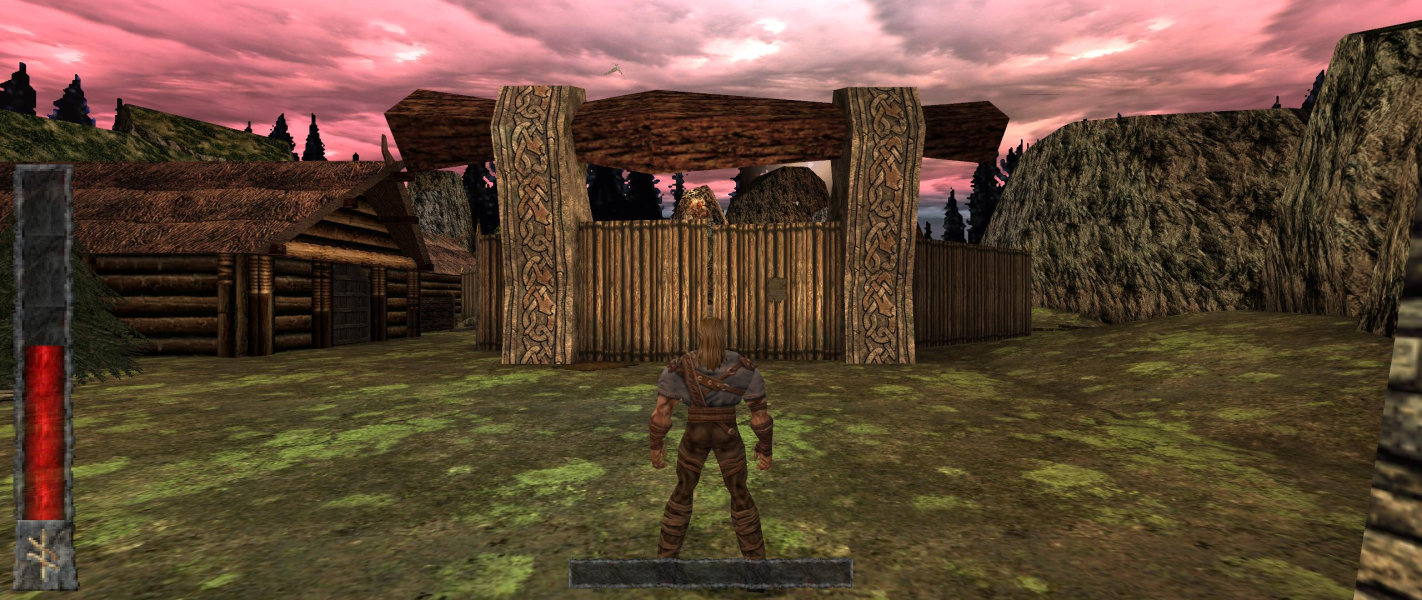


In-Game (Rendered) Cutscenes


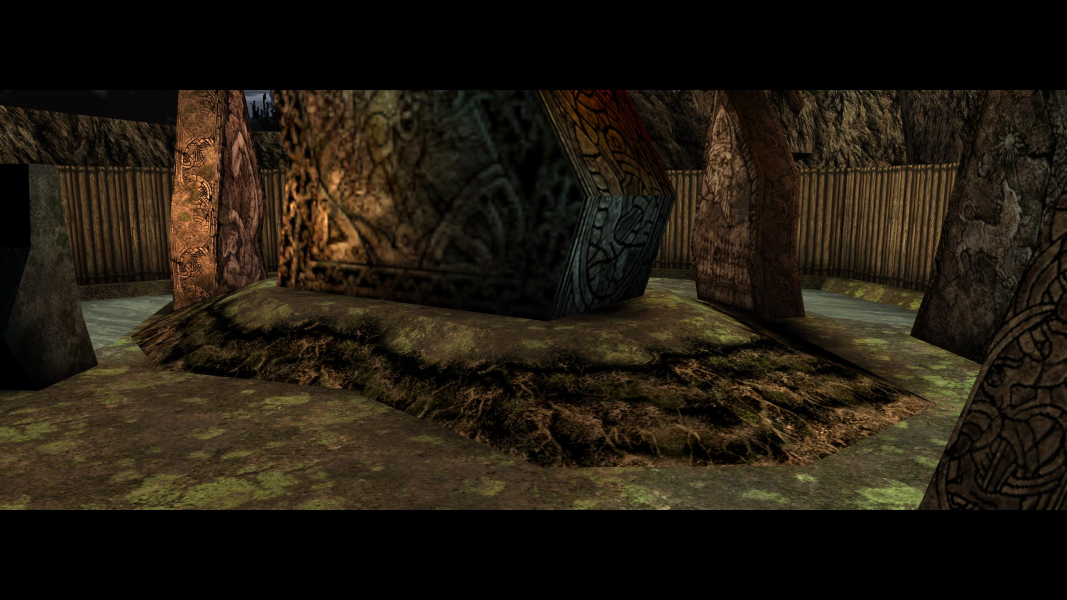
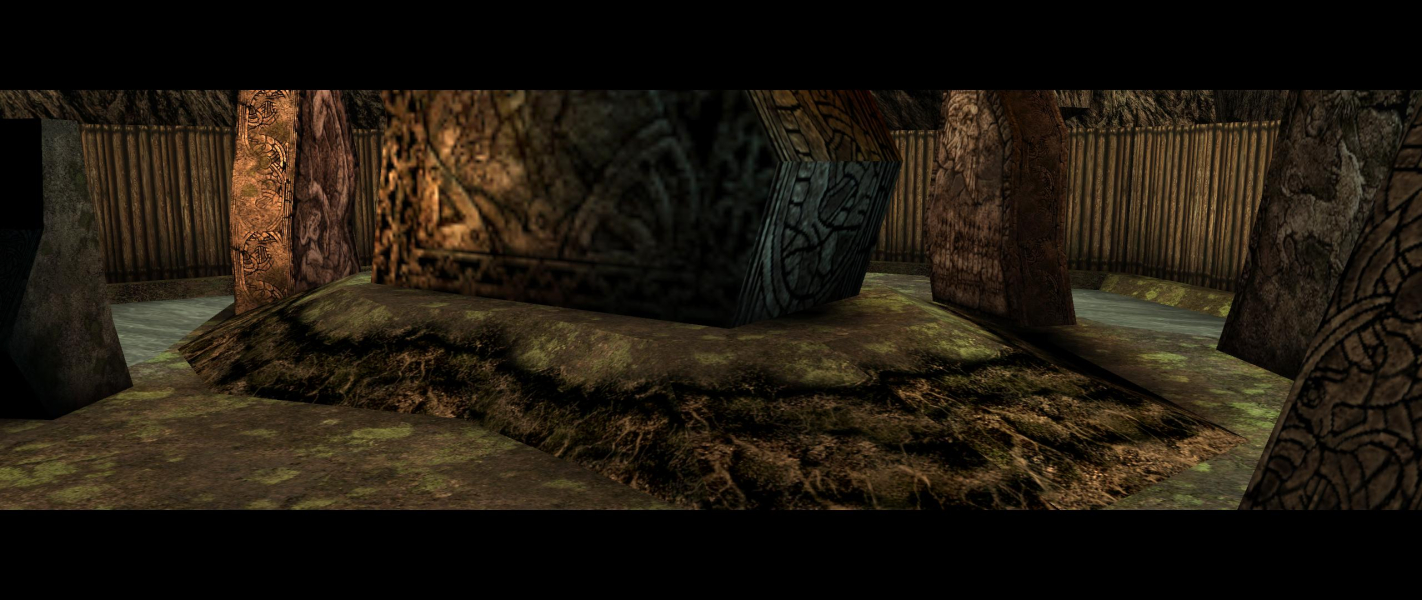
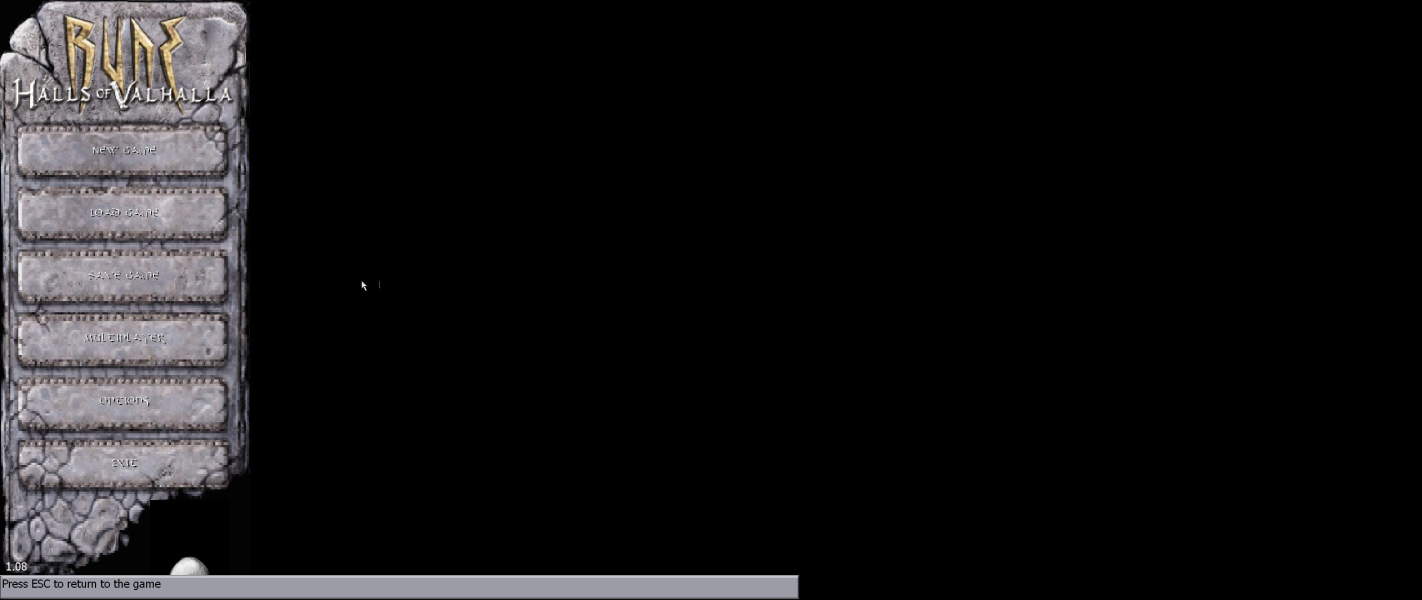
Menu Screenshots
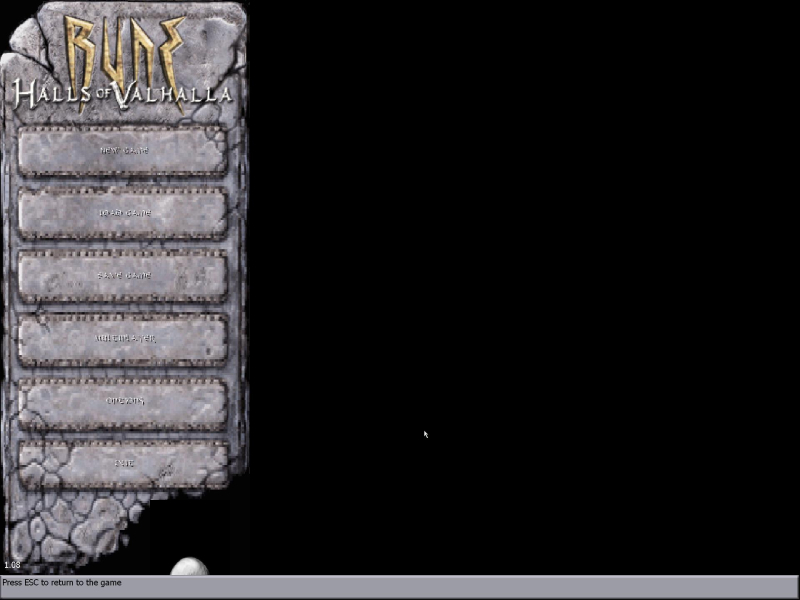
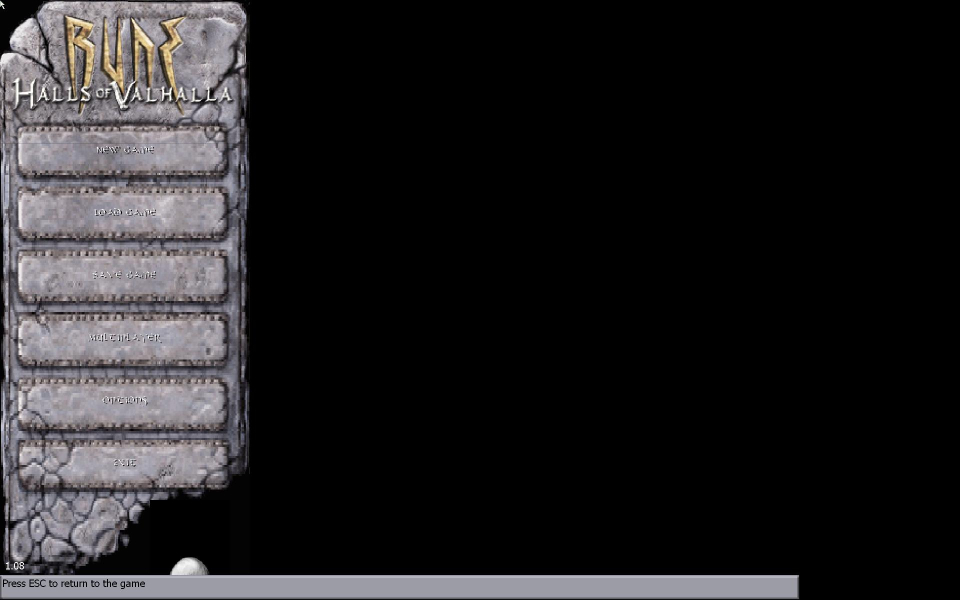

Additional Screenshots