

Fight in the theatre of war that changed the world forever. Battle alongside your compatriots on some of the most inhospitable environments of the Eastern Front in Red Orchestra: Ostfront 41-45. Red Orchestra places you in the most realistic WWII first-person multi-player combat to date on the PC, allowing the player to fight through some of the most intense combat of the war. You can play as infantry, using a wide range of infantry weapons, or crew one of the many armored combat vehicles available in the game, from half-tracks to the most famous German and Soviet heavy tanks.
Engage the enemy with everything in your arsenal, from your bayonet at close quarters up to the massive 122mm cannon on the Soviet IS-2. And if that isn't enough, find an officer and a radio to call in thunderous artillery strikes to shake the enemy loose.
Support Summary
Game Information
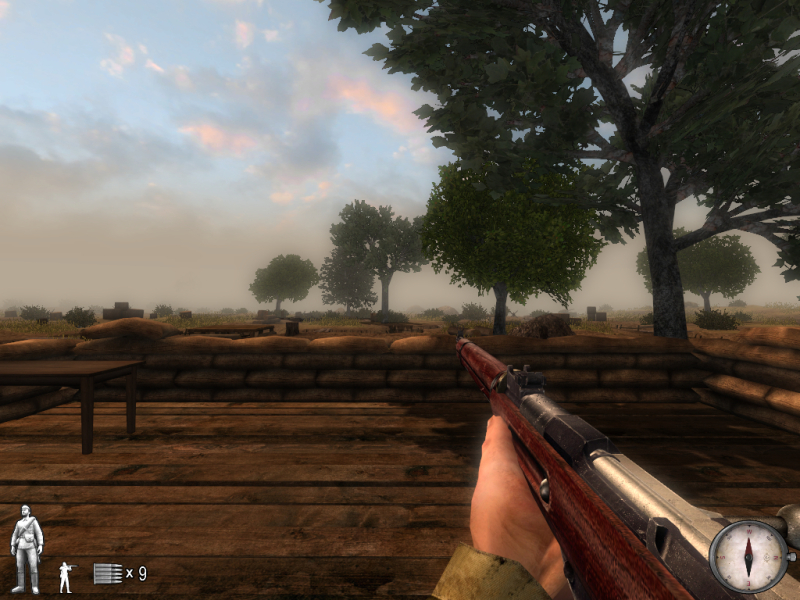
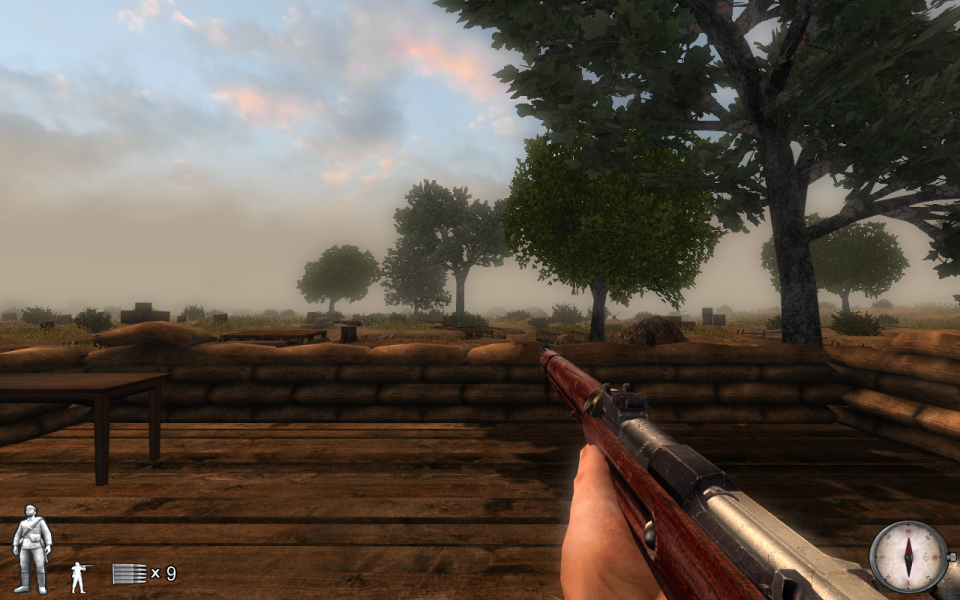
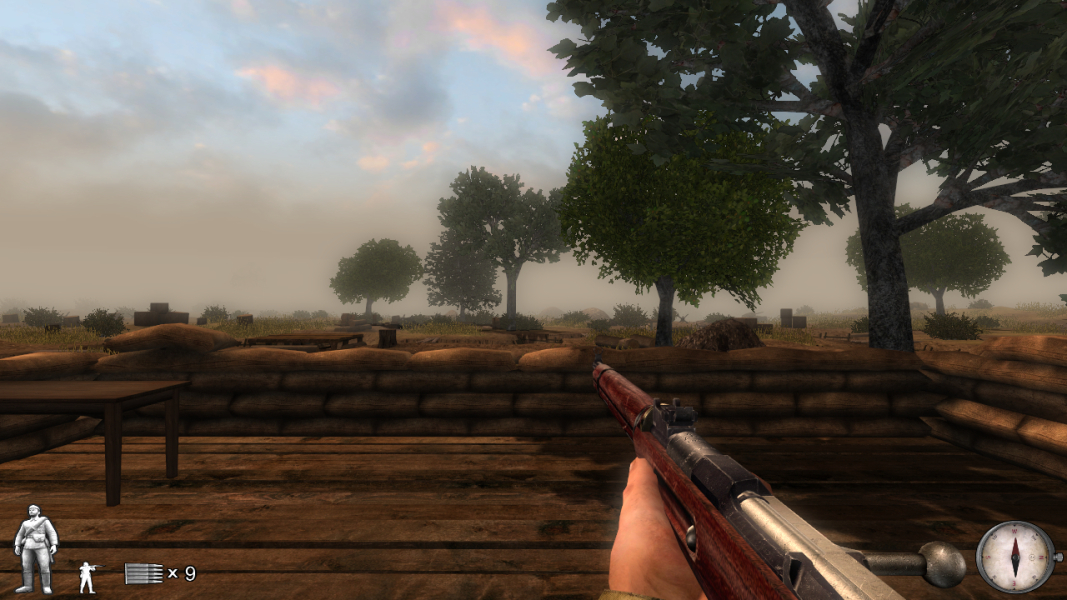
Screenshots Comparison
Solutions & Issues
Native, but some resolution may be missing from game menu. You still can enable them in .ini file ../System/Redorchestra.ini
Code:
FullscreenViewportX=xxxx
FullscreenViewportY=yyy
Where xxxx - desired horizontal resolution, yyy - desired vertical res.
Also, each mod has its own ini - ..//System/.ini (e.g. to change resolution in Darkest Hour Mod you should edit ../DarkestHour/System/darkesthour.ini) .
Gameplay Screenshots