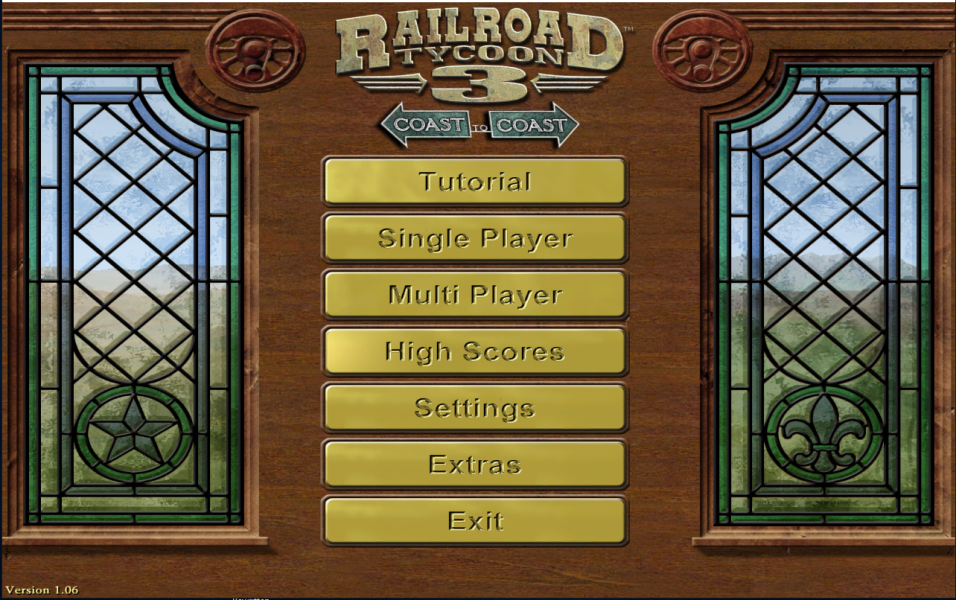


Just as Railroad Tycoon II, the game contains a campaign with several scenarios, presented by continent - North America, Europe and the World. The campaign interface is an interior of a railway museum, with the voice of the elderly eccentric museum guide from RT2.
Game's interface is in full 3D, with free camera movement. The square grid is no longer rigid, as it was in Railroad Tycoon and Railroad Tycoon 2 - rail and structures can now be rotated 360 degrees.The track building function is not very realistic, as tracks are sometimes built at angles almost at 90 degrees to each other.
The economic model has been reworked. In previous games, goods could only be picked up at a station, and revenue depended on the distance between stations. Carloads in RT3 slowly move across the map (representing road and water transport) along the gradient of a scalar field representing price, where supply and demand sites function as sources and sinks. Revenue depends on the price difference between pick-up and delivery. This has several effects; raw materials can find their way to industries and get processed, without any trains involved, and a train does not need to pick up goods at the source.
Other changes include: each carload of mail, passengers and troops now has a destination; car setup can be automated, so that trains always pick up the cars that yield the most revenue; warehouse buildings also appear in the game, completing the commodity market the same way as ports do; trains can pass each other on a single track (as in RT1 on lowest difficulty level); no need for signal towers; service and maintenance depots, as well as station improvements (post offices, restaurants etc.), are placed individually on the map; players can buy industries, and also build processing industries wherever they like; processing industries have limited capacity, but they can be upgraded.
Support Summary
Game Information
Screenshots Comparison
Solutions & Issues
Set resolution 1600x900 in game and exit game.
Next edit with a hexeditor C:\Program Files\Railroad Tycoon 3\Data\Configuration\engine.cfg .
In this file find and change entries in hex (i.e. to run at 1680x1050)
384->41A
640->690
Be careful about byte orders....
Also a custom UniWS patcher is available from the PC Gaming Wiki Community Files (search there)
Gameplay Screenshots


FMV Cutscenes
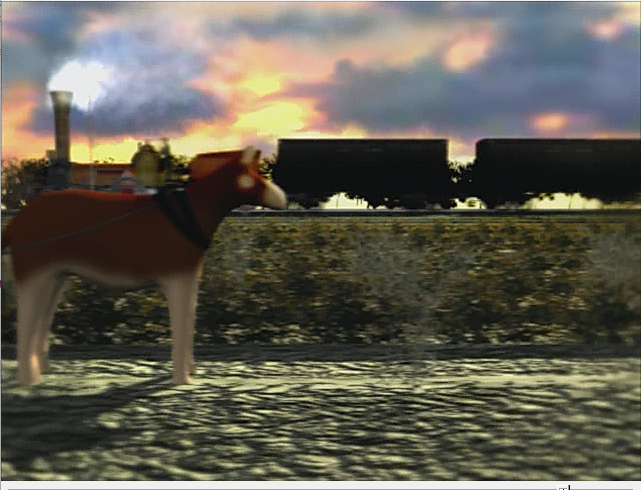
Menu Screenshots