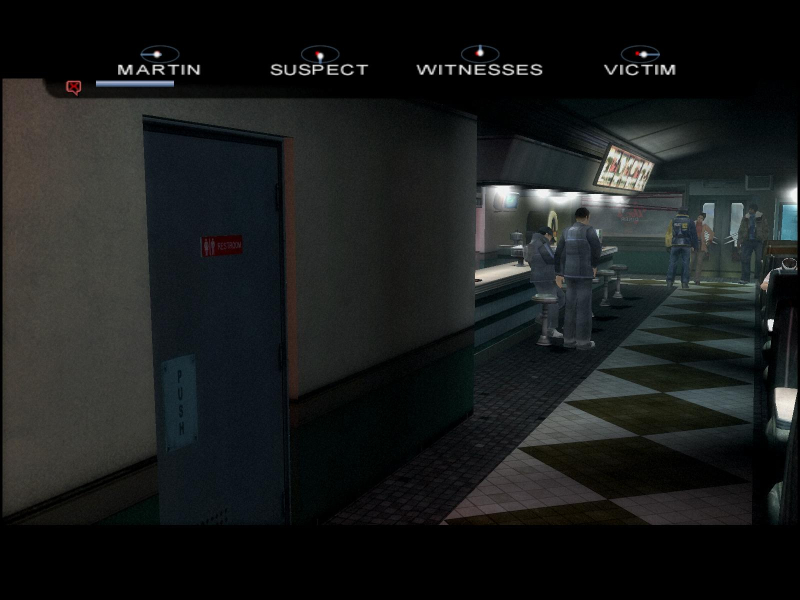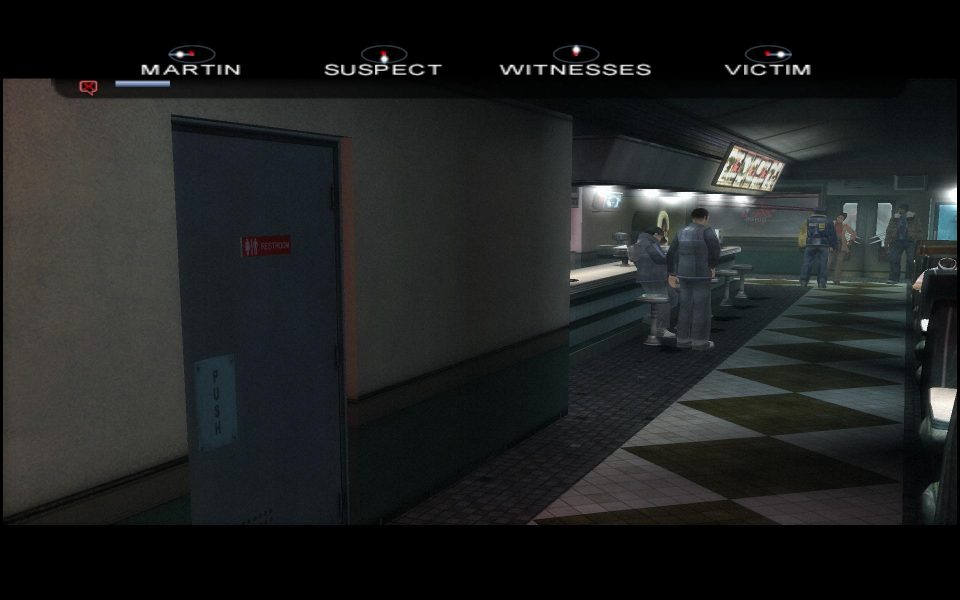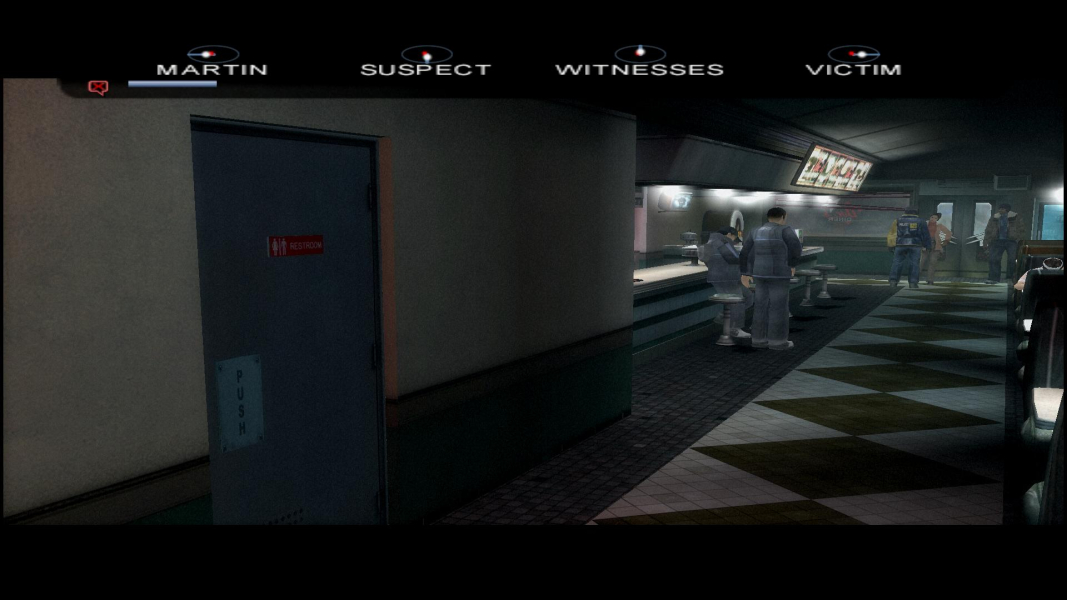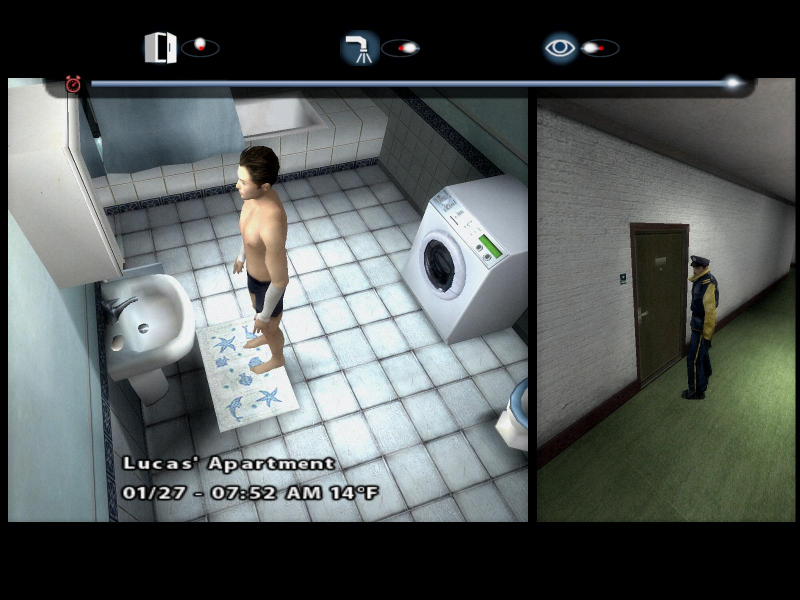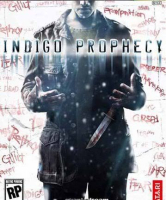


A.k.a Farenheit.
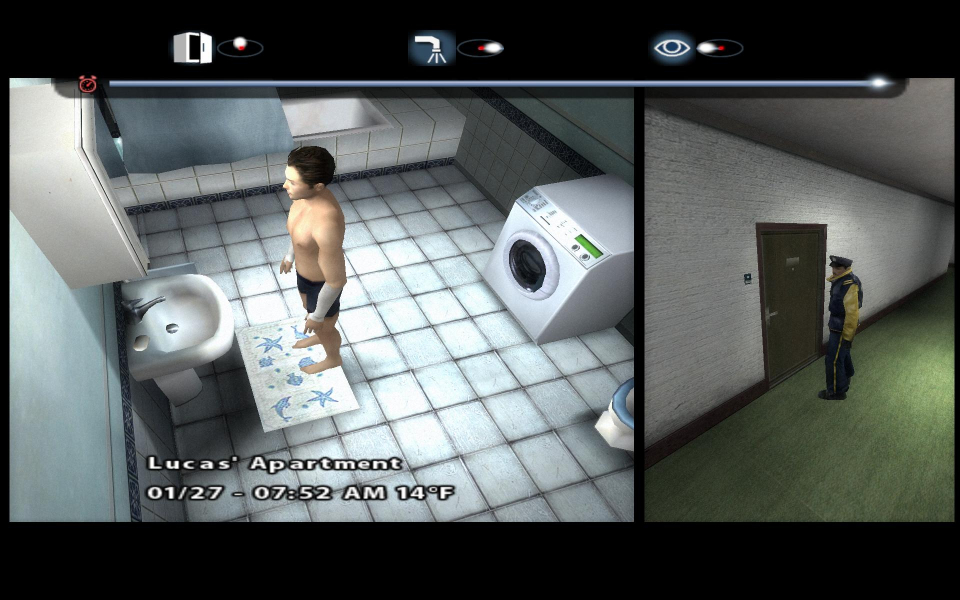
Players control multiple characters as the seek to uncover mysteries and stay alive. Actions taken in the game will have a significant impact on how the story plays out and flows. The game has many timed sequences which require players to think quickly and prioritize their actions. Always check the stalls before you take care of business.
Support Summary
Game Information
Screenshots Comparison
Solutions & Issues
Fahrenheit(Indigo Prophecy) Widescreen Fix
It's a plugin, which allows the game to run in widescreen resolution, defined in fahrenheit_res.ini, without running any external tools. Exe with size 7 769 844 bytes is supported. To install, copy content of Fahrenheit_widescreen_fix.zip in Fahrenheit root directory. By default, if the X and Y parameters in fahrenheit_res.ini equals to 0, the plugin will run the game in your desktop resolution.
Download
More info and feedback at gtaforums topic.
---
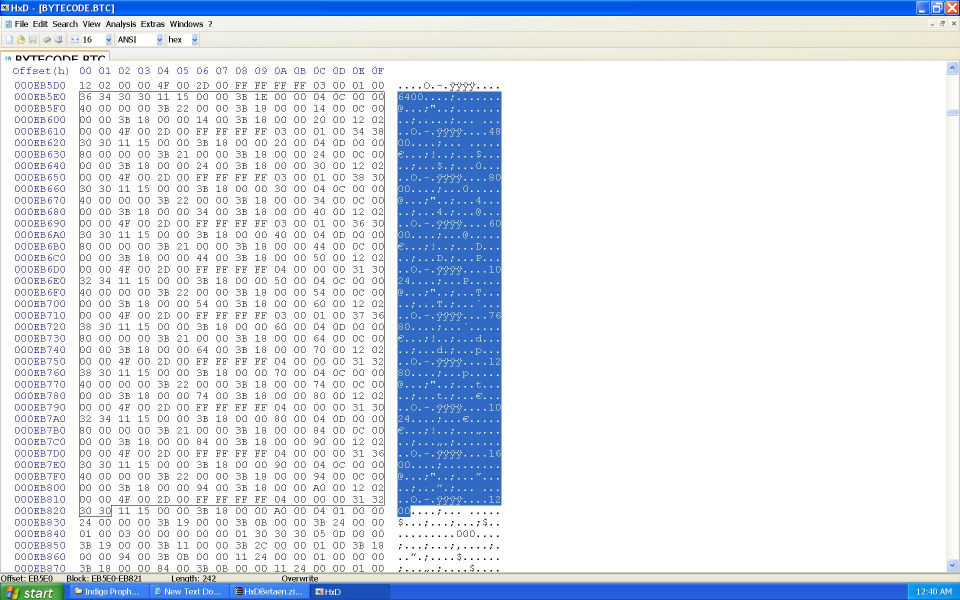
No native support for widescreen resolutions. In the root game directory go into the "obj" folder and open "BYTECODE.BTC" with a HEX editor.
Search for the text/string value "1600", not a HEX value. The second "1600" value you should find will be the location of the resolutions. Resolutions that have only three digits end in "0". Look at the highlighted text in the screenshot... (refer to additional screenshots)
Select a resolution and type your desired widescreen resolution. For the resolutions 1680x1050, 1920x1080, and 1920x1200 use the "1600" x "1200" values. For resolutions 1280x720, 1280x768, 1280x800, and 1440x900 use the values "1024" x "7680".
Optional
This method will the pre-rendered logo movies into a widescreen resolution. Since there are no in-game movies this is optional.
In the root game directory open "Indigo Prophecy.exe" (or whatever the main executable is named in your game version) with a HEX editor. Search for the following HEX values...
8002 0000 750A 817C 2438 E001
The bolded pair corresponds to 640x480. Change this pair to your desired widescreen resolution. Remember to switch the order of the HEX values. For example, 1920x1200 is 0780 and 04B0 in hexadecimal. I would switch the values and enter "8007" and "B004" as the new HEX values.
8007 0000 750A 817C 2438 B004
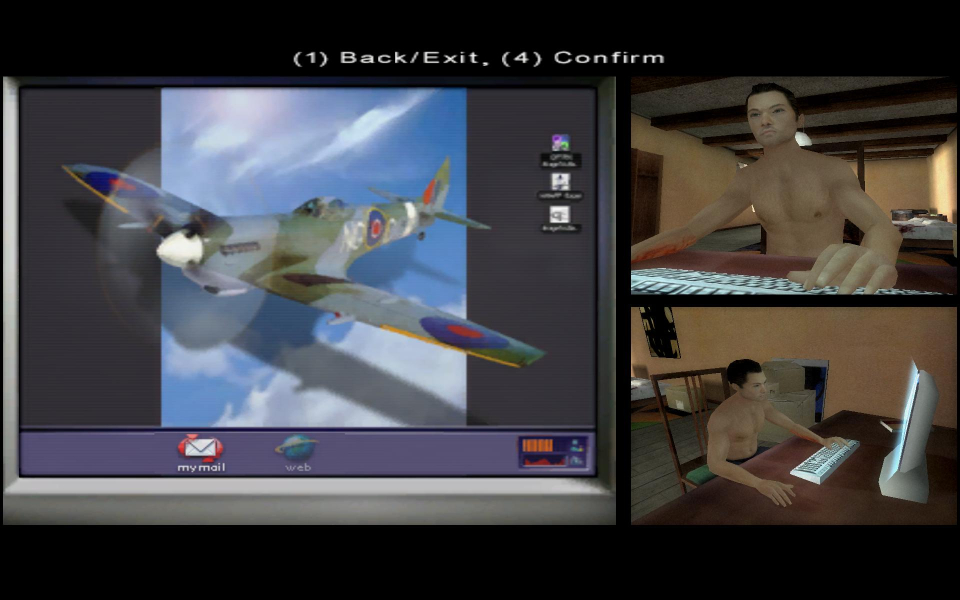
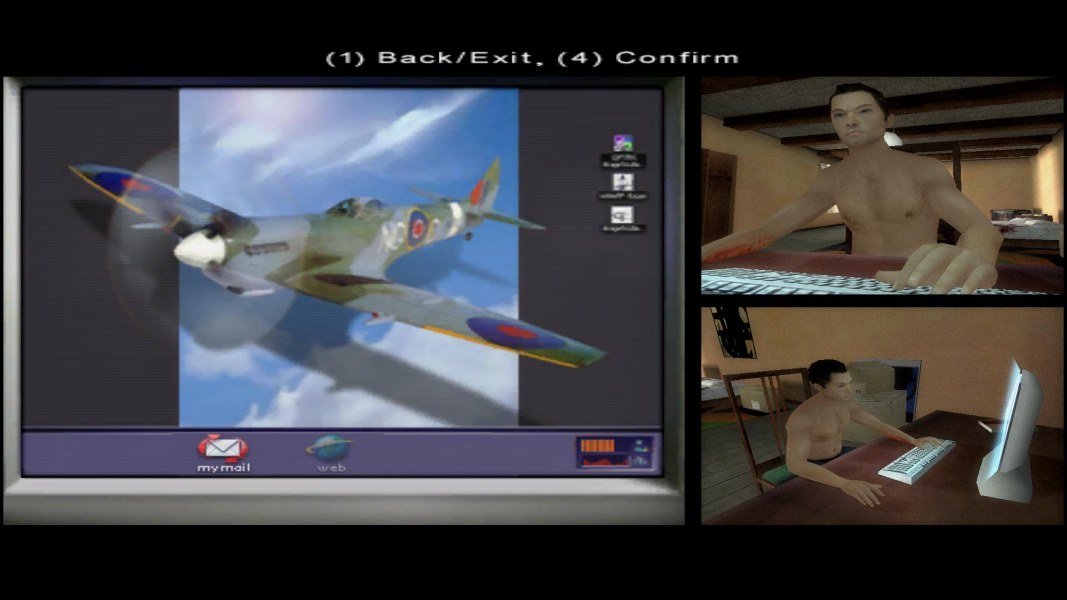
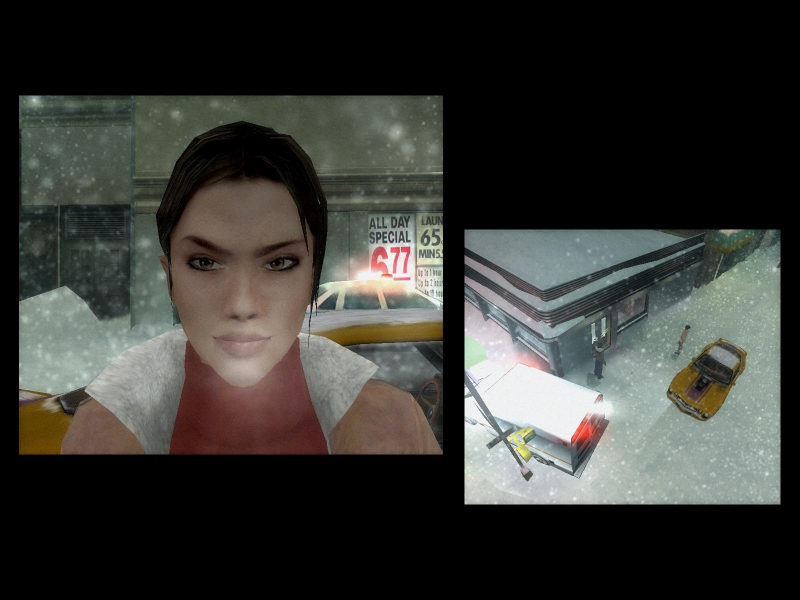
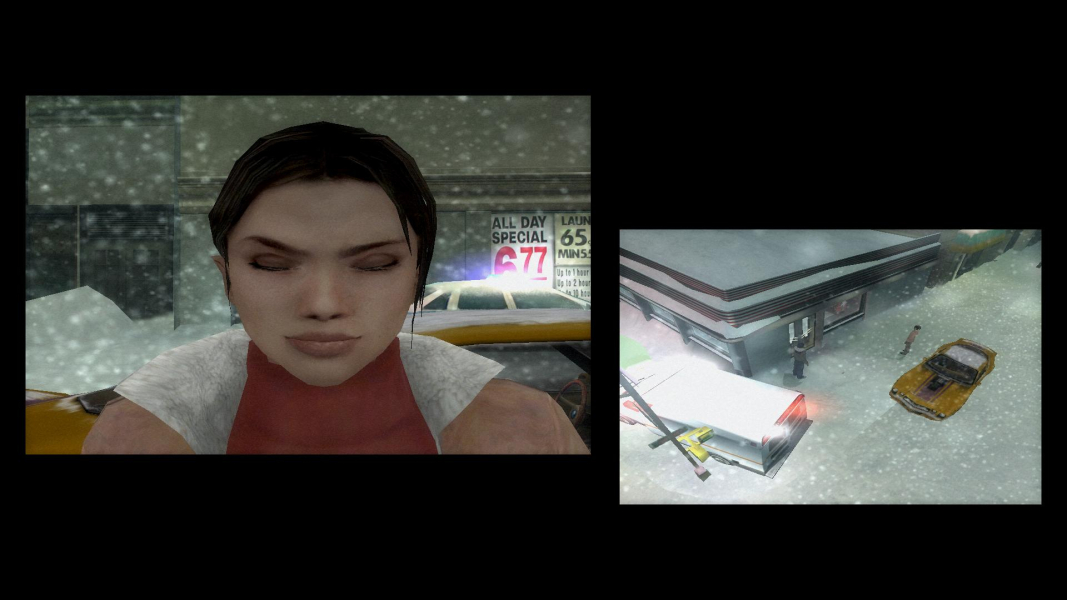
The profile-select screen displays in a fixed resolution. This only occurs when the game is first started. Once the main menu is reached, returning to this screen via the options menu will result in a stretched image like the rest of the game. The HUD and all two-dimensional elements are stretched. Rendered, fullscreen cut-scenes are stretched.
Gameplay Screenshots

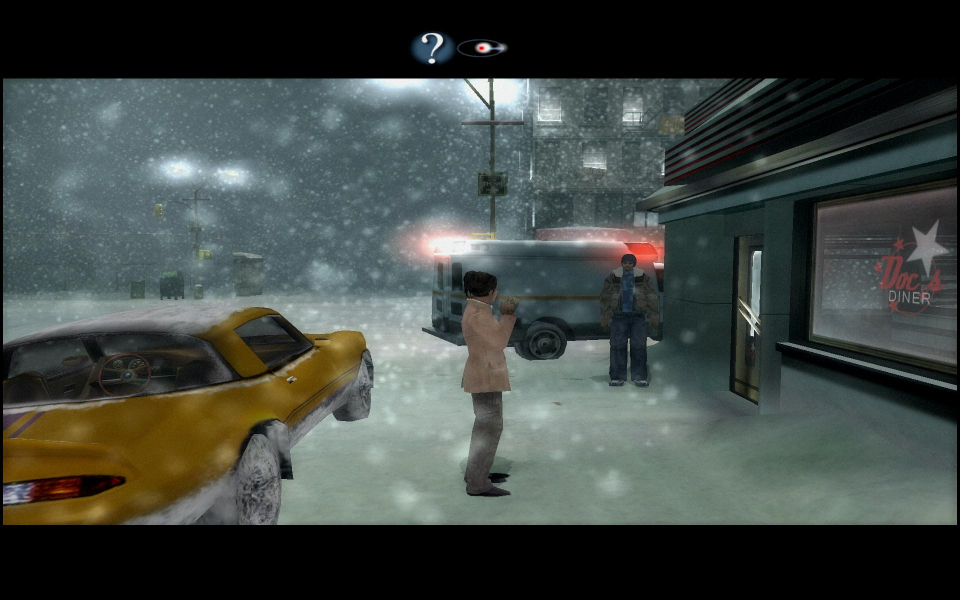
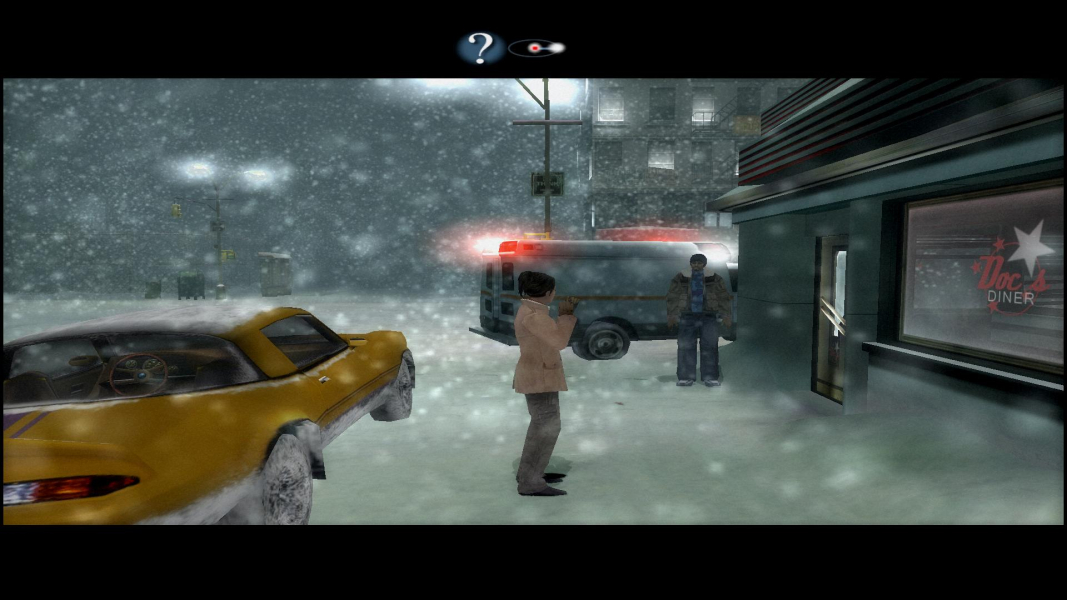


In-Game (Rendered) Cutscenes
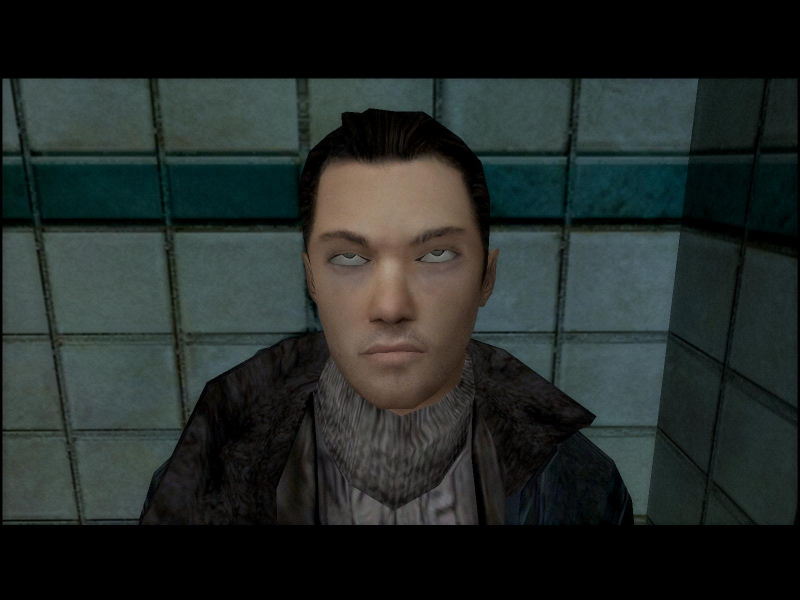
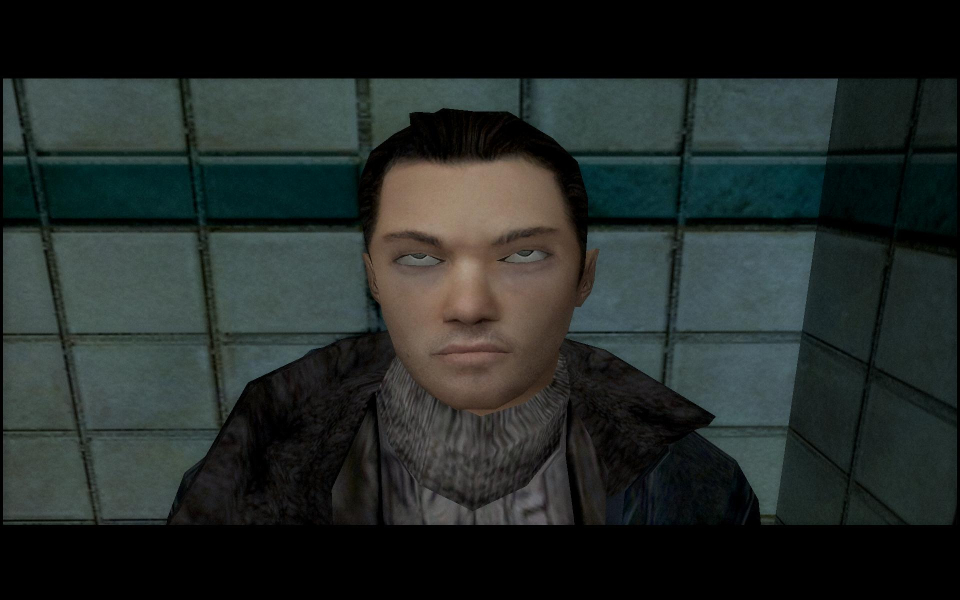
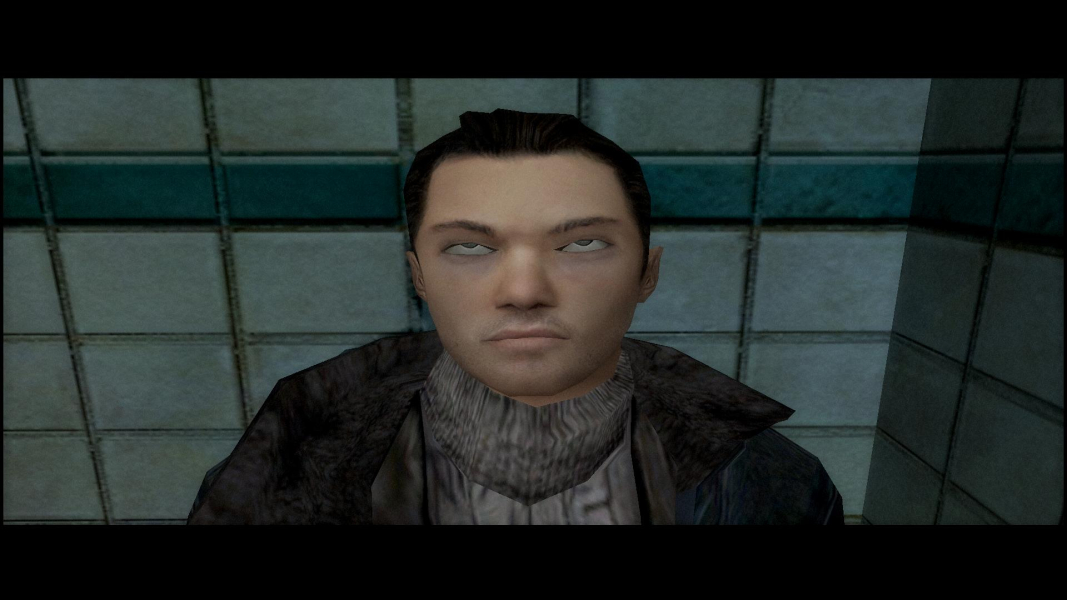
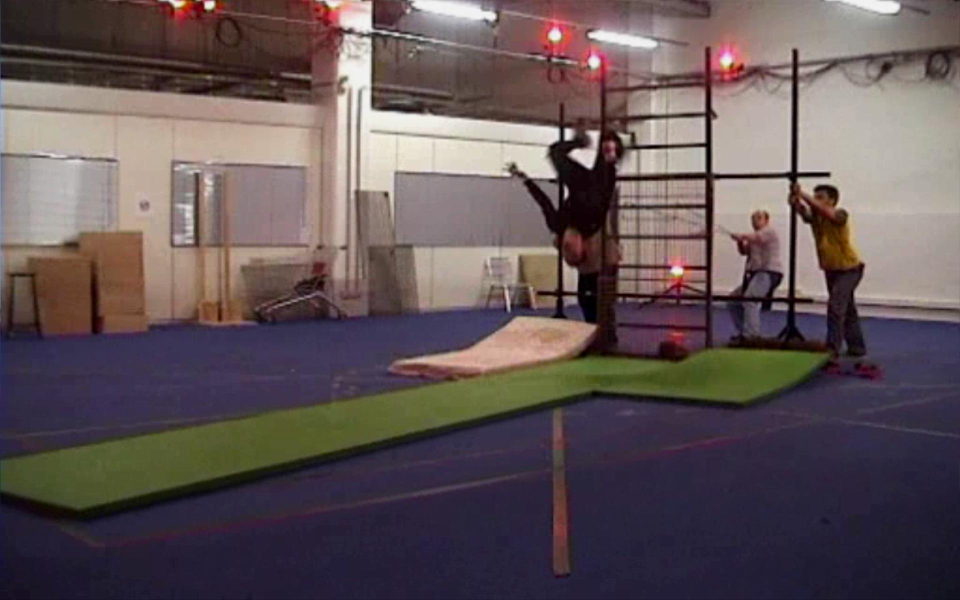
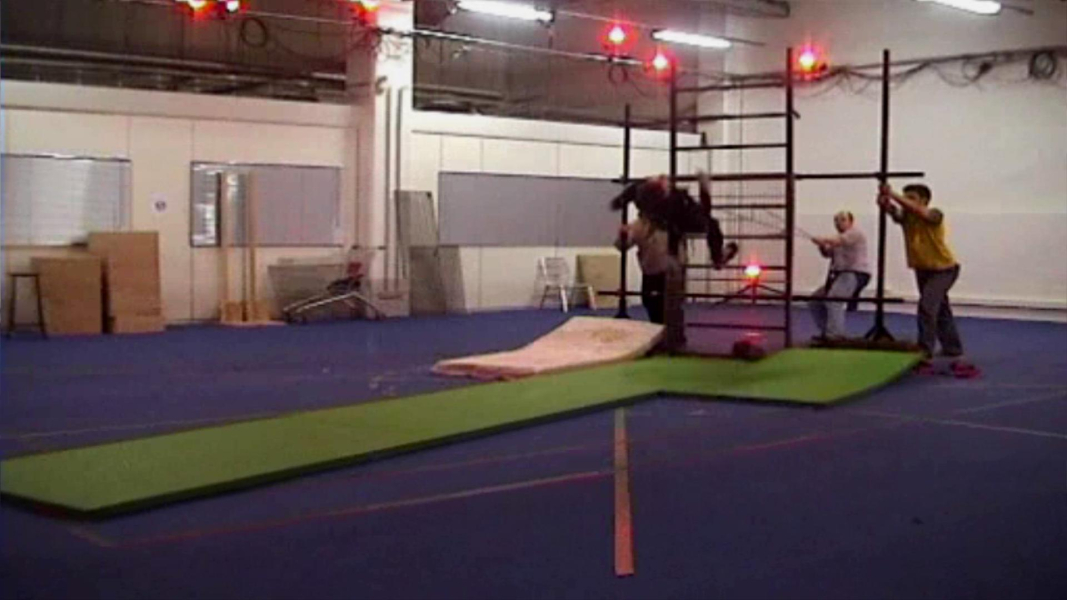
FMV Cutscenes

Additional Screenshots