


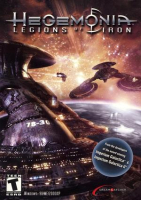


3D real-time strategy game made by Digital Reality and is similar in many respects to Homeworld and Digital Reality's previous game, Imperium Galactica II. The game series uses many concepts originating from the Master of Orion series.
Support Summary
Screenshots Comparison
Solutions & Issues
Widescreen Solution & Issues:
Go into the registry editor
Go to:
HKEY_LOCAL_MACHINE/SOFTWARE/Digital Reality/Haegemonia
To input a resolution for example 1680x1050:
ResolutionX = 1680
ResolutionY = 1050
I have noticed that if I go into the options/load menu within the game, these registry values reset to 800x600. Now this means you will have to change these values before playing the game everytime IF you went into the options/load menu previously playing the game.
I know this isnt a FULL solution but atleast you have widescreen
Gameplay Screenshots
4:3 Screenshot

16:10 Screenshot
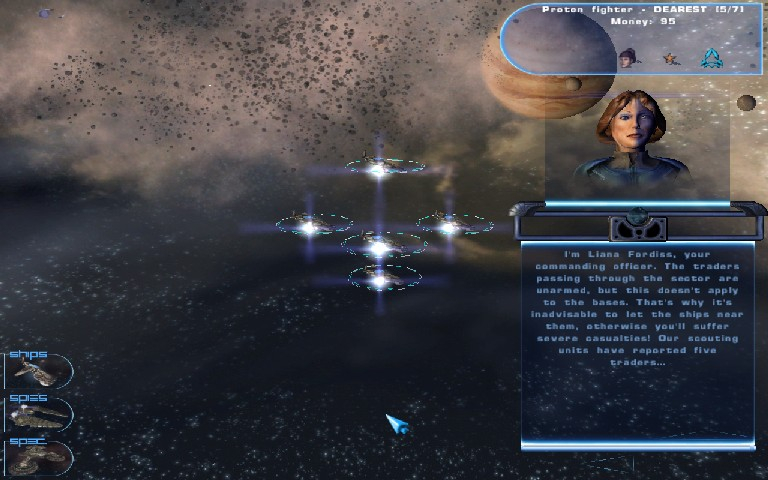
16:9 Screenshot

21:9 Screenshot

32:9 Screenshot

Eyefinity / Surround Screenshot

Resolutions & Configurations
16:10 Resolutions:1680x1050


