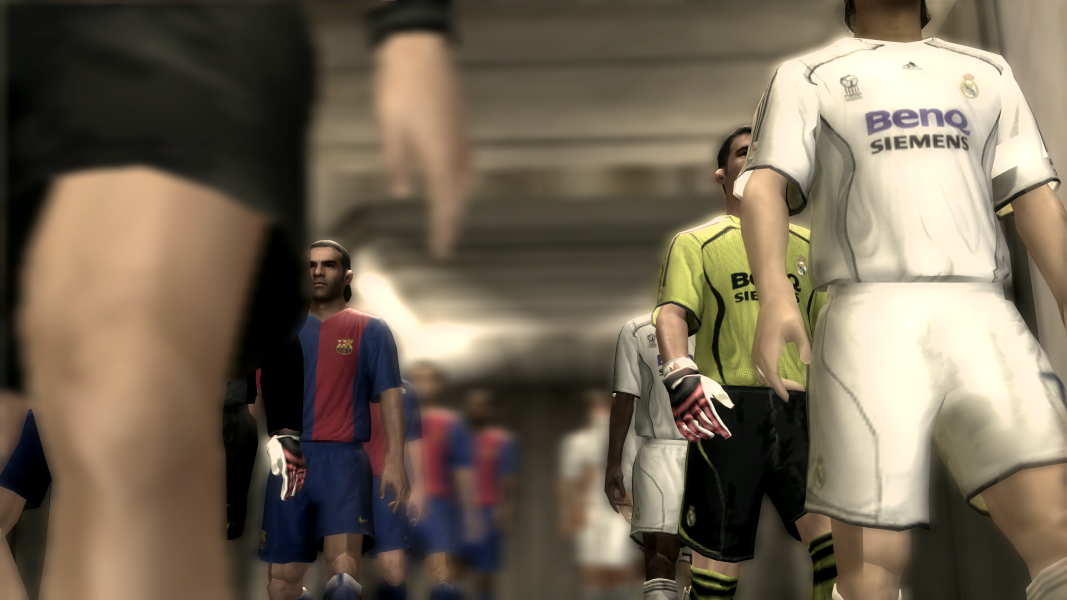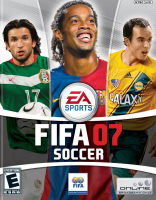


FIFA 07 is a soccer sports simulation game produced in 2006 for the PC
Support Summary
Game Information
Screenshots Comparison
Solutions & Issues
The game natively supports widescreen resolution. But it's limited to "1280x720" only. Rest are standard 4:3 and 5:4 resolutions.
Changing Resolution:
To change your resolution to something that's not natively supported by the game, use a hex editor and open the exe file of the game. Then search for the following hex value:
00 05 00 00 D0 02
Replace the hex value with the hex value of your desired resolution. For example, for 3840x2160, you need 00 0F 00 00 70 08. Replace the old value with the new one. You can find the hex values of other resolutions here.
Now select 1280x720 in the game and the game will be rendered at whatever resolution the new hex value had.
For changing 4:3 aspect ratio resolutions to another 4:3 resolution that's not supported by the game, search for the hex value of "800x600" and replace it with your desired hex value.
Changing Aspect Ratio:
If you select 1280x720 in game or replaced 1280x720 by any other resolution and then select 1280x720 in game, the default aspect ratio will always be 16:9. However, if you want to change 16:9 to something else like 16:10, then follow the steps below:
Search for 39 8E E3 3F and replace all of them with the hex value of your desired aspect ratio found here.
Like 39 8E E3 3F ---> CD CC CC 3F [For 16:10].
In case you set ingame resolution to a 4:3 aspect ratio resolution like 800x600, then open ":\Users\[Username]\Documents\FIFA 07\A. Profiles\A. Profiles" with hex editor and then search for text "widescreen" and then you will find:
widescreen=0
Set 0 to 1 [widescreen=1] and you're done.
Use the method shown on baseline widescreen solution.
Game becomes vert- and while it's still playable, it's by no means optimal.
See baseline widescreen solution and replace 1280x720 hex value with a multi monitor resolution and replace the hex value of 16:9 aspect ratio "39 8E E3 3F" with a multi monitor aspect ratio.
Game becomes vert- and gets severely cropped. So it's not playable.
Scoreboards scale properly. But the player cursor becomes tiny.
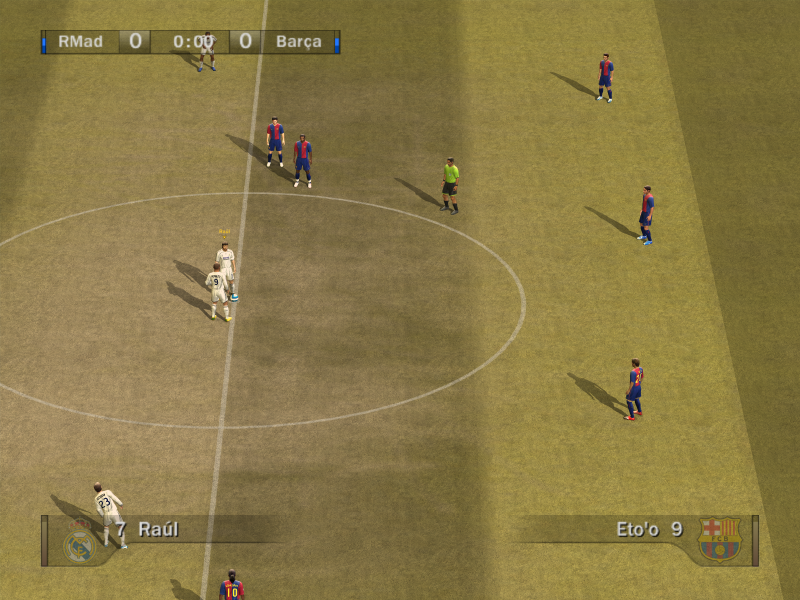
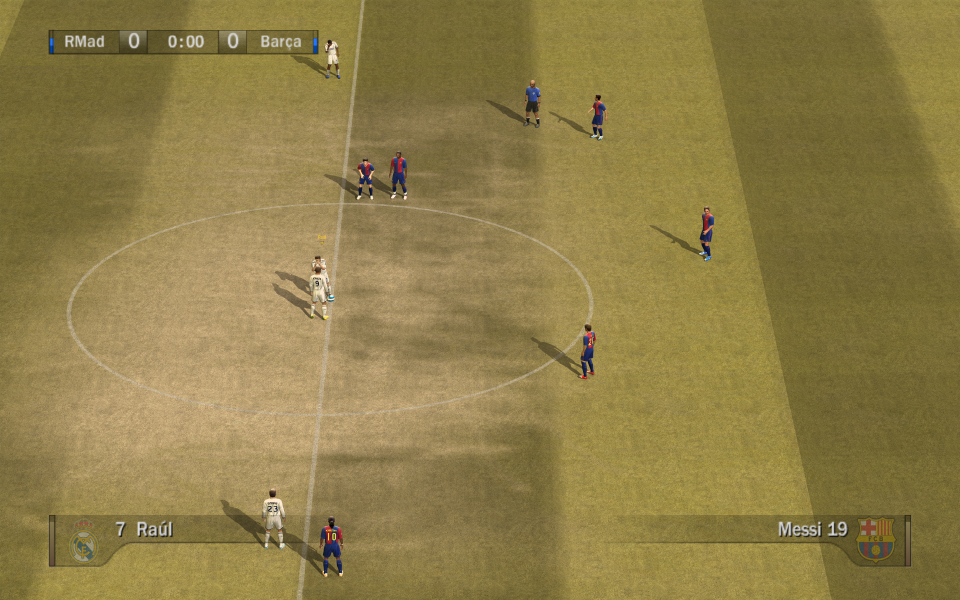
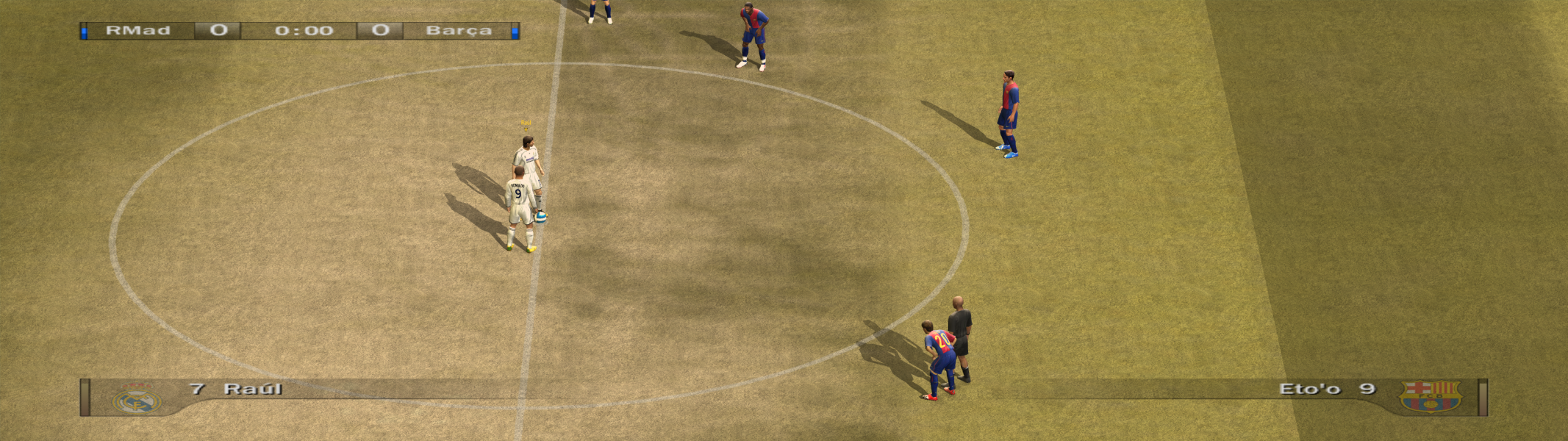
Gameplay Screenshots



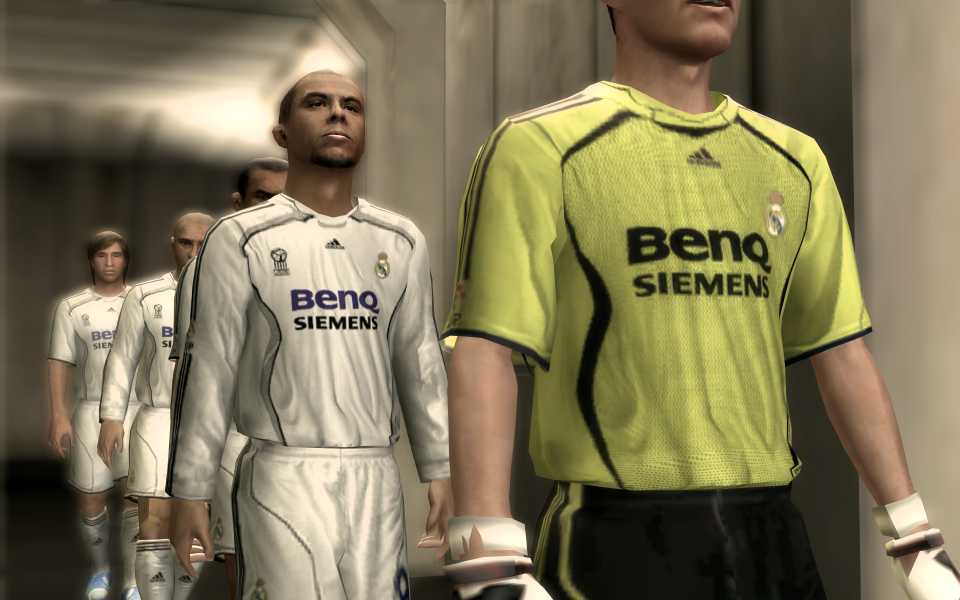
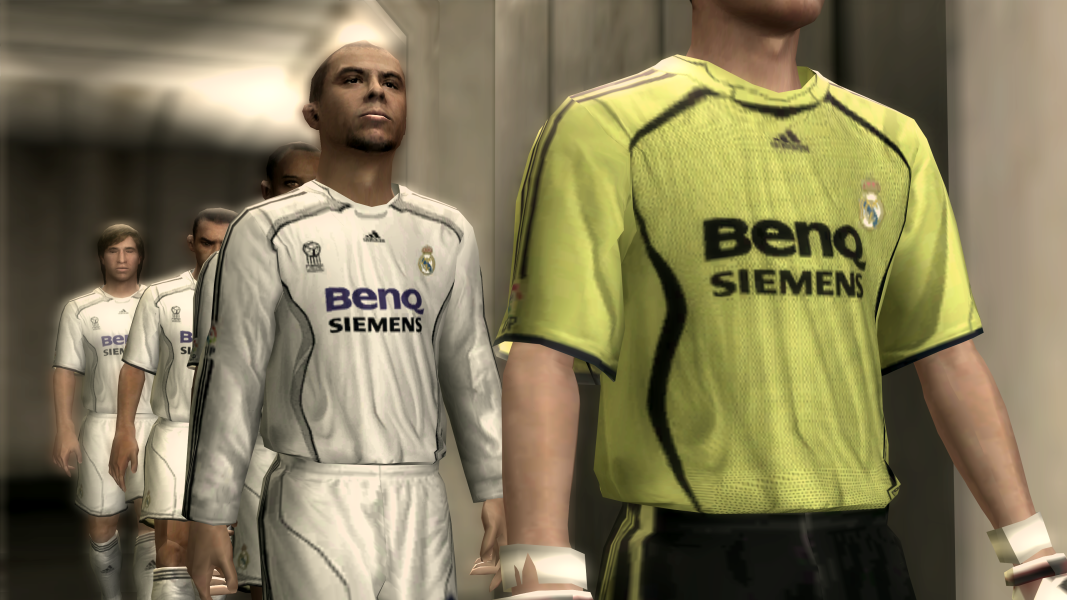
In-Game (Rendered) Cutscenes




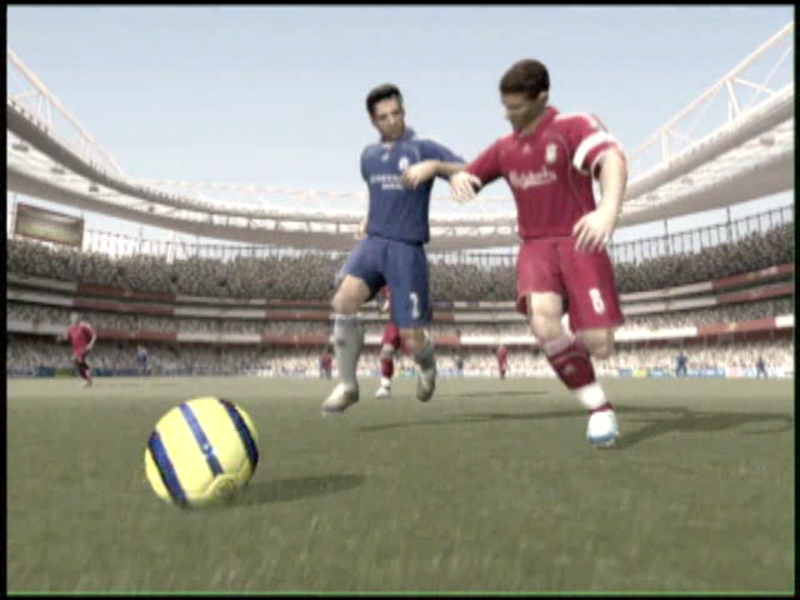
FMV Cutscenes
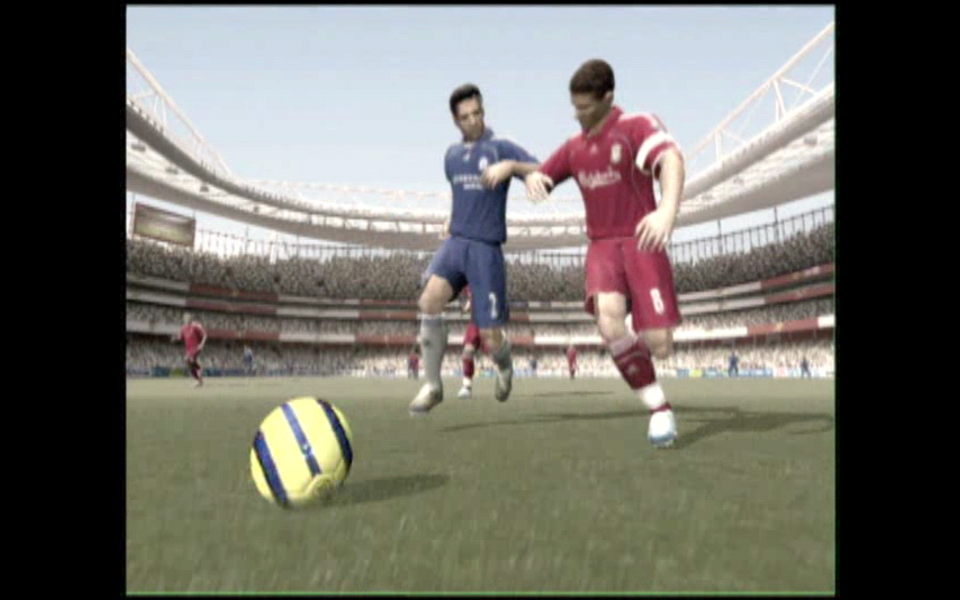
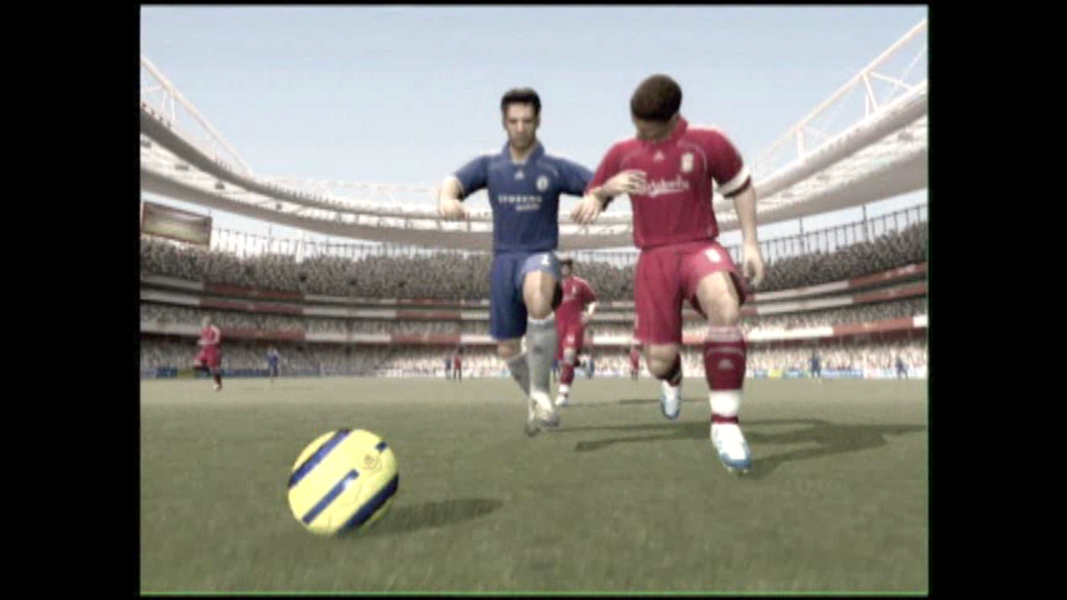
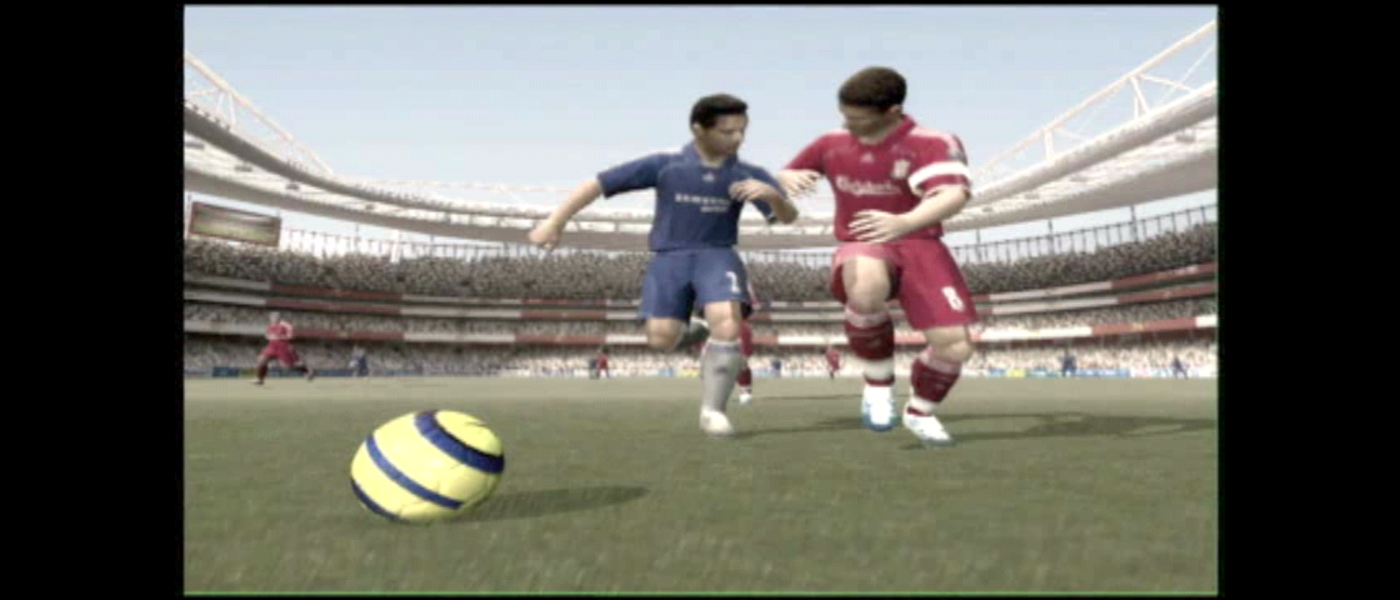
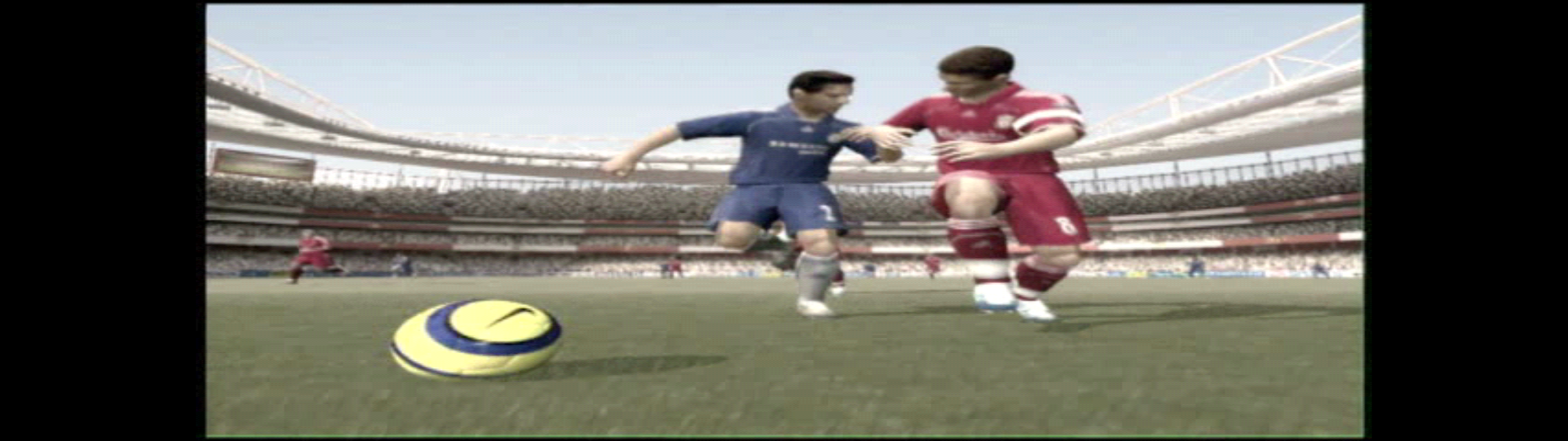

Menu Screenshots

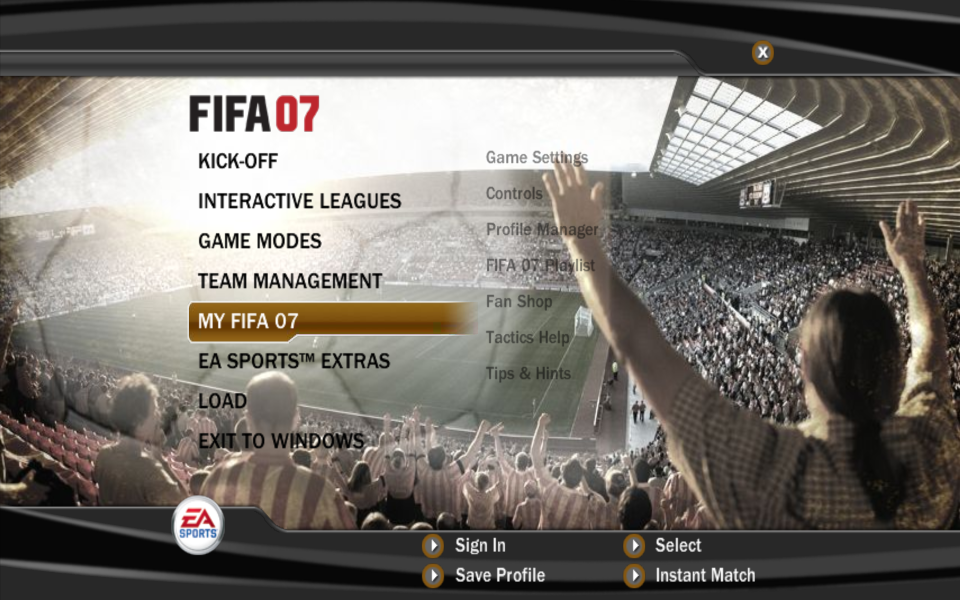
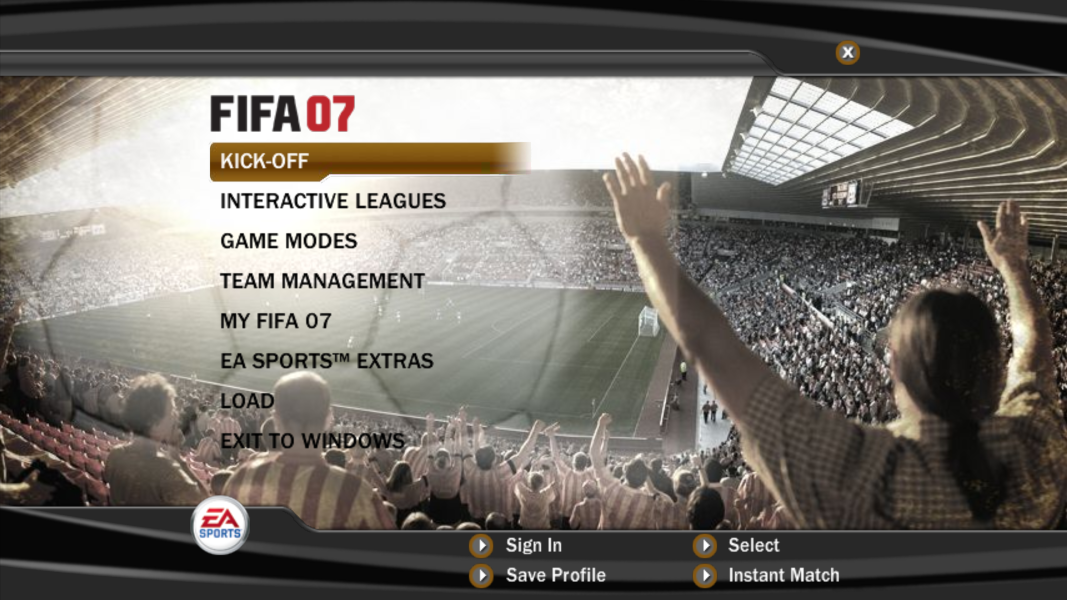
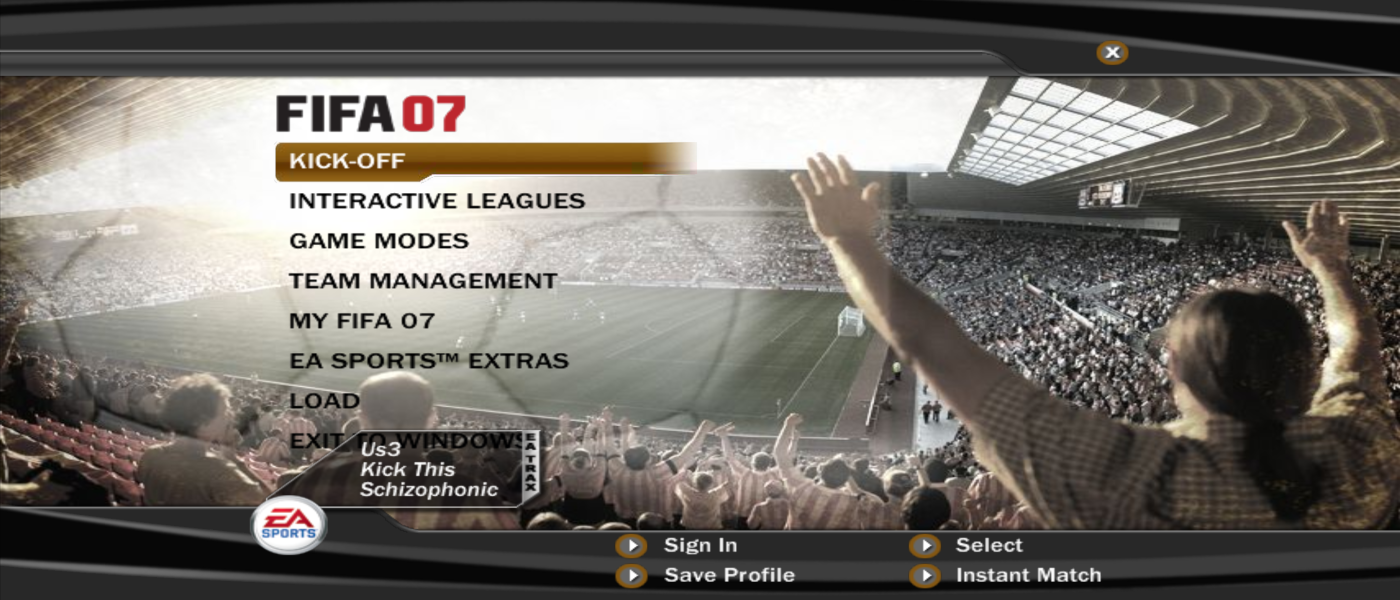
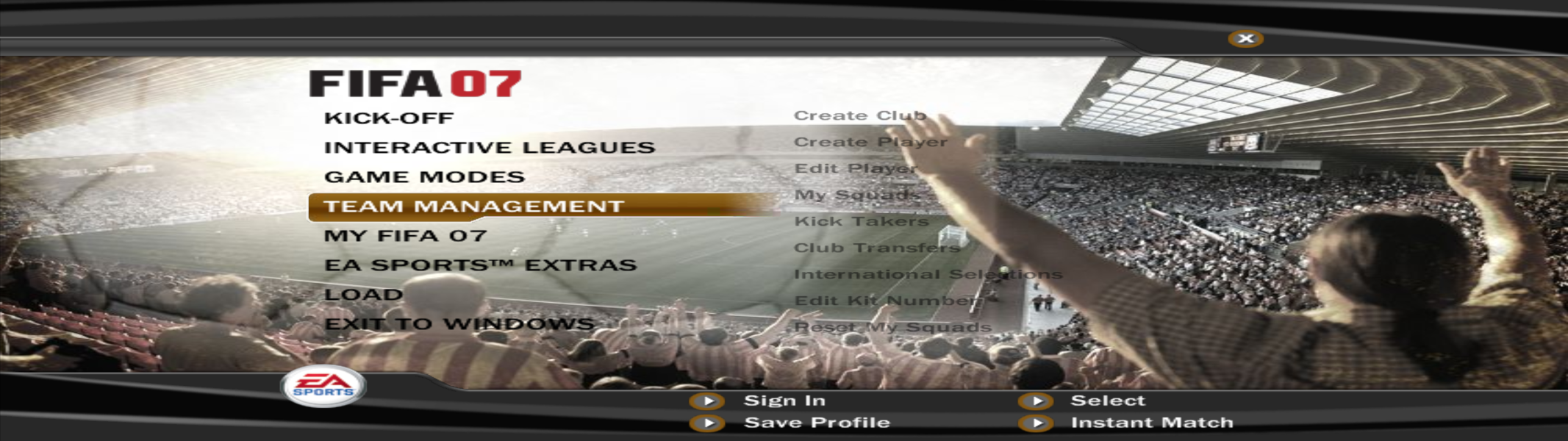

4K UHD Screenshots