


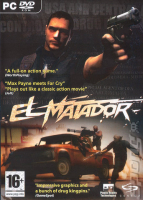


A new narcotics cartel destroyed the local DEA-office in Bogotá. And now as DEA special agent Victor Corbet, codename El Matador you must bring justice on Colombia's La Valedora drug barons.
To do your mission you are supplied with huge arsenal of realistic weapons, divided to six categories from normal pistols to machine-guns, rocket launchers and chain-guns including AK-47 and Gatling Cannon. El Matador also presents two Max Payne's style «slo-mo» modes. One is automatically activated, for instance when you dive, and doesn't cost anything. The other is manually activated and drains your slow-time-meter.
You play with a 3rd-person perspective through different kinds of environments from the Colombian jungle encampments to cartel's headquarters in harbors or hotels. In some missions you are joined by AI-buddies, who will make your life a little easier for some time.
Support Summary
Game Information
Screenshots Comparison
Solutions & Issues
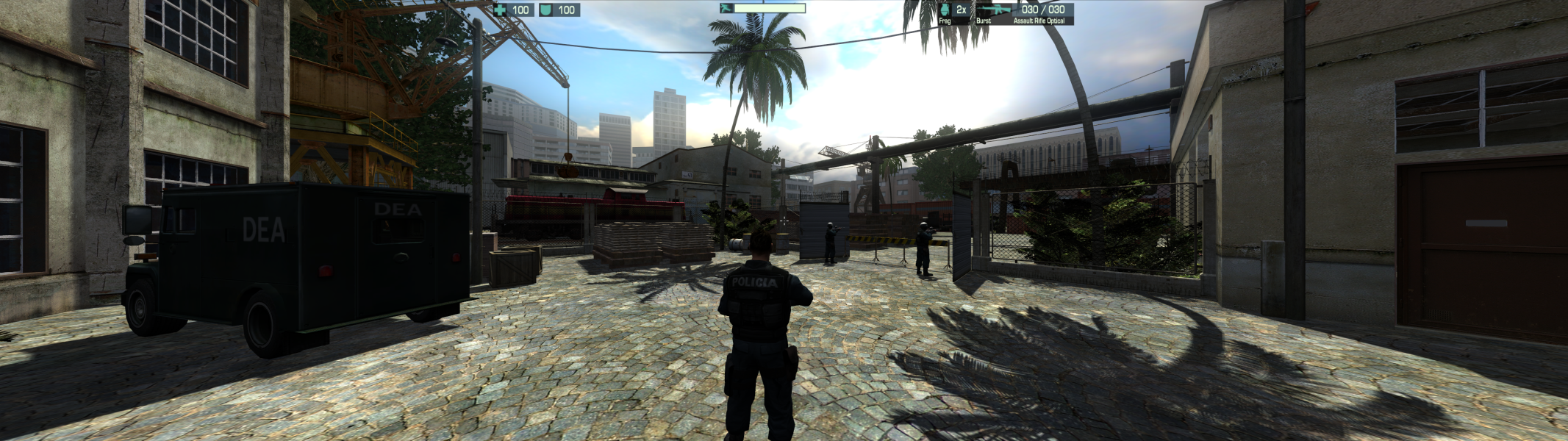
Copy pc_matador.exe and "Data" folder from archive in the game folder, depending on the desired resolution. Fix available from the PC Gaming Wiki Community Files (search there).
El_Matador_Centred_HUD.7z - Centred HUD
El_Matador_Stretched_HUD.7z - Stretched HUD (may be useful for 16:10 and 16:9)
•Removed single core affinity (all cpu cores will be used)
•Enabled Vsync
•Shadows fix
-Shadows fix don't not work with negative texture LOD bias
-SGSSAA uses a negative texture LOD bias, so don't use this type of AA

[hr]
FOV trainer/patcher/Hex-edit will work only with pc_matador.exe from widescreen hack.
FOV trainer - El_Matador_FOV_trainer.7z
FOV patcher - El_Matador_FOV_Patch.7z
•Copy patcher in the game folder
•Run patcher and apply patch to pc_matador.exe
You can manually patch bytes in pc_matador.exe using the Hex-editor, replace the following bytes:
E1 2E E5 42 00 00 80 3F => E1 2E E5 42 CD CC 8C 3F for FOV +10%
E1 2E E5 42 00 00 80 3F => E1 2E E5 42 9A 99 99 3F for FOV +20%
E1 2E E5 42 00 00 80 3F => E1 2E E5 42 66 66 A6 3F for FOV +30%
E1 2E E5 42 00 00 80 3F => E1 2E E5 42 33 33 B3 3F for FOV +40%
E1 2E E5 42 00 00 80 3F => E1 2E E5 42 00 00 C0 3F for FOV +50%
E1 2E E5 42 00 00 80 3F => E1 2E E5 42 CD CC CC 3F for FOV +60%
E1 2E E5 42 00 00 80 3F => E1 2E E5 42 9A 99 D9 3F for FOV +70%
E1 2E E5 42 00 00 80 3F => E1 2E E5 42 66 66 E6 3F for FOV +80%
E1 2E E5 42 00 00 80 3F => E1 2E E5 42 33 33 F3 3F for FOV +90%
E1 2E E5 42 00 00 80 3F => E1 2E E5 42 33 33 F3 3F for FOV +100%
[hr]
Old info:
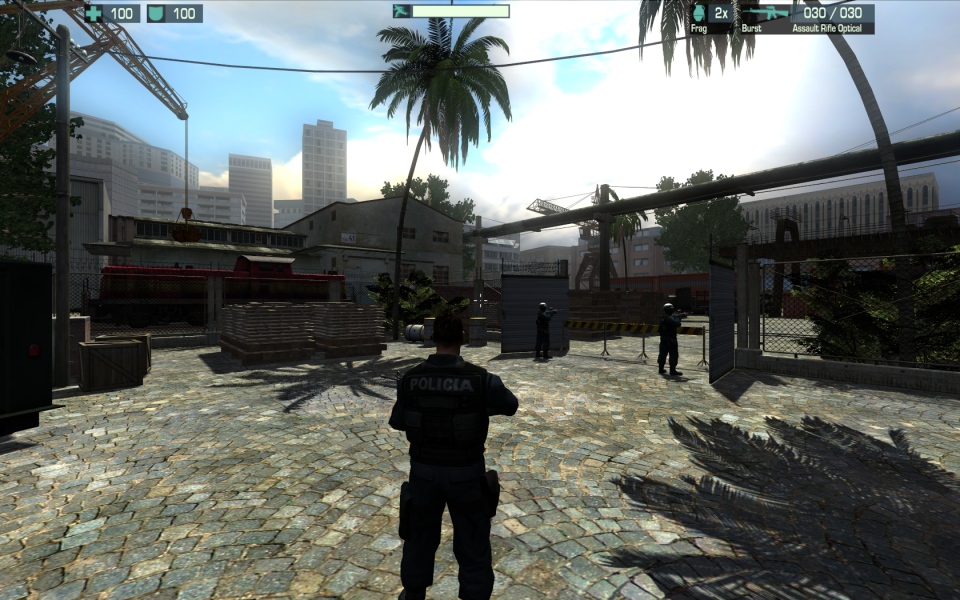
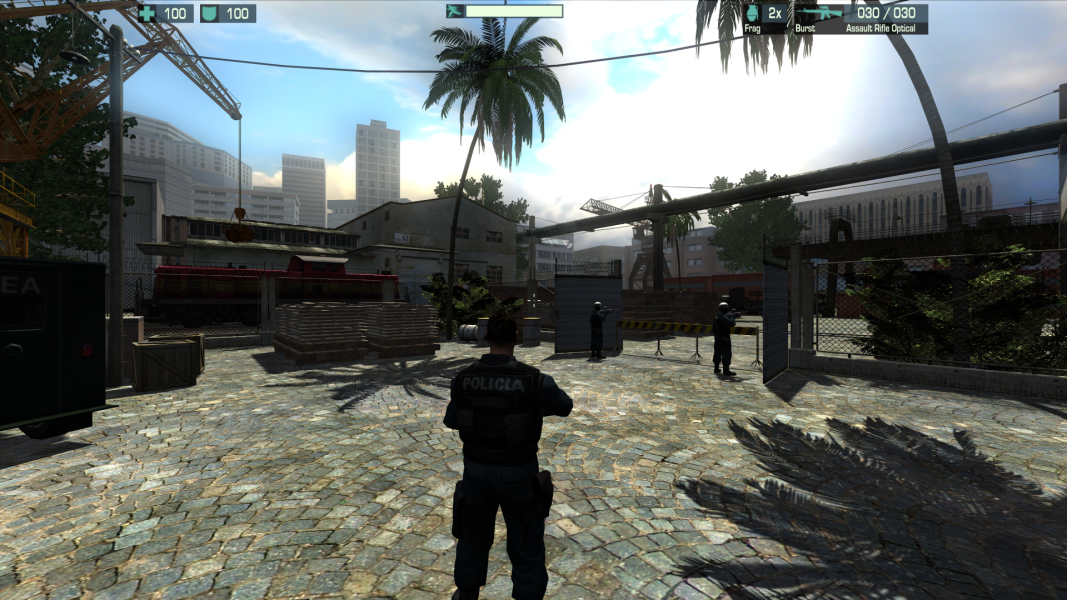
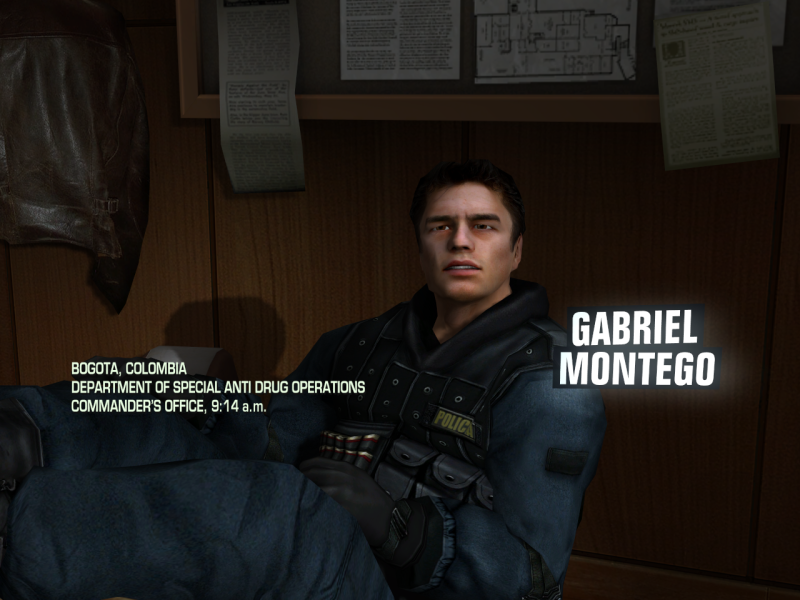
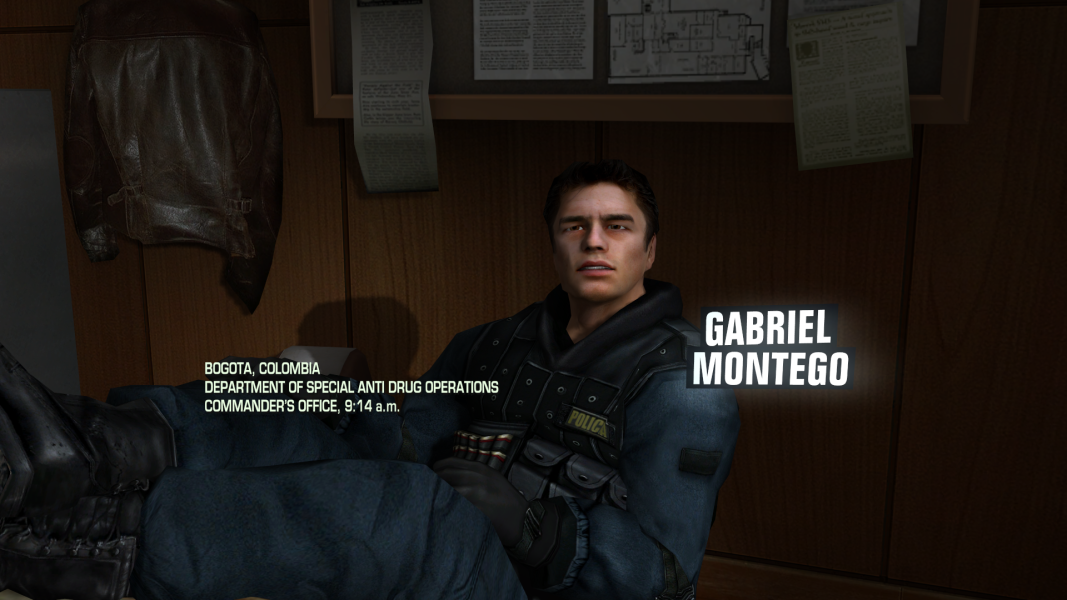
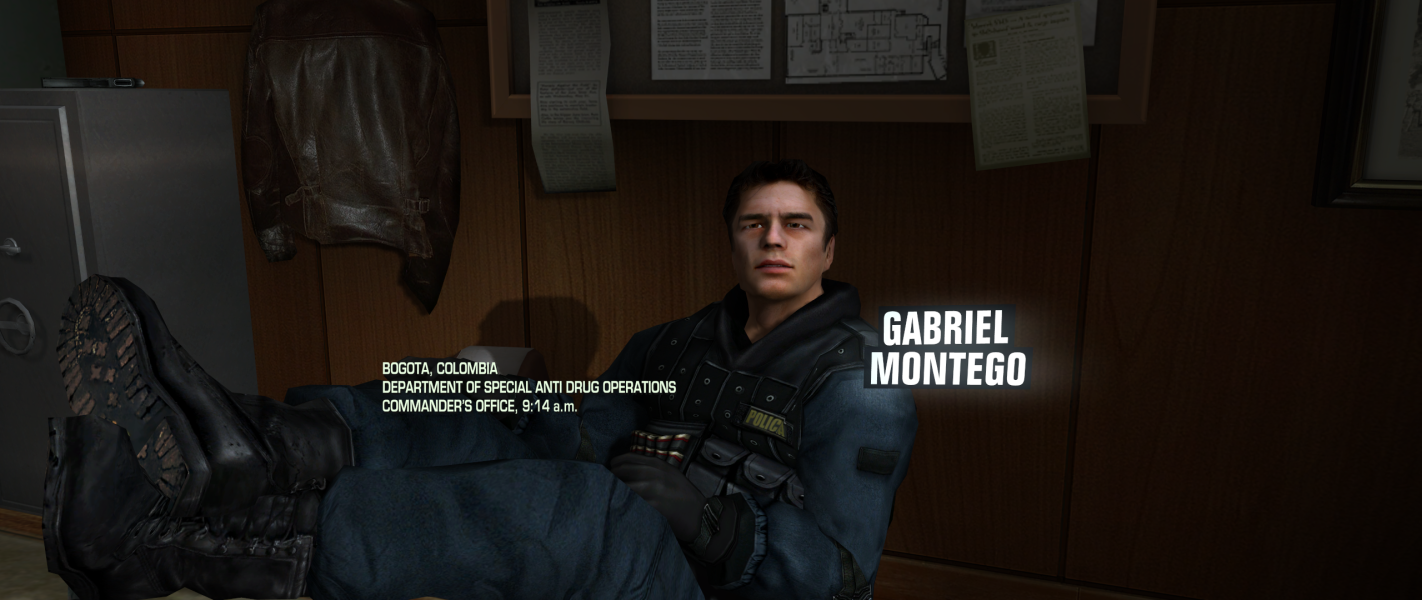
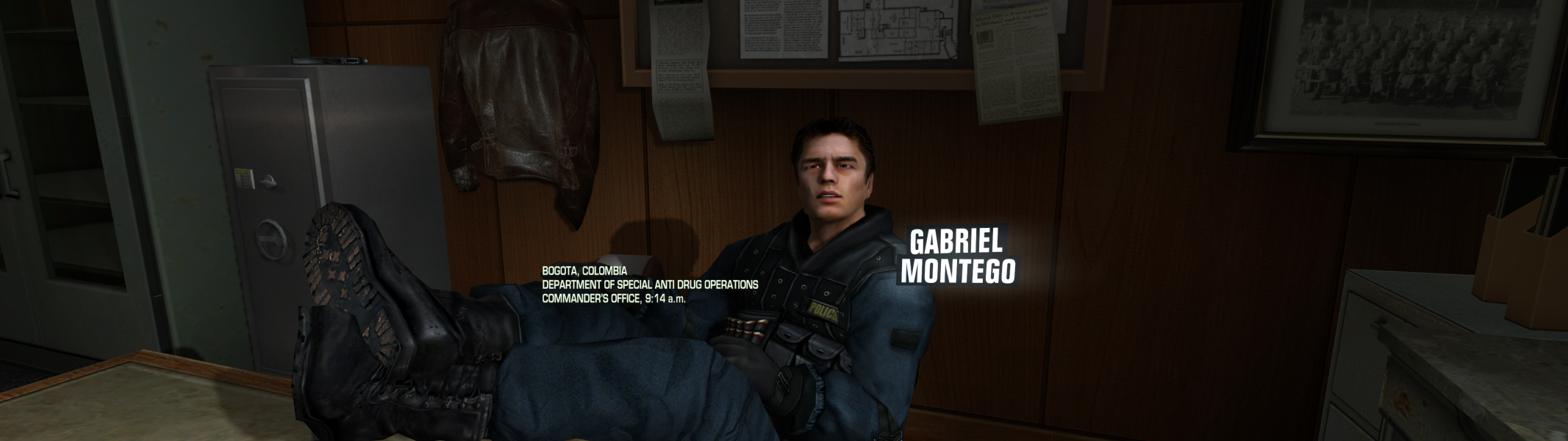
About the game, this may be the only game where 4:3 has the wrong aspect ratio. I've looked at three widescreen shots, a 1280x720, 1280x768, and 1280x800, and the geometry visible in all three had the same proportions. However, a fourth screenshot at 1024x768 had different proportions from the widescreen shots. This either meant widescreen mode is stretched vertically, or 4:3 mode is stretched horizontally (I assumed the former at first, but later pondered the possibility of the latter).
So I asked for some more screenshots, a 1024x768, a 1280x1024, and a 1280x800. The 1280x1024 had the same proportions as the 1280x800, but the 1024x768 was a horizontally stretched version of the 1280x1024. This confirmed it: 5:4 is the correct aspect ratio for non-widescreen, and 4:3 resolutions just use a stretched version of that.
Comparing the first two screenshots, you can see that the widescreen shot loses some V-FOV and gains some H-FOV. Here's a crossover image with 5:4 ontop of 16:10. Details above and below the red lines represent vertical FOV lost, details left and right of the yellow lines represent horizontal FOV gained. A lot more V-FOV is lost than H-FOV gained. Therefore, this game is graded as if it is vert -, and gets a C+.
Same as widescreen
Same as widescreen
Same as widescreen
Gameplay Screenshots



In-Game (Rendered) Cutscenes


Menu Screenshots
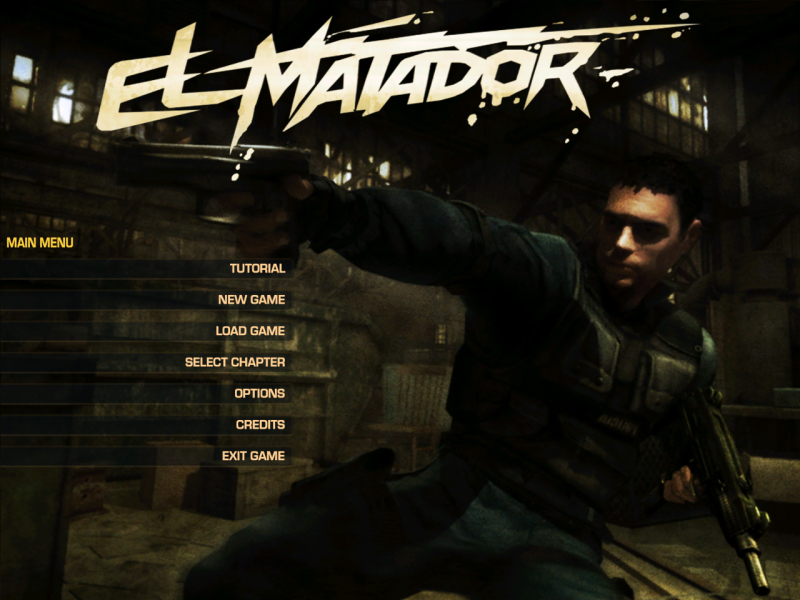
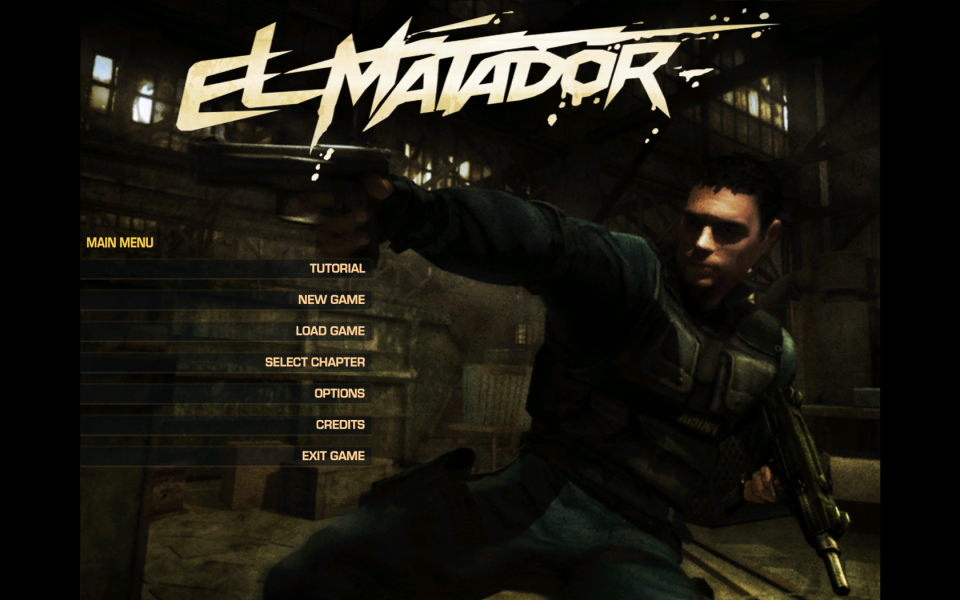
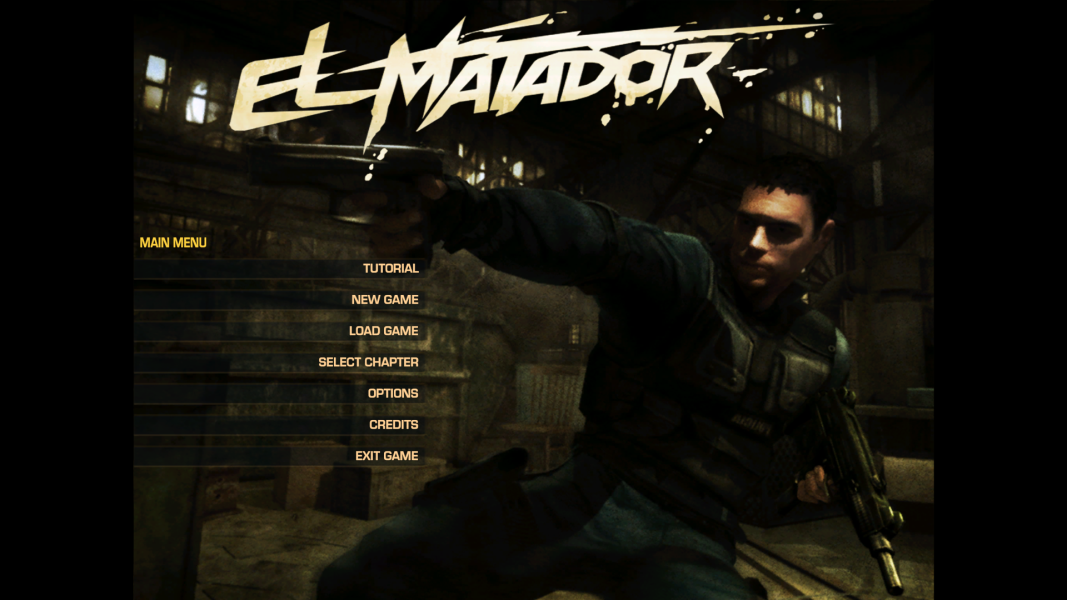
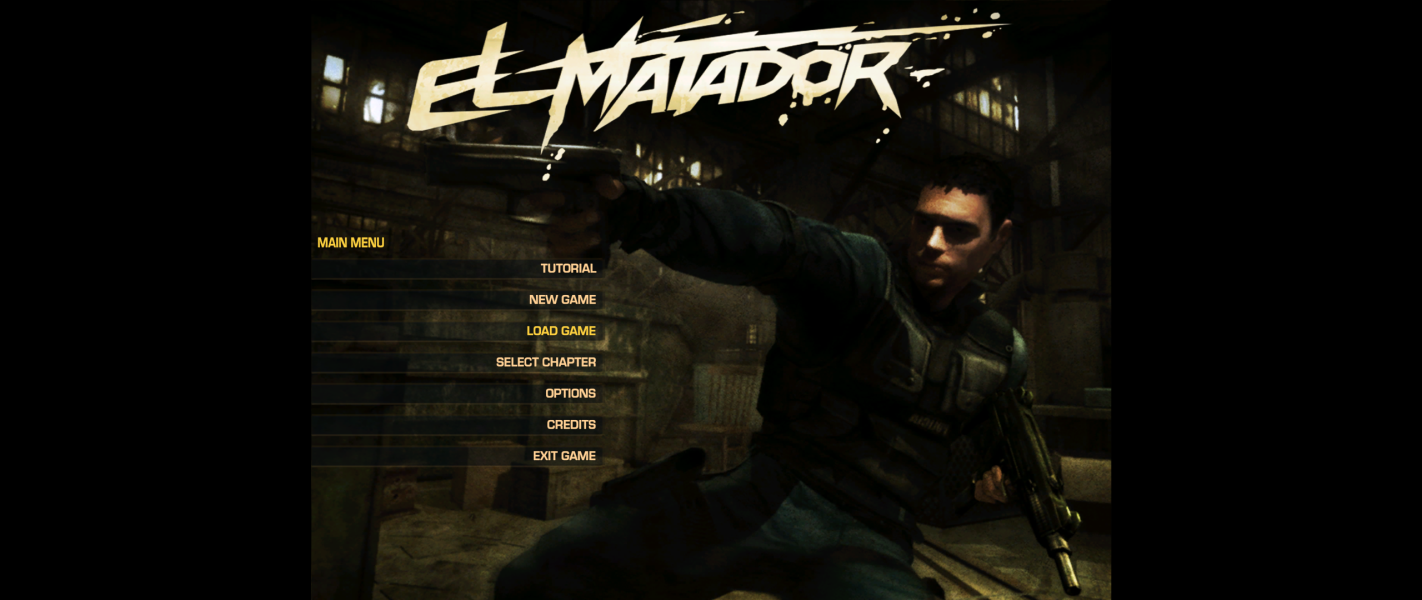


4K UHD Screenshots

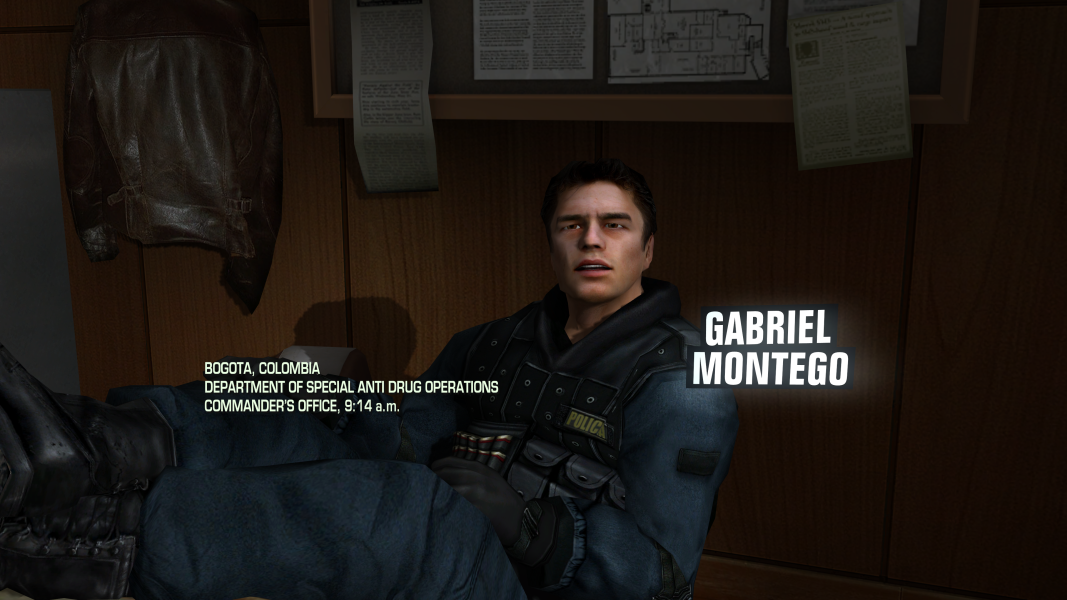
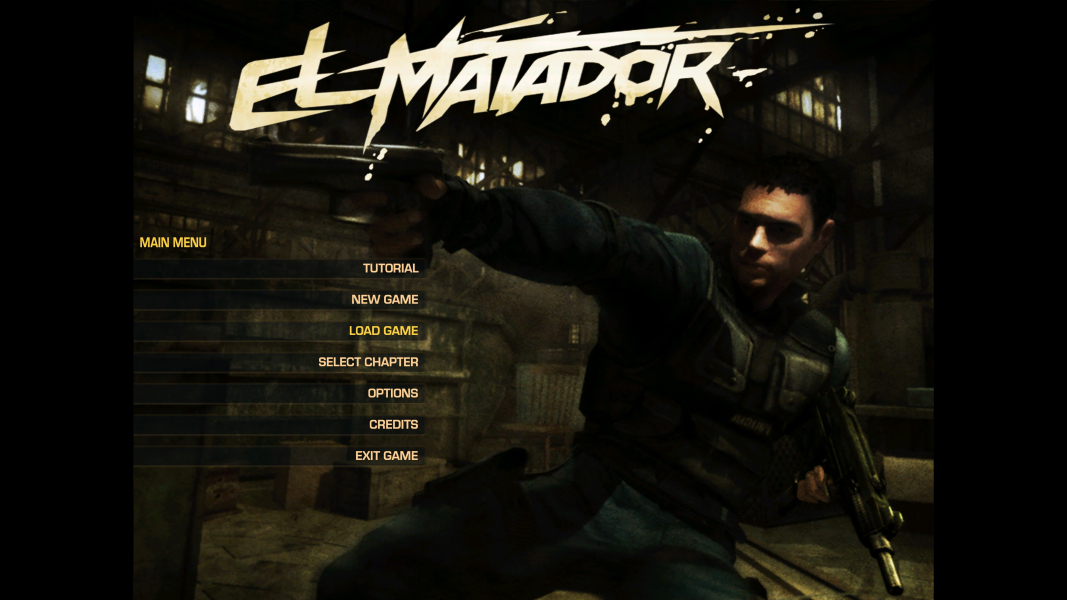
Additional Screenshots


