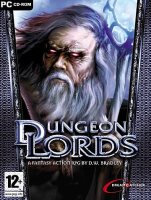


Dungeon Lords is a third-person RPG with a focus on action.
Choose your character from a selection of races and develop them based on your preferences. Each character can have up to five specialization classes that determines their abilities and unique skills. Tailor your character to suit your playing style.
The world of Dungeon Lords is designed for quick character interaction and the campaign can be played as singleplayer or multiplayer co-op.
This is a hack and slash RPG with an emphasis on power gaming. Get it on number crunchers.
The game's digital version is Dungeon Lords Steam Edition.
Support Summary
Game Information
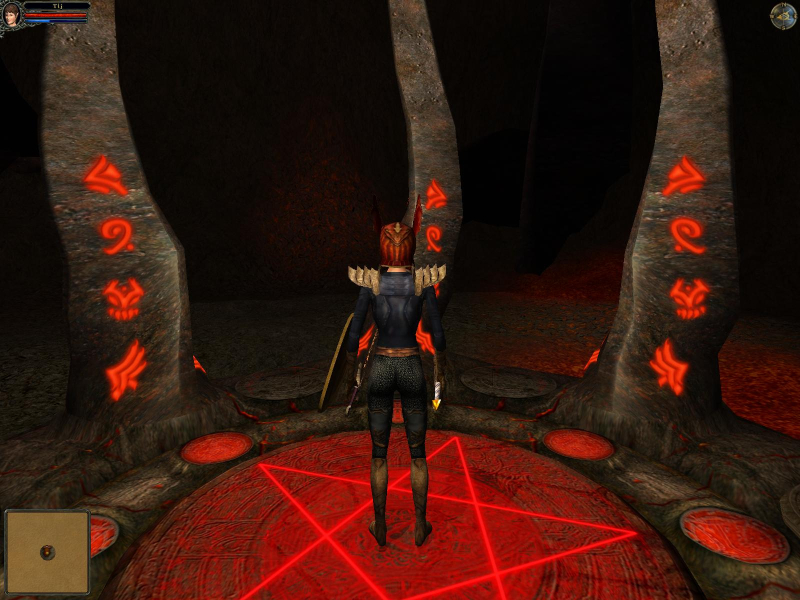
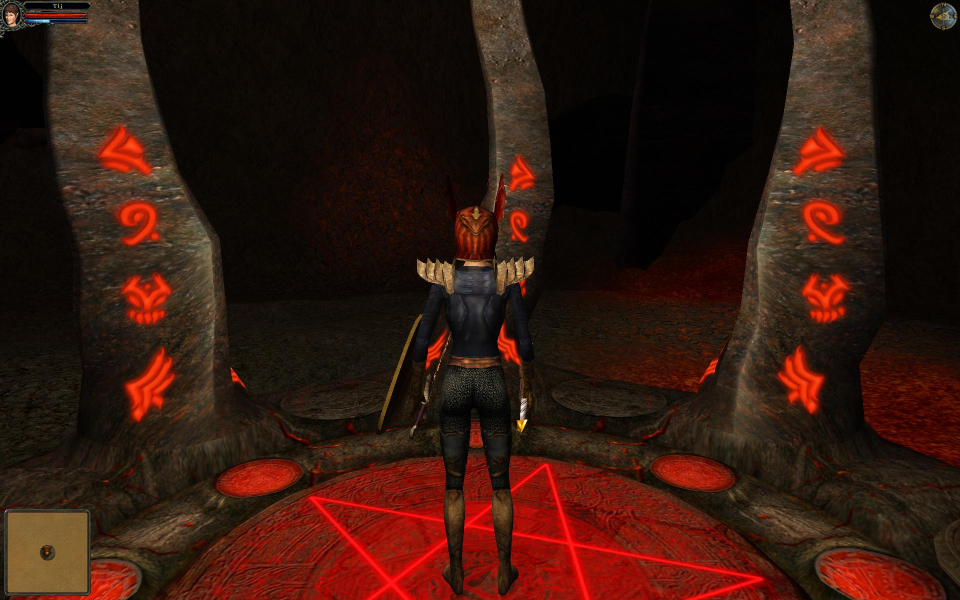
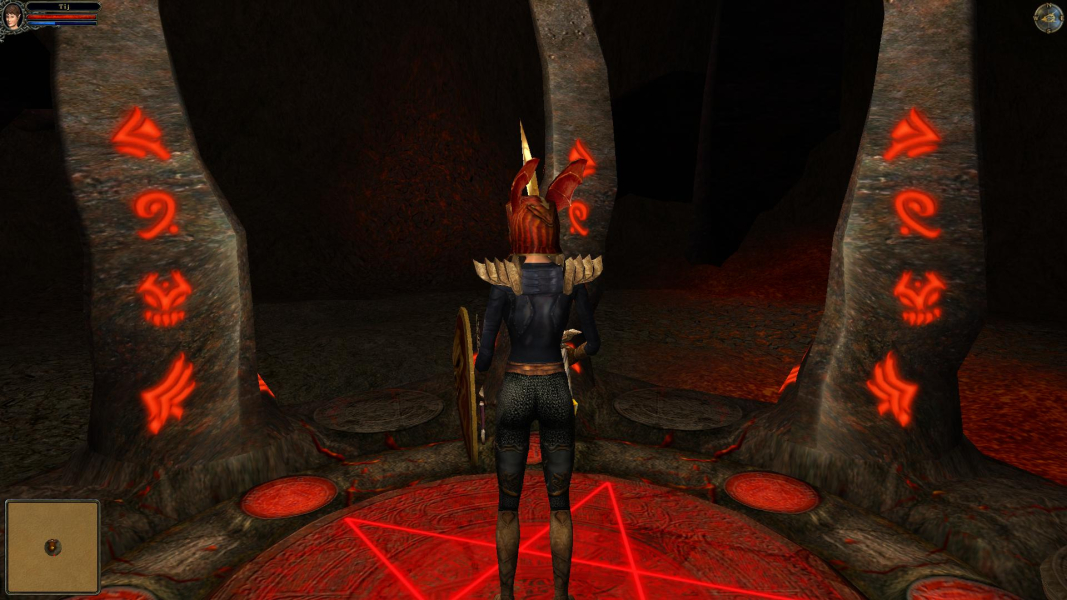
Screenshots Comparison
Solutions & Issues
Solution 1.
This game is supported by UniWS. Refer to this article for more information.
------------
Solution 2.
Fix available from the PC Gaming Wiki Community Files (search there).
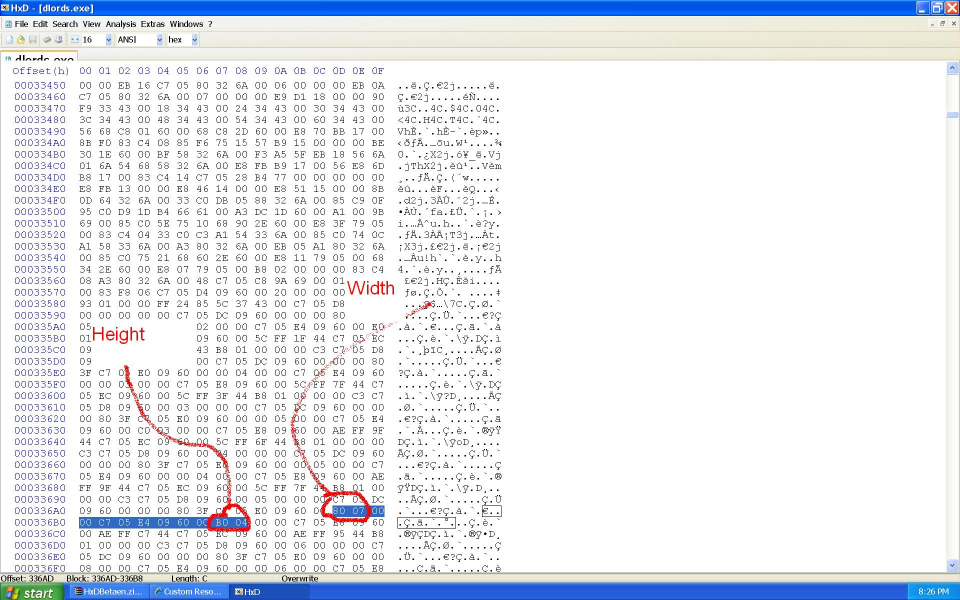
The game does not have native support for widescreen resolutions. You need to HEX edit the dlords.exe file in the root game directory.
This tweak was posted by PitBrat at the GameBanshee forums.
Open up dlords.exe with a HEX editor and search for the following HEX values.
"** ** 00 00 C7 05 E4 09 60 00 ** **"
The first 4 *s represent your resolution width in hexadecimal. The last 4 *s represent your resolution height in hexadecimal.
For example if your Dungeon Lords resolution is set at 1600x1200 then the string you would search for would be this...
"40 06 00 00 C7 05 E4 09 60 00 B0 04"
The HEX values are reversed when entered so you need to flip the order when searching for the HEX value string.
40 06 => 06 40 which is 1600 in hexadecimal.
B0 04 => 04 B0 which is 1200 in hexadecimal. Simple.
You then change the resolution values to your desired widescreen resolution.
So this..
"40 06 00 00 C7 05 E4 09 60 00 B0 04"
Becomes this....
"80 07 00 00 C7 05 E4 09 60 00 B0 04"
The resolution has been changed from 1600x1200 to 1920x1200.
NOTE - Backup your dlords.exe file before you do this. If you change the wrong value you have killed your executable.
======
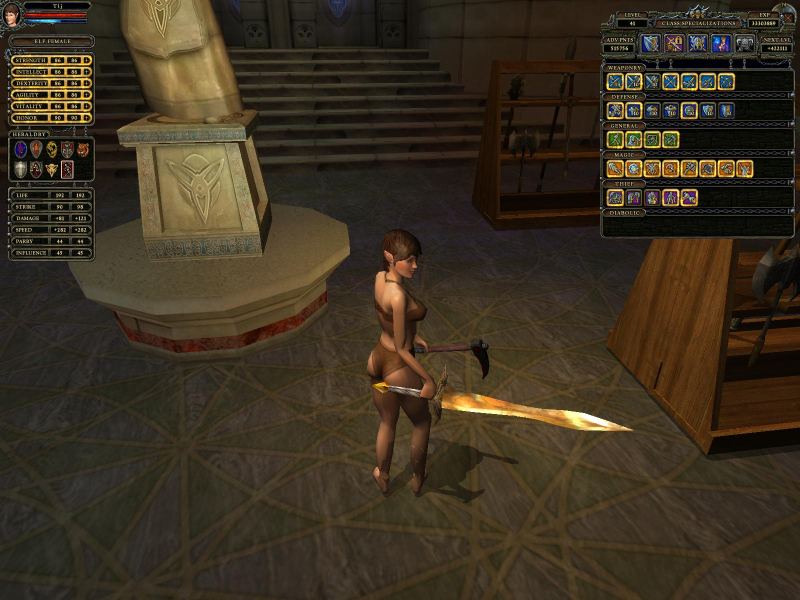
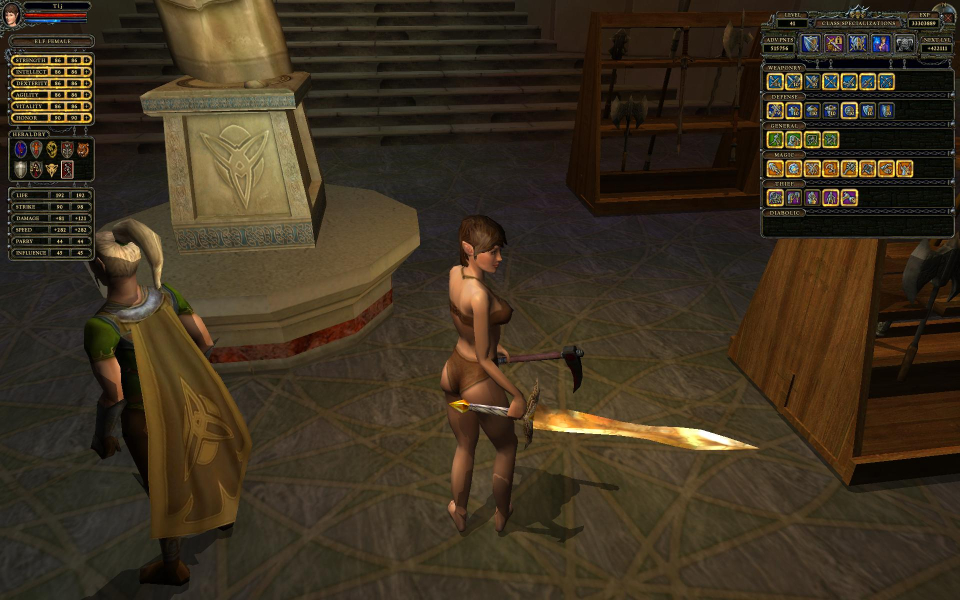
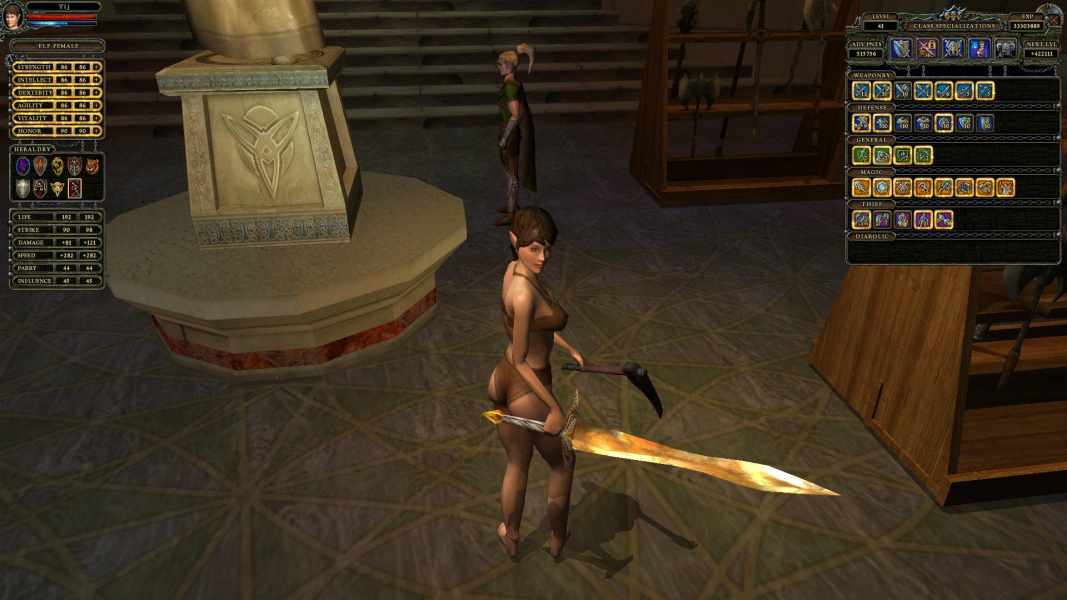
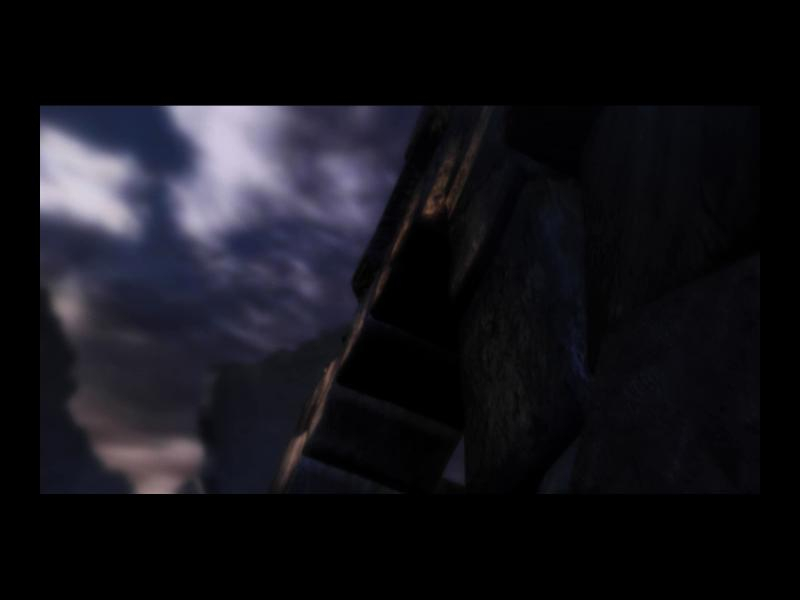
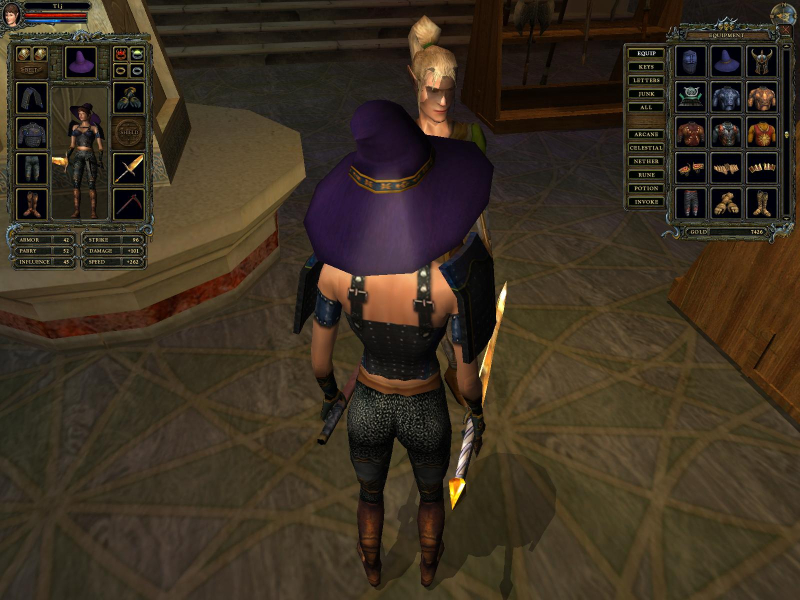
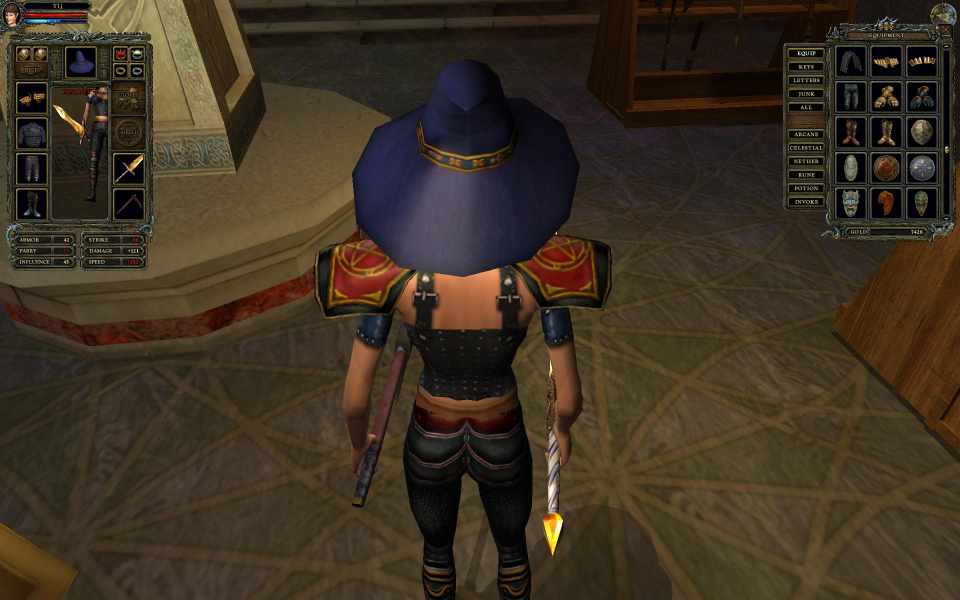
The screen change is Vert - in widescreen resolutions. The camera is not fixed so the Vert loss can be mitigated to an extent. The mini-avatar that is displayed on the character equipment screen may be out of alignment depending on your resolution. The HUD and in-game menus do not stretch. Pre-rendered cut-scenes play in fixed resolutions. They are windowboxed.
Gameplay Screenshots


FMV Cutscenes
Menu Screenshots
Additional Screenshots