Painkiller: Overdose

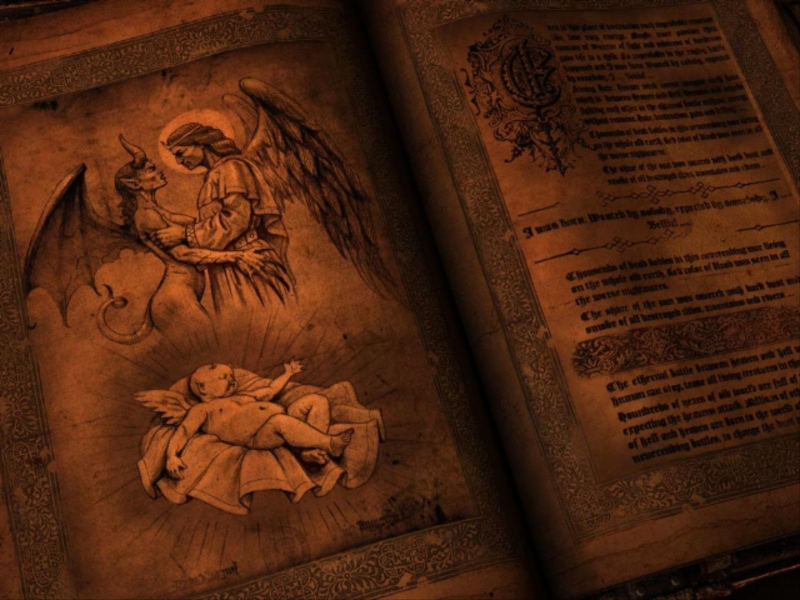
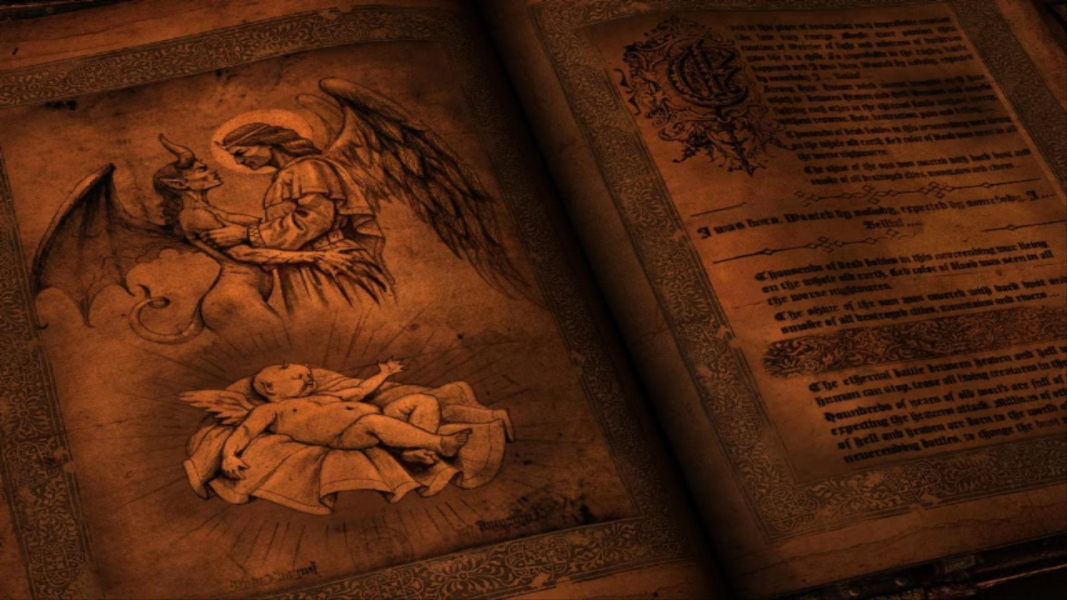
Players take on the role of Belial, who was recently freed by the defeat of Lucifier in the previous Painkiller games. Belial is out for revenge on those who imprisoned him due to his unique lineage of having a demon mommy and an angel daddy. Bad divine and demonic creatures! No! Don't touch! The gameplay is essentially the same as the previous Painkiller games. So if it moves, kill it. There are new weapons in the game along with the old classics which have been given a demonic makeover. You are an outcast with no people to call your own. What better way to feel better about yourself than by killing something that deserves killing?

Support Summary

Widescreen
Ultra/Super‑Wide
Multi-Monitor
4K Ultra HD
Support
Method
HUD
Cutscenes
FMVs

Game Information

Game Status:Released
Release Date:
Tested Version:Retail box version 1.0
Genre:FPS

Screenshots Comparison

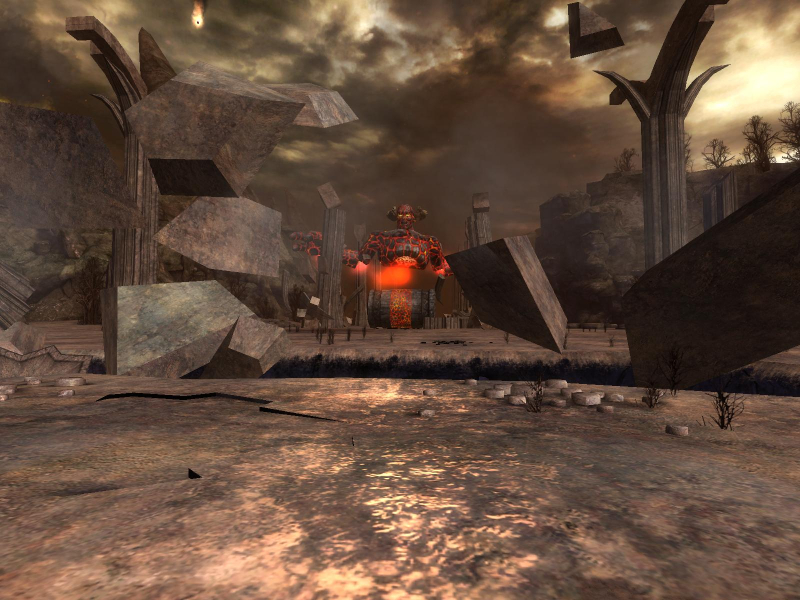
4:3 Screenshot
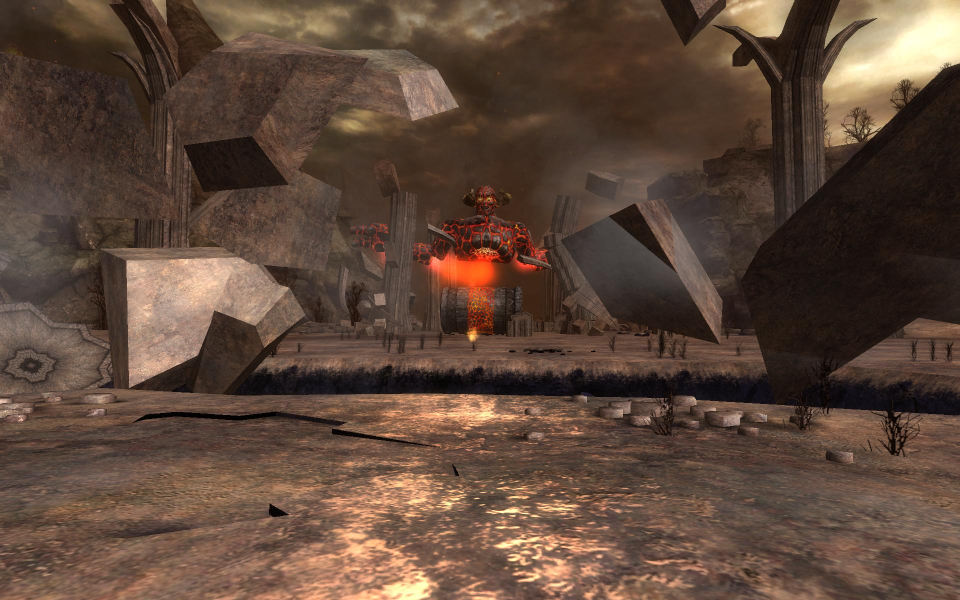
16:10 Screenshot
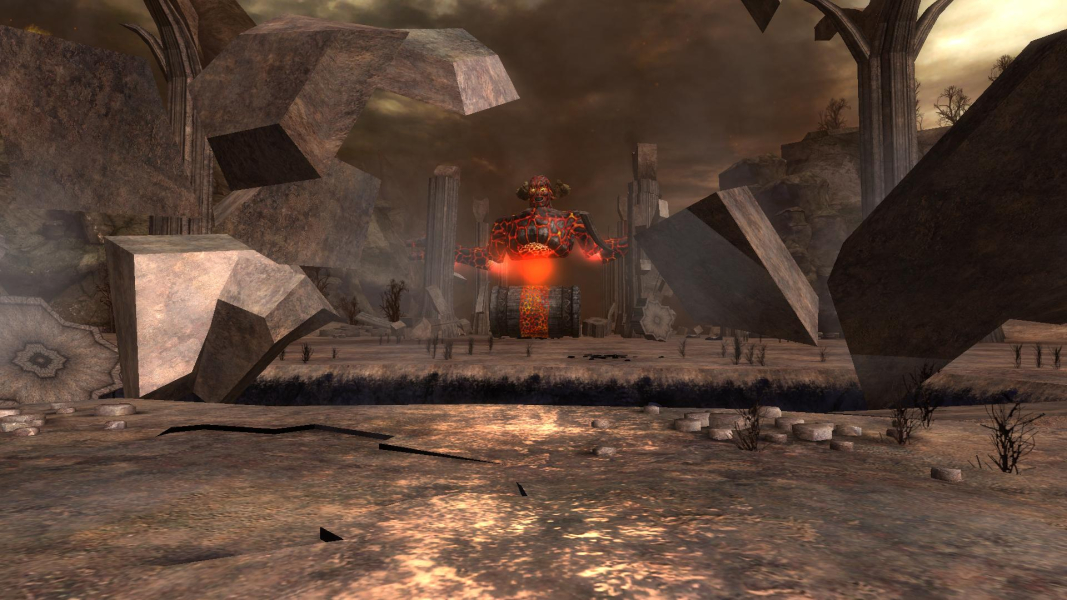
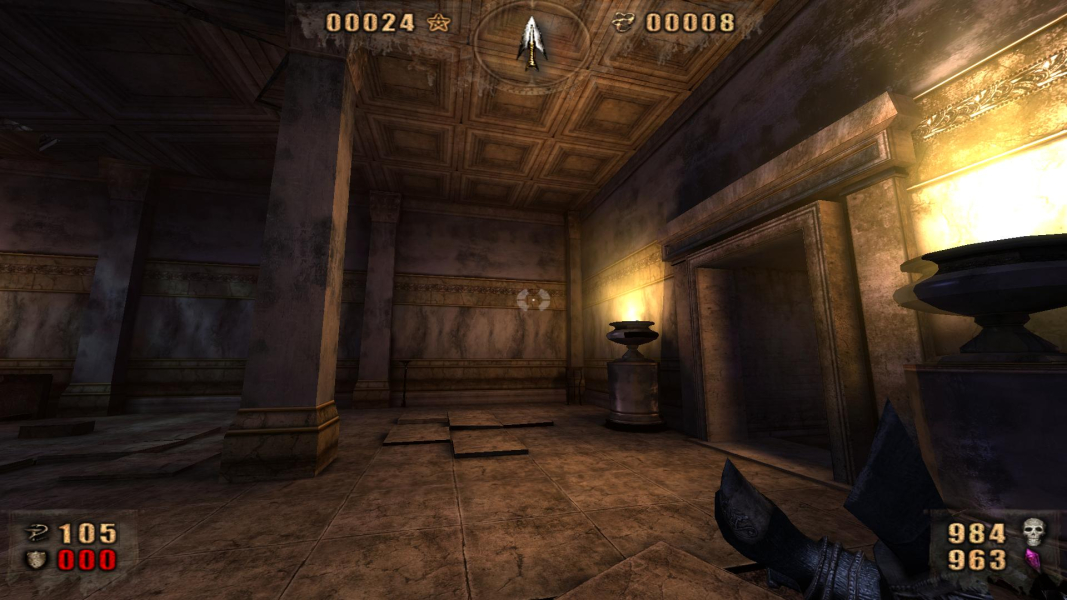
16:9 Screenshot
21:9 Screenshot
A monitor with a question mark on it. The text above it reads "There is currently no image uploaded for this field." There is a semi-transparent WSGF logo in the background, while the main background is white. The image aspect ratio is 21:9.
32:9 Screenshot
Eyefinity / Surround Screenshot
Solutions & Issues
Widescreen Solution & Issues:

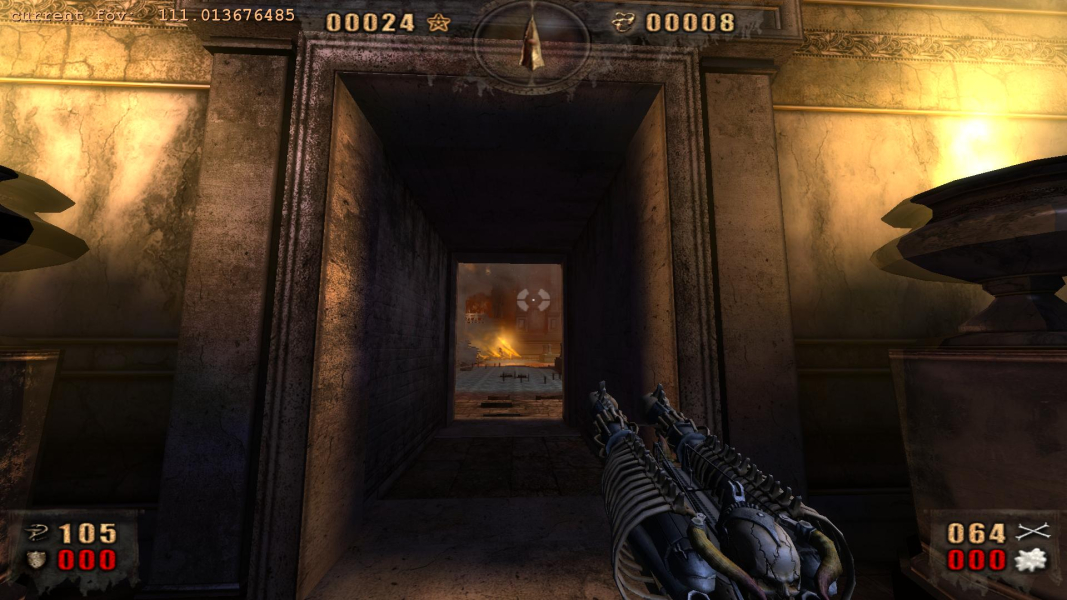
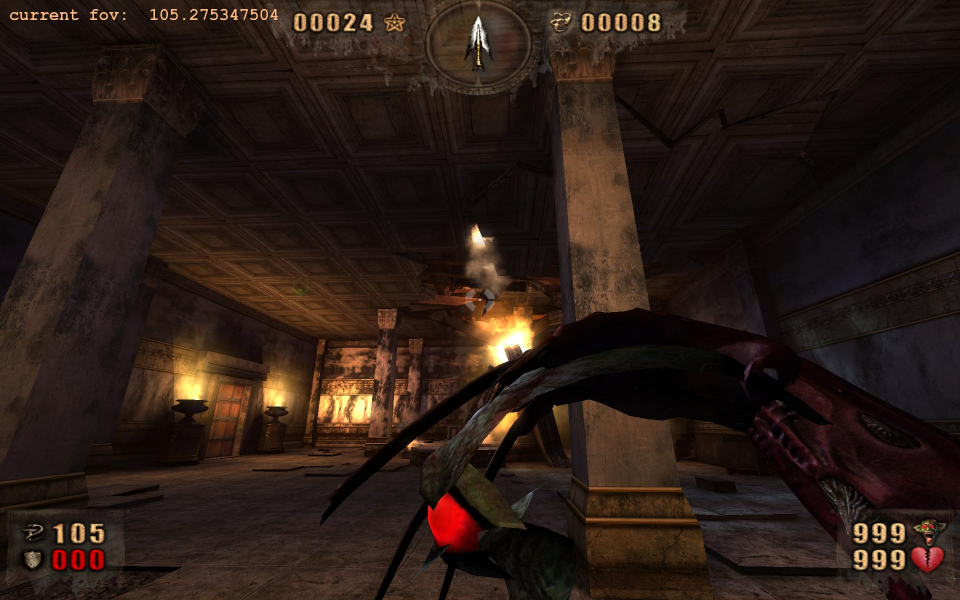
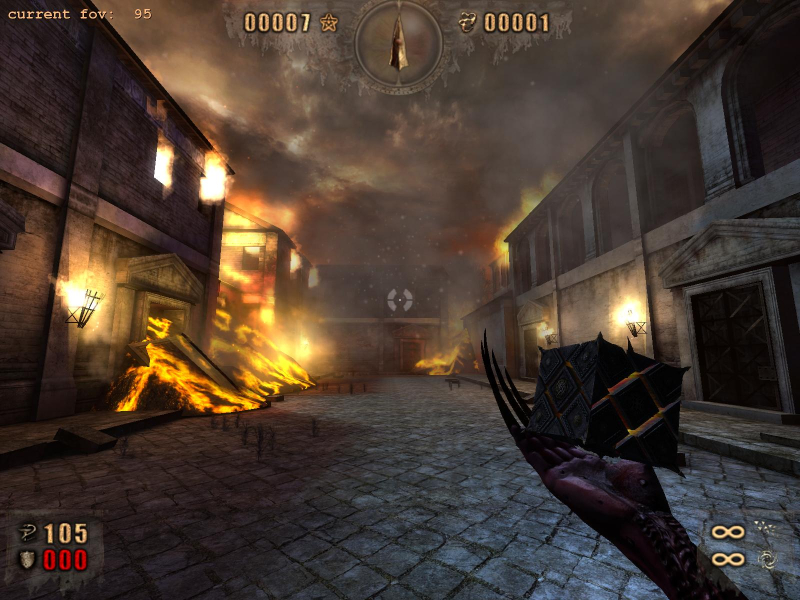
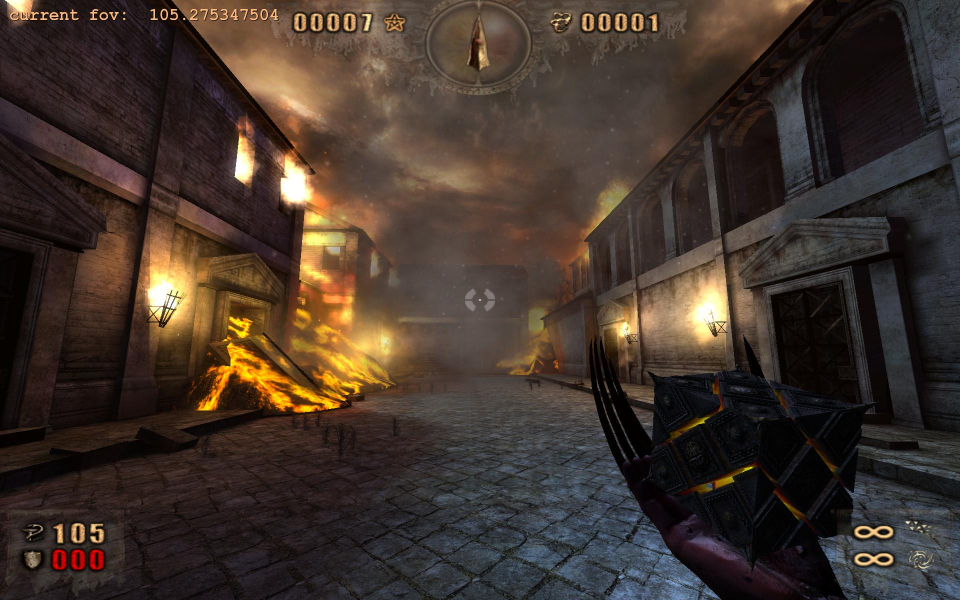
Native support for widescreen resolutions. To get Hor + navigate to the "Overdose.ini" file located in the "Documents and Settings\*Your User Name*\Local Settings\Application Data\Painkiller Overdose" directory. Open the file and search for "Cfg.FOV" and "Cfg.ZoomFOV". Change the listed FOV values for your aspect ratio and save.
These are the common values for the FOVs...

Cfg.FOV
Default - 95
16:9 - 111.013676485
15:9 - 107.520727208
16:10 - 105.275347504

Cfg.ZoomFOV
Default - 50
16:9 - 63.744671398
15:9 - 60.4763640247
16:10 - 58.4614994638

The FOV changes are global so you only need to change them once.

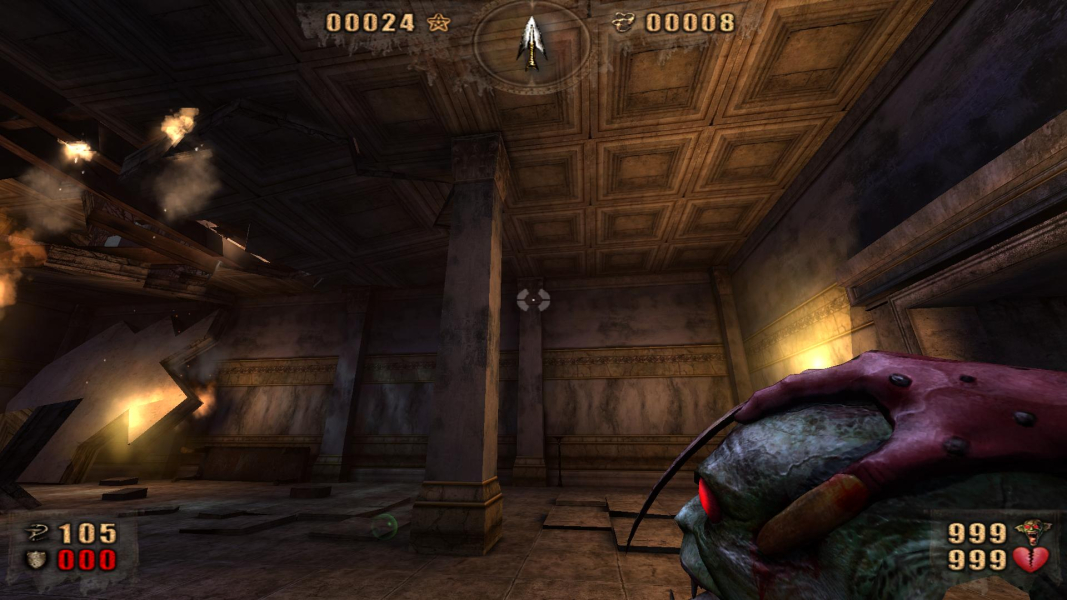
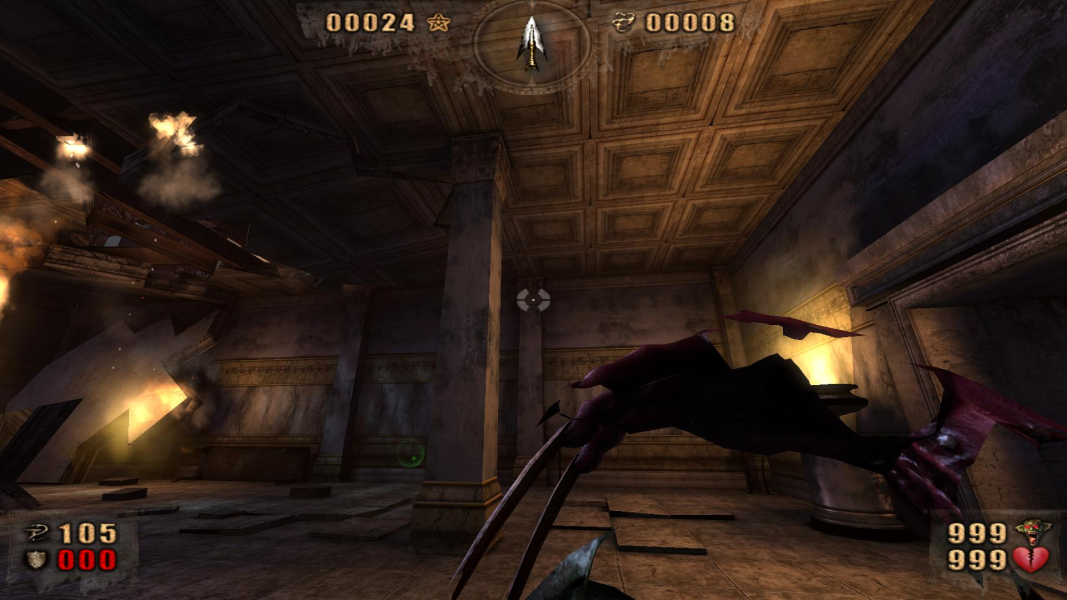
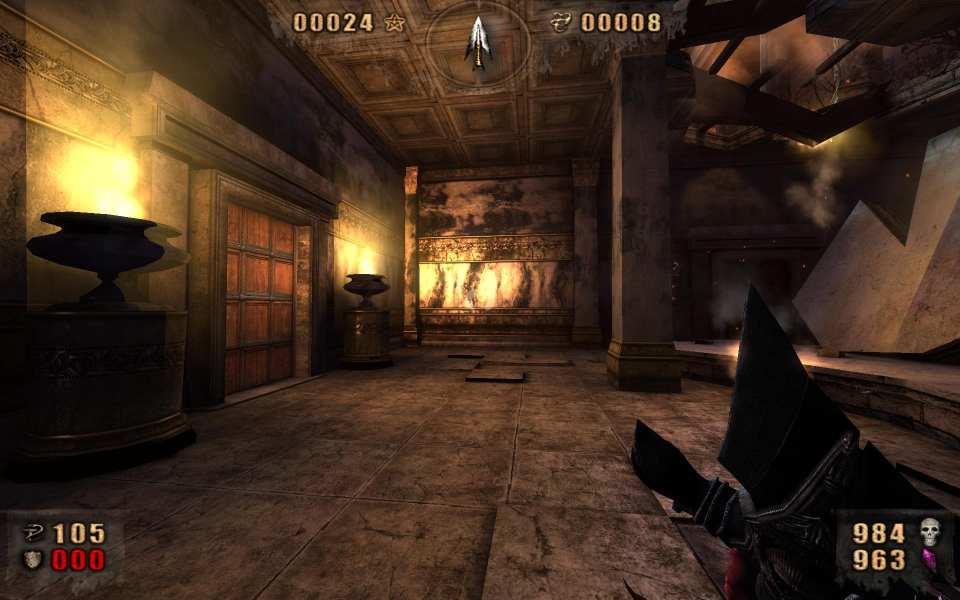
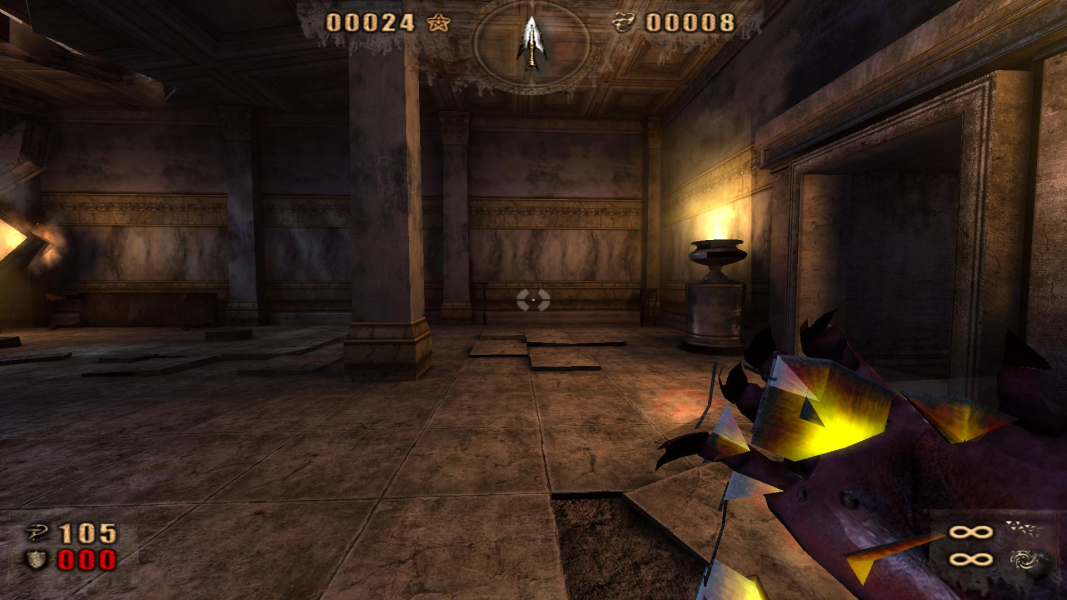
Some weapons that show the hand and arm of Belial have display problems when using widescreen resolutions. When Belial is holding the demon-head weapon in a 16:9 aspect ratio. The zoom view is stretched and Hor + in widescreen resolutions.

Eyefinity / Surround Specific Solution & Issues:

Same method. Here are the values for 48:10 as calculated by the FOV formula:

Cfg.FOV = 151.438779
Cfg.ZoomFOV = 118.435793

Weapons are not only cropped but also distorted. Fixing this would require altering every single weapon's script file relatively to each desired aspect ratio, like for NecroVisioN.

4:3 Screenshot
16:10 Screenshot
16:9 Screenshot
21:9 Screenshot
A monitor with a question mark on it. The text above it reads "There is currently no image uploaded for this field." There is a semi-transparent WSGF logo in the background, while the main background is white. The image aspect ratio is 21:9.
32:9 Screenshot
Eyefinity / Surround Screenshot
4:3 Cutscene
16:10 Cutscene
16:9 Cutscene
4:3 FMV Cutscene
16:10 FMV Cutscene
16:9 FMV Cutscene
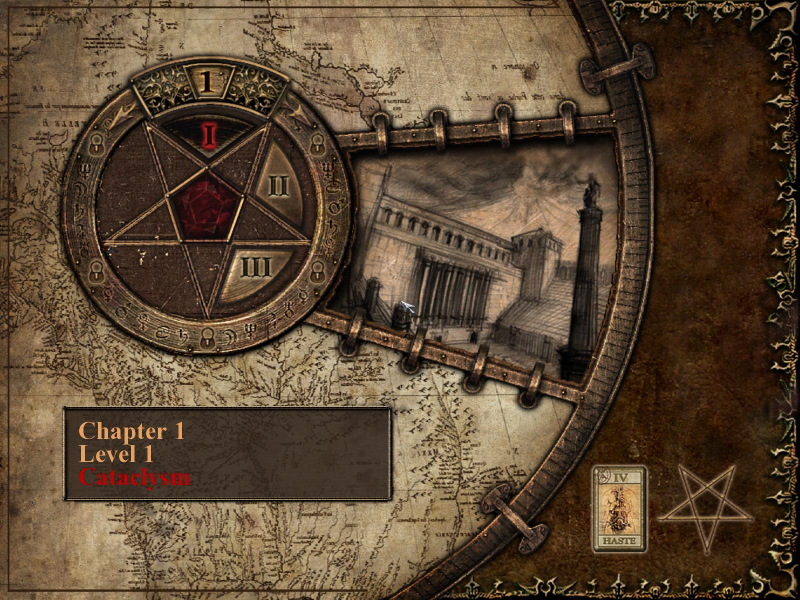
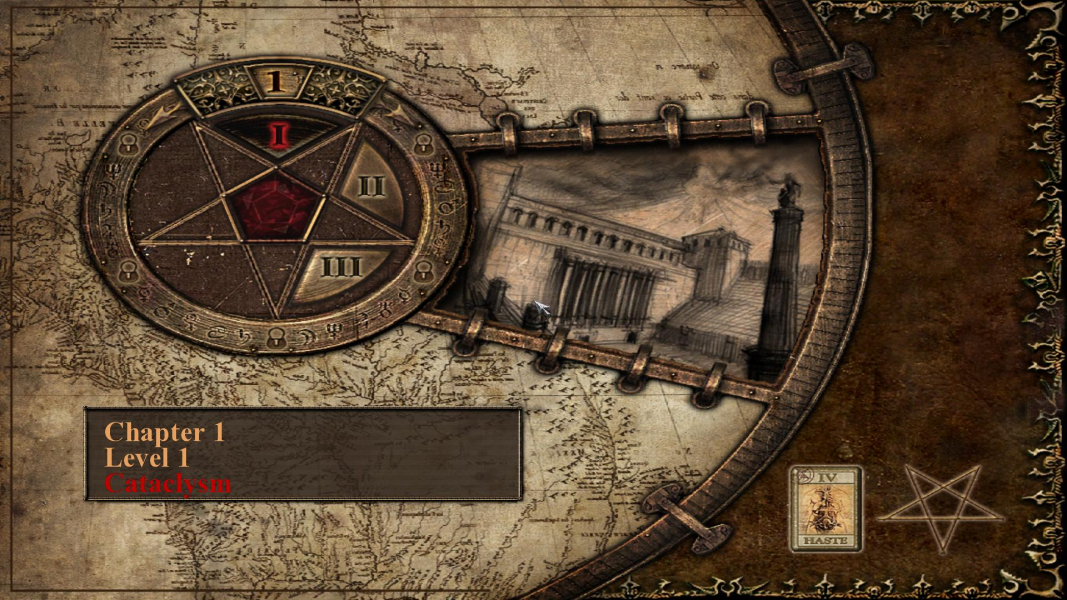
4:3 Menu
16:10 Menu
16:9 Menu
Uploaded by: skipclarke
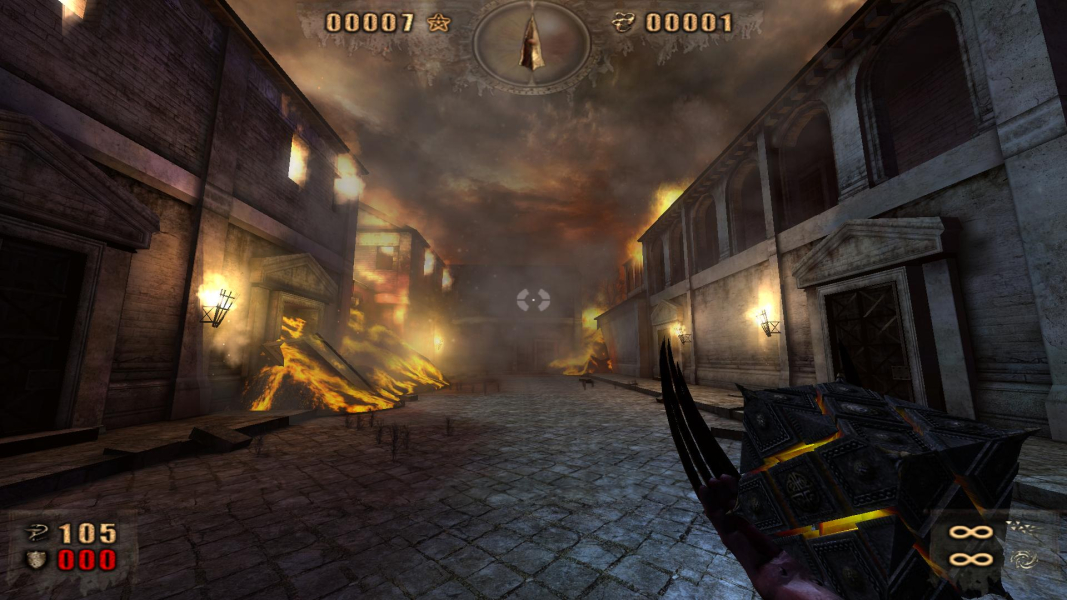
Belial is holding the demon-head weapon in a 16:9 aspect ratio
Uploaded by: skipclarke
Belial turns the demon-head weapon towards him
Uploaded by: skipclarke
Belial turns the demon-head weapon towards him
Uploaded by: skipclarke
Belial turns the broken-sword weapon towards him
Uploaded by: skipclarke
Belial turns the broken-sword weapon towards him
Uploaded by: skipclarke
When Belial uses the primary cube attack in a 16:9 aspect ratio. The animation is fast and hard to notice
Uploaded by: skipclarke
The zoom view is stretched and Hor + in widescreen resolutions.
Uploaded by: skipclarke
The zoom view is stretched and Hor + in widescreen resolutions.
Uploaded by: skipclarke
The zoom view is stretched and Hor + in widescreen resolutions.
Uploaded by: skipclarke
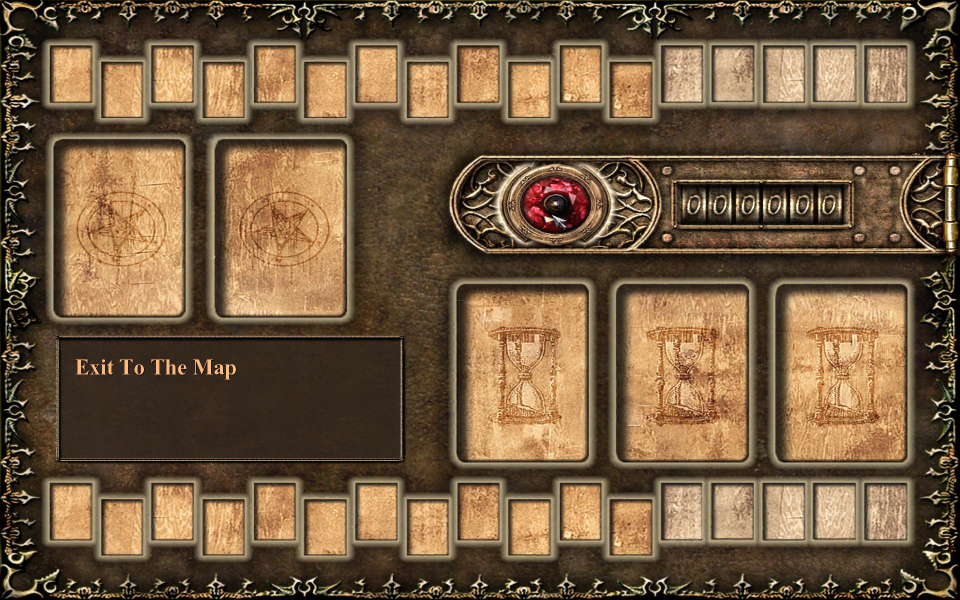
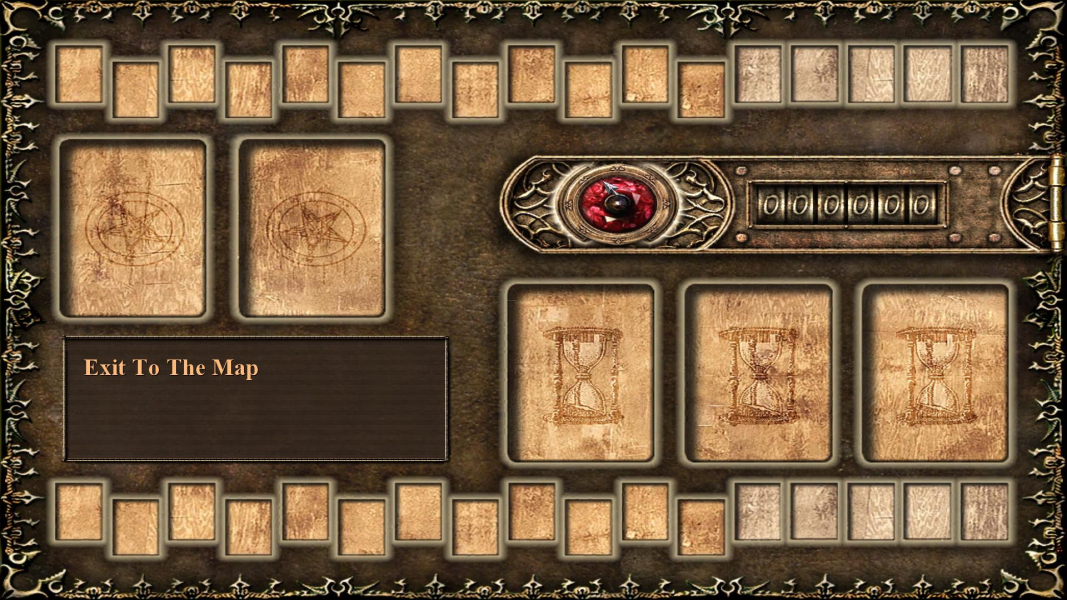
The HUD and all two-dimensional elements stretch.
Uploaded by: skipclarke
The HUD and all two-dimensional elements stretch.
Uploaded by: skipclarke
The HUD and all two-dimensional elements stretch.
Uploaded by: skipclarke
The HUD and all two-dimensional elements stretch.
Uploaded by: skipclarke
The HUD and all two-dimensional elements stretch.
Uploaded by: skipclarke
The HUD and all two-dimensional elements stretch.
15:9 Resolutions:1280x768
16:9 Resolutions: