Colin McRae Rally 2.0

Colin McRae Rally 2.0 is a 2001 rally simulation game for PC

Support Summary

Widescreen
Ultra/Super‑Wide
Multi-Monitor
4K Ultra HD
Support
Method
HUD
Cutscenes
FMVs

Game Information

Game Status:Released
Release Date:
Setting:Modern
Developer:Codemasters

Screenshots Comparison

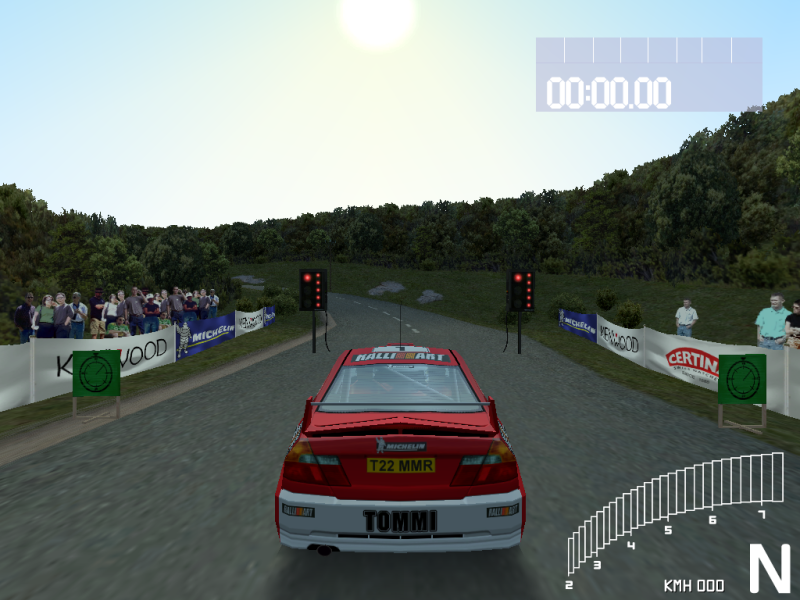
4:3 Screenshot
16:10 Screenshot
A monitor with a question mark on it. The text above it reads "There is currently no image uploaded for this field." There is a semi-transparent WSGF logo in the background, while the main background is white. The image aspect ratio is 16:10.
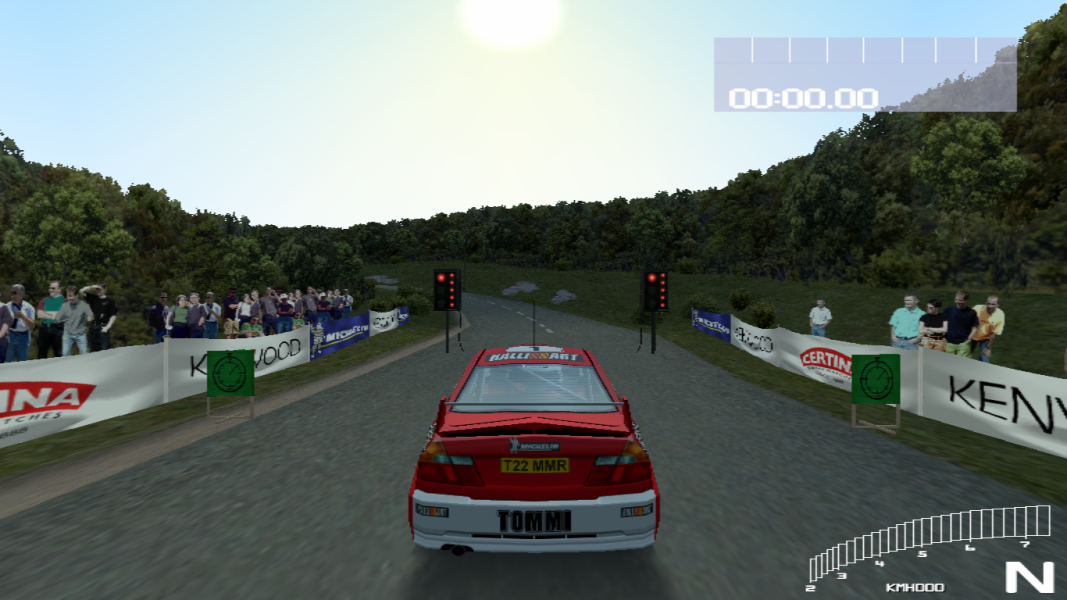
16:9 Screenshot
21:9 Screenshot
A monitor with a question mark on it. The text above it reads "There is currently no image uploaded for this field." There is a semi-transparent WSGF logo in the background, while the main background is white. The image aspect ratio is 21:9.
32:9 Screenshot
Eyefinity / Surround Screenshot
Solutions & Issues
Widescreen Solution & Issues:

Create custom resolution with 1 to 1 ratio using your GPU control panel such as 768x768 or 1080x1080.
Set display method to strech to fit the screen.
Choose this resolution in game menu, this will result in Hor+ picture.

Kudos goes to Panda™ from gamekult.

Ultra/Super-Wide Specific Solution & Issues:

Use the same method of custom resolution as for 16:9.
The wider you want the picture to be the smaller you have to make the horizontal pixel count.
After some research the values I came up with are roughly:
16:10 - 1220:1080
21:9 - 836:1080 (the image will be stretched horizontally 3 to 1 - 836 to 2520)
3:1 - 617:1080 (the image will be stretched horizontally 9 to 1 - 617 to 5760)

This radical stretching will probably not look good.
You can use downsampling to compensate for this, so the image on 1080p monitor will be squashed vertically.
21:9 - 1672:2160
3:1 - 1234:2160

4:3 Screenshot
16:10 Screenshot
A monitor with a question mark on it. The text above it reads "There is currently no image uploaded for this field." There is a semi-transparent WSGF logo in the background, while the main background is white. The image aspect ratio is 16:10.
16:9 Screenshot
21:9 Screenshot
A monitor with a question mark on it. The text above it reads "There is currently no image uploaded for this field." There is a semi-transparent WSGF logo in the background, while the main background is white. The image aspect ratio is 21:9.
32:9 Screenshot
Eyefinity / Surround Screenshot
16:10 Resolutions:1680x1050
16:9 Resolutions: